MoonPay review: the card-to-wallet shortcut, and the 4.5% you pay for it
MoonPay sends crypto straight to your own wallet with no exchange account, but its card fee is up to 4.5% with a $3.99 minimum, and reviewers put the all-in cost at 5.5% to 6%. We say when the shortcut is worth it and when it is not.
Best forSmall one-off purchases sent straight to a self-custody wallet
Full fee ledger
- Price
- Fees shown at checkout
- Operator
- MoonPay
- Founded
- 2019
- Card fee
- Up to 4.5%, minimum $3.99
- Bank transfer fee
- About 1% to 1.5%, minimum $3.99
- Cash App Pay
- 2.9% + $0.30
- Payment methods
- Card, Apple Pay, Google Pay, bank transfer, PayPal and Venmo (US)
- Custody
- Standard flow sends coins to your wallet; optional MoonPay balance
- Licences
- NYDFS BitLicense, Dutch AFM MiCA CASP, UK FCA FRN 944746
- Verification
- Tiered, from express checkout to ID and enhanced due diligence
- Limits
- Not published
Our verdict
MoonPay is the quickest way to put a card or Apple Pay payment into your own wallet without opening an exchange account, and it is properly licensed in the US, UK and EU. You pay for that: up to 4.5% with a $3.99 minimum, plus a spread and network fee, so reviewers put the real cost near 5.5% to 6%. Use it for small one-off buys, and use a bank transfer or an exchange for anything larger.
What works
- No exchange account needed: crypto goes to the wallet address you give it
- Pays with card, Apple Pay, Google Pay and bank transfer, with PayPal and Venmo in the US
- Holds a NYDFS BitLicense, a Dutch AFM MiCA licence and UK FCA registration
- Bank transfers cost about 1%, far below the card rate
- Zero fee when paying from a MoonPay fiat balance
What does not
- Card, Apple Pay and Google Pay fees run up to 4.5% with a $3.99 or $4.50 minimum
- Non-USD currencies can add a 0.25% to 10% markup, per the pricing disclosure
- Purchase limits are not published, and verification tiers rise with every limit
- Reviewers report KYC freezes and slow support, though not lost funds
- Network fees on Ethereum can add $5 to $50 or more in busy periods
Plenty of people just want a little crypto in their own wallet, today, without opening an exchange account and waiting for a bank transfer to clear. MoonPay sells exactly that: you type in an amount, pay with a card or Apple Pay, and the coins arrive at the address you supply. Our verdict is that the shortcut is real and the price is high. At up to 4.5% per card purchase, it is a convenience fee more than a trading fee. Nothing here is personal financial advice. We worked from MoonPay's own pricing disclosure and developer documentation plus independent reviews, and the consumer site itself would not render for our capture tool, so we did not run a live purchase.
What you are paying for
The pricing disclosure states the MoonPay fee as "up to 4.5%", with a minimum of $3.99 to $4.50 depending on how you reach it. Cash App Pay is listed at 2.9% plus $0.30. Paying from a MoonPay fiat balance carries no fee at all. On top of the fee come a network fee, shown as a line at checkout, and a spread built into the asset price.
Independent reviewers add the pieces together. One summary puts the card rate near 4.5%, bank transfers near 1%, and the all-in cost at 5.5% to 6% once a 0.5% to 1.5% spread is included. For non-USD currencies the disclosure warns of an extra markup from 0.25% to 10%. Our reading: on a $100 card purchase you can expect to lose $5 or more before the coins land, and on a $20 purchase the $3.99 minimum is worth a fifth of the amount.
The payment methods
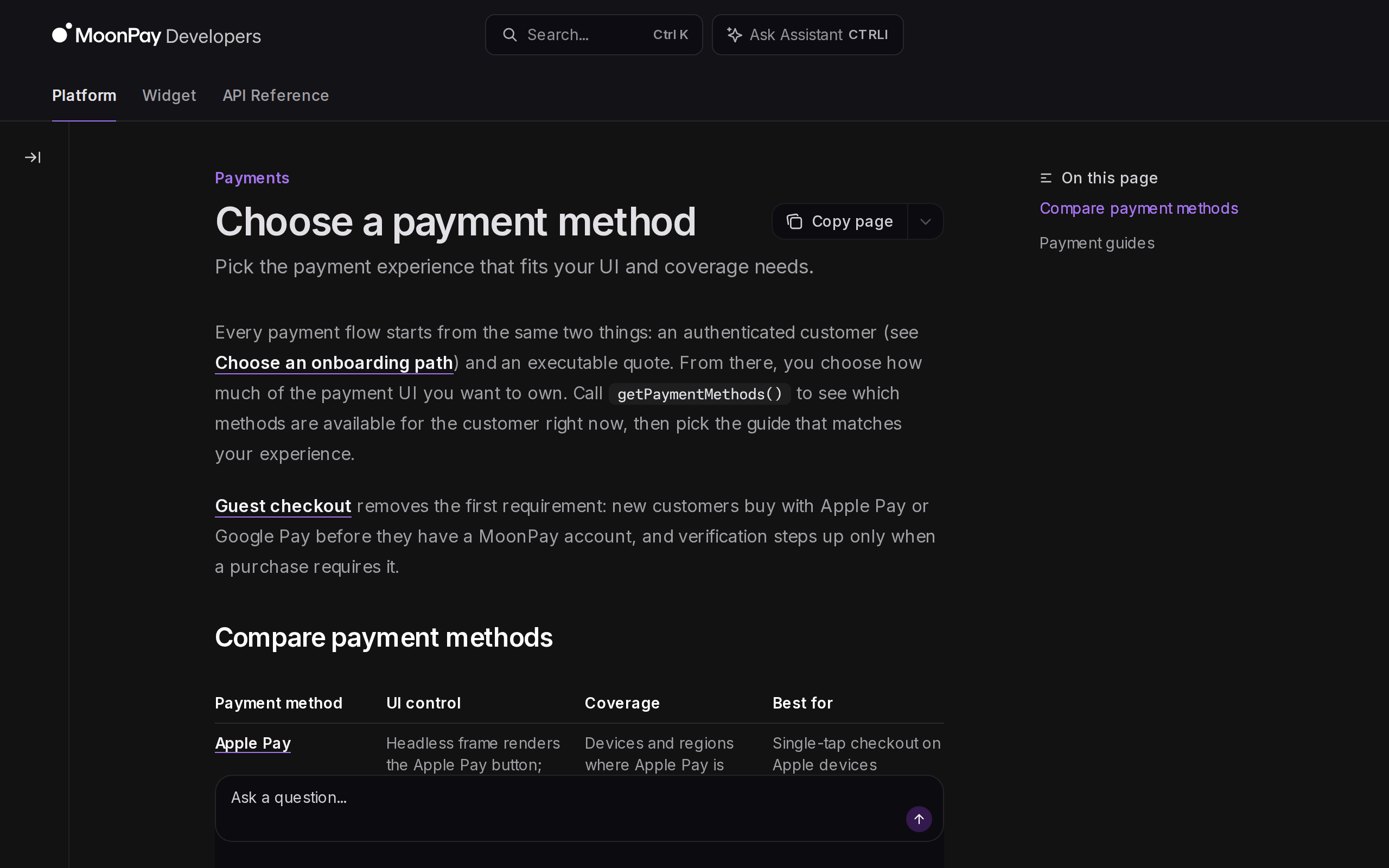
The payment-methods guide lists Apple Pay, Google Pay, stored cards and bank transfer, with SEPA for euro bank payments on centralized assets only. It adds that availability changes over time with compliance decisions. Bank transfer is the cheap lane, and the guide itself describes it as the lower-fee option. If you can wait for it, take it.
Verification: faster for small buys, heavier for big ones
MoonPay uses tiers. In the US, an express checkout needs only basic details, tier 1 adds phone and SSN, tier 2 adds ID verification and a questionnaire, and tier 3 adds enhanced due diligence. Canada has four tiers and ends with proof of address. In the UK, the EEA, Australia and New Zealand there is no express checkout, so you start at tier 2 or higher.
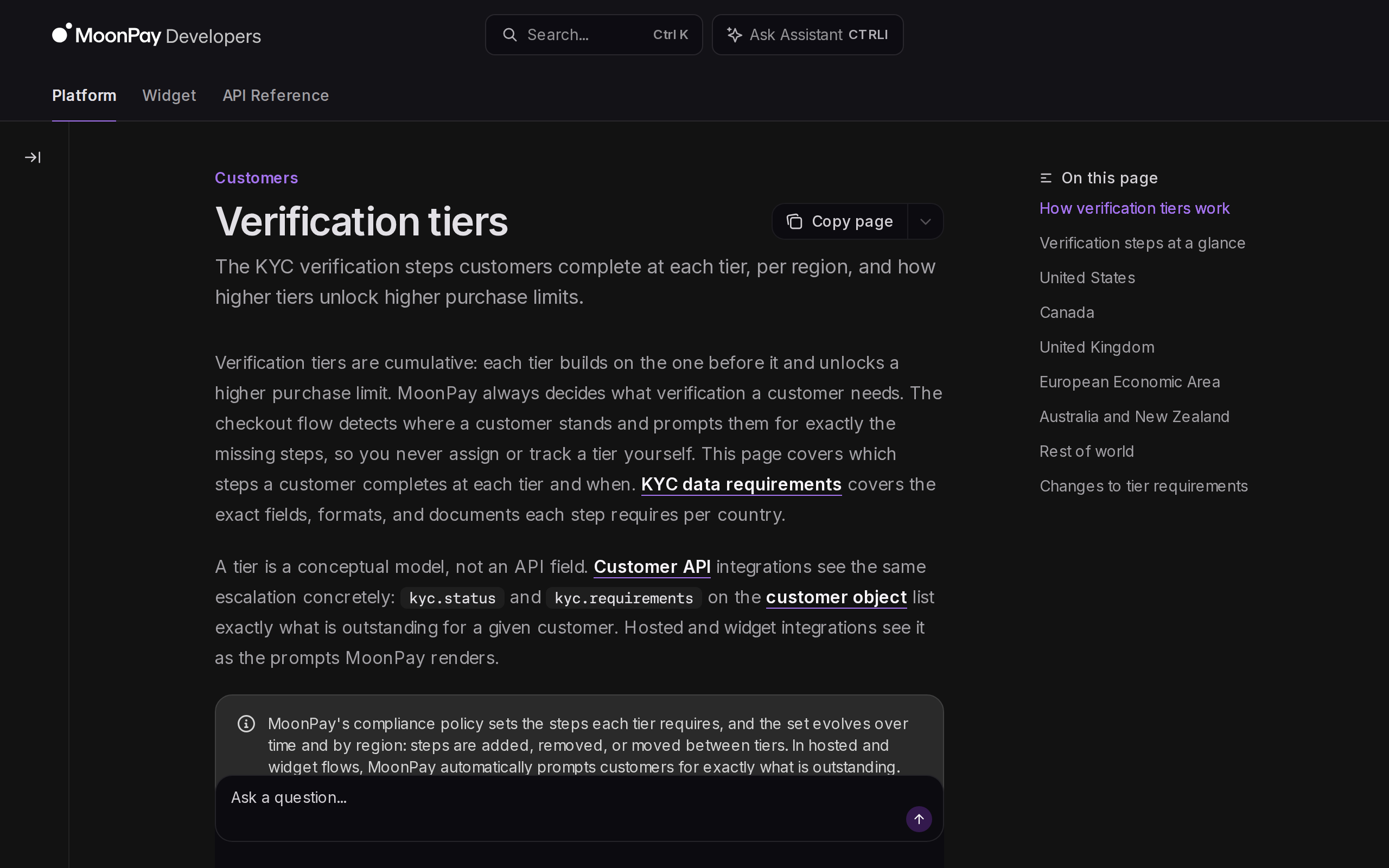
The catch is on the same page: MoonPay does not publish limit amounts. You find out your cap when you hit it. Reviewers also report KYC freezes and slow support, mostly as delays and not as lost funds, so do not leave a purchase to the last minute.
Licences and where it works
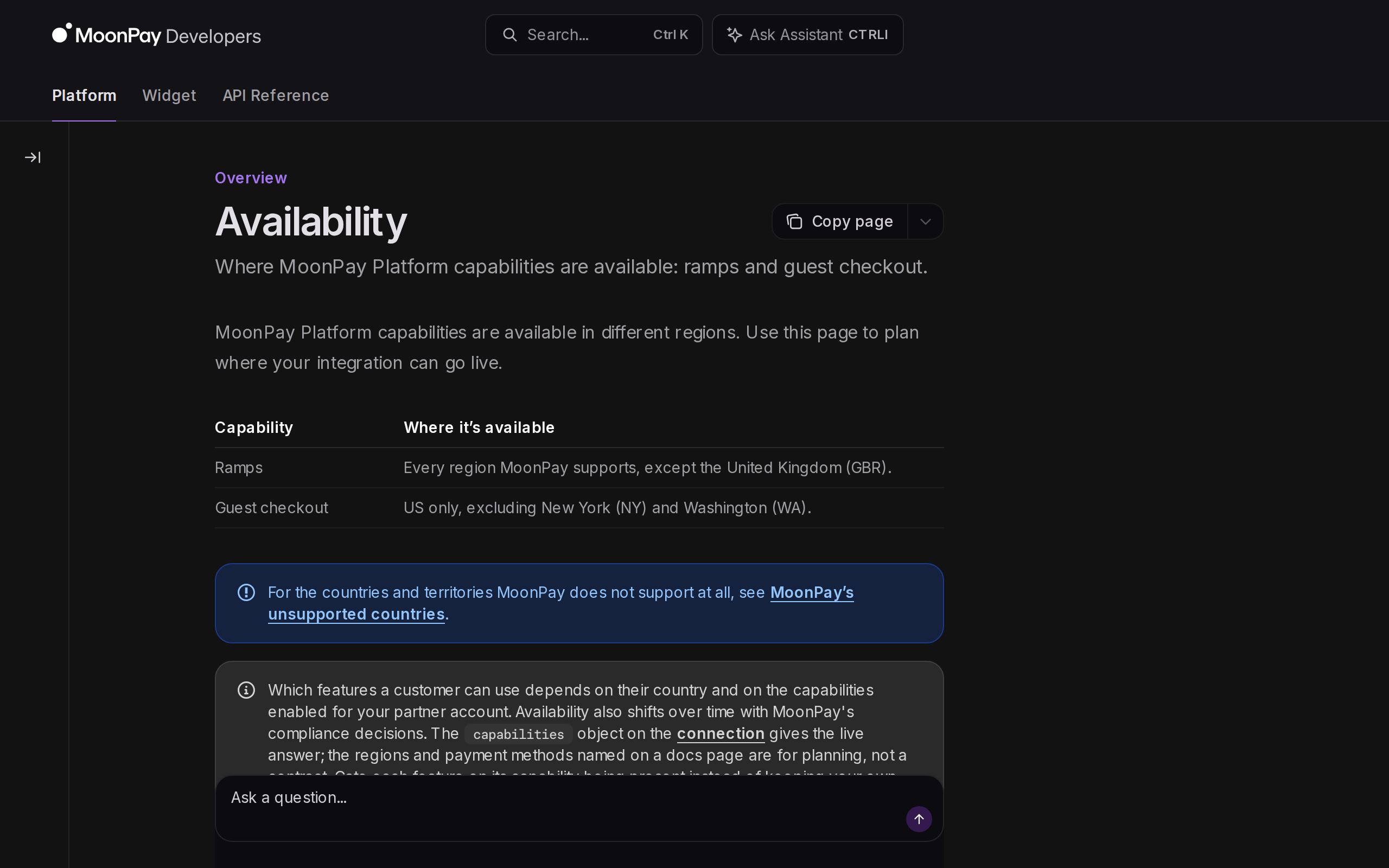
MoonPay holds a New York BitLicense, which let it operate directly in all 50 US states, according to The Block. In Europe, its Dutch entity is authorised under MiCA by the AFM and holds an e-money licence from the Dutch central bank, and in the UK it is registered with the FCA. That is a stronger regulatory footing than most small ramps. Coverage is not universal: the developer documentation lists regions where some products are unavailable, including New York and Washington for certain US features.
A note on how it is built
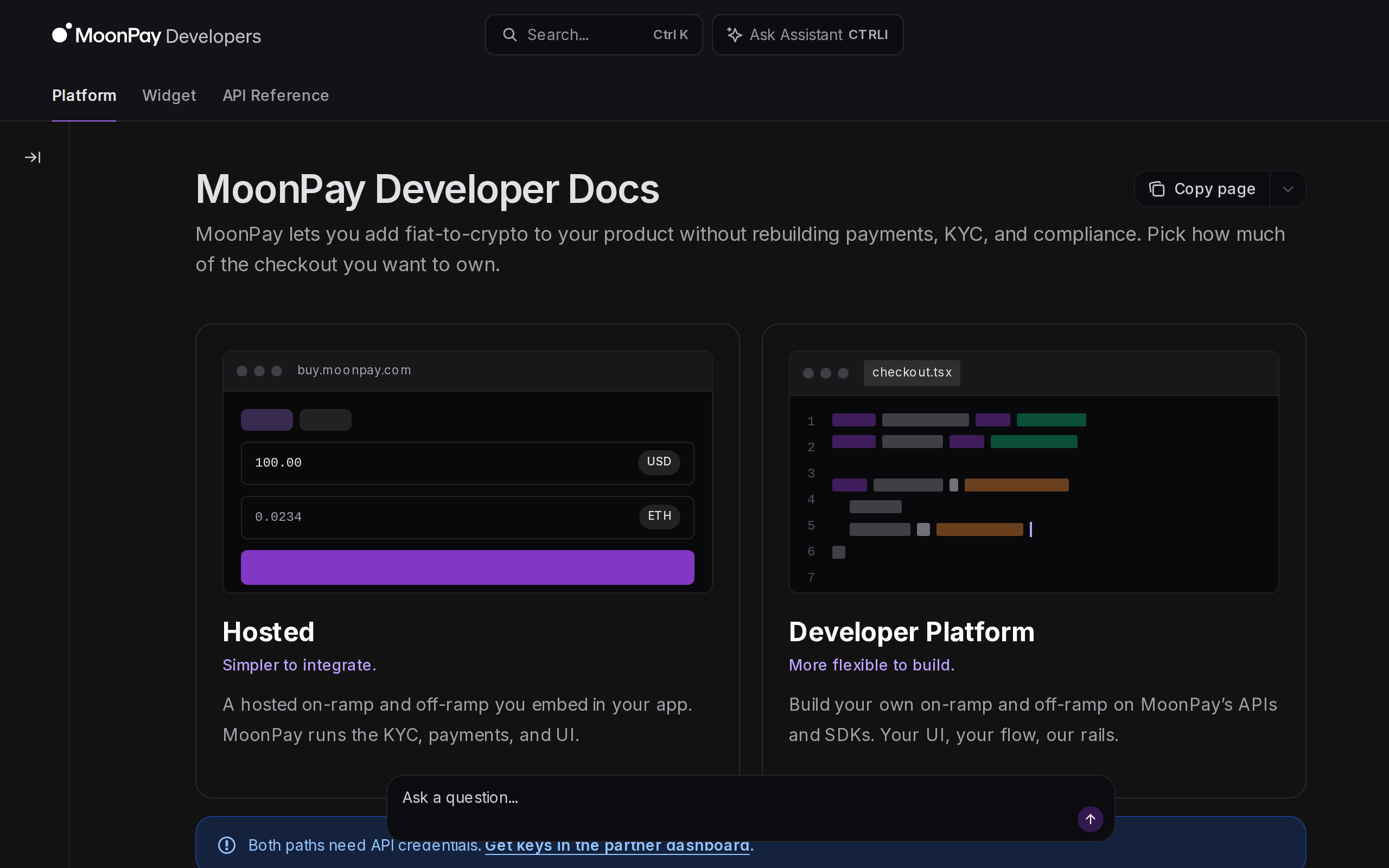
MoonPay is mostly a business-to-business product. Wallets and apps embed its checkout, and its developer documentation says it runs the KYC, payments and compliance so the partner does not have to. For a buyer that has a practical effect: the same checkout may appear inside a wallet you already use, and the fee you see there is MoonPay's, not the wallet's. Compare the quote across two or three apps before you pay, because the partner can influence the rate shown.
When the shortcut is worth it, and when it is not
Choose MoonPay if you are sending a small sum to a hardware or mobile wallet and the alternative is signing up, verifying and funding an exchange you will use once. Choose a different route if you buy regularly or in size. A bank transfer inside MoonPay costs about a quarter of the card rate, and an exchange's own order book usually costs less again. Third-party reviews name Ramp Network as cheaper on cards, at 1.99%. For a comparison of exchange-side costs, see our Coinbase review and Kraken review.
Our rating
MoonPay does what it says, it is licensed in the places that matter, and it has a large user base. We mark it down for the card fee, the unpublished limits and the support complaints. Treat it as a tool for occasional use, and price a purchase before you press confirm.