Crypto.com review: the app costs more than the Exchange, and the gap is hidden
Without the card and CRO staking, Crypto.com is a widely licensed app whose quotes carry a spread, next to an Exchange with a published fee table. We compared the two from their own pages.
Best forOccasional buyers in licensed regions who will check the Exchange price first
Full fee ledger
- Price
- Free to join; fees vary by app and Exchange
- Operator
- Crypto.com
- Coins
- 400+ (homepage)
- App pricing
- Spread in the quote; about 0.5% to 1% per one review
- Card purchases
- 2.99% default per third-party reviews
- Exchange spot fee
- 0.25% maker / 0.50% taker at base, per reviews
- Exchange derivatives
- 0.02% maker / 0.04% taker at base, per reviews
- Fee reduction
- CRO balance lowers maker fees, to zero at some levels
- Bitcoin withdrawal
- About 0.0005 BTC per one review
- EU licence
- Class 2 crypto-asset service provider (MiCA)
- Reserves audit
- Mazars, as of 7 December 2022
Our verdict
Crypto.com is broadly licensed and offers 400+ coins, but the consumer app prices through a spread that its own pages never state, while the Exchange publishes real fees. Casual bank-funded buyers will be fine; frequent buyers pay more than they need to. Withdrawal fees and a December 2022 reserves audit weaken the case. This is reporting, not personal financial advice.
What works
- Long licence list: MiCA, Singapore, Hong Kong, ADGM, Australia and US licences
- The Exchange publishes maker and taker fees that fall with volume
- 400+ coins in the local currency, per the homepage
- Security page and Merkle-tree proof of reserves are public
What does not
- App prices include a spread that Crypto.com does not state on a fee page
- Reviews cite a 2.99% default on card purchases
- Base Exchange taker fee of 0.50% is high until volume or CRO lowers it
- The detailed reserves audit on the page is dated 7 December 2022
Strip away the Visa card and the CRO staking tiers and Crypto.com is a licensed, very large app with a price problem. The convenient way to buy costs noticeably more than the professional way, and the company does not make the gap easy to see. We did not run side-by-side trades for this review, so we cannot give you a measured spread. We can show you which published numbers disagree and why. Reporting only, not personal financial advice.
Two products under one name
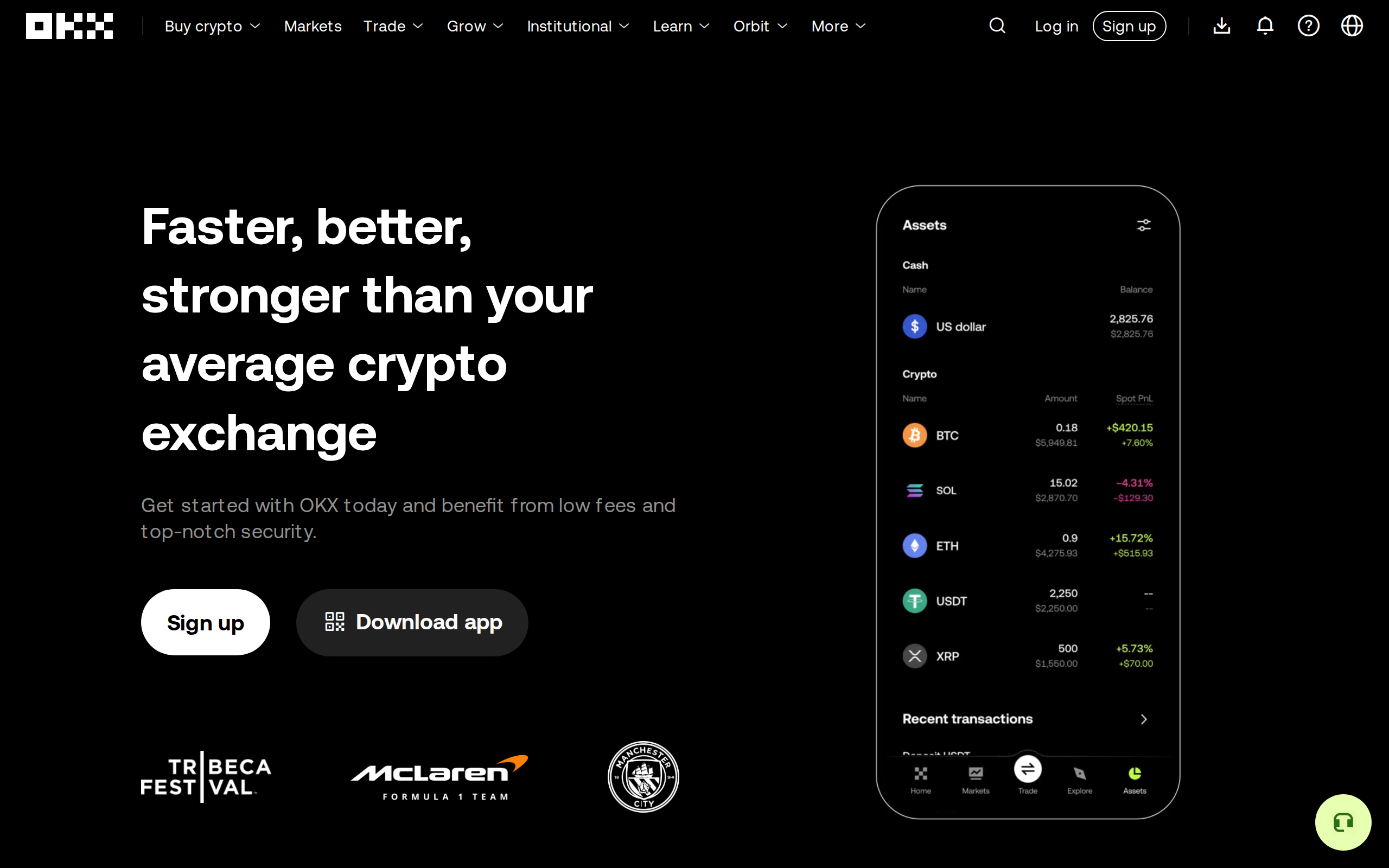
Crypto.com sells to two audiences from the same login. The consumer app is built around an instant buy button. The Exchange is an order-book venue where you set limit orders and pay a maker or taker fee. The homepage headline, captured below, calls it "The only crypto platform you need" and advertises 400+ coins "in your local currency".
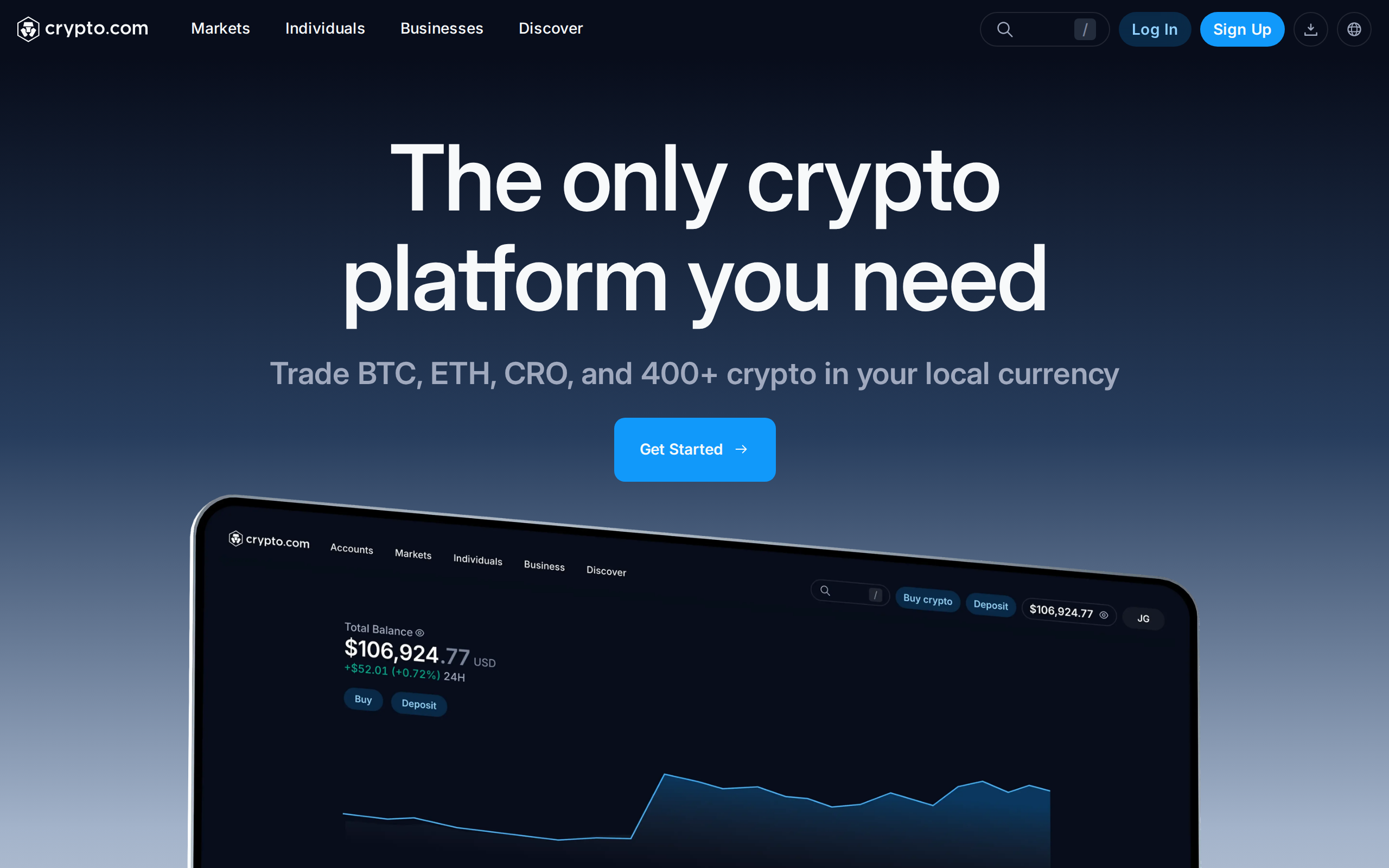
That sentence hides the choice you are making. Who you pay, and how much, depends on which door you use.
What the app costs
Third-party reviews describe the app's pricing as a spread inside the quote, not a labelled fee. One review estimates about 0.5% to 1% built into the price. Another summary puts card purchases at 2.99% by default, with a variable spread of up to roughly 2% on top. The two estimates disagree, which tells you something: the app does not publish a single schedule you can check against. Paying by bank transfer is often free of a headline fee, but the spread remains.
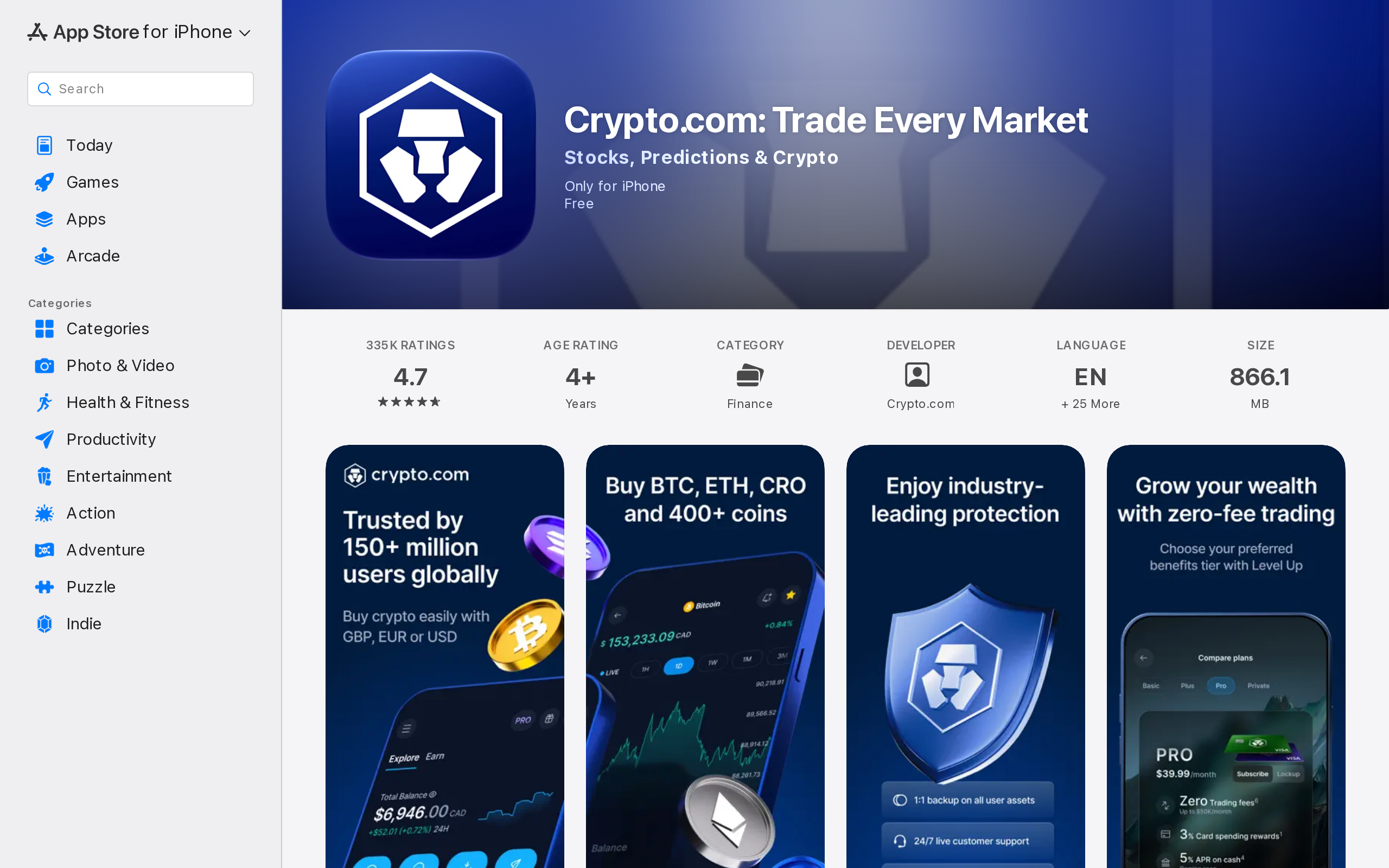
The Apple App Store listing now reads "Crypto.com: Trade Every Market" with the tagline "Stocks, Predictions & Crypto". The app is moving beyond coins, and that matters here: a product serving that many markets is not tuned to give a first-time buyer the cheapest Bitcoin.
What the Exchange costs
On the Exchange, the numbers are explicit. Reviews cite spot fees of 0.25% maker and 0.50% taker at the base level, falling with 30-day volume to roughly 0.08% and 0.18% by the fifth level. Derivatives start at 0.02% maker and 0.04% taker. CRO balances cut the rates further, to zero maker fees at the right thresholds, which is the lock-in the company wants.
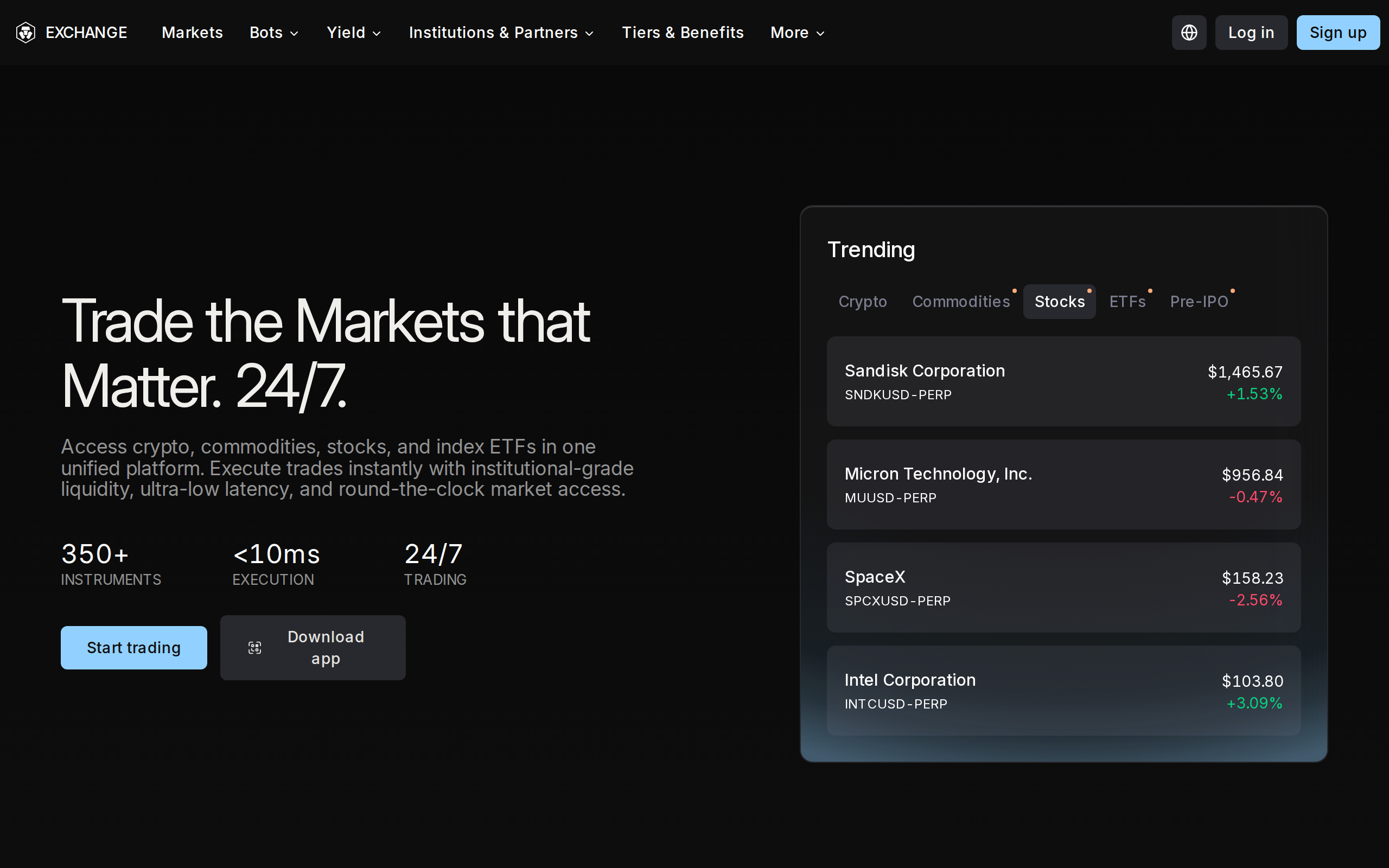
So the honest comparison is this. A base-tier Exchange taker at 0.50% is not cheap. It is still likely below a card purchase at 2.99%, and the fee is a number you can read, not a guess. For a bank-funded purchase the gap is smaller. Whether the app's spread beats that 0.50% on a given day is a measurement we did not make. Open both screens with the same amount before you buy anything large.
Getting money back out
One review lists a Bitcoin withdrawal fee of about $50 (0.0005 BTC at the time) and 10 USDT for an ERC-20 transfer, and calls this high for small transfers. Treat the dollar figure carefully: network fees move with price. The same review notes account holds of 24 to 72 hours and slow support as recurring complaints. If you are the kind of user who sends small amounts to a hardware wallet each month, a flat charge of that size changes the maths.
Licences and reserves
The licences page is long, and credit is due. It lists an EEA Class 2 crypto-asset service provider licence under MiCA, a UK crypto-asset registration, a Hong Kong virtual asset trading platform licence, a Singapore major payment institution licence, Abu Dhabi ADGM Category 3A, Australian registration, and several US licences including money transmitter licences.
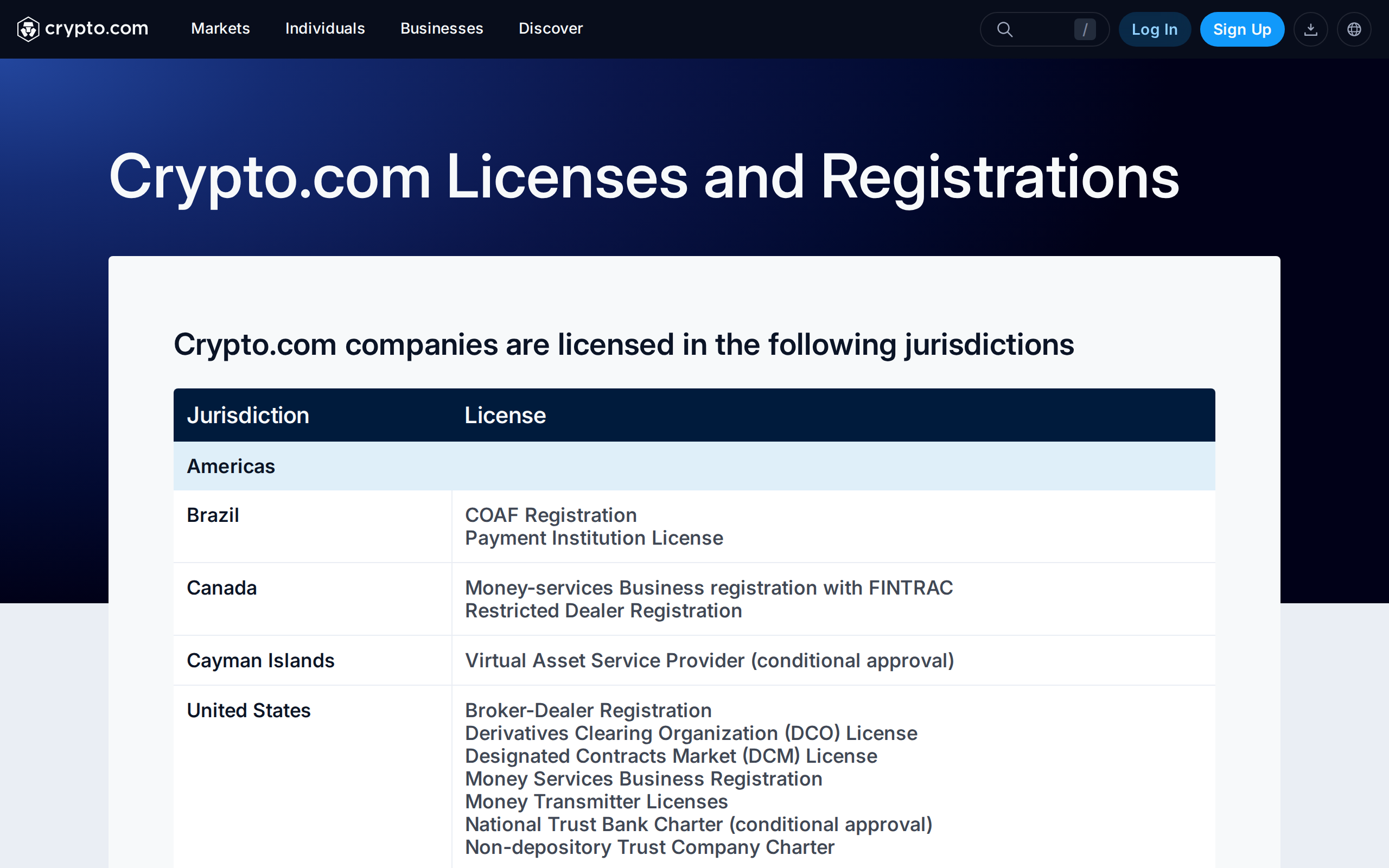
That breadth is the strongest argument for the app over many offshore rivals. The proof of reserves page says customer assets are "fully backed (1:1)". Its detailed verification, however, is dated 7 December 2022, was done by Mazars, and did not cover every supported token and chain at the time. We found no newer figure on the page we captured.
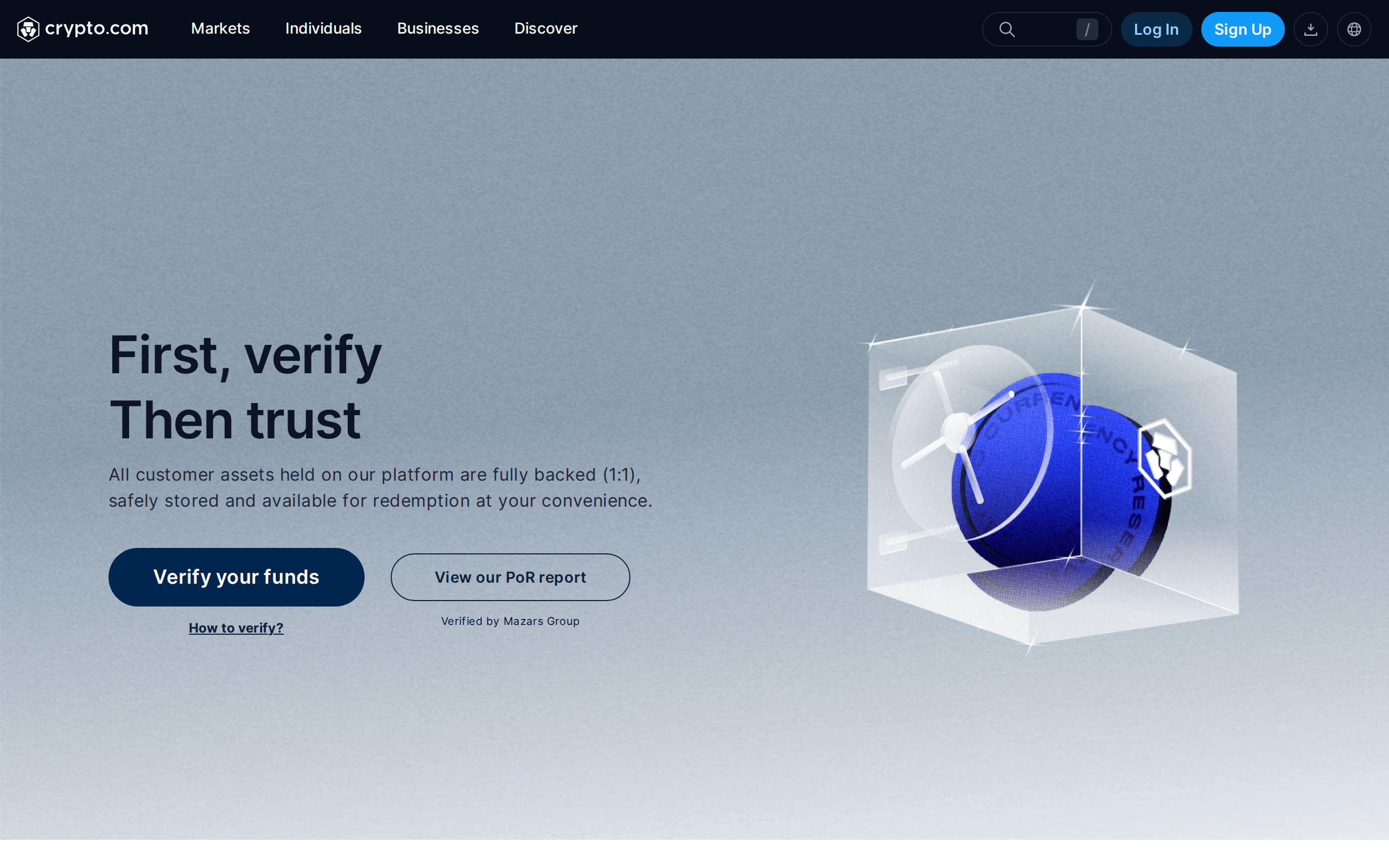
A reserves page that stops at 2022 is a weaker signal than a quarterly one, and we say so.
The perks you would be skipping
The card and the staking rewards are what the company leads with, and we left them aside on purpose. Our question was whether the app earns its place on a phone without them. The answer is a qualified yes for a person in a licensed region who wants one tidy place for a few coins and some market access. The answer is no for someone who buys often, because the Exchange is the better price and the app is the worse one.
Who it fits
Choose the Exchange side if you will place limit orders and can read a fee table. Use the app for occasional purchases of a major coin from a bank account, and check the quoted total against the Exchange first. Avoid card purchases at the headline rate for anything large. We rate the product on what it costs a normal user, and for that user the real cost is higher than the homepage suggests.