The short version
Trust Wallet earns its place as a free, mobile-first wallet for people who hold coins on many chains and want swaps, staking and a scam scanner in one app. It is owned by Binance, and in December 2025 a poisoned Chrome extension drained about $7 million from thousands of wallets, which Binance's founder pledged to repay. Use it for modest balances on a phone, keep the browser extension out of it, and put large holdings on a hardware wallet.
Best for: Mobile users holding coins across many chains
Our score: 7.3 out of 10
Pros and cons
What works
- Free to install on iOS, Android and as a browser extension, with no account or KYC
- Covers 100+ blockchains, wide enough for niche chains that other wallets skip
- Built-in Security Scanner flags risky approvals and known scam contracts before you sign
- Swaps need no Trust Wallet fee of their own, and limit orders are now available
What does not
- Owned by Binance since 2018, which some self-custody users will not accept
- Chrome extension v2.68 was compromised on December 24, 2025, with about $7 million stolen
- Swap quotes include third-party provider fees and network gas, so the true cost varies
- Software wallet only: keys live on a phone or computer that can be infected
Start with the uncomfortable fact, because it shapes how to use this wallet. On December 24, 2025, version 2.68 of the Trust Wallet Chrome extension shipped with malicious code, and about $7 million left roughly 2,600 wallets before the team pushed a fix. Binance's co-founder said affected users would be repaid. That is a good outcome for victims, and a bad one for the idea that a wallet owned by the largest exchange is safer than its rivals.
So the question for a mobile-first user is narrower than "is it good". It is whether the chain coverage is worth the baggage, and what you should keep in it.
What the breach actually was
Reports on the incident say attackers used a leaked Chrome Web Store API key to submit a modified extension, which passed the store's review. The injected script sent wallet data out on every unlock, whether you used a password or biometrics. Trust Wallet told users to move to version 2.69.
Notice the scope. This was the browser extension, not a flaw in the phone apps' cryptography. But the lesson reaches further: a software wallet trusts the machine and the update channel it runs on. If either is compromised, the keys are too.
Coverage is the real draw
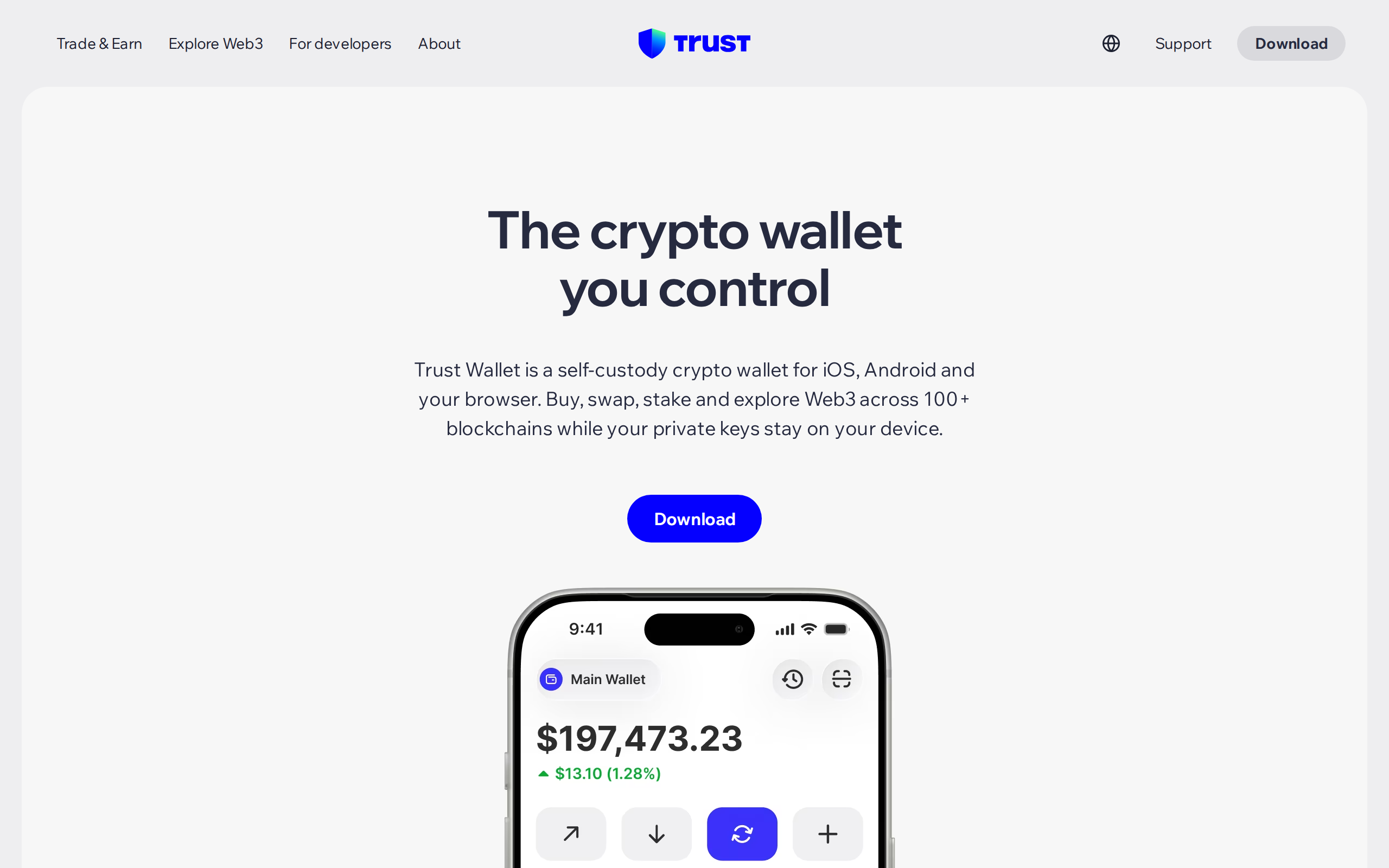
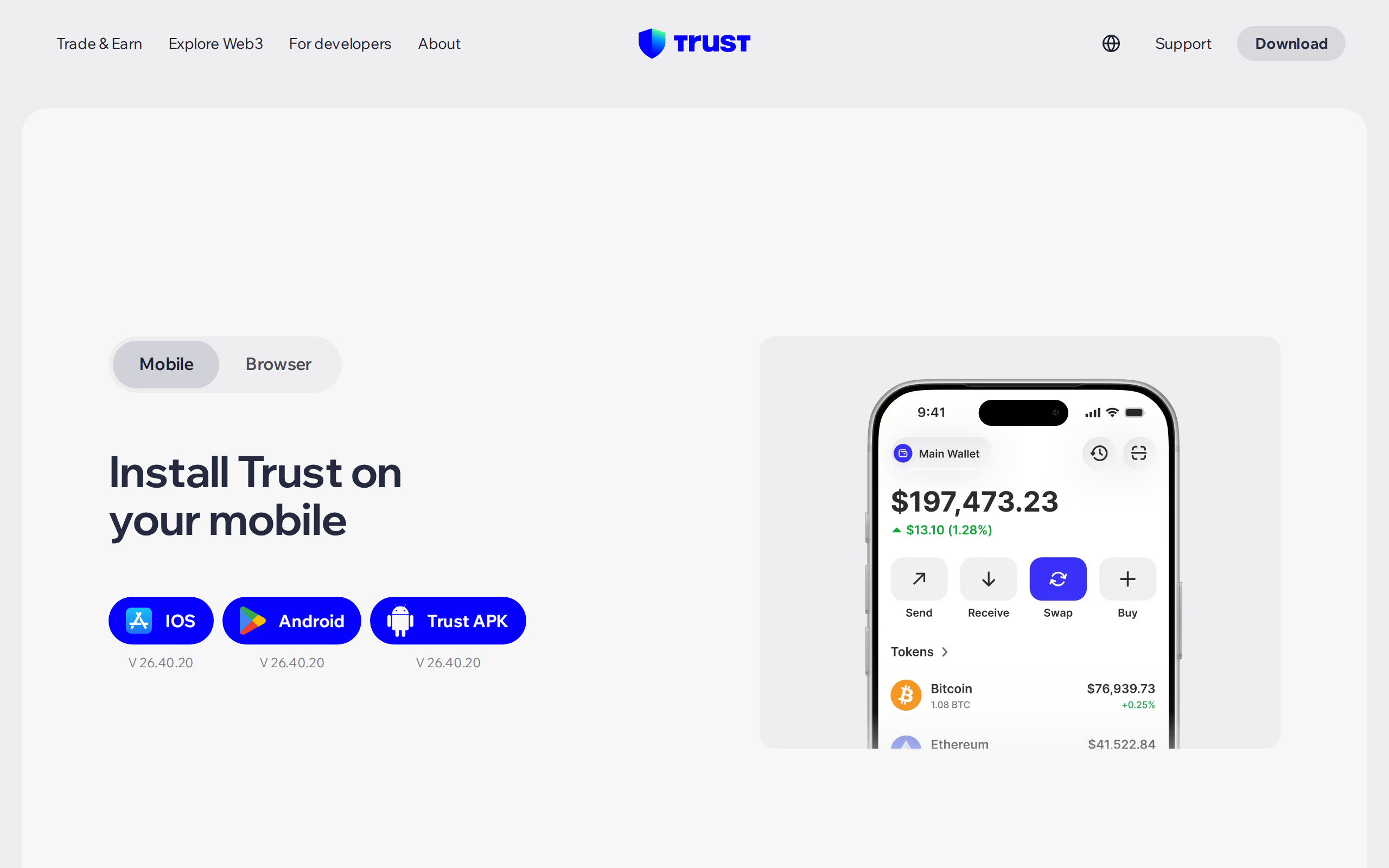
The homepage describes a wallet for iOS, Android and your browser across 100+ blockchains, with buying, swapping, staking and a Web3 browser inside. Compared with most rivals, that is a wide net, and it reaches chains that bigger-name wallets skip.
We would not take the headline number as a promise of quality on every chain. Support for a chain can mean that you can hold and send it, not that staking or swaps work. Check the specific coin before moving funds.
The app also has a Security Scanner that simulates a transaction, screens destinations against known scam contracts and warns on risky token approvals. It is a free safety net, and the most useful single feature for a beginner.
Swaps: free from Trust Wallet, not free
The swap page says Trust Wallet does not charge its own service fee, and that your cost is network gas plus fees charged by swap partners, which are built into the quote. The partners named are ThorChain, 1inch, Mimic and Axelar. The page also advertises limit orders, and offers promotions of 0% swap fees on some stablecoin and wrapped-asset pairs on specific chains.
Read that carefully. "No fee from us" is true; "no cost" is not. A quote is the number that matters, and it moves with the partner chosen, the chain and the size. Compare it against a DEX aggregator before moving anything large.
Staking, and a browser that is also a risk
Staking is built in, and the staking page promises rewards in a few steps. As with any staking product, rates and lock-up periods differ by coin and by validator, and rewards are not guaranteed.
The built-in Web3 browser is the other risk surface, because it lets you connect to any site, including a malicious one. Self-custody is not automatic safety, so treat every approval prompt as a decision about your money.
The Binance question
Binance has owned Trust Wallet since 2018. For some people this means resources, listing speed and a well-funded security team. For others it means a wallet tied to an exchange that has had its own regulatory history, and that is reason enough to look elsewhere.
We think the honest position is practical. Trust Wallet is non-custodial, so Binance cannot move your coins, but a corporate owner does control the app's code and its release process, as the 2025 incident showed.
Who should use it
Use it on a phone for a modest balance if you want one free app for many chains and a built-in scanner. It suits a user who tries new networks, makes occasional swaps and is willing to double-check every approval.
Avoid the browser extension for anything large, and avoid keeping a serious savings balance in any software wallet. Put that on a hardware wallet, with Trust Wallet as the spending side.
This is an assessment of a product, not advice on what to buy or hold. Our 7.3 credits the free price, breadth and scanner, and subtracts for the owner and for a breach that should not have happened.
Specifications
- Type
- Self-custody software wallet
- Platforms
- iOS, Android, browser extension
- Blockchains
- 100+ per the maker's homepage
- Price
- Free; swap quotes include partner fees and gas
- Swap partners
- ThorChain, 1inch, Mimic, Axelar (per Trust Wallet)
- Store rating
- 4.7 on the App Store, 4.6 on Google Play, per Trust Wallet
- Owner
- Binance, since 2018
- Account or KYC
- None for the wallet itself