The short version
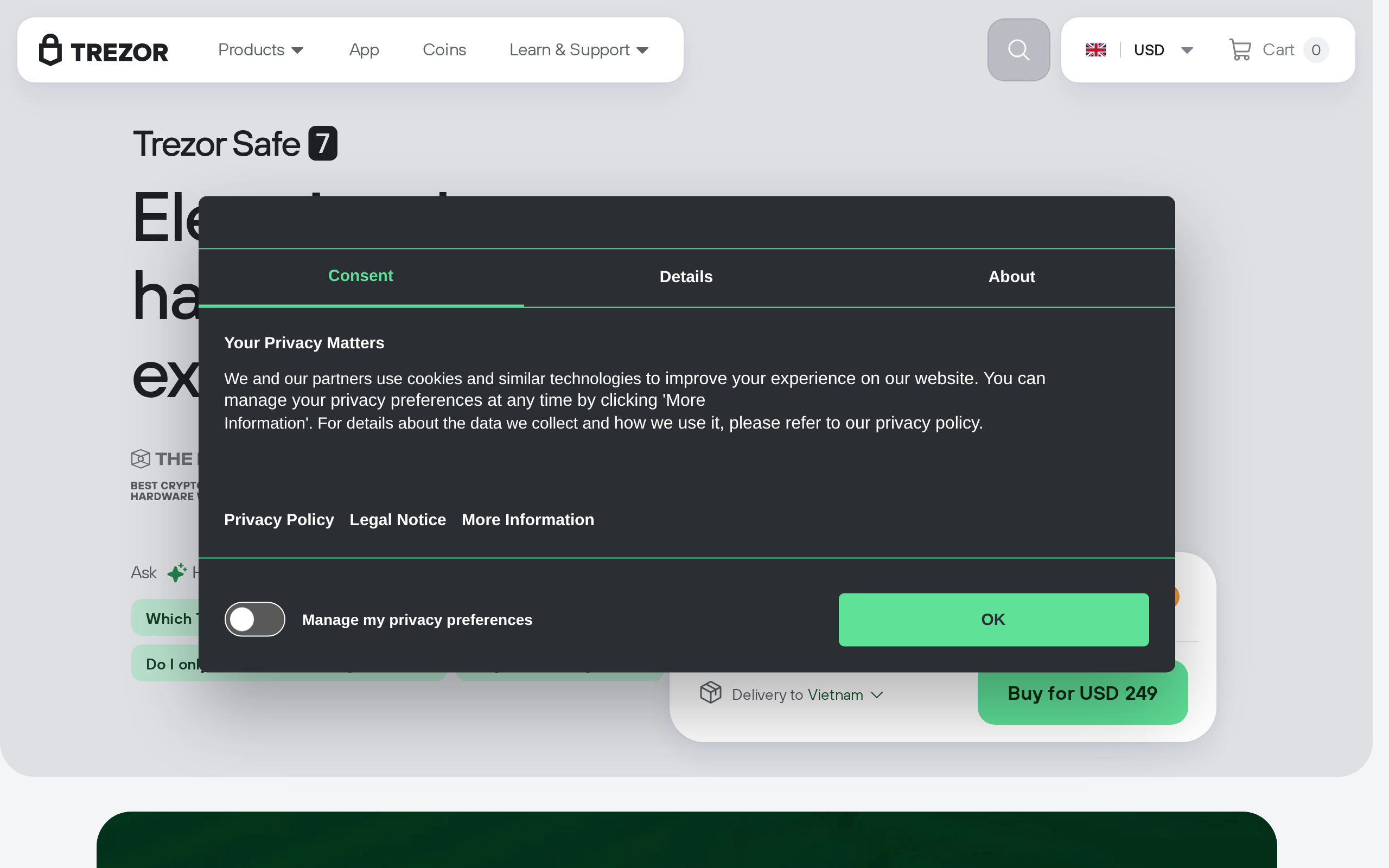
The Safe 7 is the most polished Trezor yet: a large bright touchscreen, a Bluetooth link that makes phone use practical, and two secure elements from different vendors. The new auditable chip was broken in a lab by Ledger's Donjon team, which Trezor says does not expose funds. A strong buy for a self-custody upgrade if you accept that, but not worth it over a Safe 5 if you never use a phone.
Best for: Self-custody users who want a phone-friendly wallet with open-source security
Our score: 8.1 out of 10
Pros and cons
What works
- 2.5 inch colour touchscreen at 520 x 380, 700 nits, Gorilla Glass 3
- Encrypted Bluetooth plus USB-C, with Qi2 wireless charging
- Two secure elements, including the auditable TROPIC01 chip
- Compact 45 g aluminium body, IP54 dust and splash rating
What does not
- $249 is well above the cheaper Safe 3 and Safe 5 models
- TROPIC01 was cracked by laser fault injection in a lab in 2026
- Bluetooth adds an attack surface that a USB-only wallet does not have
- A rechargeable battery is one more part that can age out
Two things make the Safe 7 interesting, and they pull in opposite directions. It has the first secure element whose design can be audited, and in 2026 outside researchers broke that same chip in a lab. Both facts matter if you are about to spend $249 on something that guards your life savings in crypto.
What you get for $249
Specs from Trezor's page: a 2.5 inch colour touchscreen at 520 x 380 pixels, 700 nits bright, under Gorilla Glass 3, in an anodised aluminium body measuring 75.4 x 44.5 x 8.3 mm and weighing 45 g. It is IP54 rated, so dust and splashes are fine, a swim is not. Trezor says the screen is 62% larger than the Safe 5's.
The real change is power and connectivity. A 330 mAh LiFePO4 battery lets it run without a cable, Bluetooth 5.0+ talks to a phone over an encrypted protocol, and Qi2 wireless charging means no port fiddling. USB-C stays for desktop use. It manages thousands of coins and tokens and reaches 70,000-plus apps through WalletConnect, according to the maker.
The chip argument
Most wallets keep their secure element design secret. The Safe 7 pairs an Optiga Trust M, EAL6+ certified, with TROPIC01, which Trezor describes as the first auditable secure element. The idea is that anyone can inspect how it works rather than trust a vendor's word. Two chips from two vendors means a flaw in one is not automatically a loss.
Then the test came. Ledger's Donjon team told the chip's maker, Tropic Square, in January 2026 that laser fault injection extracted some chip-held secrets and bypassed firmware signature checks, per a report. A second path touching PIN functions followed. Trezor's answer is that the flaw does not put funds at risk, because an attacker would need the physical device, specialised equipment and expertise, and would still face the other chip. No real-world exploitation has been reported.
We read that as an honest stress test of a young design, and also as a reminder that "auditable" invites attack. Lab attacks need your wallet in someone's hands for hours. If your threat is a thief taking your device from a drawer, the PIN and passphrase matter more than any chip.
Bluetooth: convenience with a trade-off
Bluetooth is why this wallet exists. Signing from a phone without a cable is the difference between a wallet people use monthly and one they use once a year. The link is encrypted and the keys never leave the device, but a radio is still more attack surface than a wired port. If you want zero wireless, the cheaper models are the answer, and the compare page shows what each drops. One outside hands-on review gave the Safe 7 8.3/10; we did not run our own device tests for this review, and a customer report of the battery gauge jumping from 79% to 3% during wireless charging is worth watching in firmware updates.
Safe 7 against the cheaper models
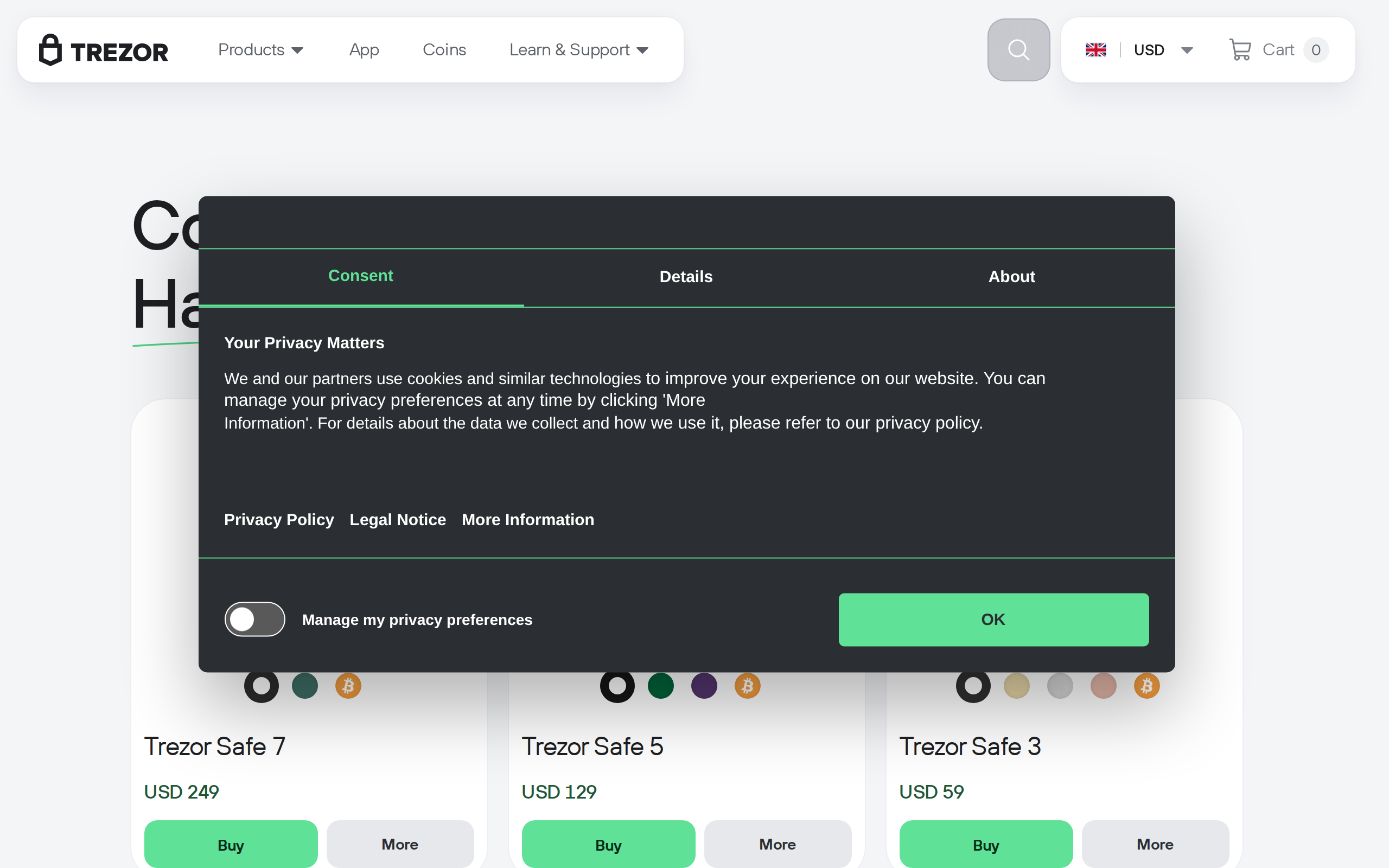
The comparison buyers actually make is Safe 7 against Safe 5. Both are Trezor wallets with colour touchscreens and the same Suite software. The Safe 7 adds Bluetooth, wireless charging, the second chip and a larger display, for a higher price. If you sign from a desktop twice a year, those extras are decoration. If you sign from a phone every week, they are the product.
Trezor's open-source tradition is also part of the case. Firmware and Suite code can be read by anyone, and the company runs a bug bounty. Setup is the usual routine for the category: install Suite, write down the recovery seed on paper, set a PIN and confirm on the device. The open approach is why a lab attack on a chip became a public discussion instead of a quiet patch, and we count that in its favour.
Should you buy it
Buy it if you move crypto from a phone, want the biggest Trezor screen, and prefer open designs. Keep your seed backup offline, consider a passphrase for larger balances, and never photograph the seed; the Safe 7 does not change that rule.
Skip it if you use a laptop only, stay under a few thousand dollars, or dislike radios in security gear. A cheaper model gives you the same core protection. This is a product assessment, not financial advice, and specs and prices can change.
Specifications
- Price
- $249
- Screen
- 2.5 in colour touchscreen, 520 x 380, 700 nits
- Secure elements
- TROPIC01 (auditable) plus Optiga Trust M (EAL6+)
- Connectivity
- Bluetooth 5.0+, USB-C
- Battery
- 330 mAh LiFePO4, Qi2 wireless charging
- Size and weight
- 75.4 x 44.5 x 8.3 mm, 45 g
- Protection
- IP54 dust and splash rating, aluminium unibody
- Software
- Trezor Suite on desktop and web; WalletConnect