The short version
For a person holding a few thousand dollars of Bitcoin and Ethereum who plugs in a few times a year, the Safe 3 is enough wallet. You get an EAL6+ secure element, open-source firmware, on-device confirmation and the Shamir multi-share backup for $59. You do not get a touchscreen, Bluetooth or iPhone signing. Buy from Trezor directly: Ledger's lab showed supply-chain countermeasures can be bypassed on this chip.
Best for: First-time hardware wallet buyers who plug in via USB-C a few times a year
Our score: 8.0 out of 10
Pros and cons
What works
- At $59 it is the cheapest current Trezor, with the same coin support as the Safe 5
- EAL6+ certified secure element plus open-source firmware and on-device confirmation
- Supports BIP39 and SLIP39 multi-share backup, plus on-device passphrase entry
- Box includes a USB-C cable and two 20-word backup cards, and the device weighs 14 g
What does not
- Two buttons and a 0.96 inch monochrome OLED make long passphrases tedious to enter
- USB-C only: no Bluetooth, and no signing from an iPhone
- Its STM32F429 microcontroller was attacked by Ledger Donjon to bypass supply-chain checks
- No microSD slot, so the Safe 5's optional unlocking feature is not available
The cheap one, and what "cheap" skips
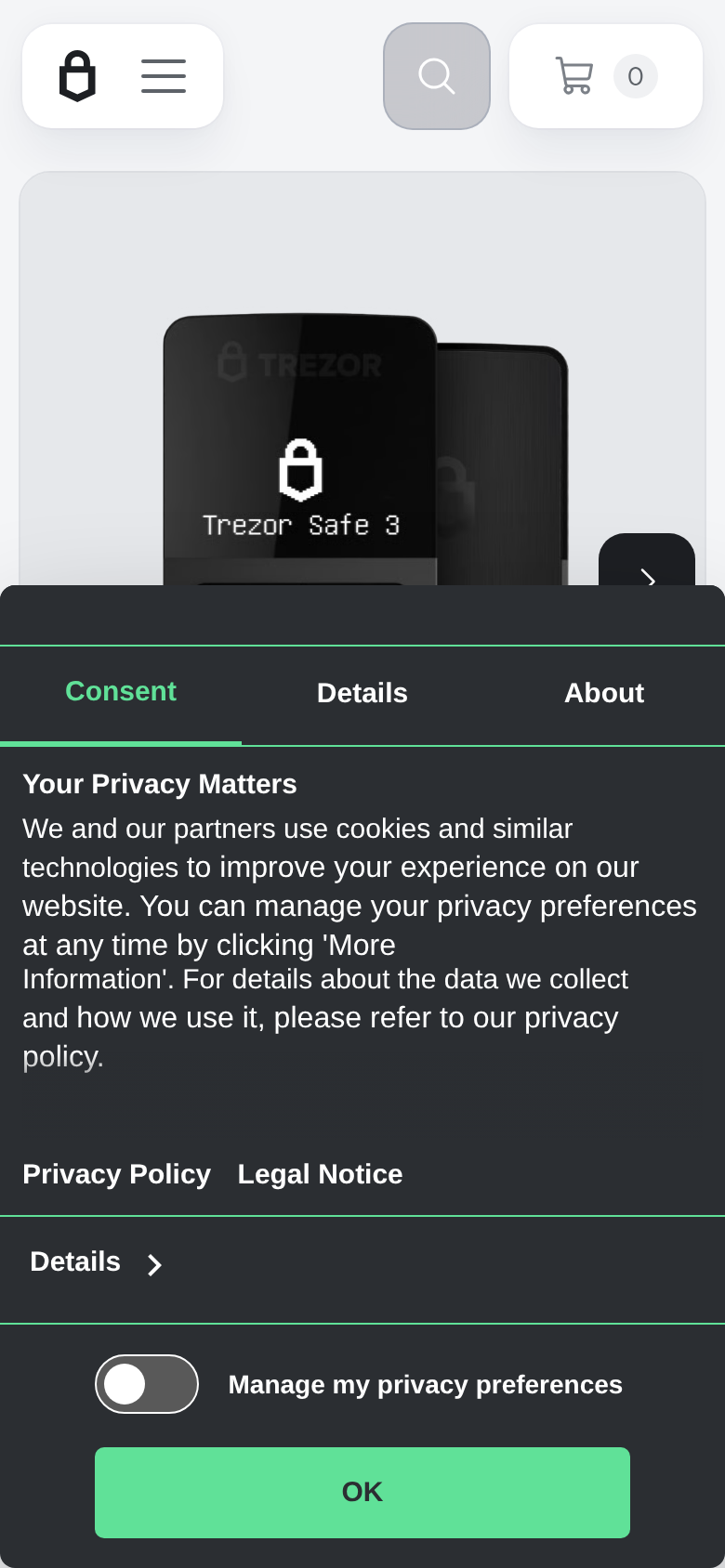
Trezor's current range runs from the Safe 3 up through the Safe 5 and the Safe 7. The Safe 3 is the one at the bottom of the shelf, and Trezor's store lists it at $59. The Safe 5 costs $129 for the same coin list. So the buying question is not whether the Safe 3 is good, but what $70 of extra device gets you, and whether you need it.
A hardware wallet is a small, dull object, and that is the right way for it to be. It exists to keep a private key off any device that touches the internet, and to make you look at an address on its own screen before money moves. Everything else is a convenience. Judged that way, the Safe 3 does the one job well and charges for little else.
What you get for $59
The security basics are the same ones the dearer models carry. A certified secure element (EAL6+) holds your keys. Transactions are confirmed on the device itself, not on the computer, so malware on a laptop cannot silently change an address you approve. The firmware and design are open for anyone to inspect, which is Trezor's long-standing selling point against Ledger's closed approach.
Backup is better than the price suggests. You can use a normal 12, 20 or 24 word phrase, or split the secret into several shares with SLIP39, so that no single card is enough to steal funds. The box has two 20-word cards, a USB-C cable and a start-up guide. The device is 59 by 32 by 7.4 mm and weighs 14 g. It fits on a key ring, though we would not put it there.
Where the savings show up
Two buttons and a 0.96 inch monochrome OLED, 128 by 64 pixels. For checking an address and approving a send, that is fine. For typing a passphrase with button presses, it is slow, and the Safe 5's colour touchscreen is where the extra money goes. There is no Bluetooth, so the Safe 3 pairs only through USB-C. A CryptoSlate comparison also notes that neither the Safe 3 nor the Safe 5 can sign through an iPhone, which matters if your phone is your only computer.
The software side is shared across the range, and it is free: Trezor Suite manages accounts, shows balances and sends. Good software on a cheap device is a real advantage over rivals who ration features by price.
The lab result you should know about
Ledger is a rival, and in a research report its Donjon team showed how an earlier known attack could be reused against the Safe 3 chip to bypass some of its supply-chain countermeasures. The Safe 5, with a newer microcontroller, is not affected by the demonstrated attack. Trezor published the finding and a list of fixed issues on a dedicated security page.
What does that mean for a buyer? Coverage at the time described the attack as largely theoretical, one that needs physical access and matters most if you buy a device second-hand or from a reseller who could tamper with it. That is the sensible reading, and it points to a simple rule: buy only from Trezor or an authorised seller, never from a marketplace listing, and check the tamper seals. It does not say the Safe 3 is unsafe in your drawer.
Who it suits, and who should step up
Buy the Safe 3 if you hold Bitcoin, Ethereum and a few major tokens, connect a few times a year from a laptop or Android phone, and want open-source firmware. A $59 device that keeps the secure element and Shamir backup is a hard bargain to beat, and nothing here is advice about what to hold.
Step up to the Safe 5 if you use long passphrases, sign often or dislike buttons. Look at a Bluetooth model if you want to sign from a phone on the move. And if your threat model includes a determined lab adversary with your device in hand, say so and choose accordingly. We give the Safe 3 an 8.0: it is enough for most people, and the exceptions are easy to spot.
Specifications
- Price
- $59 (Trezor store, September 2026)
- Secure element
- EAL6+ certified chip
- Display
- 0.96 inch monochrome OLED, 128 x 64 pixels
- Input
- Two physical buttons
- Connection
- USB-C only; no Bluetooth
- Backup
- 12, 20 or 24 words; BIP39 and SLIP39 Shamir
- Size and weight
- 59 x 32 x 7.4 mm, 14 g
- Coin support
- Thousands of coins and tokens
- Open source
- Firmware and design published
- Colours
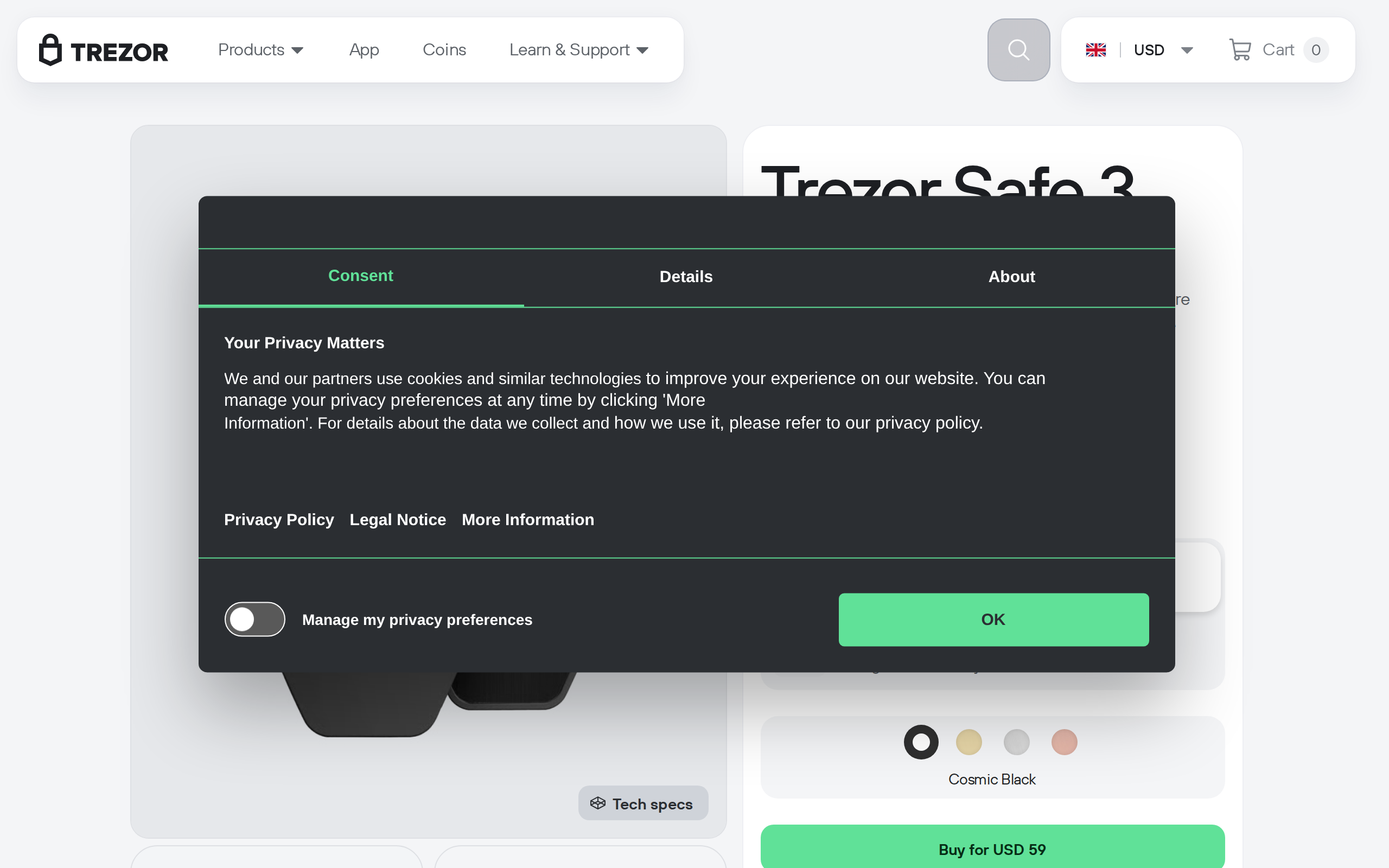
- Cosmic Black, Solar Gold, Stellar Silver, Galactic Rose