The short version
Phantom is the best everyday wallet for Solana and a decent one for Ethereum, Base and Bitcoin. It is free, readable, and shows what you are signing before you sign it. It is also a hot wallet: keys live on a phone or browser, so large balances belong behind a Ledger. In-app swaps cost 0.85% on select routes, which adds up, and you cannot add custom networks. EVM power users should keep MetaMask or Rabby beside it.
Best for: Solana users who also want Ethereum, Base and Bitcoin in one app
Our score: 8.0 out of 10
Pros and cons
What works
- Free to install and use; self-custodial, so Phantom never holds your keys
- Covers Solana, Ethereum, Base, Polygon, Bitcoin, Sui, HyperEVM and Monad
- Transaction previews, scam warnings and a blocklist for malicious sites
- Works with Ledger on the browser extension and the mobile app
- One interface for tokens, collectibles, staking and an Explore tab
What does not
- In-app swaps carry a 0.85% fee on select routes, plus network fees
- No custom networks: chains Phantom does not list cannot be added
- EVM coverage is narrower than MetaMask or Rabby
- A software wallet is a hot wallet; a stolen phone or poisoned browser is a risk
- The home screen now pushes trading, predictions and perps, which invites overtrading
Phantom is the wallet that Solana users stopped questioning. It launched there, won the habit, and has since added Ethereum, Base, Polygon, Bitcoin, Sui, HyperEVM and Monad. The interesting question is no longer whether it works on Solana. It is whether the same app is good enough that a Solana user can stop juggling a second wallet for everything else. We went through its pages, its security claims and the independent write-ups to answer that.
What the home page says it is now
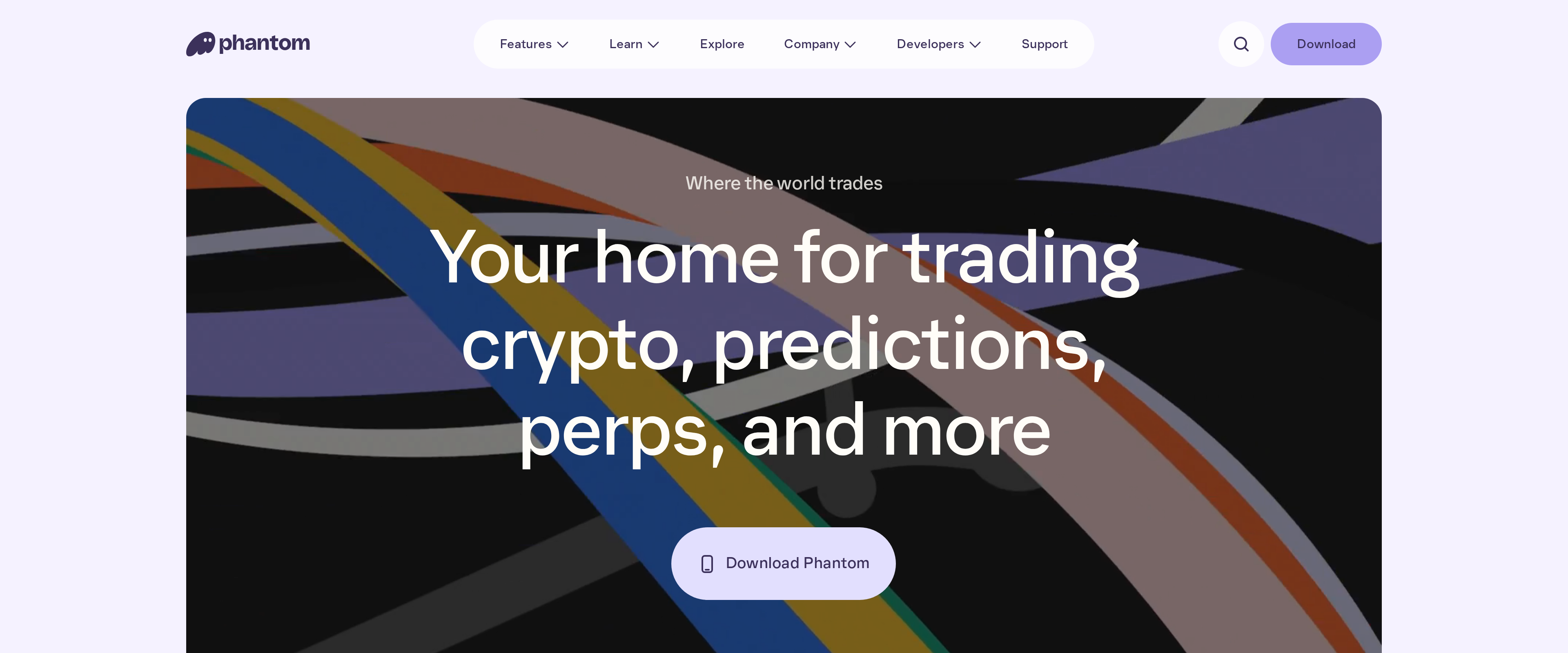
The first screen has changed. The headline reads "Your home for trading crypto, predictions, perps, and more". That is a trading app that happens to store keys, not a vault.
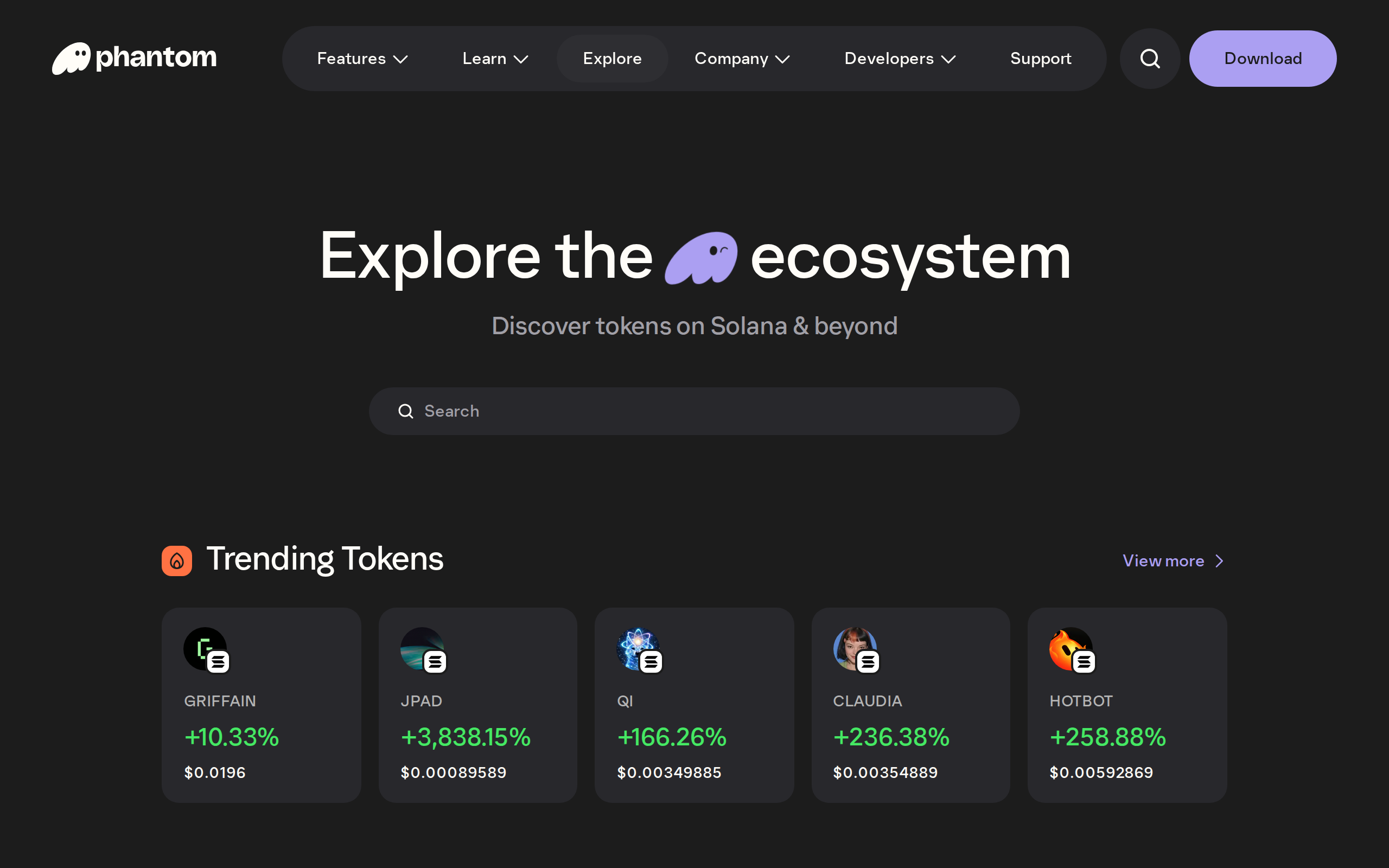
Read it as a warning as much as a feature. A page that surfaces trending tokens, predictions and perpetuals in the same place as your balance nudges you toward trading. If you want a wallet to hold things quietly, you will use a fraction of the app and scroll past the rest.
Chains: broad, but a closed list
According to Coin Bureau's review, Phantom supports Solana, Ethereum, Bitcoin, Base, Polygon, Sui, HyperEVM and Monad, with tokens, collectibles and Bitcoin Ordinals. For most people that list covers where money actually is.
The catch is that the list is closed. You cannot add a custom network, so a chain Phantom does not carry is a chain you need a different wallet for. MetaMask and Rabby handle odd EVM chains better. Phantom wins on Solana, where it is smoother than anything built primarily for Ethereum.
The 0.85% fee is the real price
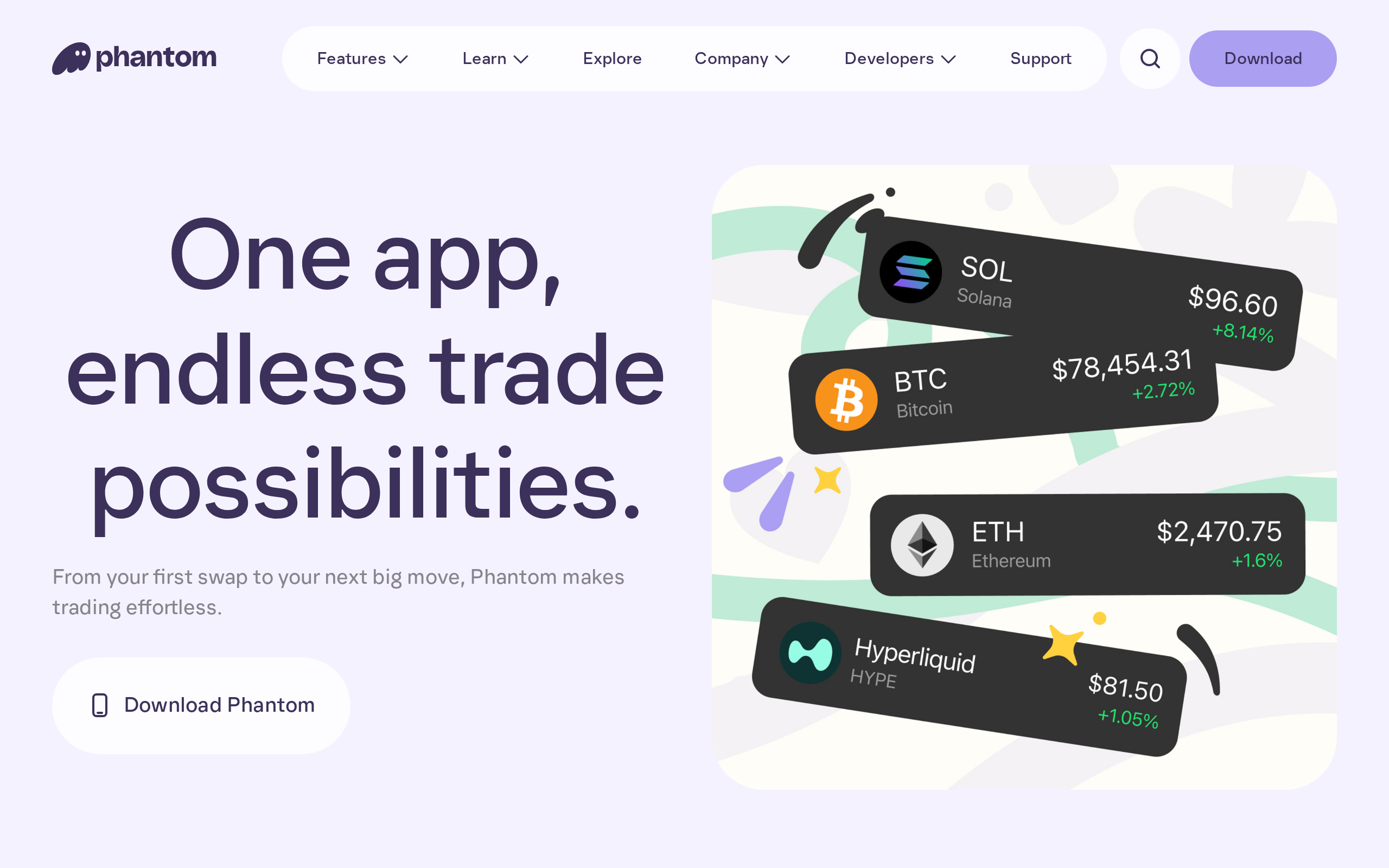
The app is free. Swaps are not. Coin Bureau reports a 0.85% fee on select swaps, plus network fees and price impact. Swap $2,000 of one token for another and about $17 goes to Phantom before the chain takes its share.
For a one-off conversion that is acceptable convenience. For someone who rotates positions daily, it is a steady tax, and a decentralised exchange or an aggregator used directly will often cost less. Compare the quoted route before you confirm, and do the sum for your own size. This is a general cost note, not a recommendation to trade.
Security: good defaults, one structural limit
Phantom's security page leads with a plain claim: self-custodial means you control the funds and Phantom never has access. It also promises you will always know exactly what you are signing, which in practice means a readable preview of the transaction, plus warnings for malicious sites and spam collectibles.
Those are the defaults you want, because the most common loss in this category is a signature the user did not understand. They do not change the basic facts of a software wallet. The keys sit on a phone or in a browser profile. Phishing, a malicious extension or a stolen unlocked device each bypass every preview screen. Phantom works with Ledger on both the extension and the mobile app, and anyone holding more than pocket money should use it. The recovery phrase is the only backup, and Phantom's own help centre states that its support will never message you or ask for it.
Install and first use
Setup is a short path: pick desktop or mobile, create a wallet, write down the recovery phrase, fund it. The download page lists the browser extension and the iOS and Android apps side by side.
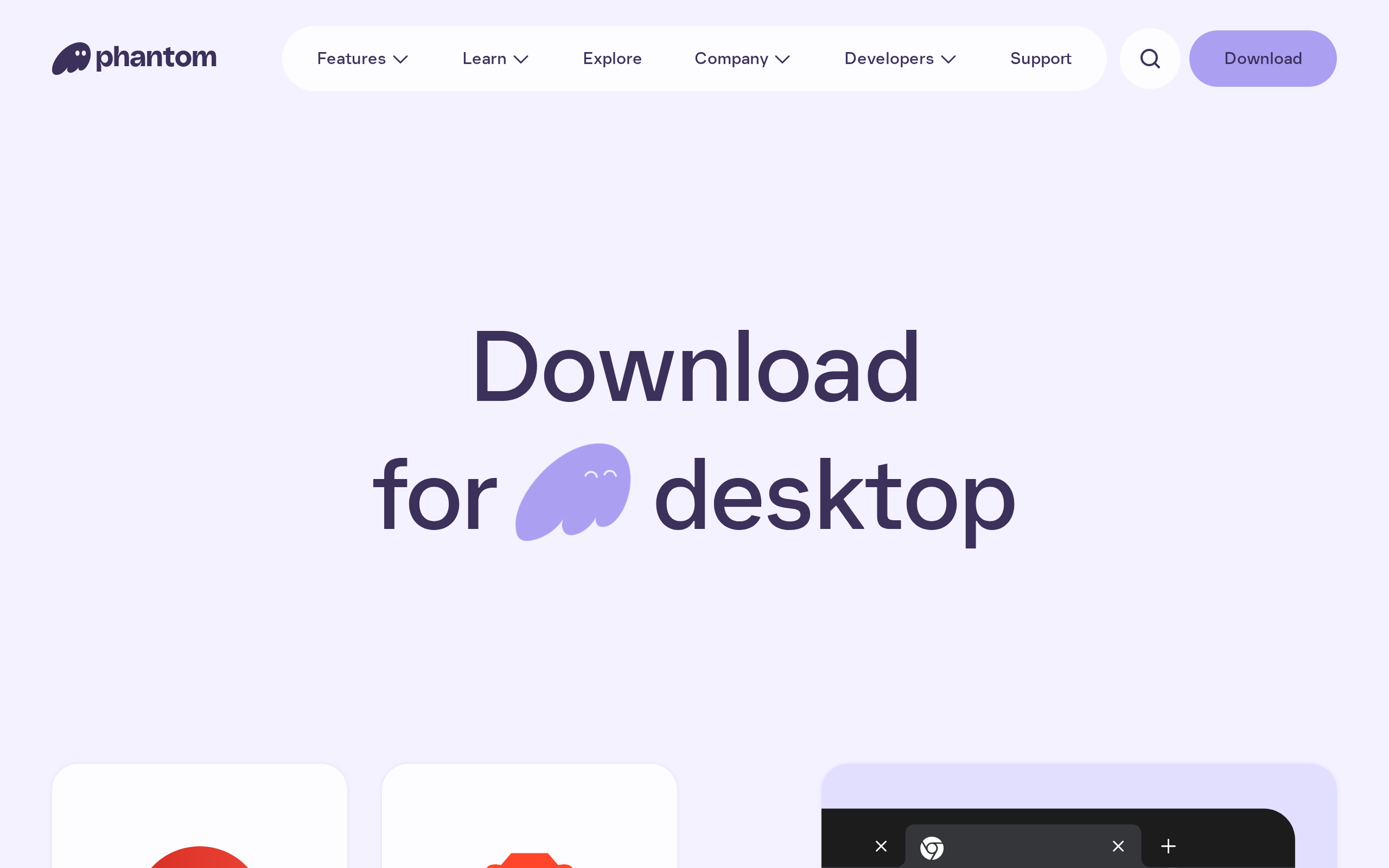
We rate the experience as the cleanest of the multichain wallets we looked at: clear balances, one tap to send, and few moments where the user is asked something they cannot answer.
Who should use it
Use Phantom if you live on Solana and want Ethereum, Base and Bitcoin in the same place, or if you want a first wallet that does not feel like a developer tool. Pair it with a Ledger once balances matter. Keep another wallet for unusual EVM chains. Skip it if you want to hold coins long term with minimal temptation, since a cold wallet suits that job better, or if the 0.85% swap fee will matter at your volume.
Nothing in a wallet review is a promise about the assets you put in it. Tokens listed in an Explore tab can fall to zero, and a convenient swap is still a trade you chose.
Specifications
- Price
- Free
- Custody
- Self-custodial, keys stay on your device
- Networks
- Solana, Ethereum, Base, Polygon, Bitcoin, Sui, HyperEVM, Monad
- Swap fee
- 0.85% on select swaps, plus network fees
- Platforms
- Chrome and other browser extensions, iOS, Android
- Hardware wallet
- Ledger (extension and mobile)
- Custom networks
- Not supported
- Maker
- Phantom Technologies