The short version
The Nano Gen5 is the Ledger most people should buy: a real touchscreen, Bluetooth for phones, USB-C for desktops and a Recovery Key card in the box, all behind a certified secure element. It is $30 above the Nano X it replaces in spirit, has a plastic shell and less storage than that model, and Ledger's closed firmware and optional Recover service will still put off self-custody purists. Buy it for convenience, not for ideology.
Best for: First hardware wallet for phone and desktop use
Our score: 8.0 out of 10
Pros and cons
What works
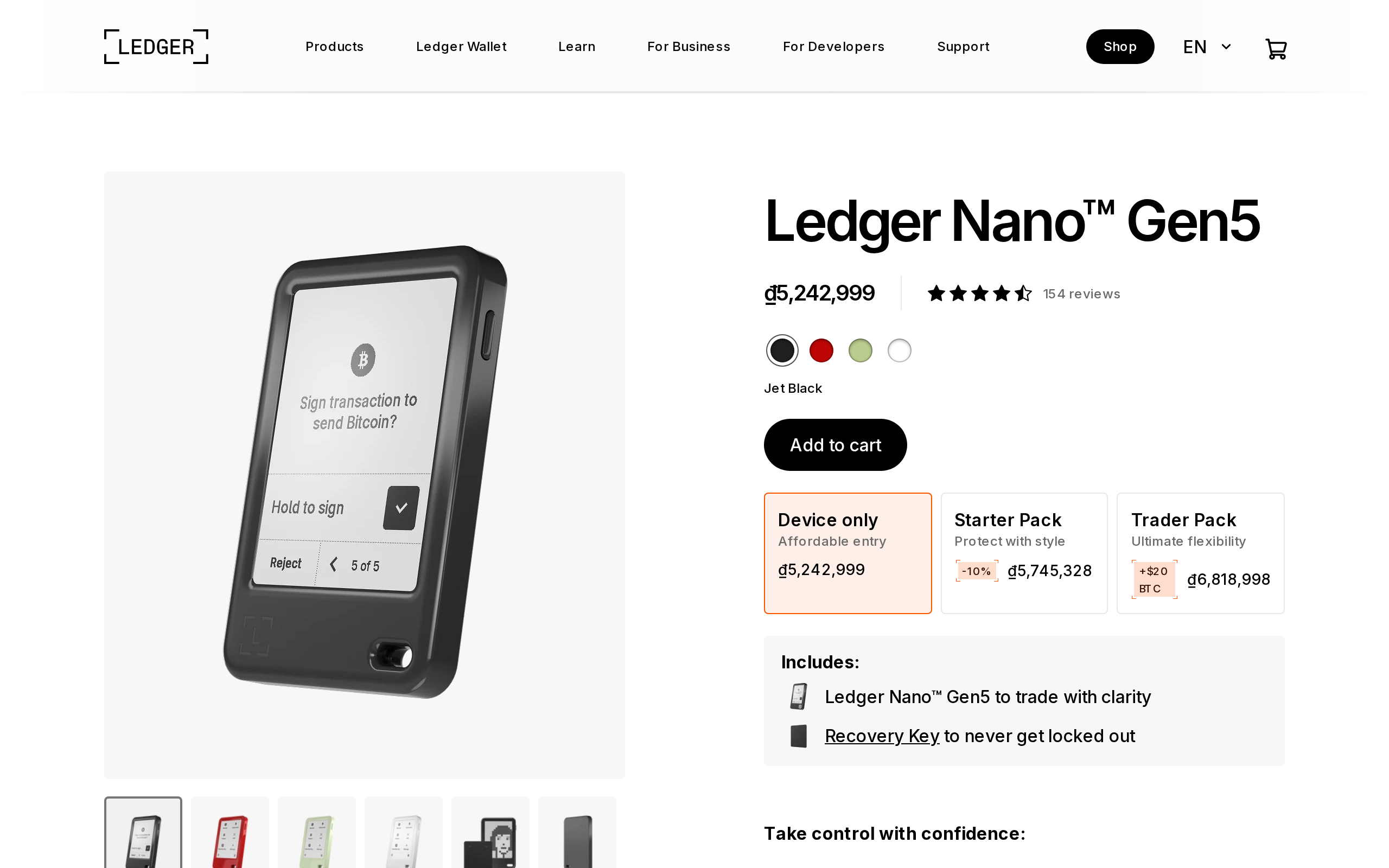
- 2.8-inch E Ink touchscreen at 300 x 400 pixels, far easier to read than button-only Nanos
- Bluetooth BLE 5.2, USB-C and NFC cover iPhone, Android and desktop
- Recovery Key card and three paper sheets come in the box, no extra purchase
- Secure element is rated CC EAL6+, higher than the EAL5+ on the Nano X
What does not
- $179 is $30 above the Nano X, and storage drops from 2 MB to 1.5 MB
- Plastic frame and back feel less premium than the price suggests
- Monochrome display only, so no colour coding of addresses or NFTs
- Ledger Recover, which splits and stores your seed, is optional but still divisive
A hardware wallet has one job: keep the keys off the internet and make you confirm every transaction on a screen you can trust. Everything else is comfort. The Nano Gen5 is Ledger's bet that comfort now sells the category, so we went through Ledger's specifications and support pages, the Ledger Wallet app description and the independent coverage to see whether the comfort is real, and what it costs.
What changed from the Nano X
Three things. The screen is a 2.8-inch monochrome E Ink touchscreen at 300 x 400 pixels, where the Nano X had a small button-driven display. Connectivity is Bluetooth BLE 5.2, USB-C and NFC. And the box now holds a Recovery Key, a credit-card style NFC card meant to back up and restore access with a tap and a PIN.
Two things went the other way. Storage is 1.5 MB, against 2 MB on the Nano X, and the shell is plastic. Finder, which covered the launch, also put the battery at about 10 hours of use or 150 transactions per charge, which is double the Nano X.
Is the price fair?
The device is $179. That is $30 above the Nano X, which is hard to love when the storage went down. What you are paying for is the screen, the newer secure element certification (CC EAL6+ against EAL5+ on the Nano X) and the Recovery Key.
Compare it with what you would otherwise buy. A basic hardware wallet from rivals sits at lower prices but usually lacks Bluetooth or a touchscreen. Ledger's own Flex, which has a larger E Ink screen, costs well above this. The Gen5 lands in the middle, and for most buyers the middle is right.
What the secure element does and does not do
The Gen5 uses a certified secure element, and your private keys never leave it. That protects you from malware on your computer or phone: a hacked laptop can propose a transaction but cannot sign it. It does not protect you from approving something you did not understand.
That second risk is where the screen matters. A bigger display shows more of an address and more of the transaction details, and Ledger's Clear Signing feature tries to spell out what a contract call does. Power users on social media, according to launch coverage, complained that some approvals still take six steps. That is a safety feature that feels like friction.
There is also a history to weigh. Ledger's firmware is not fully open source, and its 2023 Recover announcement, a paid service that splits an encrypted seed into shards held by separate companies, upset many self-custody fans. Recover is opt-in, and a Gen5 works fine without it. You should still know the option exists, and decide before you set the device up.
The Recovery Key, honestly
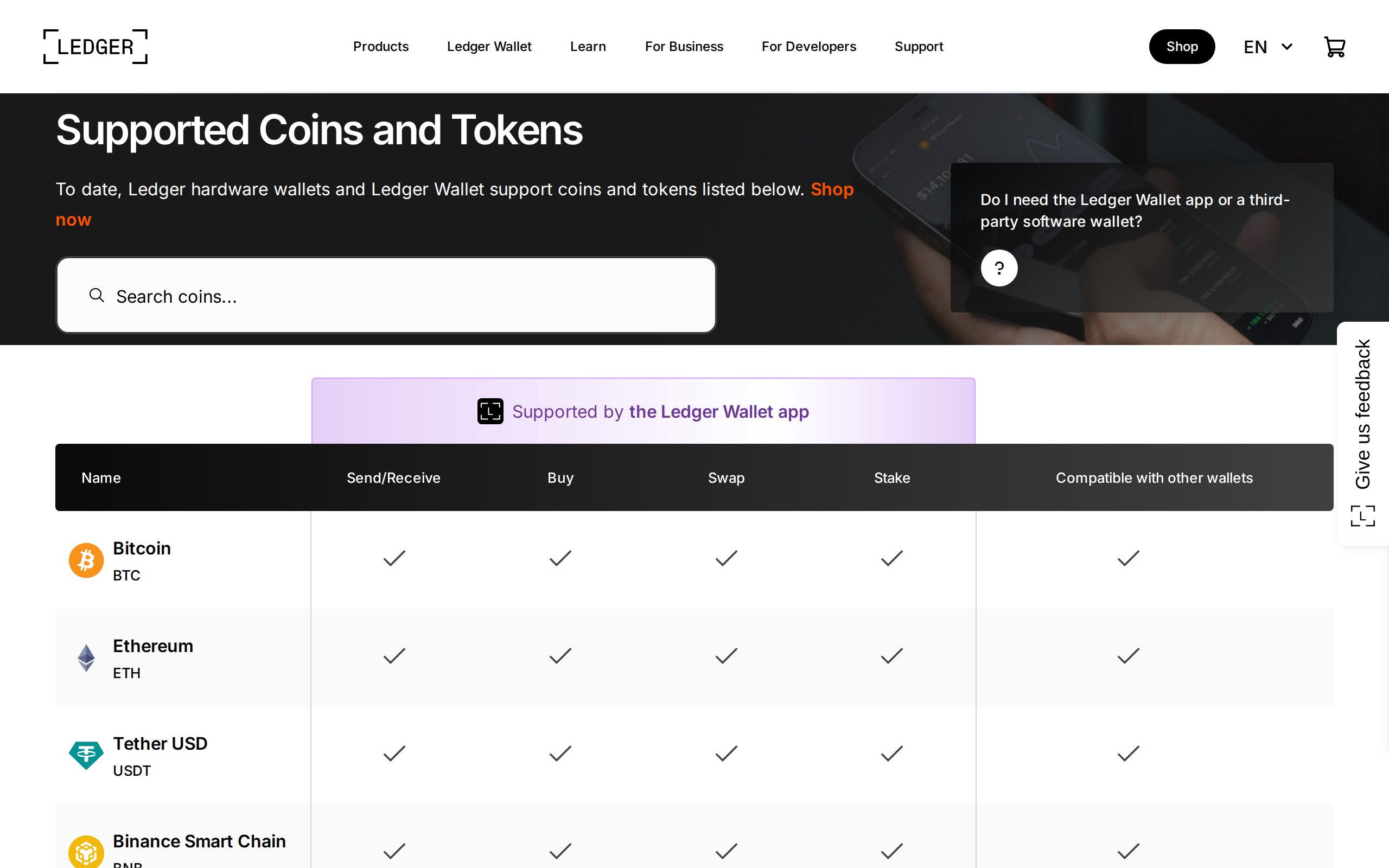
Paper backup is the weak point of every hardware wallet. Sheets get lost, burned or photographed. The Recovery Key is Ledger's answer: you tap the card to the device, enter the PIN and restore. It ships in the box with three paper recovery sheets, so you are not forced into it.
The card is convenient, and convenience is the point. It also means one more object that must be stored safely and whose PIN you must remember. Keep the 24 words offline anyway. A card is a shortcut, not a replacement for a proper backup.
The app you will actually use
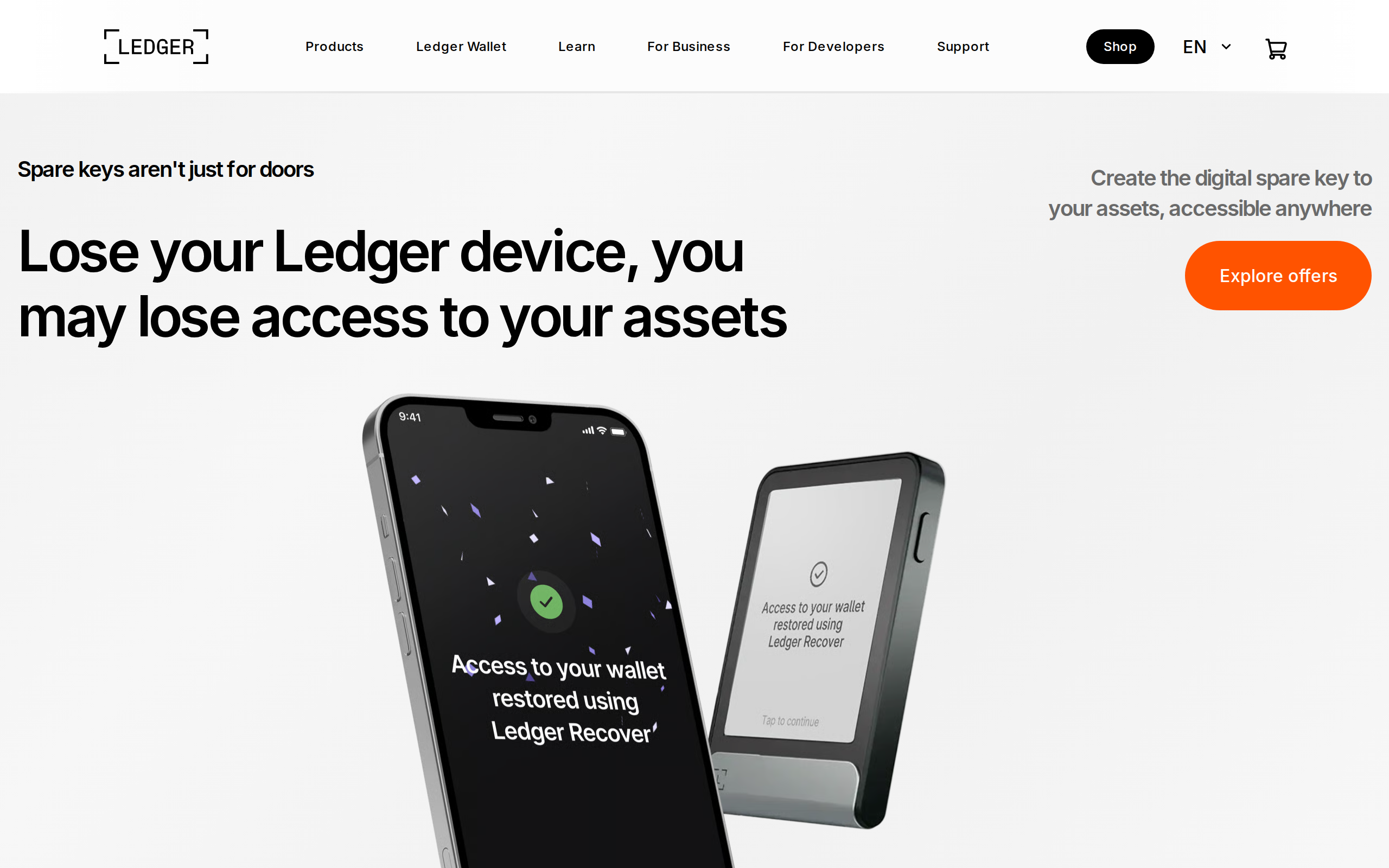
The Gen5 pairs with Ledger Wallet, the app that replaced Ledger Live. It handles buying, swapping, staking and sending, and Ledger describes it as one app for all your crypto moves. Third-party partners power the swap and buy routes, so each carries its own fee, which you should read before confirming. Ledger also runs a free learning site, worth an hour before you set anything up.
Who should buy it, and who should not
Buy the Gen5 if this is your first hardware wallet, if you manage coins from a phone, or if you want a card-based backup. It is a sound default under $200, and the certification and screen are a real step up over the older Nano S Plus.
Skip it if open-source firmware is a requirement for you, if you want a metal body, or if you hold only a little crypto and a $179 device costs a sizeable slice of it. Also skip it if you plan to rely on the Recovery Key alone and have not thought about where the card lives.
This is a product judgment, not financial advice. Our 8.0 reflects a polished, sensible wallet whose price rise and closed-source stance keep it from the top of the table.
Specifications
- Price
- $179
- Screen
- 2.8-inch monochrome E Ink touchscreen, 300 x 400 px
- Connectivity
- Bluetooth BLE 5.2, NFC, USB-C
- Secure element
- CC EAL6+ certified
- Storage
- 1.5 MB
- Battery (Finder figure)
- About 10 hours of use or 150 transactions per charge
- Coins supported
- 500+ in Ledger Wallet, per Ledger
- In the box
- Device, USB-C cable, Recovery Key, 3 recovery sheets
- Colours
- Jet Black, Cherry Red, Matcha Green, Glacier White