The short version
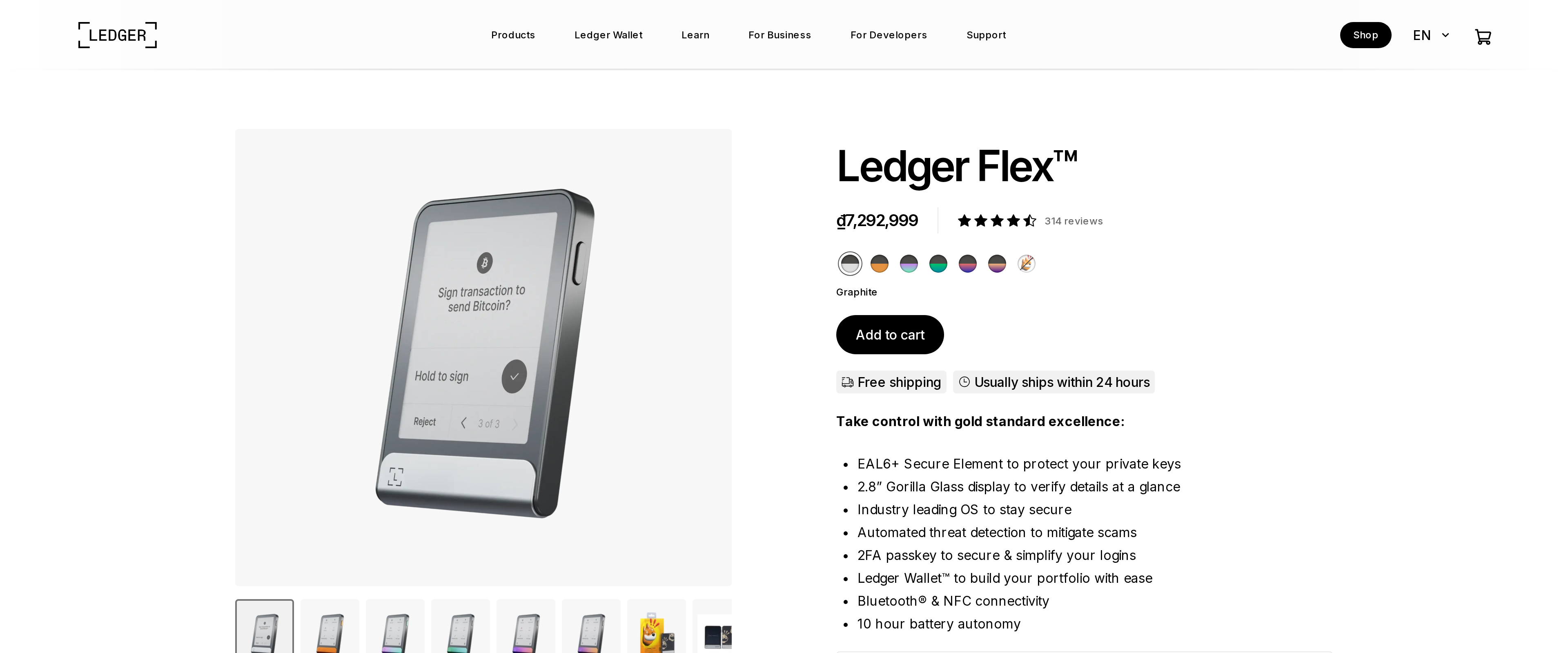
The Ledger Flex is a comfort upgrade, not a security upgrade: its Secure Element matches the $79 Nano S Plus, while the 2.84-inch E Ink touchscreen makes it far easier to read what you are signing. At $249 it is worth it for people who sign often or approve DeFi transactions. If you store coins and rarely touch them, buy a cheaper Ledger.
Best for: Frequent signers who want a big, readable screen
Our score: 7.8 out of 10
Pros and cons
What works
- 2.84-inch E Ink touchscreen shows full transaction details at once
- EAL6+ Secure Element, the same class of chip as cheaper Ledgers
- Bluetooth and USB-C, with NFC for phone use
- Light and thin at 57.5 g and 7.7 mm
What does not
- $249 is about three times the price of a Nano S Plus
- The screen adds comfort, not any extra protection for your keys
- Ledger Recover, the optional seed-backup service, remains controversial
- E Ink refreshes slowly, so it feels less quick than a phone screen
Before comparing screens, settle what you are buying. A hardware wallet exists to keep your private keys inside a chip that never exposes them. Everything else is a window onto that chip. The Flex is the most expensive window in Ledger's range, so the honest question is how much a better window is worth.
We read Ledger's product page and wallet comparison, then set them against independent reviews from Coin Bureau, CoinCodex and Cryptoticker.
The chip is not what you pay extra for
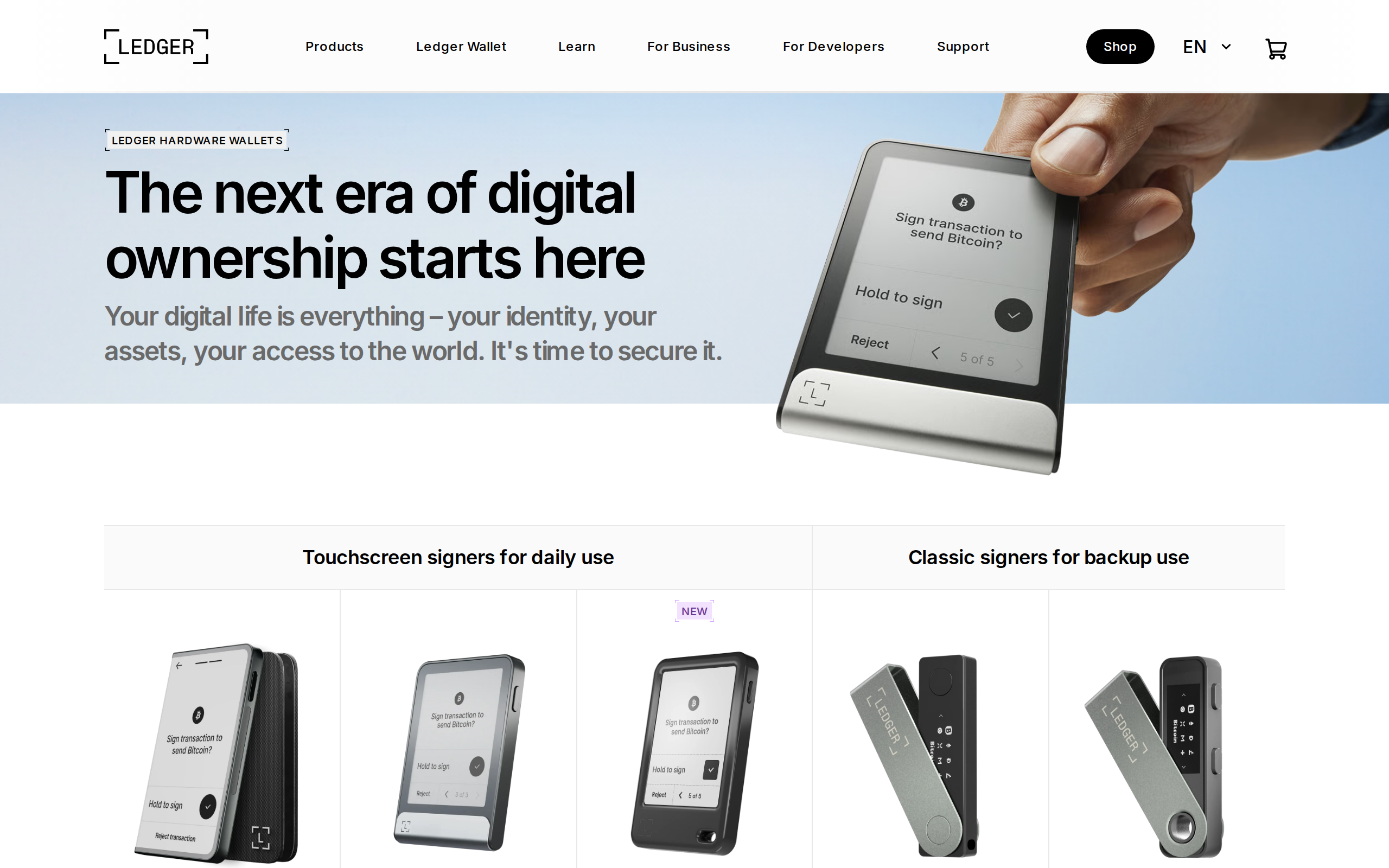
The Flex uses an EAL6+ Secure Element to protect private keys, which Ledger says on the product page and the hero banner. Reviewers note that the Nano S Plus, at $79, has a secure element of the same class. So the $170 gap does not buy stronger key storage. It buys a better screen and a different shape.
That distinction should drive your decision. If you believe an expensive wallet is a safer one, the Flex will not meet that expectation.
What the E Ink touchscreen changes
The Flex has a 2.84-inch E Ink touchscreen with 16 greyscale levels. A Nano has a 1.09-inch OLED you read in pieces, scrolling through address and amount with two buttons. On the Flex, more of the transaction fits on one screen, and you tap to approve.
This matters because the screen is your last line of defence. Ledger explains that its Secure Screen is driven by the Secure Element, so what you see is what you actually sign, not what malware on your computer wants you to see. A bigger display makes that check easier to do properly. A tiny screen invites skimming, and a larger one makes reading the full address less of a chore.
E Ink also saves battery. Its trade-off is speed: refreshes are slower than a phone, which you notice when typing a PIN or scrolling long contract data.
The price in context
At $249, the Flex costs about as much as three Nano S Plus units, or a Nano X plus a Nano S Plus with money left over. A cautious holder might reasonably prefer two cheap devices, one for daily use and one as a spare, to a single expensive one. A lost or broken wallet is not a disaster if you have your recovery phrase stored safely offline, and a spare device makes restoring faster. That is a case for the cheaper range, and it is a fair one.
Daily signing, honestly assessed
The Flex connects by Bluetooth and USB-C, and it supports NFC. At 78.4 mm by 56.5 mm and 7.7 mm thick, it weighs 57.5 g, which is light enough for a pocket. You pair it with Ledger Wallet, the companion app that handles buy, swap and staking.
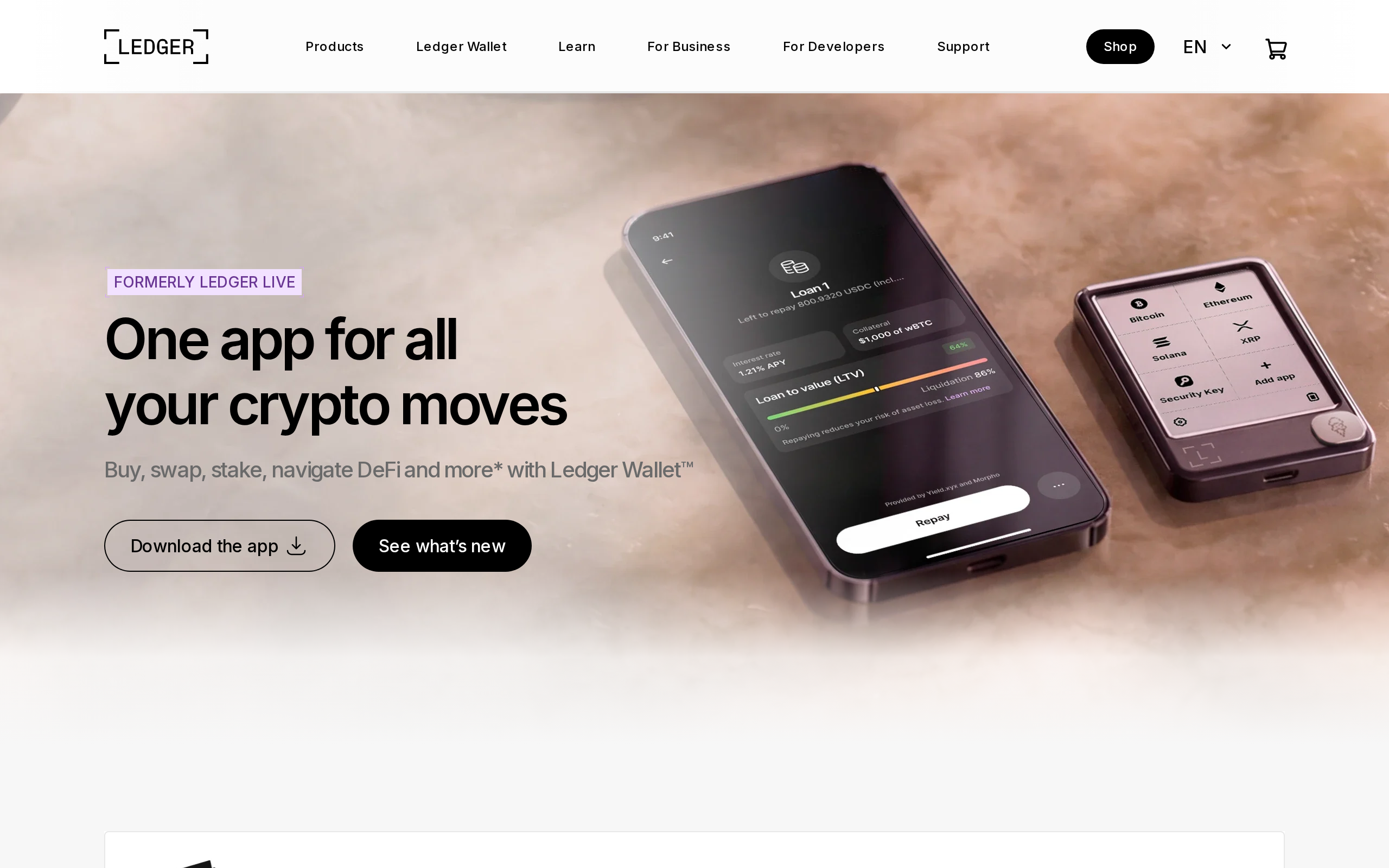
For a person who signs several transactions a week, such as DeFi approvals, swaps or NFT purchases, the readability gain adds up. For a person who deposits Bitcoin and checks it twice a year, it never pays off.
The Recover question
Ledger sells Ledger Recover, an optional, subscription seed-backup service. When it was announced it drew a loud backlash, because it implied the device could export a seed in encrypted shards. It is opt-in, and you can ignore it, but it is part of Ledger's history and some buyers hold it against the brand. We think a buyer should read what it does before deciding.
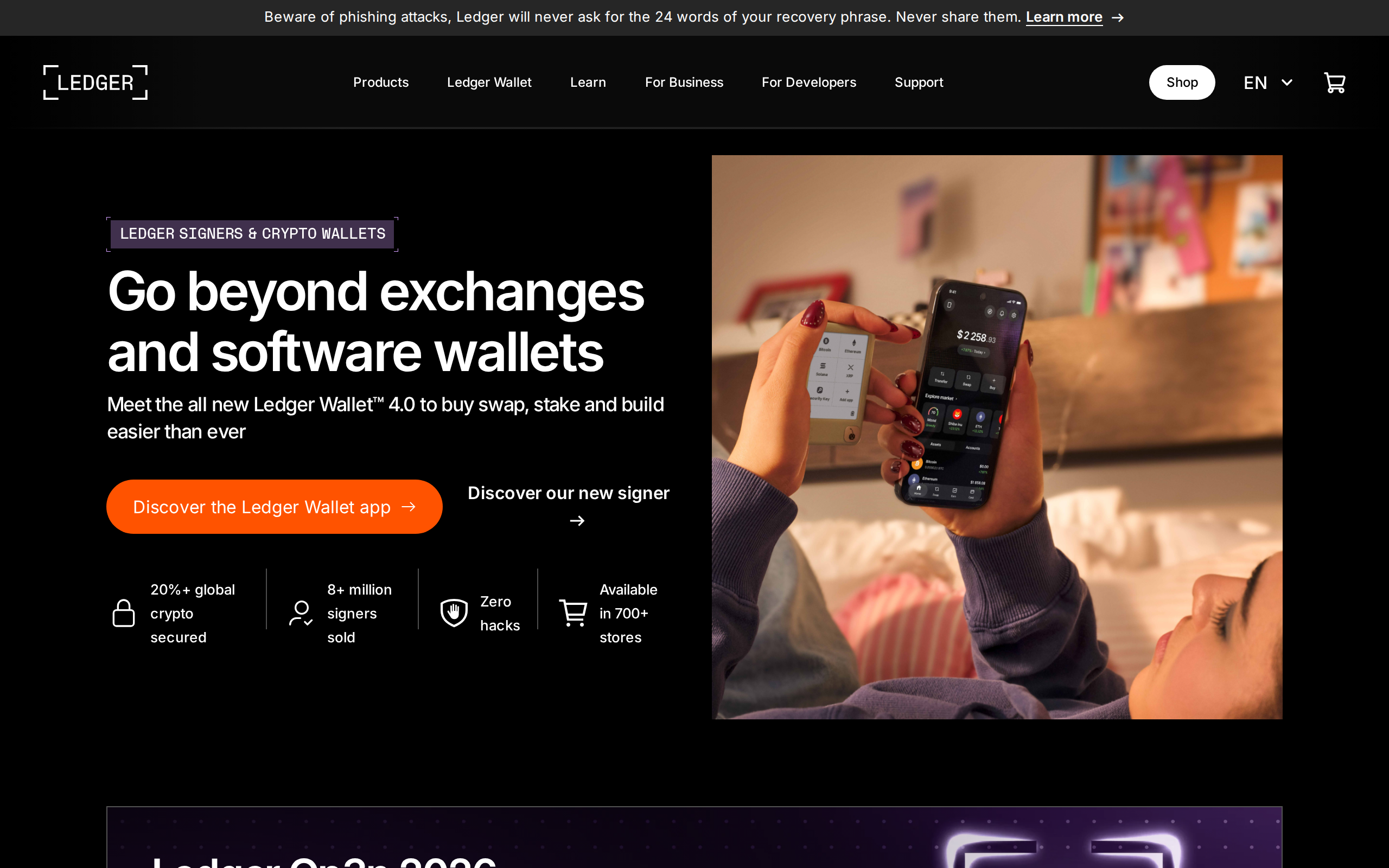
Whatever you buy, remember the warning printed on that page: Ledger will never ask for your recovery phrase.
Who should buy it
Buy the Flex if you sign often, approve complex transactions, or want a device a relative can use without squinting. Buy it if you value reading a full address on one screen, and accept that you are paying for ergonomics.
Skip it if you mainly store Bitcoin. A Nano S Plus gives you the same class of chip for about a third of the price, and the saving is worth more than a larger screen. If you want Bluetooth but not the cost, the Nano X sits in between at $149, per the reviews we read.
This review is not investment advice. Prices change, so check Ledger's shop before you buy, and only buy from the maker or an authorised reseller.
Specifications
- Price
- $249
- Screen
- 2.84-inch E Ink touchscreen, 16 greyscale levels
- Secure chip
- EAL6+ Secure Element
- Connectivity
- Bluetooth, USB-C, NFC
- Size and weight
- 78.4 x 56.5 x 7.7 mm, 57.5 g
- In the box
- USB-C cable, recovery sheet, recovery keys
- Companion app
- Ledger Wallet (formerly Ledger Live)
- Compared with
- Nano S Plus $79, Nano X $149 (per CoinCodex and Cryptoticker)