The short version
The best argument for a QR-only wallet is that it removes the cable and the radio from the threat model, and the 4-inch screen lets you read what you sign. You pay in speed, bulk and a camera that sometimes needs three tries. Buy it if you sign DeFi transactions through MetaMask and want the strictest isolation under $150. Skip it if you move small sums, trade often or want a polished all-in-one app.
Best for: DeFi users who want a fully air-gapped signer
Our score: 8.1 out of 10
Pros and cons
What works
- No USB or Bluetooth link to the keys: every signature crosses by QR code only
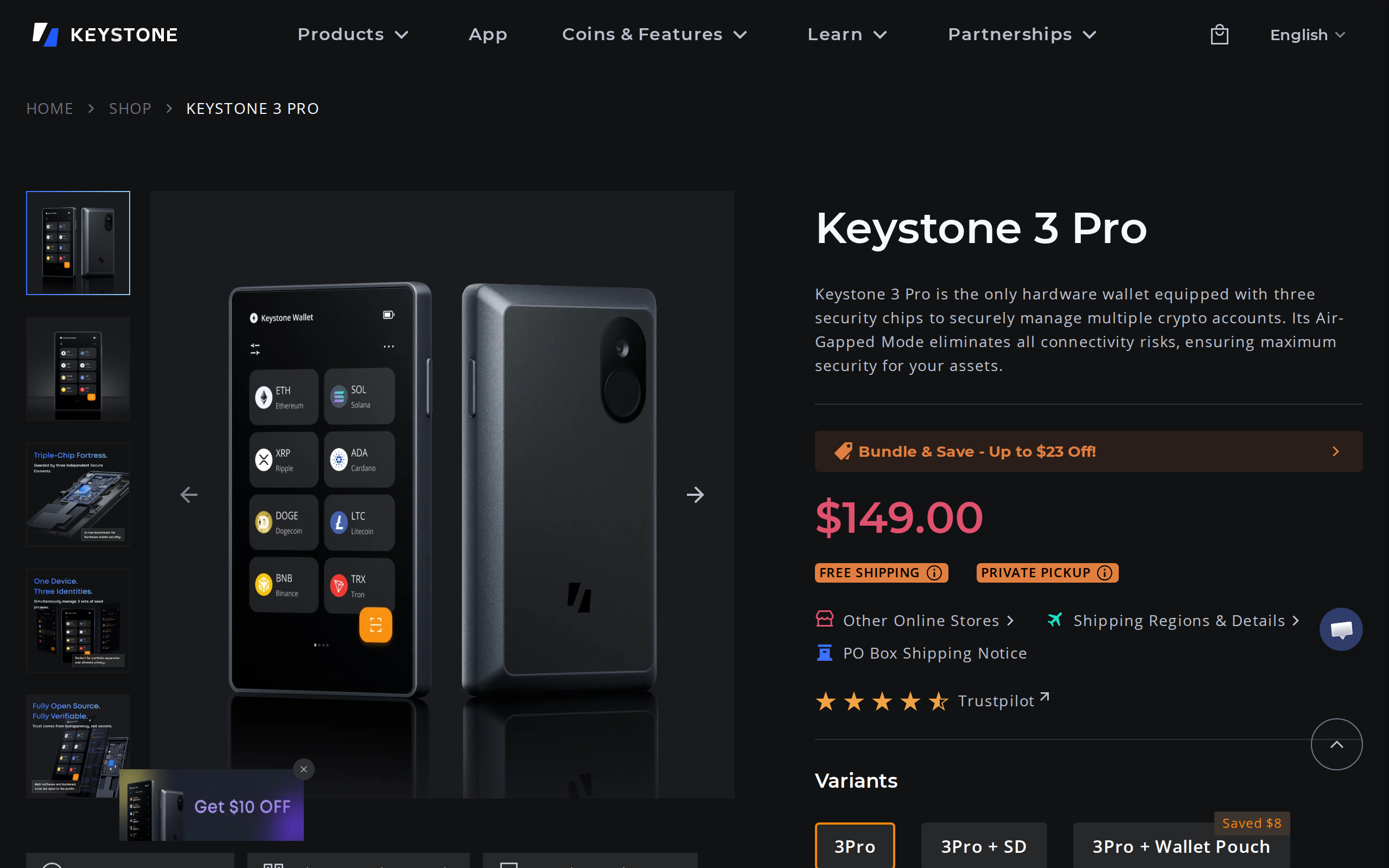
- Large 4-inch touchscreen shows full transaction details before you approve
- Three secure element chips and fully open-source firmware on GitHub
- Works with MetaMask, OKX Wallet, Keplr and BlueWallet instead of a closed app
- Supports up to three seed phrases and Shamir backup on one device
What does not
- QR signing adds scanning time to every single transaction
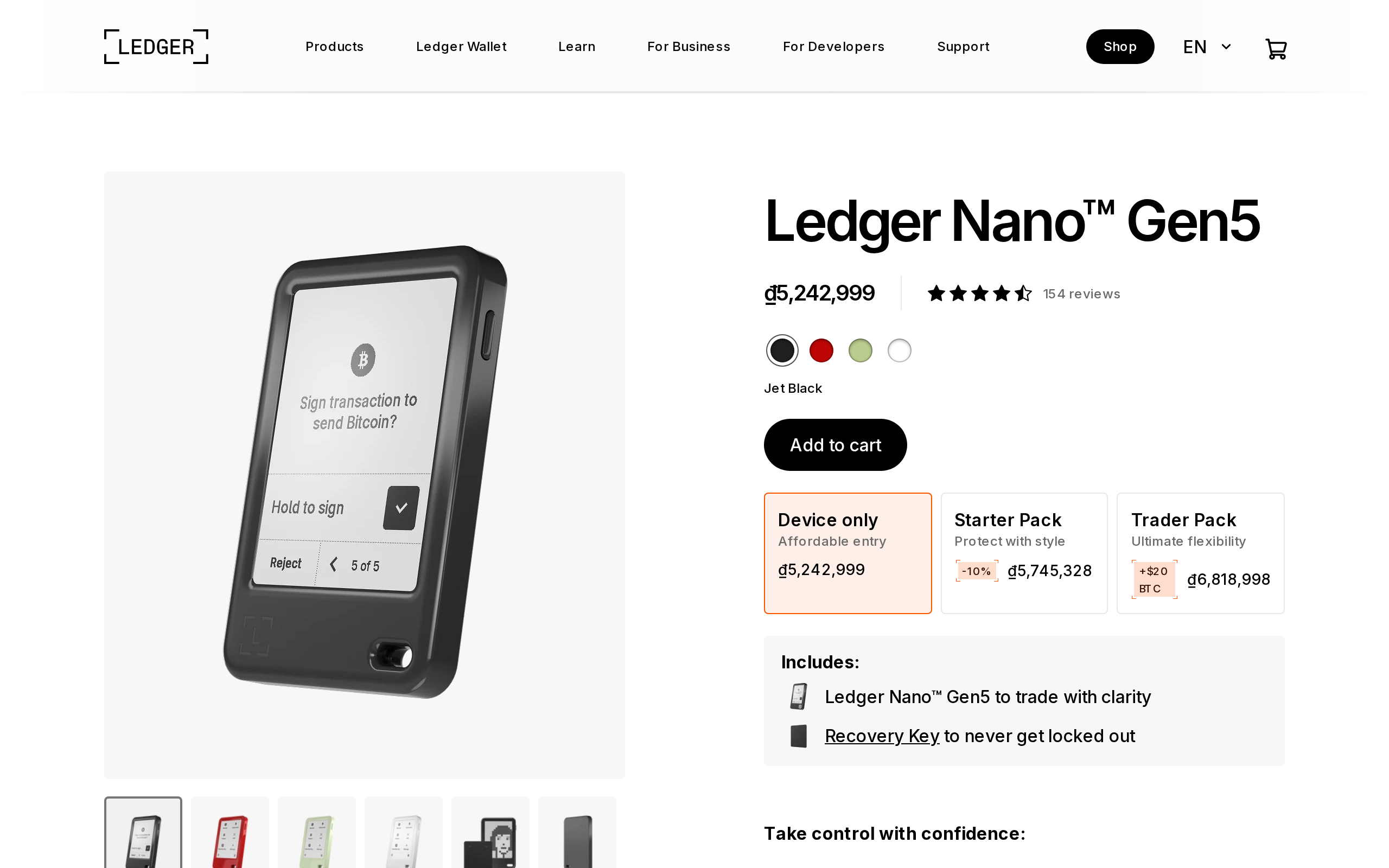
- Bulky next to a Trezor Safe 3 or a Ledger Nano, and the battery is small
- No proprietary companion app, so you depend on third-party wallets
- Fingerprint sensor is not flawless and needs patient enrolment
- Staking support for most assets is thin at launch
The question with a QR-only wallet is simple: does removing every wire and radio from the signing path justify the extra scanning? For a person who approves several DeFi transactions a week, our answer on the Keystone 3 Pro is yes, with conditions. For a person who signs twice a month, a cheaper device does the same job.
What air-gapped actually removes
A USB wallet shares a physical channel with your computer. A Bluetooth wallet shares a radio. Both are small attack surfaces, and neither has a record of draining keys in the wild, but both exist. The Keystone 3 Pro has no need for either during normal use. The phone or browser wallet builds the transaction, shows it as an animated QR code, and the Keystone's camera reads it. The device signs offline and shows a QR code back. Keys never leave. If malware owns your laptop, the worst it can do is show you a false transaction, and the large screen on the device is where you catch that. No cable means no firmware-update surprises mid-signature either, since updates are a separate, deliberate step.
That design pairs with a hardware stack Keystone describes as three independent secure element chips. Coin Bureau's review names them as the Microchip ATECC608B, the Maxim DS28S60 and the Maxim MAX32520. Keystone's page also lists anti-tamper protection that wipes the device if it is opened.
The screen is the real feature
Most of the safety in a hardware wallet comes from reading what you sign. A 4-inch touchscreen is the largest on the market, according to the independent reviews we cross-checked, and it shows full transaction details instead of a hash you squint at. On a contract interaction with several fields, that space changes how closely you inspect.
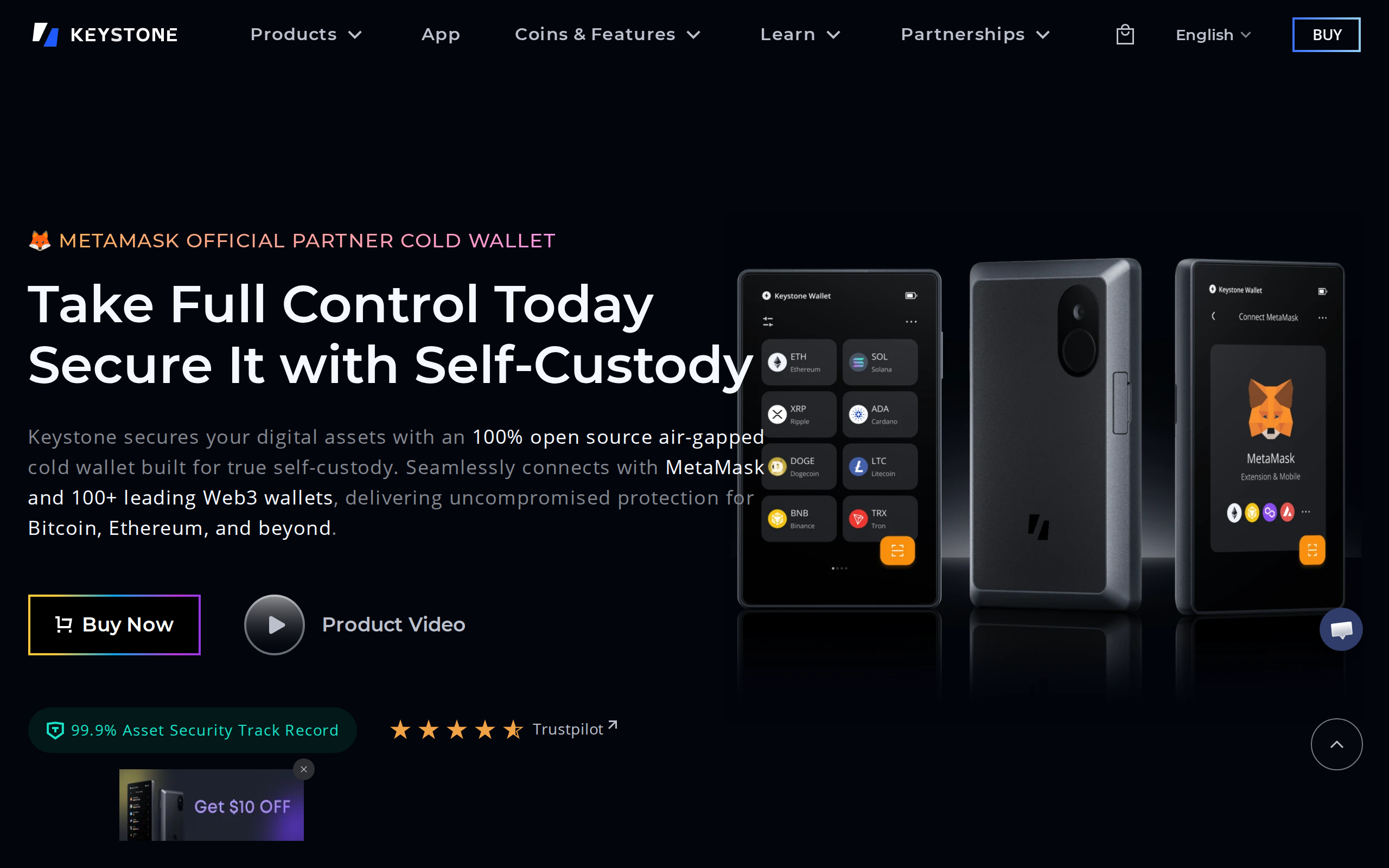
Keystone's home page leads with an official MetaMask partner claim, and that integration is the main reason to buy. You connect the device to MetaMask by scanning a QR code, then every swap or approval goes through the same loop.
What the loop costs you
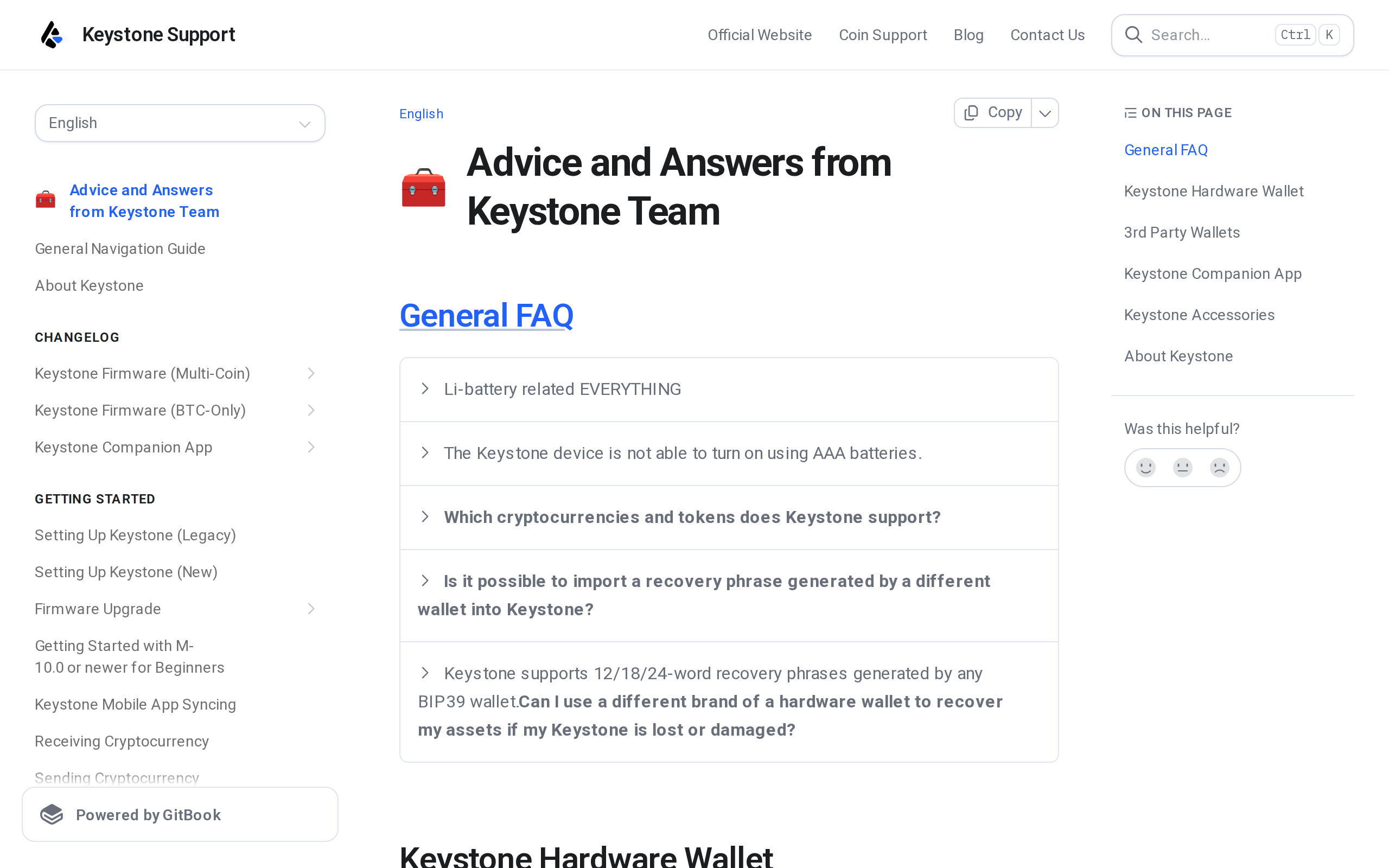
The tradeoff is time. A QR round trip is slower than a cable, and the camera is sensitive to angle and light. Keystone's own support FAQ has an entry about adjusting the scanning angle, which tells you it is a common complaint rather than a rare fault. Independent reviewers agree: signing a few transactions a day feels slow, and one summary of the reviews flagged the fingerprint sensor as imperfect.
The hardware is also large. It is thicker and heavier than a Trezor Safe 3 or a Ledger Nano, and the battery is small. That is a cost of the camera and the big screen, not a defect, but it decides whether you will carry it.
Open source, but with a missing app
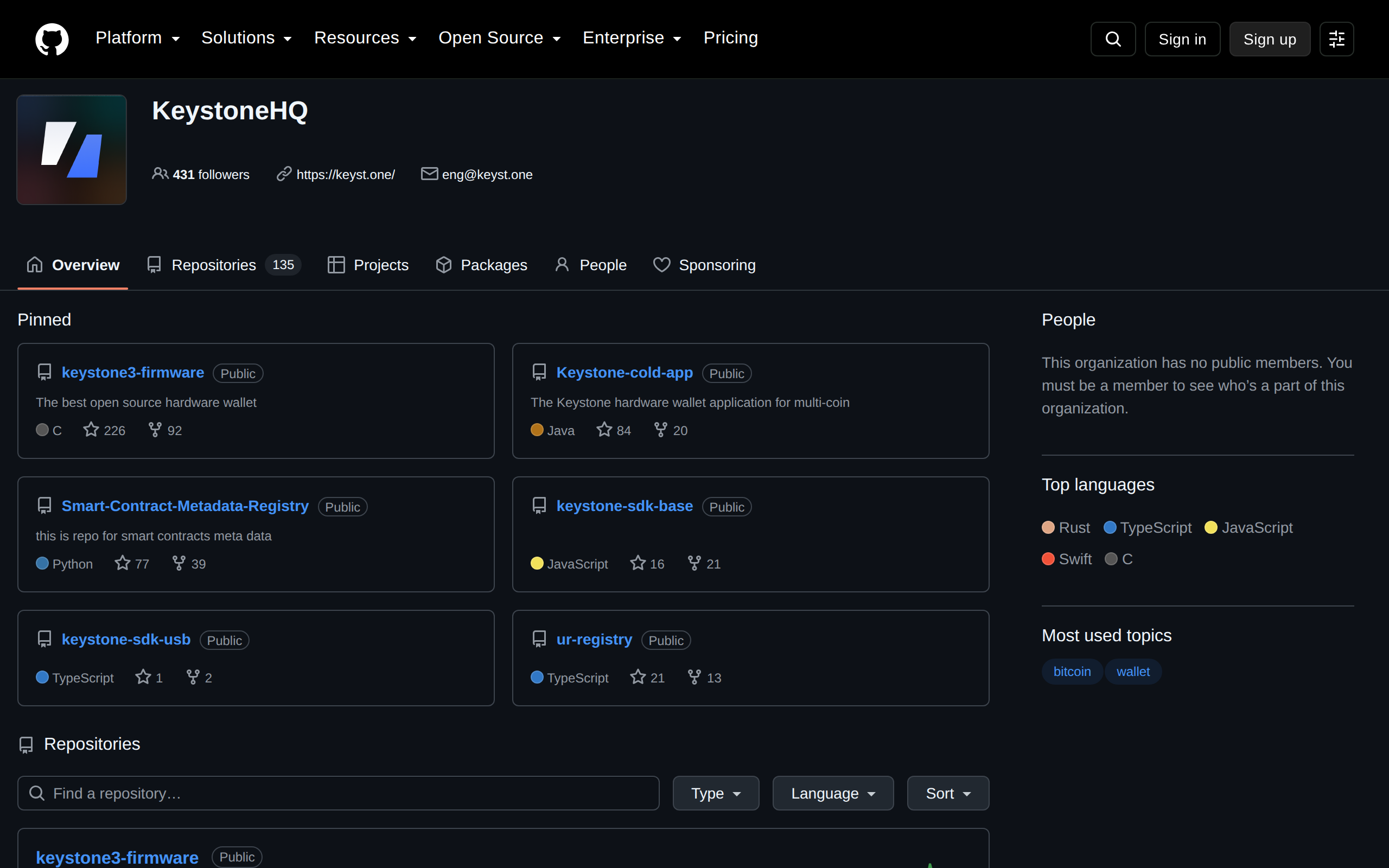
The firmware is public. The KeystoneHQ GitHub organisation pins keystone3-firmware, described as the best open source hardware wallet by its authors. Anyone can read the code, and that matters more than a marketing claim when a device is meant to hold keys.
What Keystone does not have is a Ledger Live equivalent. You rely on third-party wallets: MetaMask, OKX Wallet, Keplr, BlueWallet. That is a feature for people who want choice and a headache for people who want one place to check balances and stake.
Backups and bitcoin-only mode
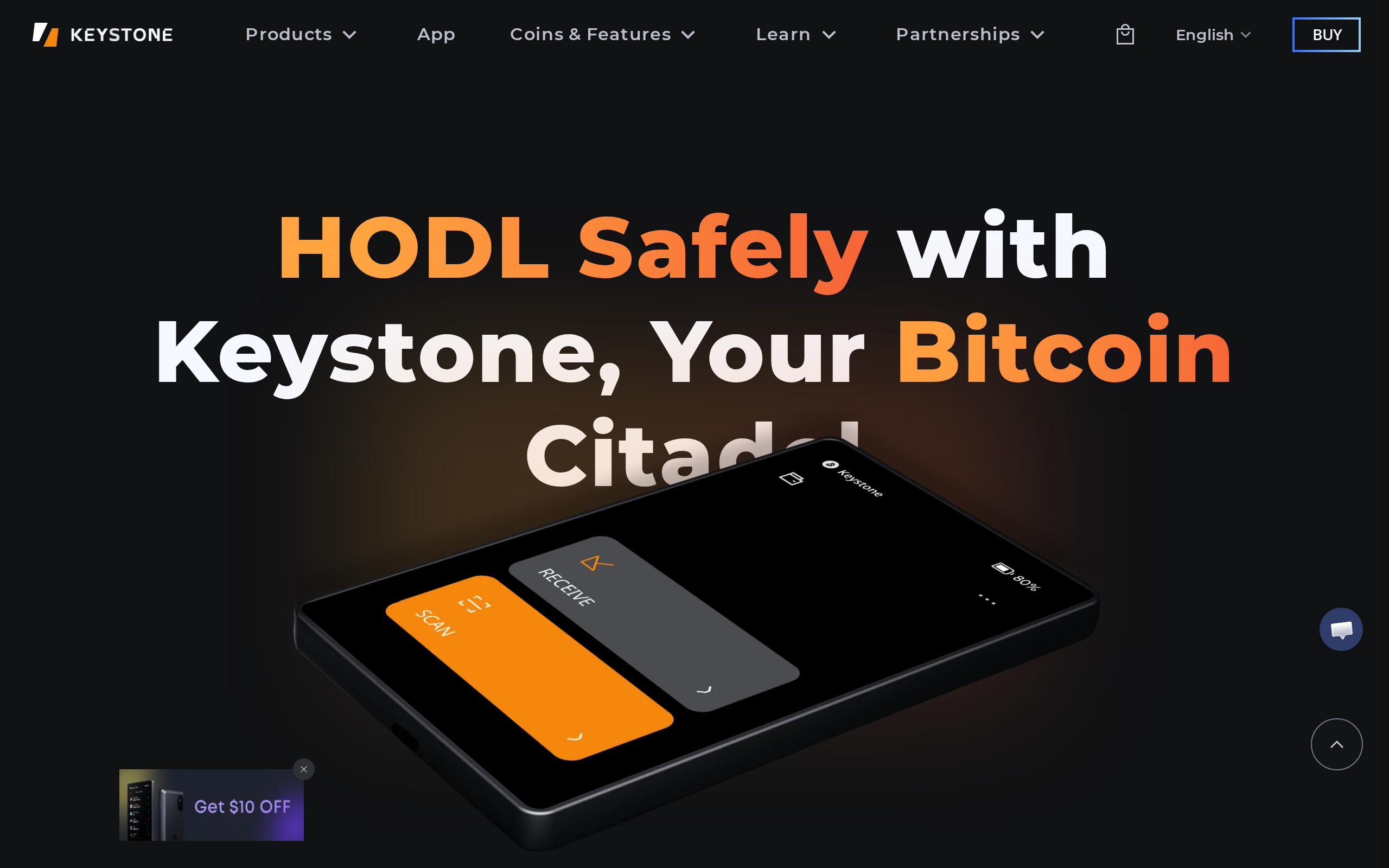
The device supports up to three separate seed phrases, so you can keep a "savings" wallet and a "spending" wallet on one unit, and Shamir backup for splitting a recovery phrase. The box includes six seed sheets. Bitcoin purists get a dedicated firmware with a smaller code base on the BTC-only page.
Who should buy it
Buy the Keystone 3 Pro if you use DeFi through MetaMask, hold enough to care about isolation, and accept a slower signature as the price of a smaller attack surface. Fingerprint plus passphrase plus a three-chip stack is more than most people need, but you are buying a ceiling.
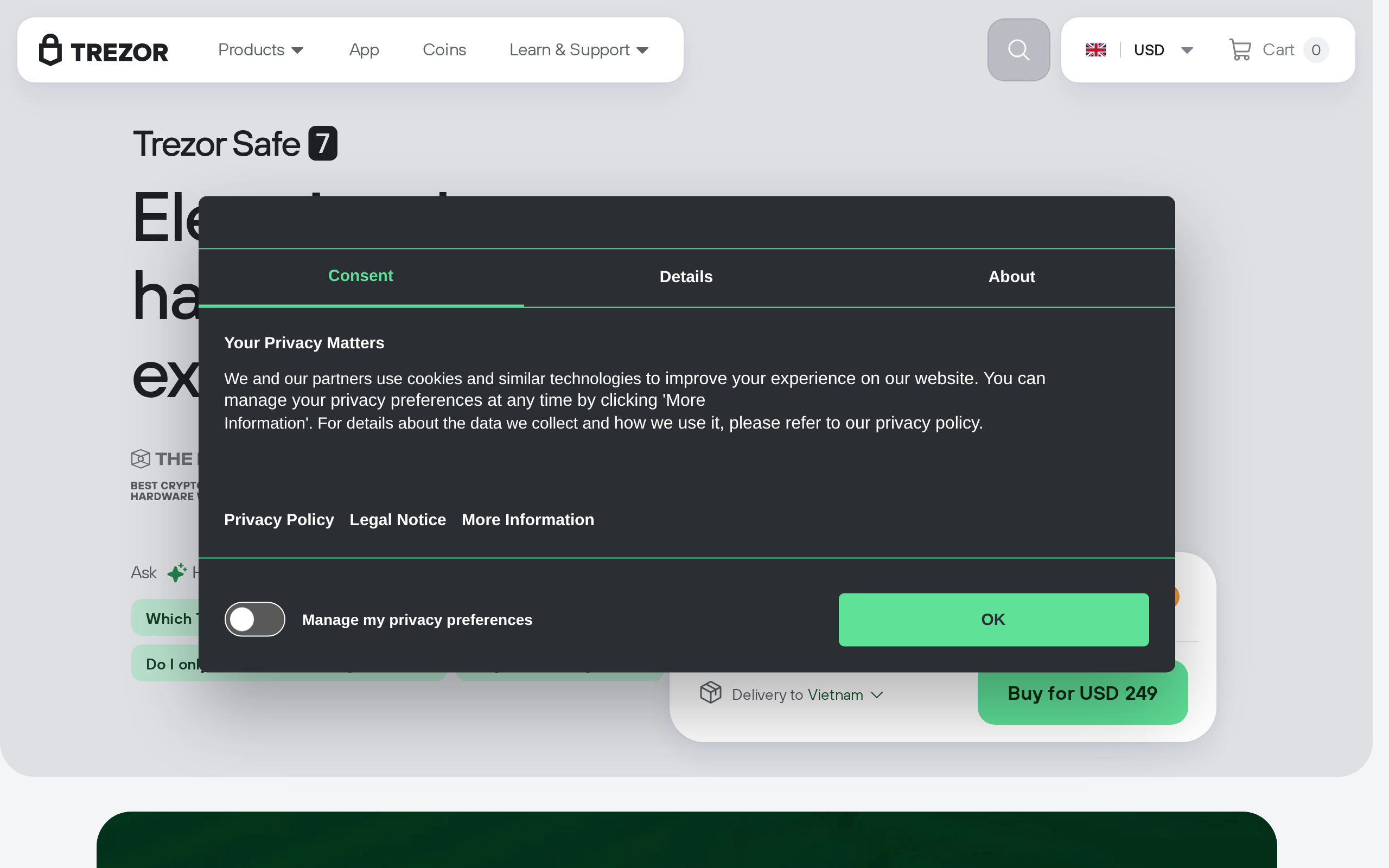
Skip it if you hold under about $1,000, if you want staking from one app, or if you sign in a hurry. A $59 Trezor or a Ledger Nano is a better fit for plain storage. The Keystone costs $149, and $164 with the 32 GB microSD card, so the premium over those is real. We rate it 8.1: a strong specialist tool with a narrow audience. This is a product assessment, not advice on how much to hold or where.
Specifications
- Price
- $149 (about $164 with a 32 GB microSD card)
- Signing method
- Air-gapped QR codes, optional USB
- Screen
- 4-inch color touchscreen
- Secure elements
- 3 (ATECC608B, DS28S60, MAX32520)
- Authentication
- Fingerprint plus PIN, passphrase support
- Seed phrases
- Up to 3 wallets, Shamir backup
- Firmware
- Open source, GitHub keystone3-firmware
- Coverage
- Over 200 chains via third-party wallets (maker claim)
- In the box
- Device, USB cable, manual, 6 seed sheets