The short version
Exodus is the easiest self-custody wallet to hand to a beginner, and it works well as the screen for a Trezor or Ledger. The software is free, but swaps and card buys are where it earns money, with independent reviewers measuring all-in swap costs near 2% on mid-size trades and far worse under $100. The code is closed. Use it to hold and look at coins; do your trading elsewhere.
Best for: Beginners who want a clean wallet for holding, paired with a hardware device
Our score: 7.3 out of 10
Pros and cons
What works
- Clean desktop and mobile apps on Windows, macOS, Linux, iOS and Android
- Works as the interface for Trezor and Ledger hardware wallets
- No wallet fee from Exodus; you pay only network fees on sends
- Staking, card buys and the Exodus Pay spending layer sit in one app
What does not
- Built-in swaps route to partners; small trades can cost around 5% all-in
- Card purchases add a separate partner fee on top of the swap spread
- Closed-source code, so the wallet cannot be audited by the public
- A software wallet on a phone or PC is only as safe as that device
A wallet people actually open
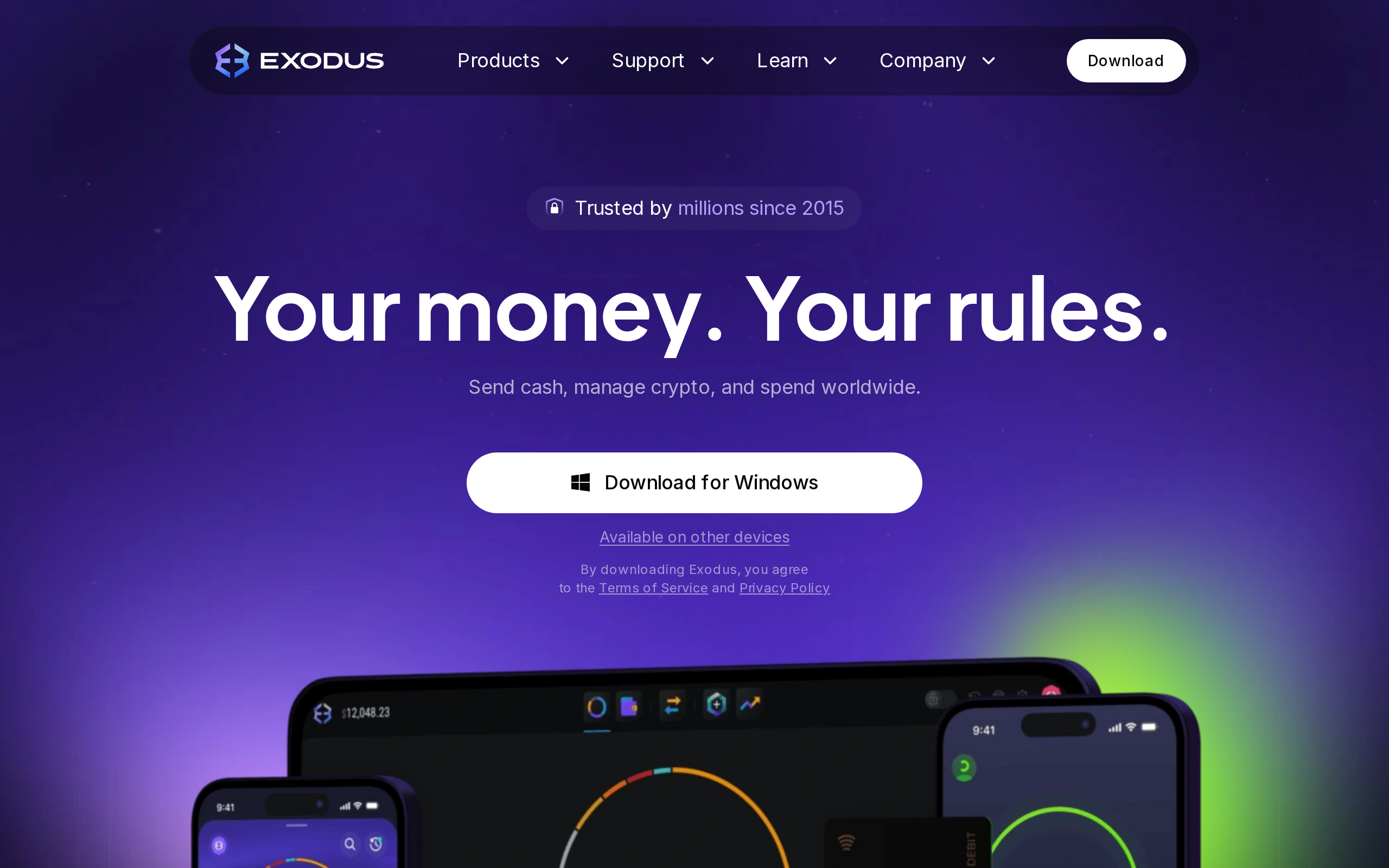
Most self-custody wallets are tools. Exodus is trying to be a place. Open the desktop app and you get a tidy asset list, a swap box, in a layout that a first-time user can read without a guide. That look is the product's main argument, and on design alone we would rank it above most of its rivals.
Exodus began as a desktop app and has since grown into a small financial layer: a wallet, a swap box, staking, a spending card and a payments product called Exodus Pay. Each addition gives the company another way to earn from you without charging for the wallet itself, which is worth keeping in mind as you read the numbers below.
The question we set was narrower: does the polish justify the cost of the built-in exchange? Short answer, yes for holding, no for trading.
What it costs, and where
The app is free. Exodus takes no fee on a send beyond the network fee that goes to the chain. Money comes in elsewhere. The swap box advertises rates "as low as 0.5%", and that is the best case. Exodus does not run its own exchange; it sends the order to third-party providers and shows you the quote before you confirm. Independent writers who tested it put the all-in cost around 2.2% on mid-size trades and close to 5% on swaps below $100, because the spread on thin pairs dominates.
Buying with a card goes through a partner such as MoonPay or Ramp, and their fee, commonly quoted at 2% to 5%, stacks on whatever the swap costs. A $100 card purchase followed by a swap can lose several percent of the money before you hold anything useful.
A free wallet is not a free exchange. Exodus is generous with the first and merely ordinary with the second.
Desktop first, phone second
The desktop app on Windows, macOS and Linux is the more complete version. The phone app mirrors it and syncs, which suits someone who wants to check a balance on a train and move funds at a desk.
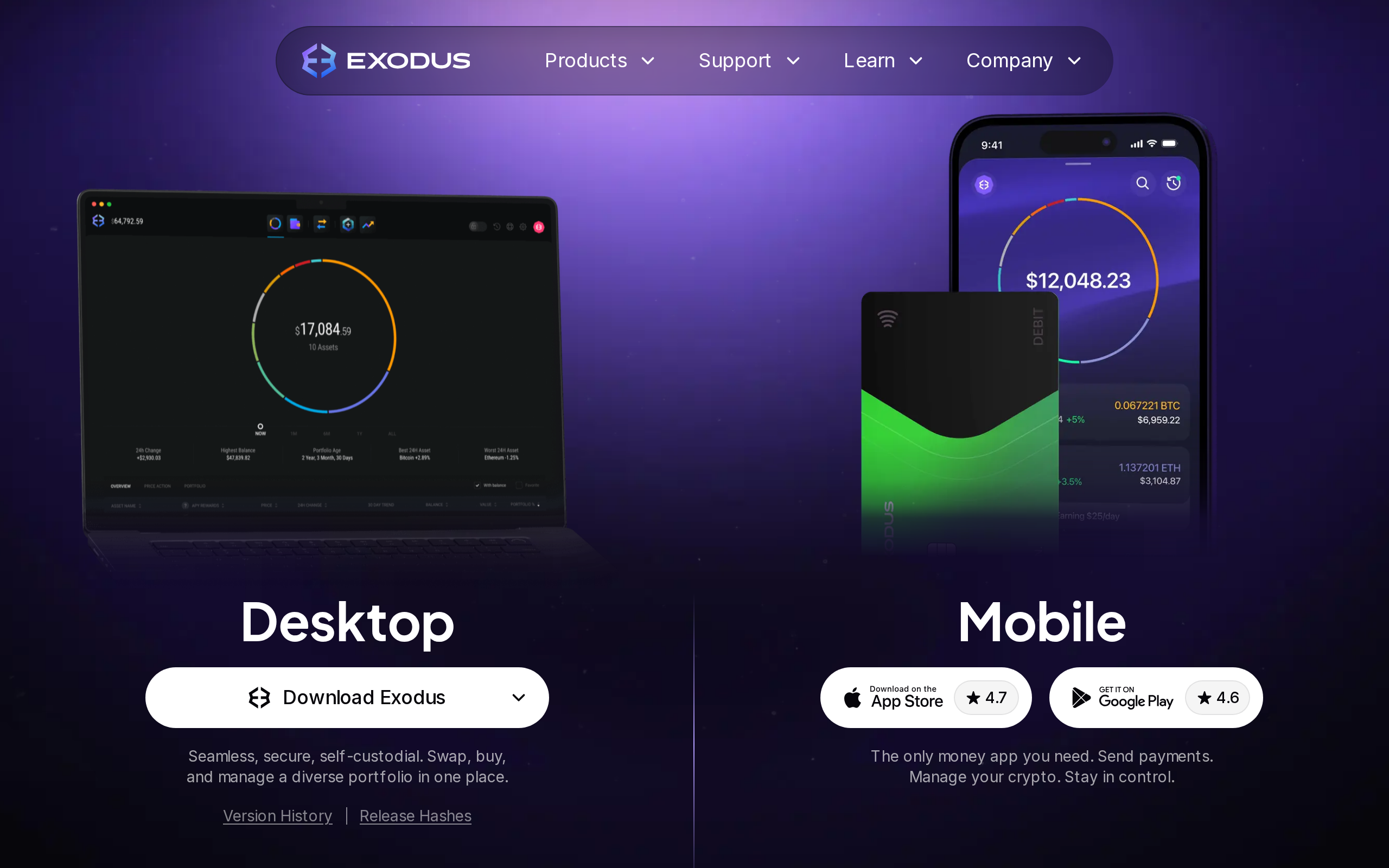
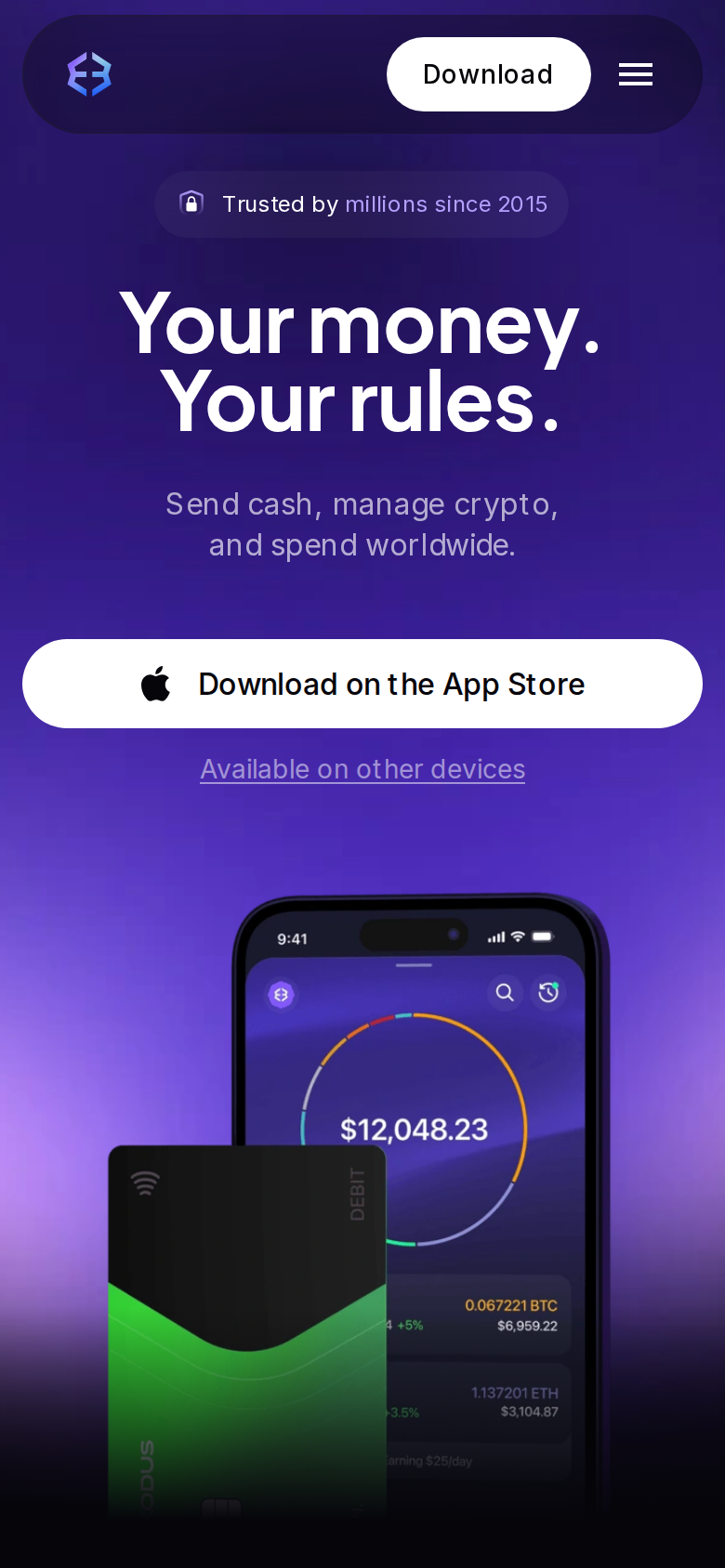
The phone is where most people lose crypto, through a stolen handset or a phishing prompt, so the weak point is not Exodus's layout but the device it lives on. That is true of every software wallet, and the page itself says users must look after their own recovery phrase.
The hardware pairing is the best reason to use it
Exodus lists Trezor and Ledger support on its front page, and this is the use we would point most readers to. Keep the keys on a hardware device, and use Exodus as a clear screen for balances and sends. You keep the pleasant interface and drop the risk that comes with keys held on a laptop. Our guidance is not advice to buy anything; it is a description of how the app fits with a signing device.
Staking, the card and the closed code
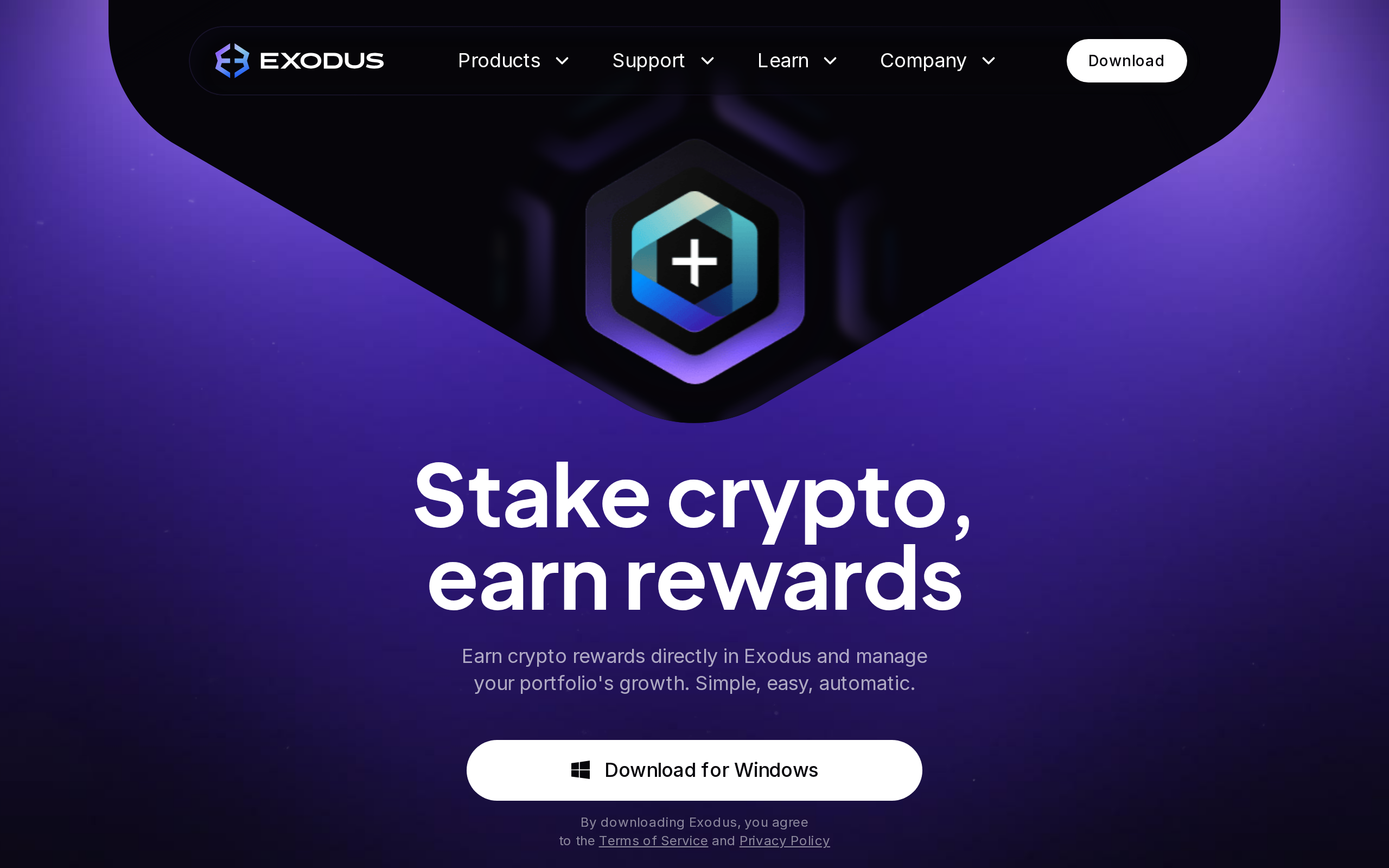
Staking sits one tab away and is a click-through to supported networks, with rewards that vary by chain and are not guaranteed. Exodus Pay and a Visa debit card extend the app into spending, which the front page describes in detail.
One thing a careful buyer must weigh: the code is not open source. You cannot read it, and outside researchers cannot audit it on the public record the way they can with some wallets. For a team that wants to inspect what runs on a device holding value, that settles the matter. For most beginners it will never come up, but it should.
How it compares with the usual alternatives
Against MetaMask or Phantom, Exodus is friendlier and covers more chains from a single install, but it is not a browser-extension gateway to apps in the same way. Against a plain hardware wallet app, it offers a lot more screen and a lot more fees. Against an exchange account, you hold the keys, which is the point, and you also hold the responsibility: lose the recovery phrase and Exodus cannot restore it. Support is available around the clock, but support cannot reverse a send.
Verdict
Exodus is a good wallet attached to an expensive exchange. If you hold Bitcoin or Ethereum, want something easy on the eyes and plan to pair a Trezor or Ledger, the 7.3 we give it is earned. If you intend to swap often or buy by card in small amounts, a dedicated exchange will cost you less, and you can send the coins in afterward. Avoid it as your only security if you hold a large sum on a single laptop.
Specifications
- Maker
- Exodus Movement
- Platforms
- Windows, macOS, Linux, iOS, Android
- Price
- Free to download and use
- Swap rate
- Advertised from 0.5%; real cost varies by pair and size
- Wallet fee on sends
- None from Exodus; network fee only
- Custody
- Self-custody; keys on your device, recovery phrase backup
- Hardware wallet support
- Trezor and Ledger
- Buying
- Card, bank, Apple Pay, Google Pay via partners
- Source code
- Closed
- Support
- 24/7 customer support