The short version
The Crypto.com app is a slick, widely available crypto hub with a card and rewards ecosystem few rivals match, but the advertised 0% trading fee hides a spread that independent reviews put between 0.5% and 2%. The best card perks require locking up CRO, a volatile token. Worth it for people who spend through the card and accept the lock-up. Skip it if you mostly buy and hold: a cheaper exchange wins.
Best for: Card spenders who accept staking CRO for rewards
Our score: 6.6 out of 10
Pros and cons
What works
- Visa card rewards advertised up to 5% back, with a free entry tier
- Over 400 coins and more than 20 funding currencies in one app
- Earn and staking sit beside trading, so idle balances can work
- Exchange login can reuse the same account for lower order-book fees
What does not
- The 0% fee headline hides a spread of roughly 0.5% to 2% on app buys
- Top card tiers need a CRO stake of thousands of dollars, a concentrated bet
- Credit card purchases can add fees of around 3% on top of the spread
- Large perks sit behind a lock-up period, so your coins are not free to move
Crypto.com sells you a card first and an exchange second, and the app is built around that order. We read the maker's own pages line by line and set them against what independent reviewers measured, because the headline on the home page and the cost of an actual purchase are two different numbers.
The 0% that comes with an asterisk
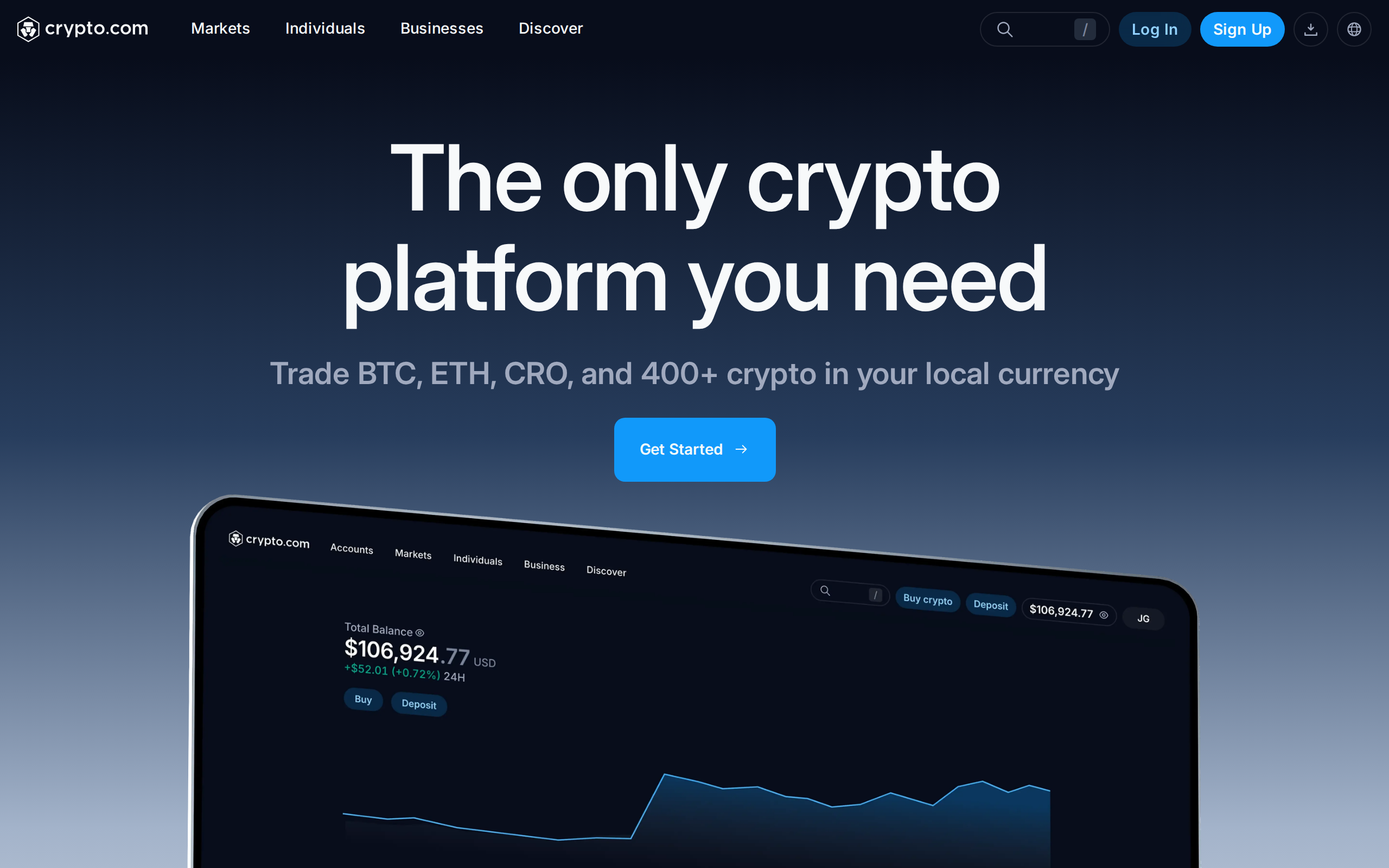
The home page promises trading with 0 fees. The same sentence ends with a warning that other fees or a spread may apply. That second half is the part that matters to a casual buyer.
In the app, you buy at a quoted price that already has the platform's margin built in. Independent reviews we checked, including Finder, describe a spread of roughly 0.5% to 1% in normal conditions and up to 2% on some app buys, with no fee line to point at. NerdWallet makes a similar comparison to rival platforms. Put plainly: a $1,000 purchase can cost you $5 to $20 before any card or funding fee.
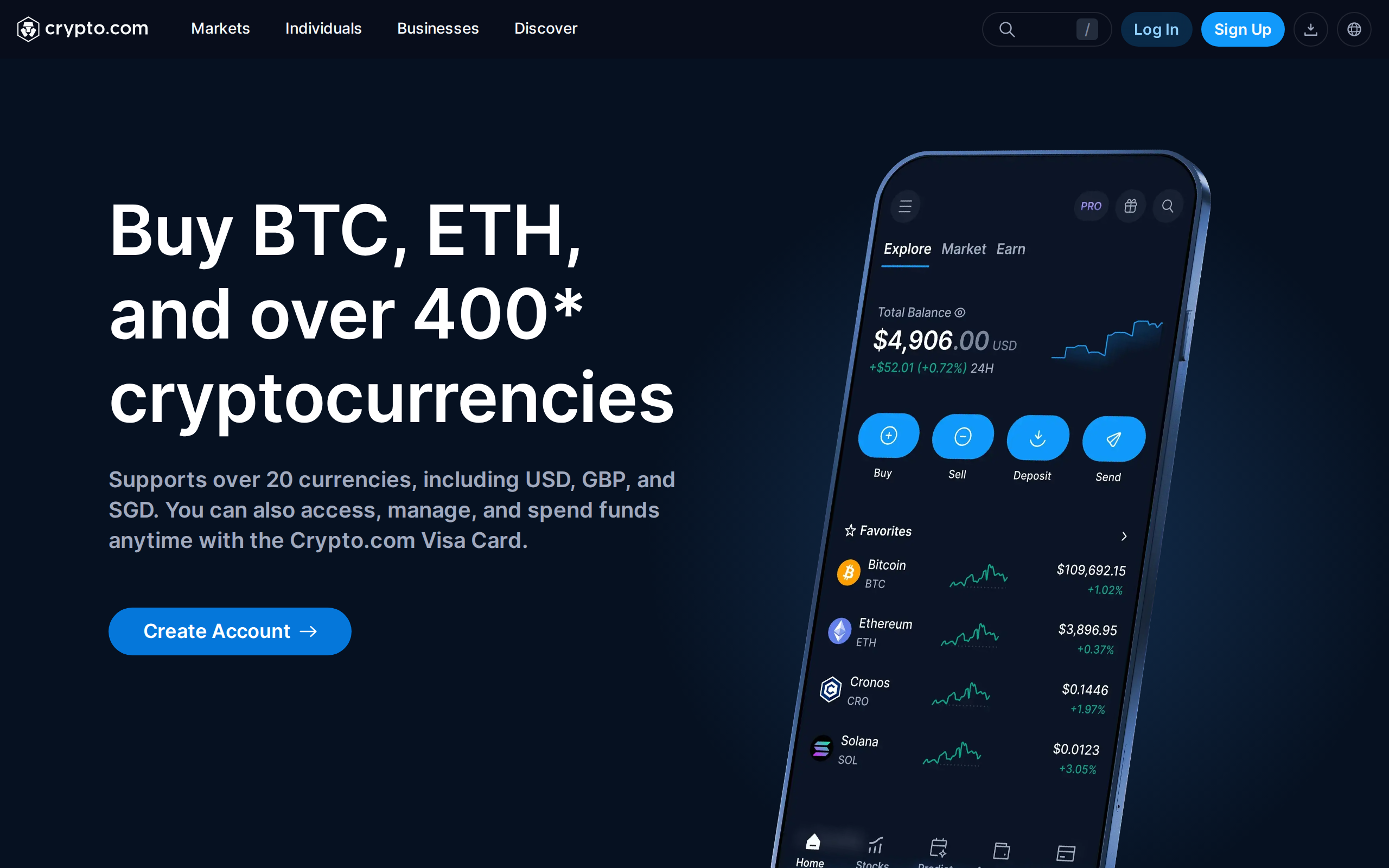
The app page lists over 400 coins and more than 20 funding currencies, including USD, GBP and SGD. Breadth is real. So is the cost of the convenience.
Exchange or app: the same company, a different price
Crypto.com also runs an order-book Exchange. Third-party reviews put its base spot fee at 0.25% maker and 0.50% taker, which is cheaper than an app spread of 1% or more but still above Bybit, OKX or Bitget for most users, as several comparisons note. Fees drop with volume and with a staked CRO balance.
The practical advice from our desk: if you buy often, use the Exchange screen, not the app's one-tap buy. If you buy once a quarter, the app's spread is the price of not learning a new interface, and you should know you are paying it.
The card is the point
Where the platform pulls ahead is the Visa card. The home page advertises up to 5% back on spend, and the rewards ladder is tied to how much CRO you stake. The entry tier is free and pays little. Coin Bureau and others describe a mid-range tier needing roughly $400 of CRO for 1% back, with the richest tiers asking for far more and adding lounge access and subscription rebates.
Do the sum before you chase a tier. Locking $4,000 in a single volatile token to earn a few percent back on a few hundred dollars of monthly spend only works if CRO does not fall by more than your rewards. A 20% drop erases a lot of cashback. We would treat the free tier as the honest product and the staked tiers as an investment decision in CRO that happens to come with a card.
Earn, and the lock-up question
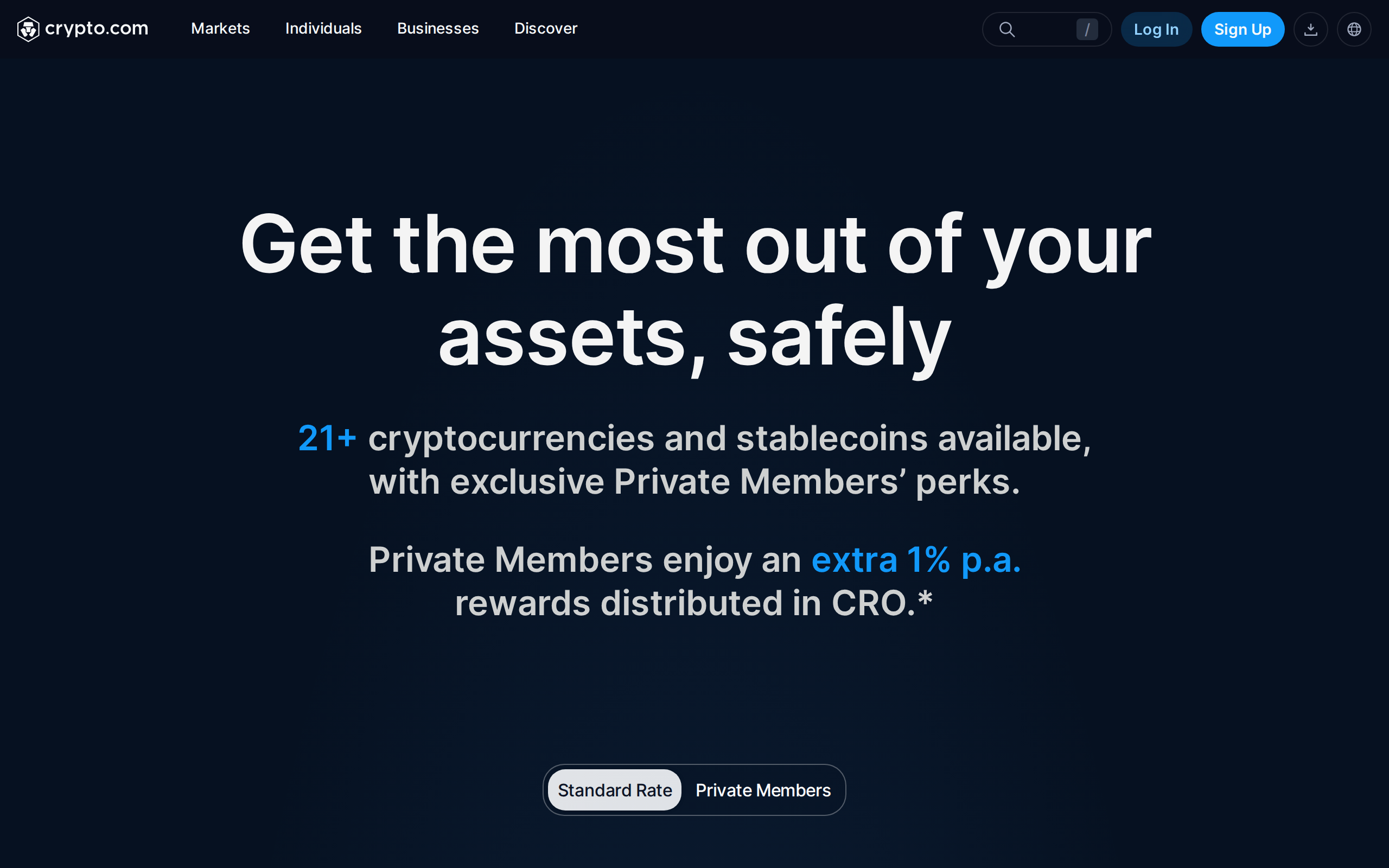
The Earn page pitches getting the most out of your assets, safely. The word safely is the maker's; we would only say that rates and lock-up terms change often and that custodial yield means the company holds your coins. Read the terms on the day you deposit, and do not assume a rate you saw in a review is the rate you will get.
Funding costs add up
Bank transfers are usually the cheap route. Reviews report card purchases carrying around 3% in fees, and a Bitcoin withdrawal fee of about $36 was cited by Finder. If you plan to move coins to a hardware wallet, a flat fee that size on a small balance is a real cost.
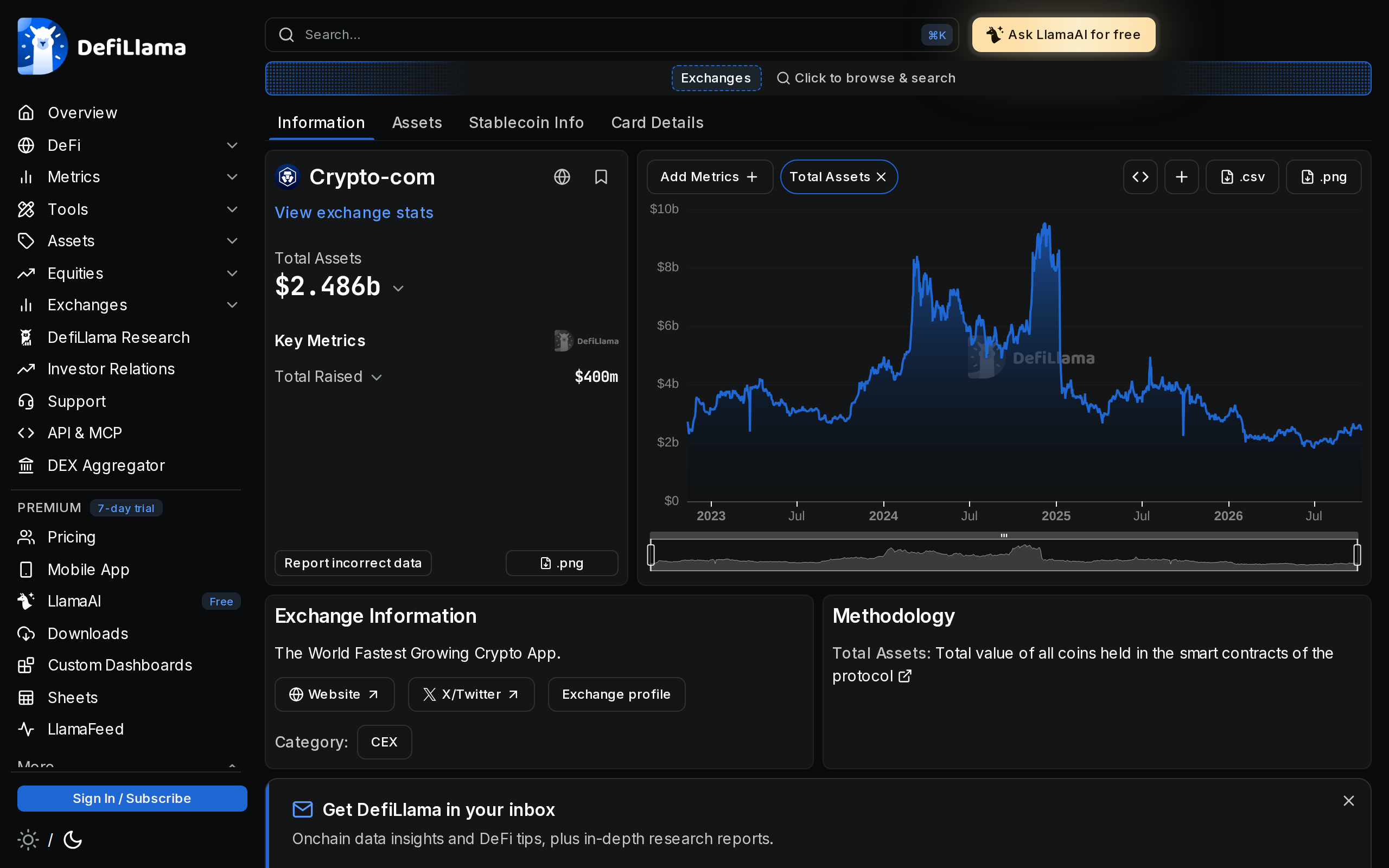
Third-party trackers such as DefiLlama list the exchange and its on-chain wallets, which is the closest thing to an outside check on solvency that most users will ever open. We would check it before parking a large balance on any centralised venue.
Who should use it
Use the app if you will actually spend with the card, you are comfortable holding CRO, and you value one place for buying, earning and paying. Use the free tier if you want the interface without the token risk.
Do not use it as your main place to buy and hold on price alone. A reader who only wants to accumulate Bitcoin would pay less on an order-book exchange with a flat 0.1% to 0.4% schedule. Nothing here is advice about what to buy: the question is what the platform costs you for the job you give it, and for a pure buyer the answer is more than the headline suggests.
Specifications
- Maker
- Crypto.com
- Platforms
- iOS, Android and web
- Coins listed
- 400+ per the maker
- Funding currencies
- 20+, including USD, GBP and SGD
- App fee model
- Advertised 0% trading fee plus a spread
- Exchange spot fees
- 0.25% maker, 0.50% taker at base (per third-party reviews)
- Card rewards
- Up to 5% back, tier set by CRO staked
- Native token
- CRO