The short version
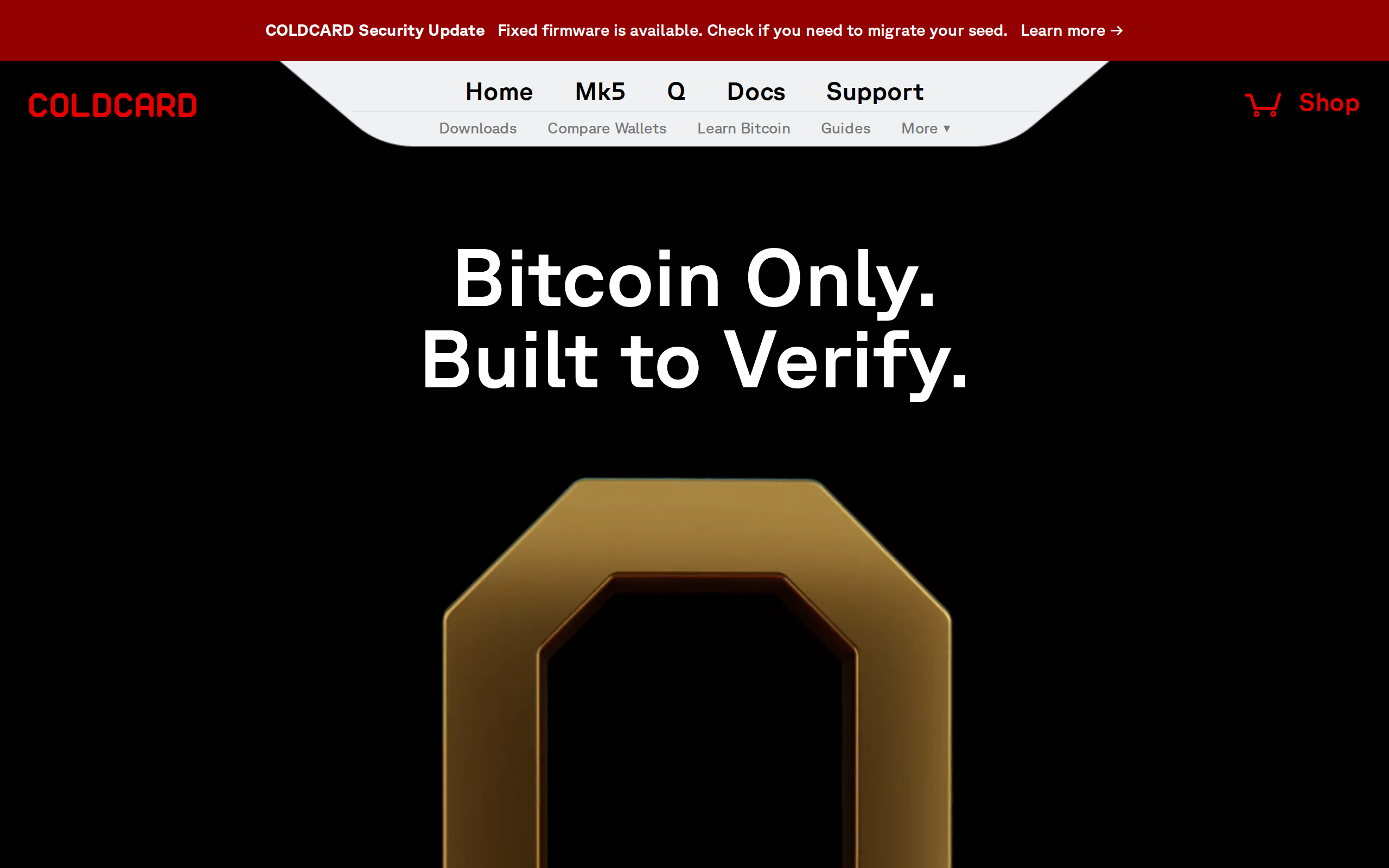
The Q is the most practical air-gapped Bitcoin signer we have assessed: keyboard for long passphrases, QR and microSD signing with no cable, and the Mk4 security model underneath. It is Bitcoin-only, hard for beginners and source-available rather than open source. Buy it for a large stack you rarely move; skip it if you want altcoins or a gentle first wallet.
Best for: Serious bitcoin savers who sign rarely and want no cable
Our score: 8.6 out of 10
Pros and cons
What works
- Full QWERTY keyboard makes long BIP-39 passphrases practical to enter
- Signs by QR, NFC or microSD, so the device never needs a computer link
- Two secure elements from different vendors, plus duress and trick PINs
- Runs on three AAA cells or USB power, with no sealed lithium pack
What does not
- Bitcoin-only: no Ethereum, no tokens, no Solana, nothing else
- Steep learning curve with many menus, a poor first wallet for beginners
- Firmware is source-available under a Commons Clause, not open source
- At $319 it costs far more than a Trezor Safe 3 at $59
If you hold a life-changing amount of bitcoin and touch it twice a year, a wallet's job is narrow: stay offline, resist coercion, and stay out of your way. The Coldcard Q is built for exactly that person, and almost nobody else. The question is whether $319 and a hard setup are justified over a $59 Trezor Safe 3 that also does the basics well.
What the Q changes from the Mk4 and Mk5
Coinkite kept the security model of its older Coldcards and rebuilt the shell around it. The maker's overview lists a 320x240 pixel color screen, a 50-key QWERTY keyboard in place of a 12-button pad, a dedicated QR scanner with LED illumination, NFC, and two microSD slots. Power comes from three AAA cells, alkaline or rechargeable, or from USB.
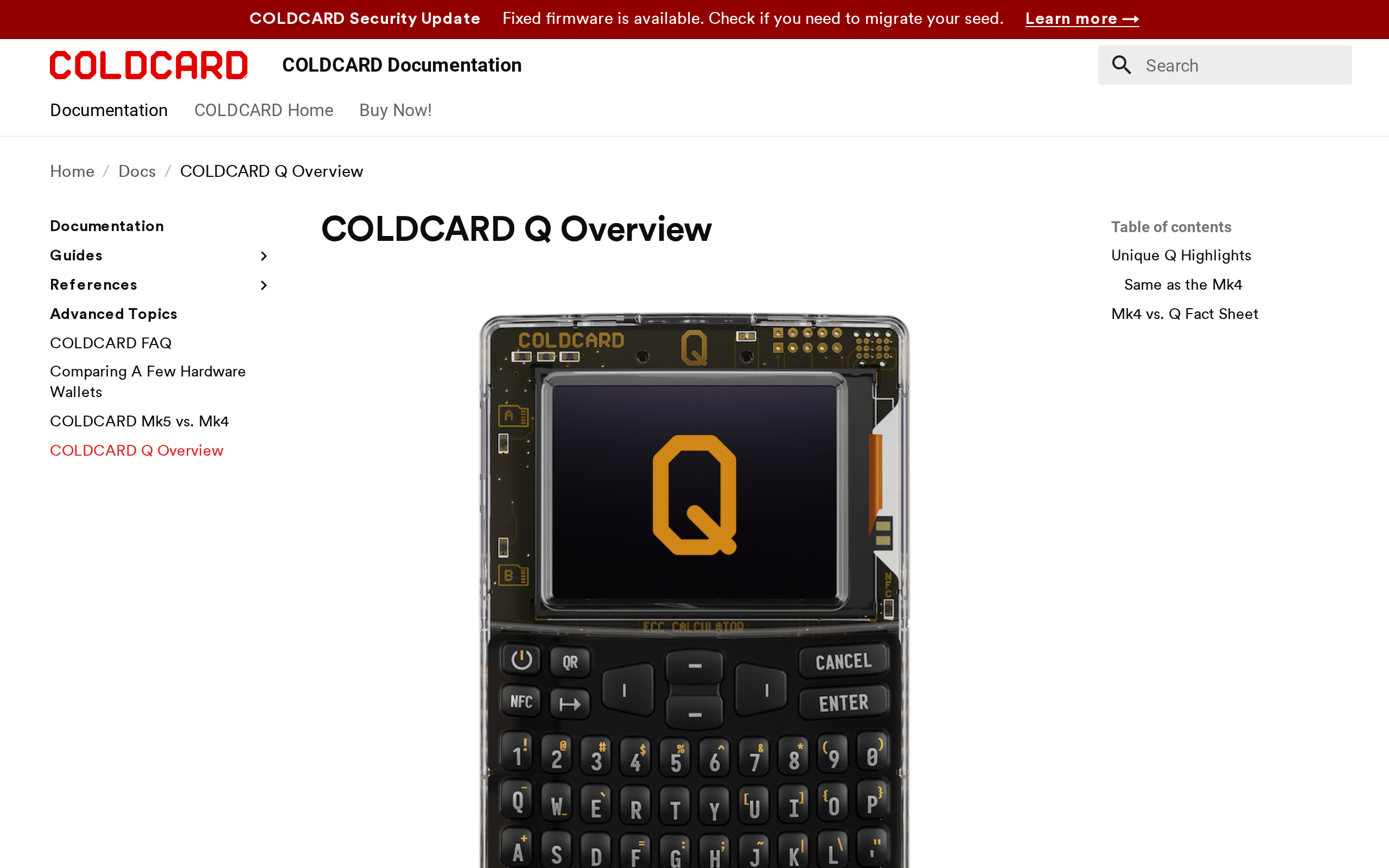
None of that touches the vault itself. Two secure elements from different vendors hold the secrets, the same arrangement as the Mk4. The headline change is convenience: you can go from seed generation to signing to firmware updates without ever plugging the device into a computer.
Why the keyboard is the real feature
Hardware-wallet reviews usually spend their time on screens. We would spend it on typing. A BIP-39 passphrase is the cheapest strong protection a bitcoin holder can add, and the usual objection is that entering a 30-character phrase with a numeric pad is miserable. On the Q it is a keyboard. That one change moves the passphrase from "advanced option I will skip" to something you might use every time.
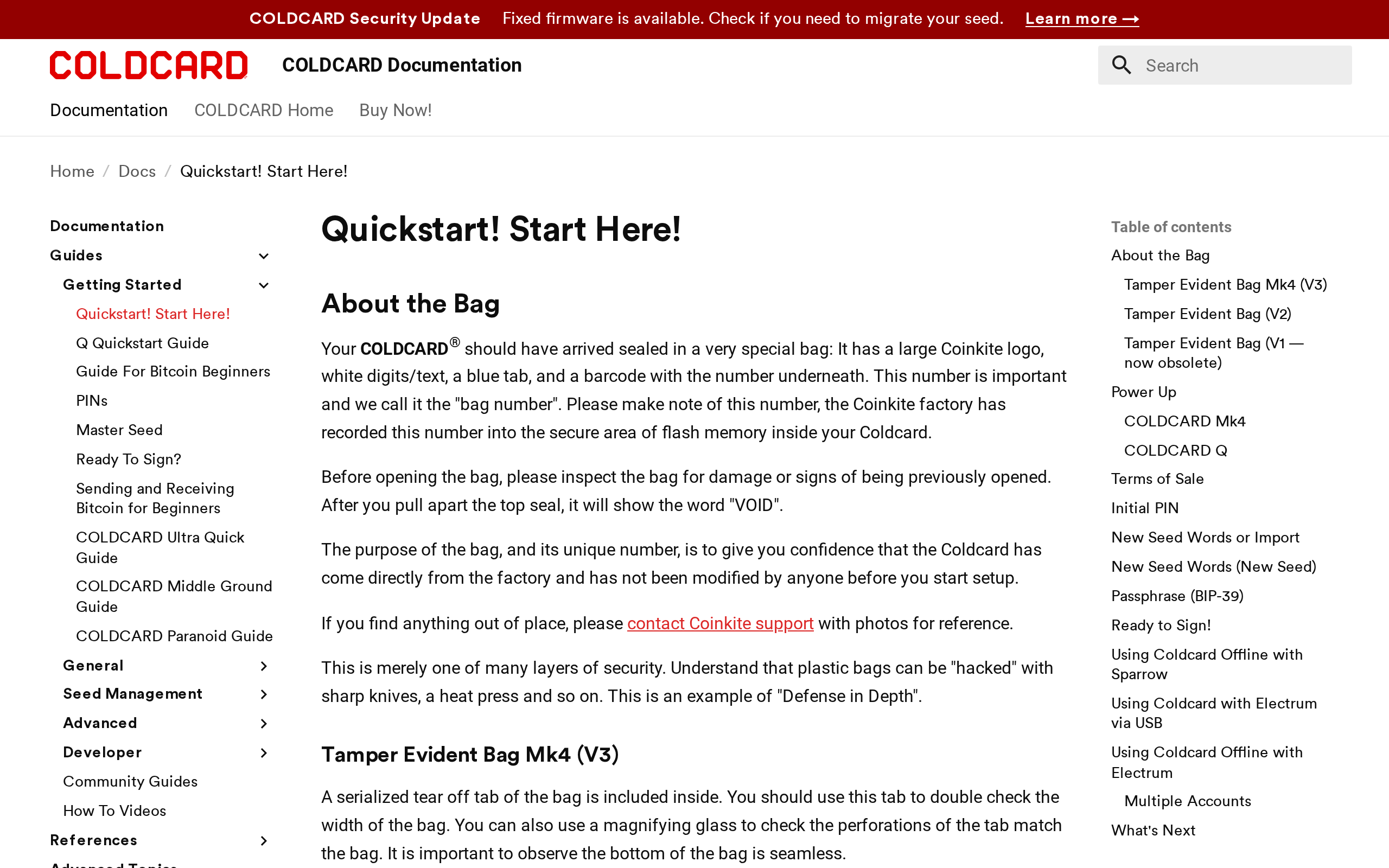
The quickstart still wants you to read before you press anything, which fits the product.
Signing without a cable
The signing guide describes three routes for a PSBT, the partially signed transaction your coordinator software builds: scan it as BBQr QR codes, tap over NFC, or carry it on a microSD card. The page says QR scanning requires the Q, while the other two work on the Mk4 and Mk5 as well.
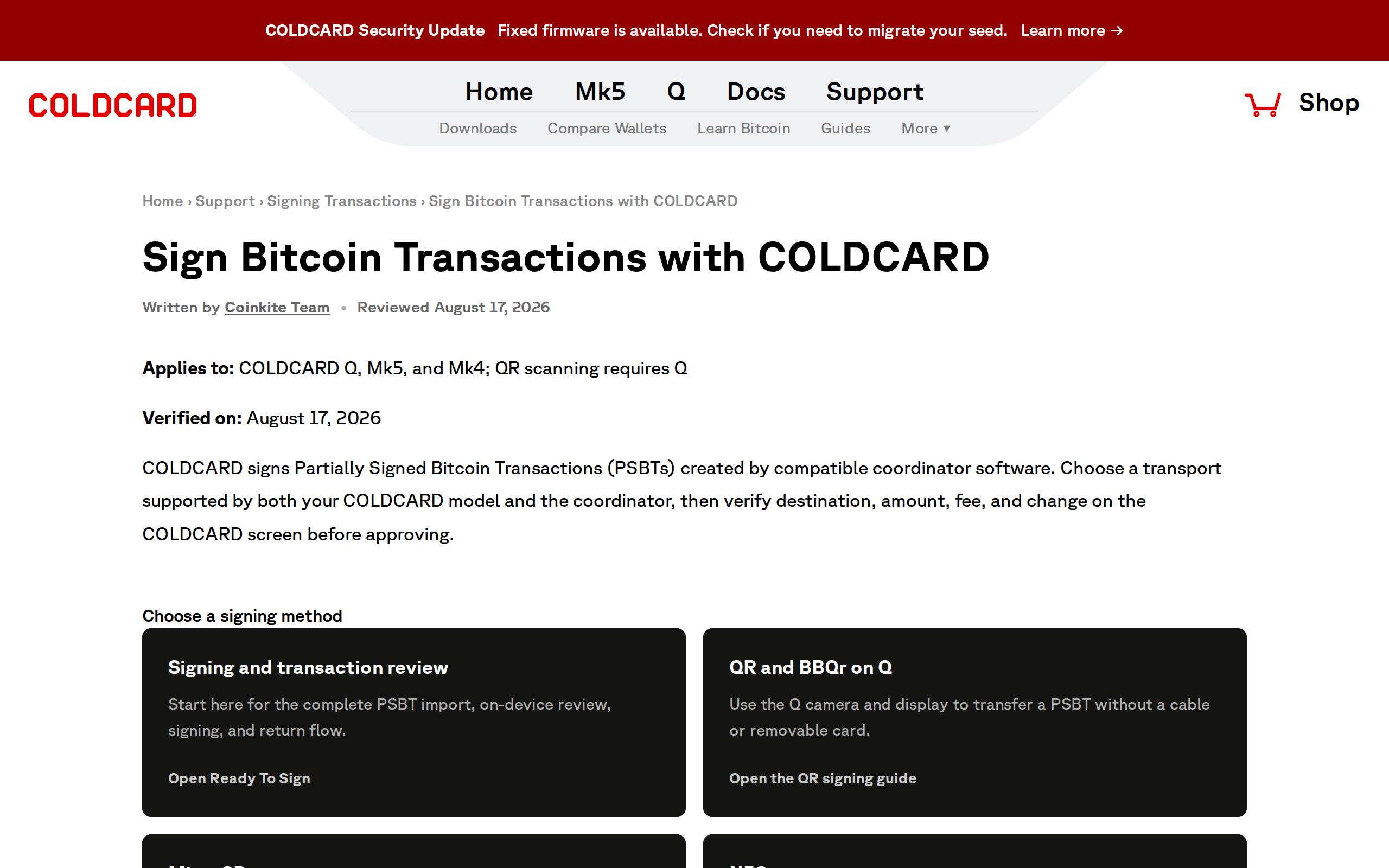
For a saver, QR is the comfortable one. Your phone or laptop shows the transaction, the Q scans it, you read the destination address on its screen, and the Q shows a signed code back. Nothing is cabled, nothing is mounted as a drive. The Q also has USB and NFC data-blocking options, which the docs describe as cutting PCB traces, a permanent step that suits people who want a physical guarantee.
What it does not do
It is Bitcoin-only. There is no Ethereum, no tokens and no apps. Coinkite's own comparison page lists no Bluetooth either, which is a feature here, not a gap.
Two criticisms deserve space. First, difficulty: reviewers such as CoinCodeCap note that the flexibility brings a steep learning curve. Trick PINs, duress wallets, Seed XOR and BIP-85 child seeds are powerful, and each one is a way to lock yourself out if you misread a menu. Second, licensing. The firmware is published and builds are reproducible, but under a Commons Clause, which the open-source community does not count as open source. The maker now prefers the word "verifiable". For most holders that distinction is philosophical. For some it will decide the purchase.
The running costs nobody lists
The sticker price is not the whole bill. Batteries are cheap, but a serious setup also means a spare microSD card or two, a metal or paper backup you trust, and a second device or recovery plan so a single lost wallet is not a lost fortune. The Q gives you the tools; it does not hold your hand through the discipline. Budget an afternoon for a first setup, including a full test restore from the seed backup before any real coins arrive. If that sounds tiresome, that is the honest signal to buy something simpler.
Who should buy it, and who should not
Buy it if you hold a large Bitcoin-only position, use or want a passphrase, and will practise a test restore before moving real money. The Q over the Mk5 is mostly a question of whether you value the keyboard and the QR scanner; if you sign monthly, you will.
Skip it if you hold several chains, if this is your first hardware wallet, or if the amount at stake does not justify $319. A cheaper device with a good backup habit beats an expensive one you never finish setting up. This review describes a product and is not advice on how much to hold or how to secure your own funds.
The Q is the best Bitcoin-only signer we would point a serious saver toward, and our score reflects a ceiling set by its difficulty and its licence, not by its security.
Specifications
- Price
- $319 (maker page)
- Maker
- Coinkite
- Coins
- Bitcoin only
- Display
- 320x240 pixel color LCD
- Input
- 50-key QWERTY keyboard
- Signing paths
- QR (BBQr), NFC, 2x microSD, USB-C
- Secure elements
- Two, from different vendors
- Power
- 3x AAA batteries or USB
- Wireless
- No Bluetooth, no Wi-Fi