The short version
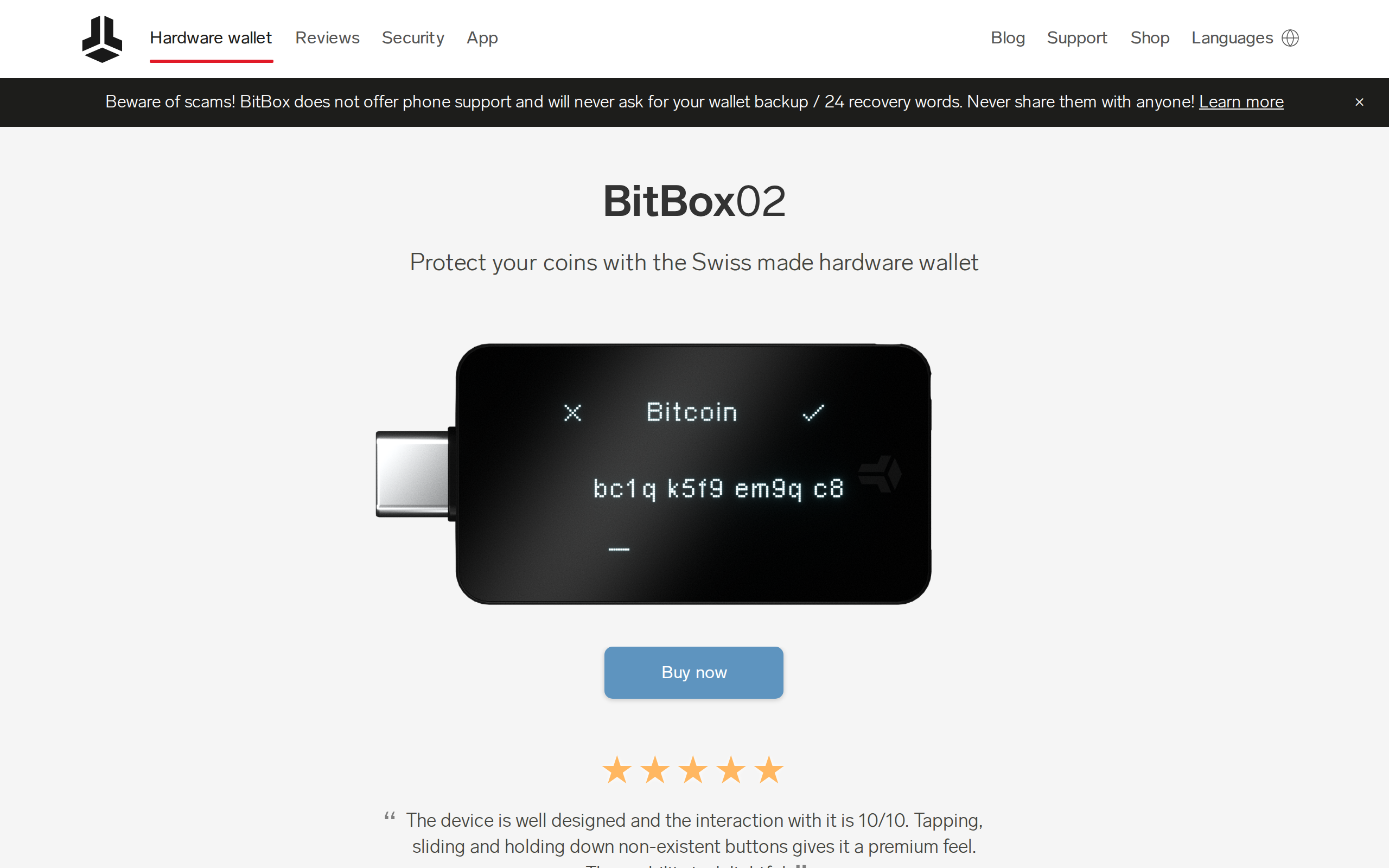
BitBox02 is the most straightforward hardware wallet for people whose main asset is bitcoin. Setup is quick, the microSD backup removes the usual paper-seed fumbling, and the firmware is fully open source. It is a poor fit if you hold many altcoins, since support stops well short of Ledger, and the original model has no Bluetooth or iPhone support. Buy the €175 Nova if you want that.
Best for: Bitcoin-first holders who want simple, auditable self-custody
Our score: 8.2 out of 10
Pros and cons
What works
- Fully open-source firmware and app, with a dual-chip design
- Instant microSD backup, with recovery words as an optional extra
- Bitcoin-only edition shrinks the code on the device
- BitBoxApp offers coin control, Tor and your own full node
- Works with Sparrow, Electrum and Specter as well as its own app
What does not
- Coin list is short: Bitcoin, Litecoin, Ethereum and ERC-20 tokens
- The original BitBox02 has USB only, so no iPhone or iPad use
- The Nova with Bluetooth and a glass screen costs €26 more
- Newsletter subscribers were exposed to a phishing mail via Brevo
The question with a hardware wallet is rarely "is it secure". It is "will I actually use it correctly in two years, when the box is in a drawer and the recovery words are somewhere". BitBox02 is built around that second question, and that is why it suits a particular kind of buyer.
We went through BitBox's product page, shop, app page and its own comparison table, then set them against outside coverage. The claims below are the maker's unless a source says otherwise.
What €149 gets you
The shop lists the BitBox02 at €149 and the newer BitBox02 Nova at €175. Both come in a Multi edition and a Bitcoin-only edition, and both use a dual-chip design with open-source firmware.
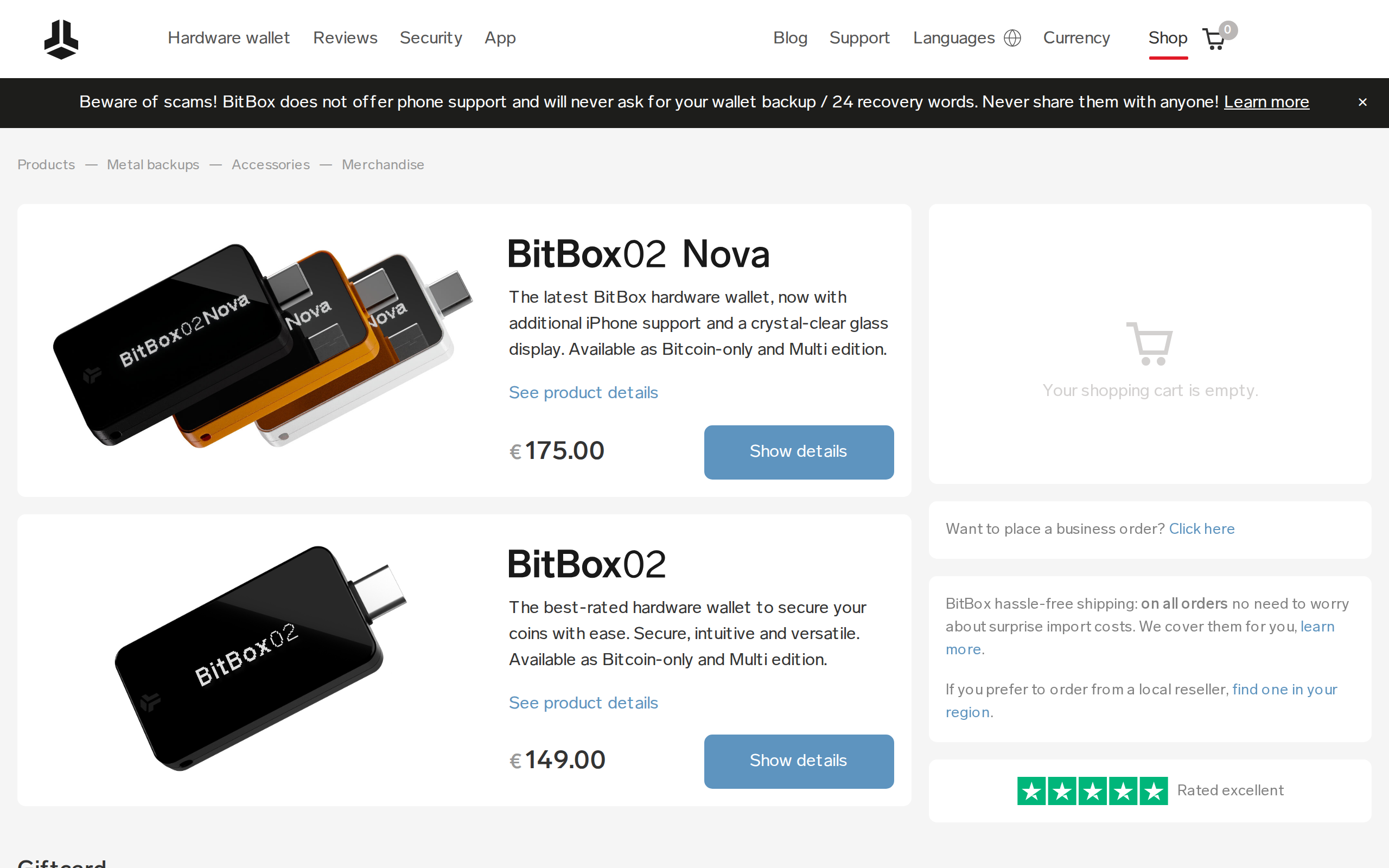
The gap between the two is specific. The Nova adds a glass OLED screen, Bluetooth for iPhone and iPad, and a certified EAL6+ secure chip. The original has a standard OLED, USB only and Android support. If you only ever plug it into a laptop, the €26 buys you little. If you want to sign from an iPhone, only the Nova works.
The backup is the real feature
Most wallets make you copy 12 or 24 words onto paper at setup. BitBox02 lets you back up to a microSD card instead, instantly, and write the words down only if you choose to. We think this is the strongest argument for the device, because a card kept in a safe place is much harder to get wrong than a scrawled list.
That convenience has a cost you should weigh. A microSD card is not a metal plate. If you want fire and water resistance, BitBox sells Steelwallet at €65 and Steelwallet Pro at €199, which together can pass the price of the wallet itself.
Bitcoin-first, and honest about it
The Bitcoin-only edition runs firmware that supports nothing else. The maker's argument is that less code means less attack surface, and that is a sound argument even if you cannot audit the code yourself. Open firmware means someone else can.
The Multi edition is thinner than its rivals. The product page lists Bitcoin, Litecoin, Cardano, Ethereum, Chainlink, BAT and ERC-20 tokens, and the app itself focuses on Bitcoin, Litecoin, Ethereum and tokens. Solana, XRP and most newer chains are absent. Ledger's own count runs into thousands of assets, which makes this the decision point: a portfolio of five chains does not fit here.
The BitBoxApp does more than show a balance
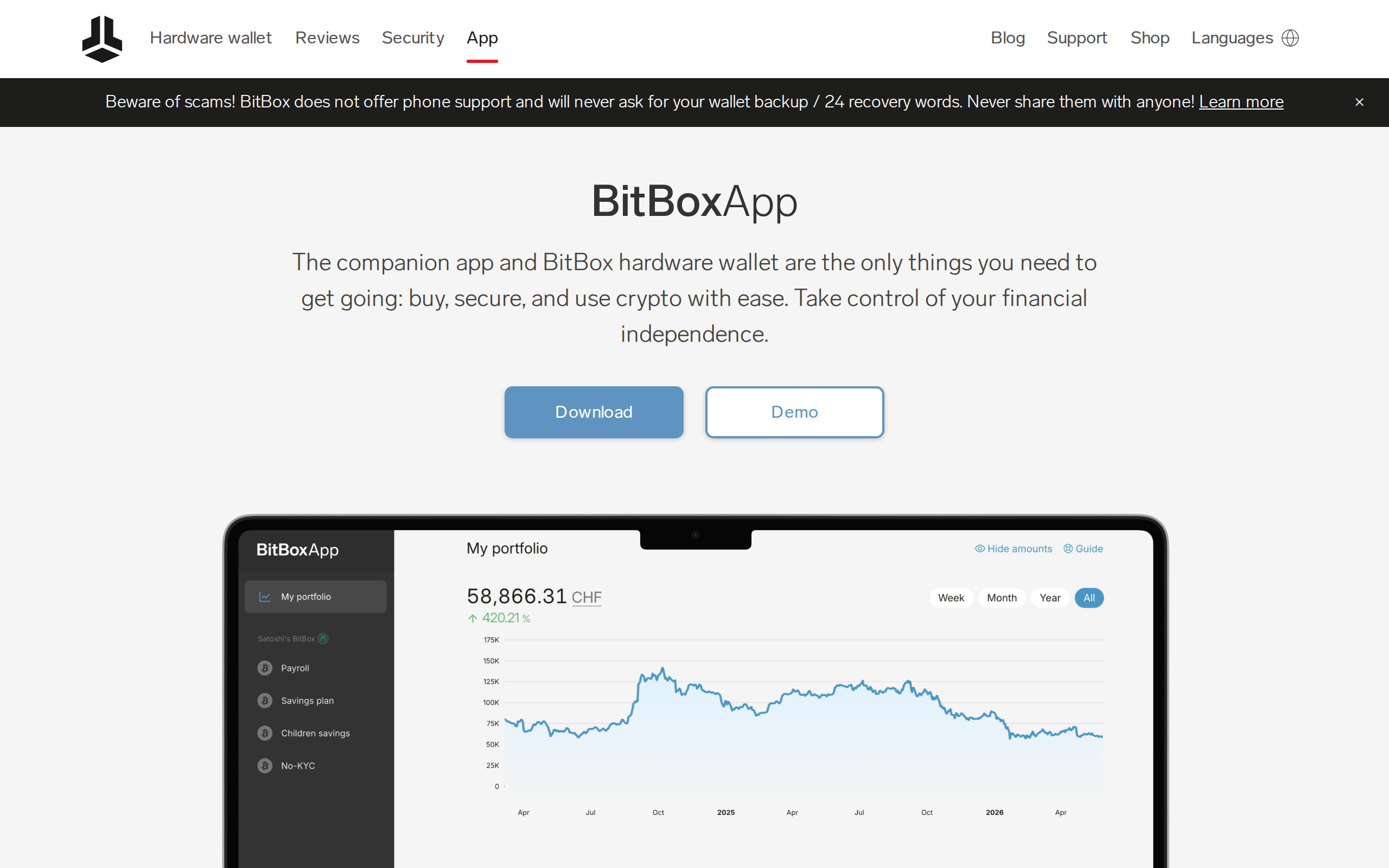
The app is where the Bitcoin focus pays off. It offers coin control, optional Tor routing, a connection to your own full node, and unified handling of address types such as native SegWit and Taproot. You can also skip it: the device pairs with Sparrow, Electrum and Specter. In the September 2026 release, BitBox added Lightning to the app, letting you move sats from the on-chain wallet to a hot Lightning wallet. Treat that hot wallet like cash in a pocket, not like savings.
For people who dislike hunting through menus, the in-app guide changes by page. The app also offers a swap service and a buy and sell flow, which are convenient but come with provider fees that you should read before you click through. An optional insurance product from Bitsurance is available too.
How it compares with Ledger and Trezor
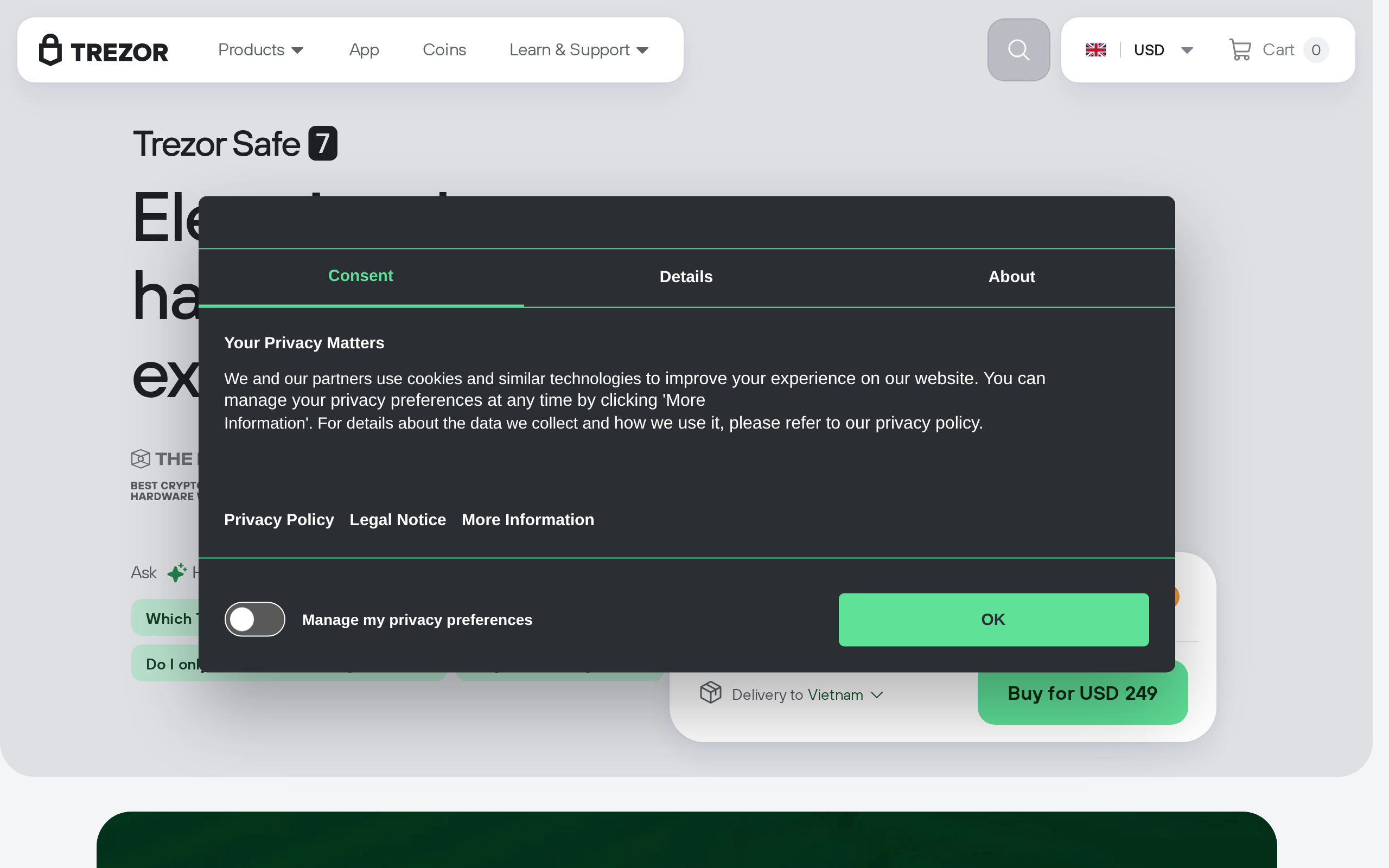
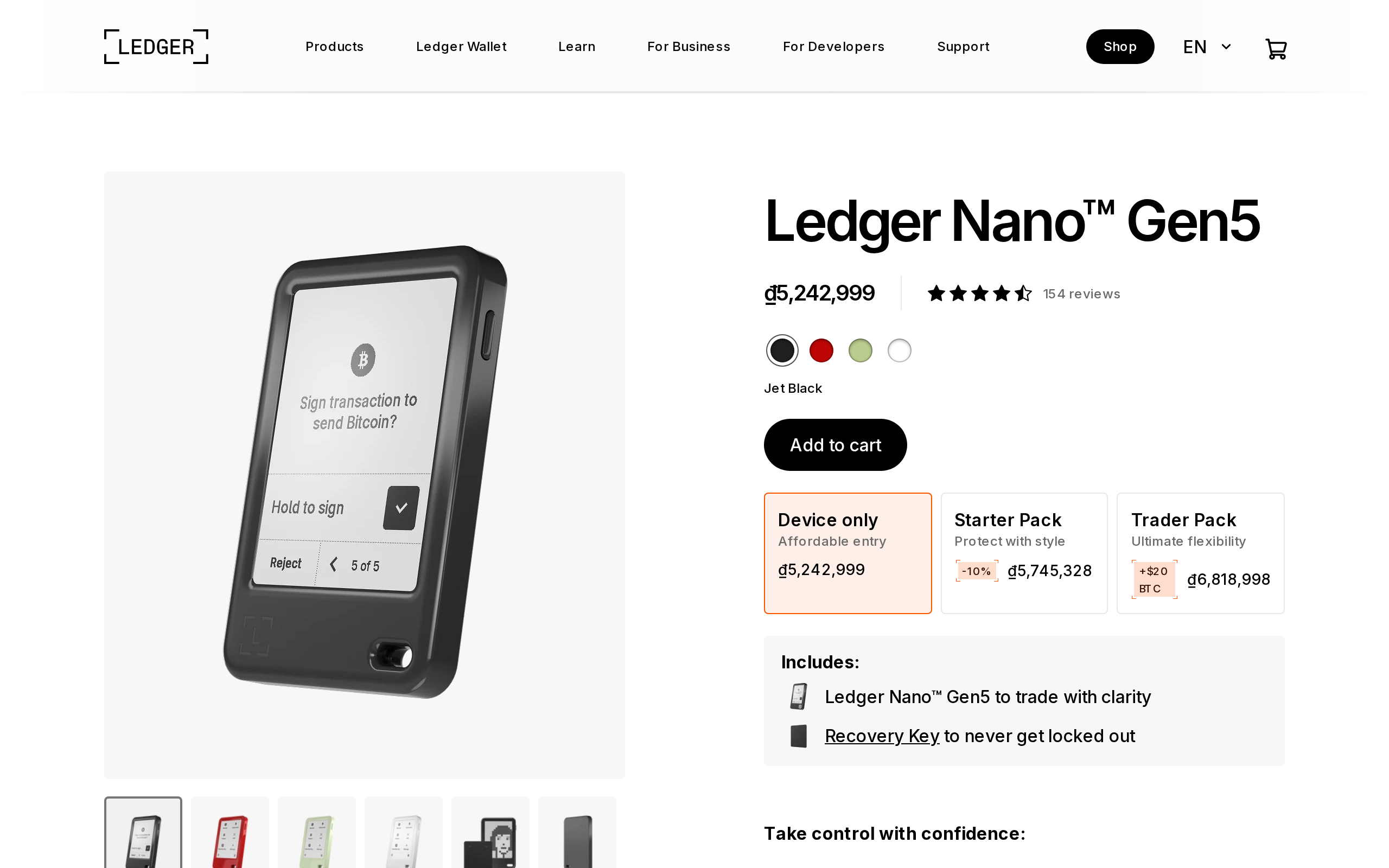
BitBox's own comparison table lines the Nova up against the Ledger Nano X and Trezor Safe 5.
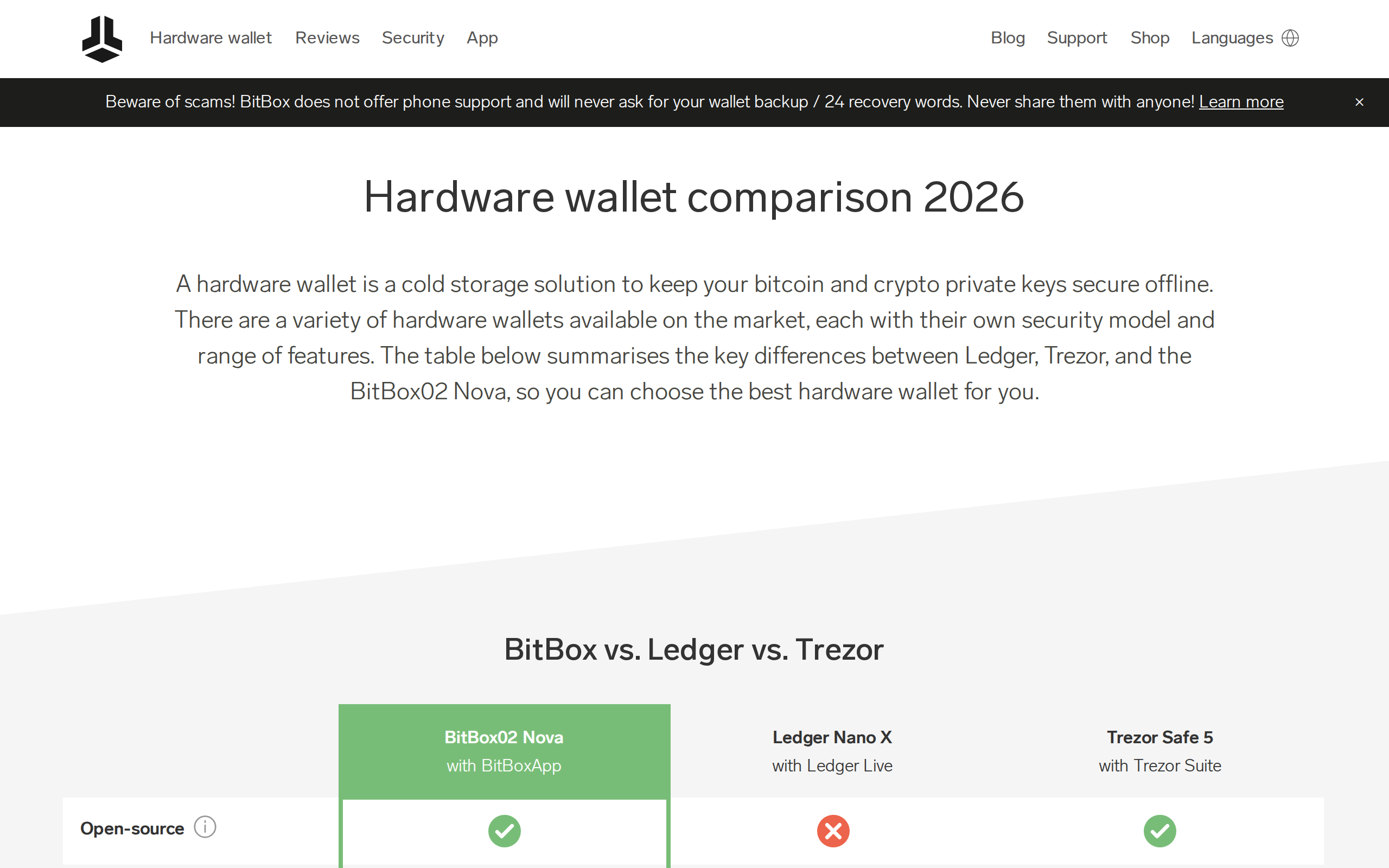
The table's points are real but selective. It notes that Ledger firmware is closed under non-disclosure agreements, that Trezor lacks instant microSD backup, and that BitBox supports BIP-85 child keys. It does not dwell on Ledger's far wider coin list, so weigh that yourself.
One incident worth knowing
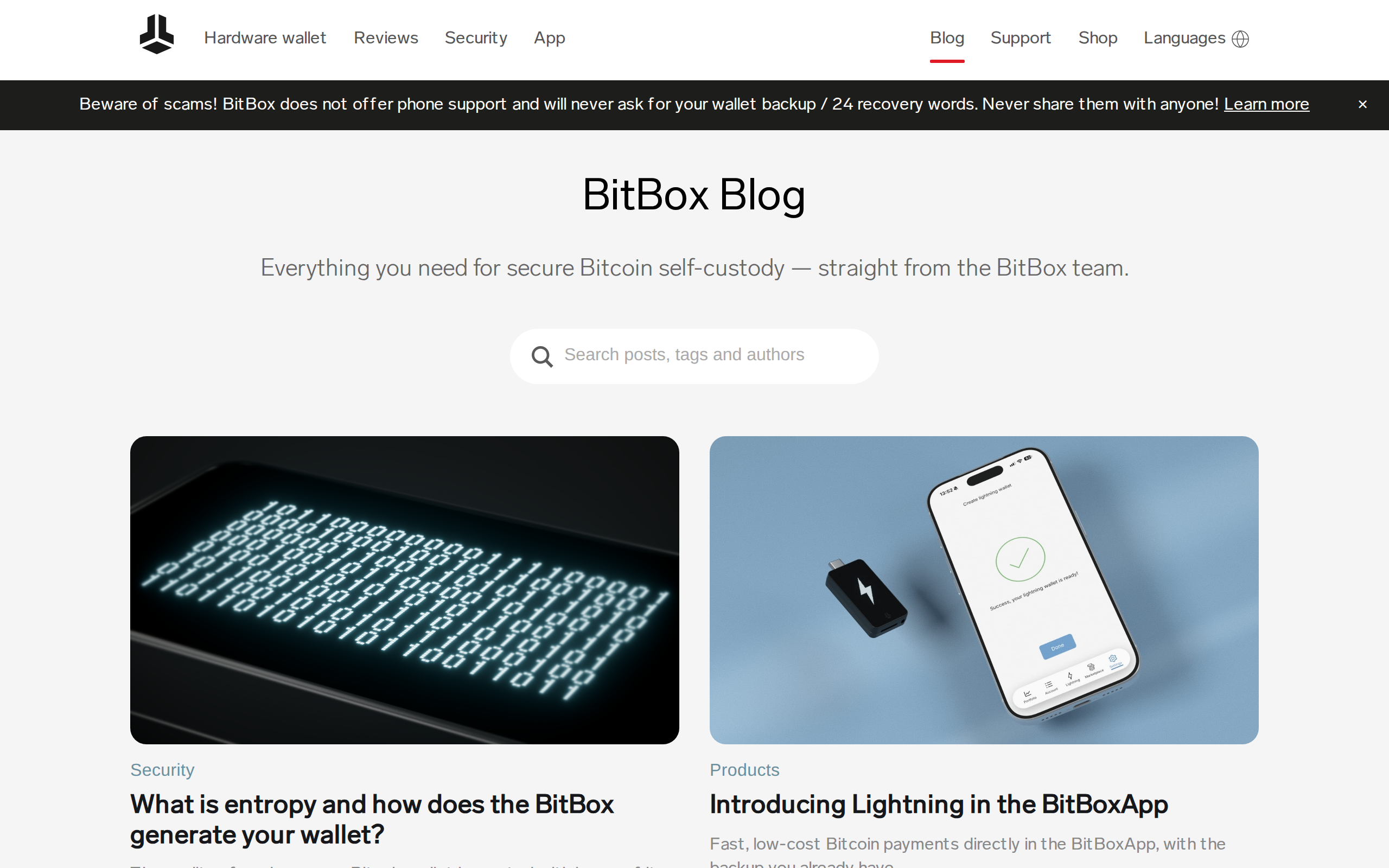
BitBox also posted about an email exposure at its newsletter provider, Brevo. Cointelegraph reported that an attacker used a login flaw to send a phishing mail that reached BitBox subscribers. BitBox said the account held only email addresses and language preferences, and it saw no sign of lost funds or exposed recovery phrases. The wallet itself was not involved. The practical lesson stands for every brand: BitBox says it never asks for your recovery words, and no email should.
Who should buy it, and who should skip it
Buy it if bitcoin is most of what you hold, if you want a backup flow you will really finish, and if open firmware matters to you. Skip it if you trade many altcoins, or if you want one device for dozens of chains. In that case a Ledger or Trezor covers more ground. If iPhone use matters, pay the extra for the Nova.
Nothing here is a recommendation about what to hold. A hardware wallet only protects keys. It does nothing about a bad purchase.
Specifications
- Price
- €149 (BitBox02); €175 (BitBox02 Nova)
- Editions
- Multi and Bitcoin-only
- Security design
- Dual chip with a secure chip; fully open-source firmware
- Backup
- microSD card, optional written recovery words
- Connection
- USB-C; Bluetooth only on the Nova
- Mobile
- Android (BitBox02); iPhone, iPad and Android (Nova)
- Desktop
- Windows, macOS and Linux via the BitBoxApp
- Coins
- Bitcoin, Litecoin, Ethereum and ERC-20 tokens in the app
- Metal backups
- Steelwallet €65, Steelwallet Pro €199