
Logitech MX Master 4 Review: Haptics Alone Won't Move an MX Master 3S Owner
Logitech's MX Master 4 adds haptic feedback, a new Actions Ring and sturdier materials for $119.99. We compare it with the $99.99 MX Master 3S to see who should upgrade and who should keep what they have.
Best for: Desk workers replacing an older MX Master or any basic mouse
The best all-round office mouse you can buy, and a clear step up for anyone on an MX Master 3 or older. For an owner of a working MX Master 3S it is a nice-to-have: the haptics are subtle, the sensor is the same 8,000 DPI class, and the real gains are tougher materials and a USB-C receiver. Upgrade from older mice. Keep a 3S unless the Actions Ring fits your daily workflow.
$119.99from Logitechlogitech.com
If you already own an MX Master 3S, you have probably been told the MX Master 4 is the better mouse. It is. The more useful question is whether it is better by $120 worth, when yours works fine. We think that for most 3S owners the answer is no, and for everyone else it is a firm yes.
What changed, and what did not
Start with the stubborn fact. Logitech's own listing for the MX Master 3S is titled "8K Optical Sensor" and sells the Bluetooth edition at $99.99. The MX Master 4 is $119.99 and also uses an 8,000 DPI sensor that tracks on glass. So the thing you steer with is the same class of hardware. The sensor jump that reviewers mention was from the MX Master 3, not from the 3S.
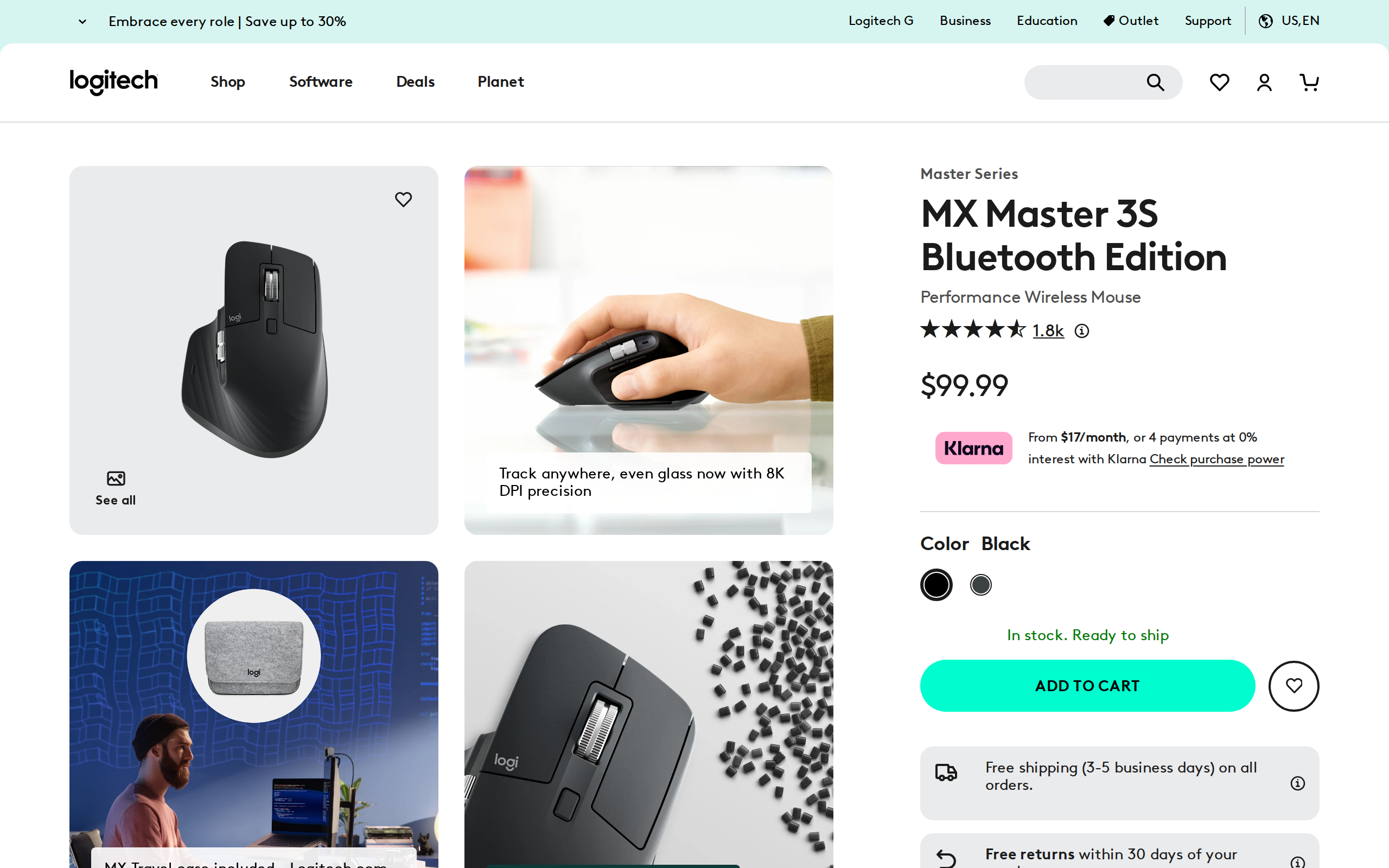
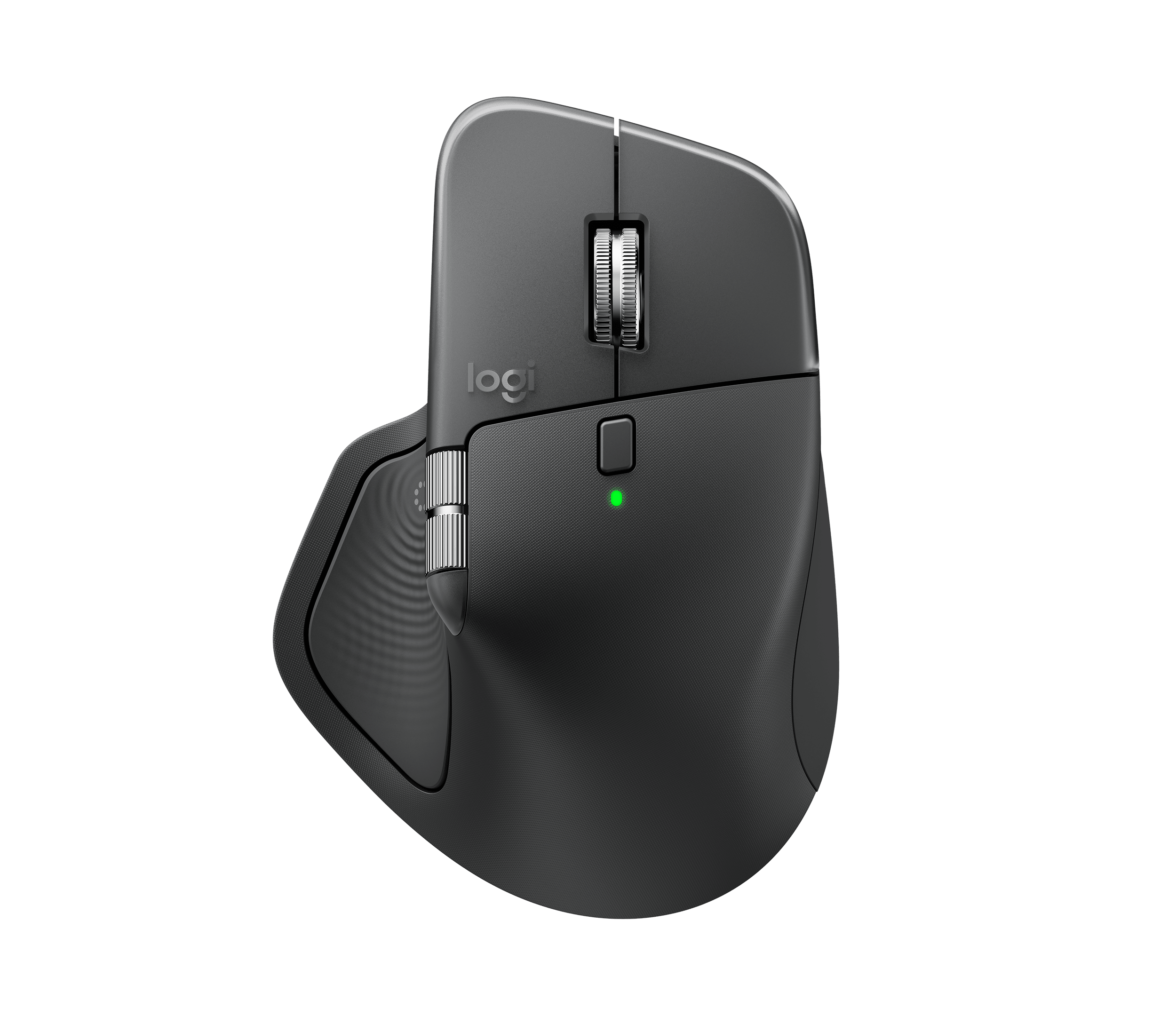
What did change is the stuff you touch. 9to5Mac notes that the soft, rubbery coating on older models has given way to a harder matte plastic across most of the body, with only the thumb rest and right side staying soft. Anyone who has watched a 3S go sticky or shiny knows why that matters. IT Daily adds that it feels a little less warm in the hand, and that the weight rises from 141g to 150g.
Haptics, honestly assessed
The headline feature is a haptic panel under the thumb. It buzzes for connection, device switching and certain gestures, and it can be tuned in software. Logitech describes it as feedback on specific actions, shortcuts and notifications.
Here we agree with IT Daily's blunt line: it adds no value if you use the mouse like a traditional mouse. The vibrations are small and pleasant. They are not the reason to spend money. They become useful inside the Actions Ring, where a tap confirms a selection without you looking away from the screen.
The Actions Ring is the actual new idea
Press the new thumb button and a radial menu appears around the cursor. You choose from shortcuts you set in Logi Options+: copy, a macro, an app launcher, an Adobe action, or one of the AI assistants that IT Daily lists, such as ChatGPT or Copilot. Logitech claims this saves up to 33% of your time and cuts mouse movement by up to 63%. Those are marketing numbers with no method published, so we would not plan around them.
What we can say is that the ring suits people who repeat the same five actions all day: editors, designers, spreadsheet-heavy analysts. If you mostly browse and type, you will map two shortcuts and forget the rest.

Software is also the soft spot. IT Daily flags that Options+ asks for extensive system permissions, particularly on macOS, and that the Mac model ships without the Bolt receiver at the same price.
Battery and daily use
Logitech rates the battery at up to 70 days on a charge. IT Daily reports half the battery still left after two weeks of heavy use, which fits the claim. A one-minute top-up buys around three hours, and you can keep working while it charges over USB-C. The standard-box receiver is now USB-C too, so it plugs straight into a modern laptop without a dongle.
The scroll wheel remains the best part. MagSpeed switches between a notched ratchet feel and a free-spinning mode that Logitech rates at up to 1,000 lines a second. Pair it with the thumb wheel and long spreadsheets or timelines are fast to move through.
Who should buy which
Buy the MX Master 4 if you are coming from an MX Master 3 or older, or from a basic mouse. The quieter, tougher design and the larger feature set are worth $119.99 over a long life.
Keep your 3S if it still works. Save the $120 unless the Actions Ring would change how you work. If you are buying new and want to save $20, the 3S is still a very good mouse, though with less durable materials.
Left-handed users should look elsewhere: this shape is for the right hand only. Small hands and travel bags are another poor fit. At 150g and full size, the MX Master 4 is a desk mouse, and Logitech's smaller MX Anywhere line is the more sensible pick if you carry a laptop every day.
One practical tip if you do upgrade: check which edition you are buying before checkout. The Mac model drops the receiver, and a separate USB-C receiver costs extra, according to 9to5Mac's review. On a Windows desk that already has a spare USB-C port, the standard box is the simpler purchase, and Bluetooth still works as a fallback on both platforms.
Verdict
A mature, well-judged update. It earns a high score as a mouse, and a middling one as an upgrade for current owners.