
Keychron Q1 Max Review: Is an Aluminium Keyboard Worth It for Typing?
The Q1 Max is a 1.7 kg wireless 75% board with a gasket mount, hot-swap switches and QMK remapping. We compare it with the office keyboard most people already use.
Best for: Heavy typists who want a wireless, remappable board with a premium feel
A superb keyboard for people who type all day and want a solid, quiet-for-a-mechanical board they can remap and re-switch. The build is stellar, the acoustics are dampened with layered foam, and 2.4 GHz wireless with a 4,000 mAh battery makes it practical. It is heavy at 1,724 g, has no adjustable feet and Bluetooth polls at only 90 Hz. Buy it for a home desk. Skip it for shared offices or travel, and take a cheaper K-series Max or a Logitech board instead.
$229.99 list, $209.99 on salefrom Keychronkeychron.com
The honest comparison for this keyboard is not another enthusiast board. It is the flat membrane keyboard that came with your office PC. Is a 1.7 kg slab of CNC aluminium really a better thing to type on for eight hours? For most people who type for a living, yes, with a few caveats about size and sound.
What 1,724 grams of keyboard feels like
The Q1 Max is a 75% board, which means no number pad and the arrow keys tucked in beside the right shift. Keychron lists the fully assembled version at 1,724 g, give or take 10 g, with an aluminium case, a PC plate and a gasket mount. It measures 145 by 327.5 mm. The heft is the first thing you notice: nothing slides, and nothing flexes.
Keychron's own page lists the price at $229.99, with a $209.99 sale price during a promotion when we looked. The box offers three routes. Fully assembled with a knob, the same with side-printed keycaps, or barebone with no switches or keycaps. Fully assembled boards ship with Gateron Jupiter switches in Brown, Red or Banana, and every one of them is hot-swappable. KitGuru, which gave the board 9 out of 10, called the build stellar and noted that it is easy to take apart.
Why it sounds the way it does
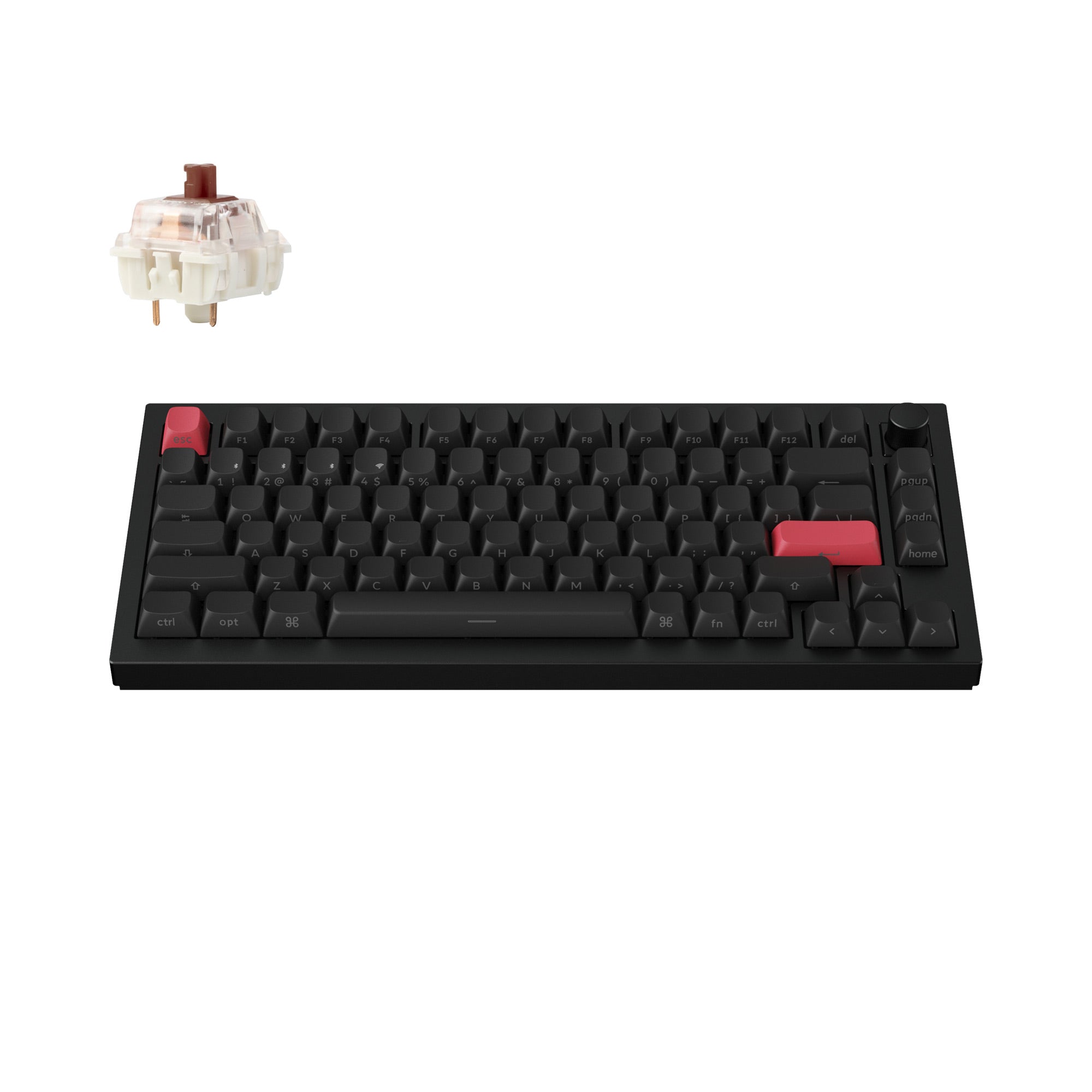
Sound is what separates a custom board from an office one. Keychron packs the case with several layers of acoustic foam, and the double-gasket design lets the plate flex a little instead of clacking against the frame. KitGuru praised the acoustics and the typing feel, and buyers on retail pages call it solid and satisfying rather than hollow.
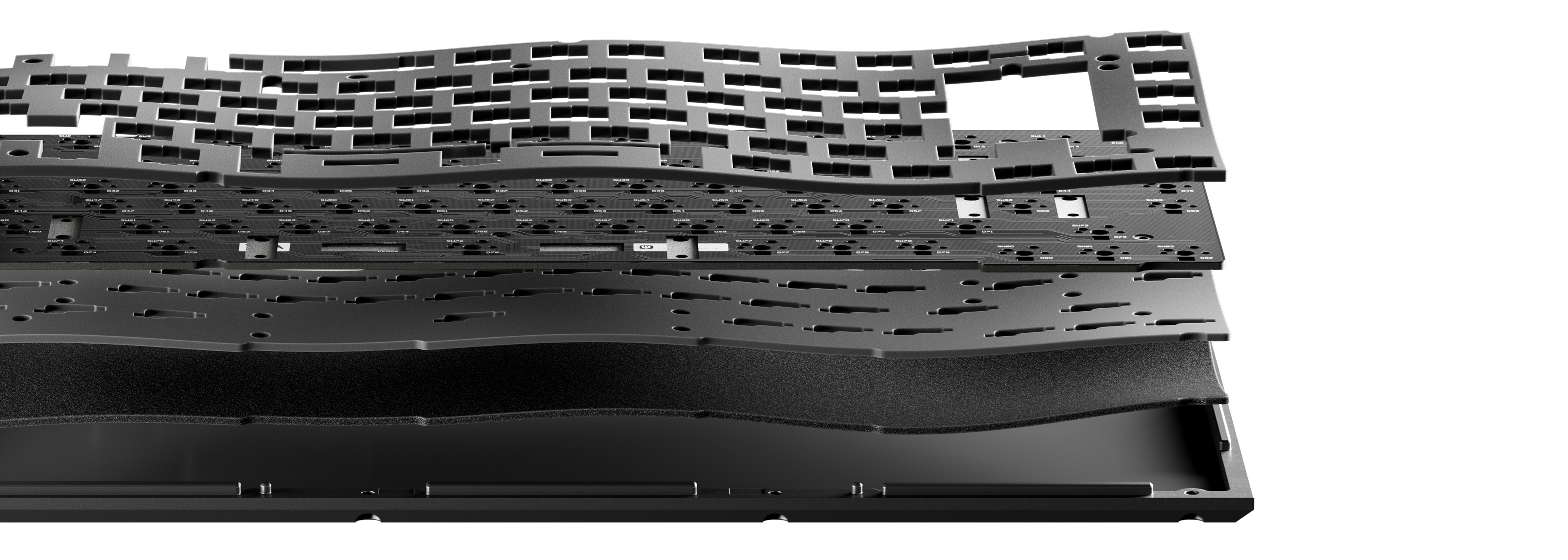
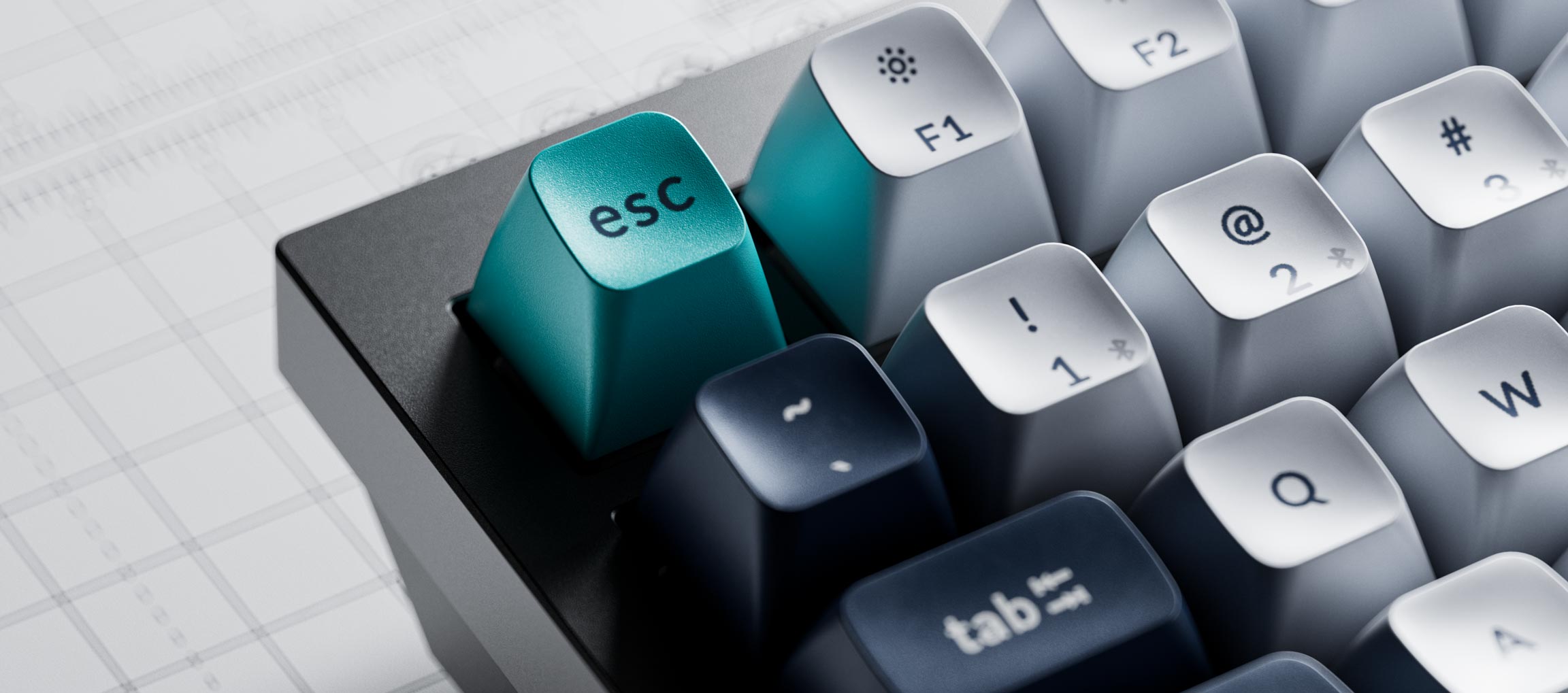
The keycaps are double-shot PBT in the KSA profile, which Keychron says are not shine-through. KSA caps sit a bit taller and more sculpted than the flat caps on a typical office keyboard. Some people love that angle. Others take a week to adapt, and the Q1 Max has no adjustable feet to help, which KitGuru flagged as its one real complaint.
Wireless, battery and the software
Connectivity is the big change from older Q1 boards. You get 2.4 GHz with a 1000 Hz polling rate, Bluetooth for up to three devices, and a USB-C cable. According to KitGuru, the Bluetooth polling rate drops to 90 Hz, so use the dongle if you game.
The battery is a 4,000 mAh cell. Keychron claims up to 180 hours with the backlight off and about 30 hours with the RGB on the lowest setting. We would plan on charging weekly if you leave the lighting on, and monthly if you do not.
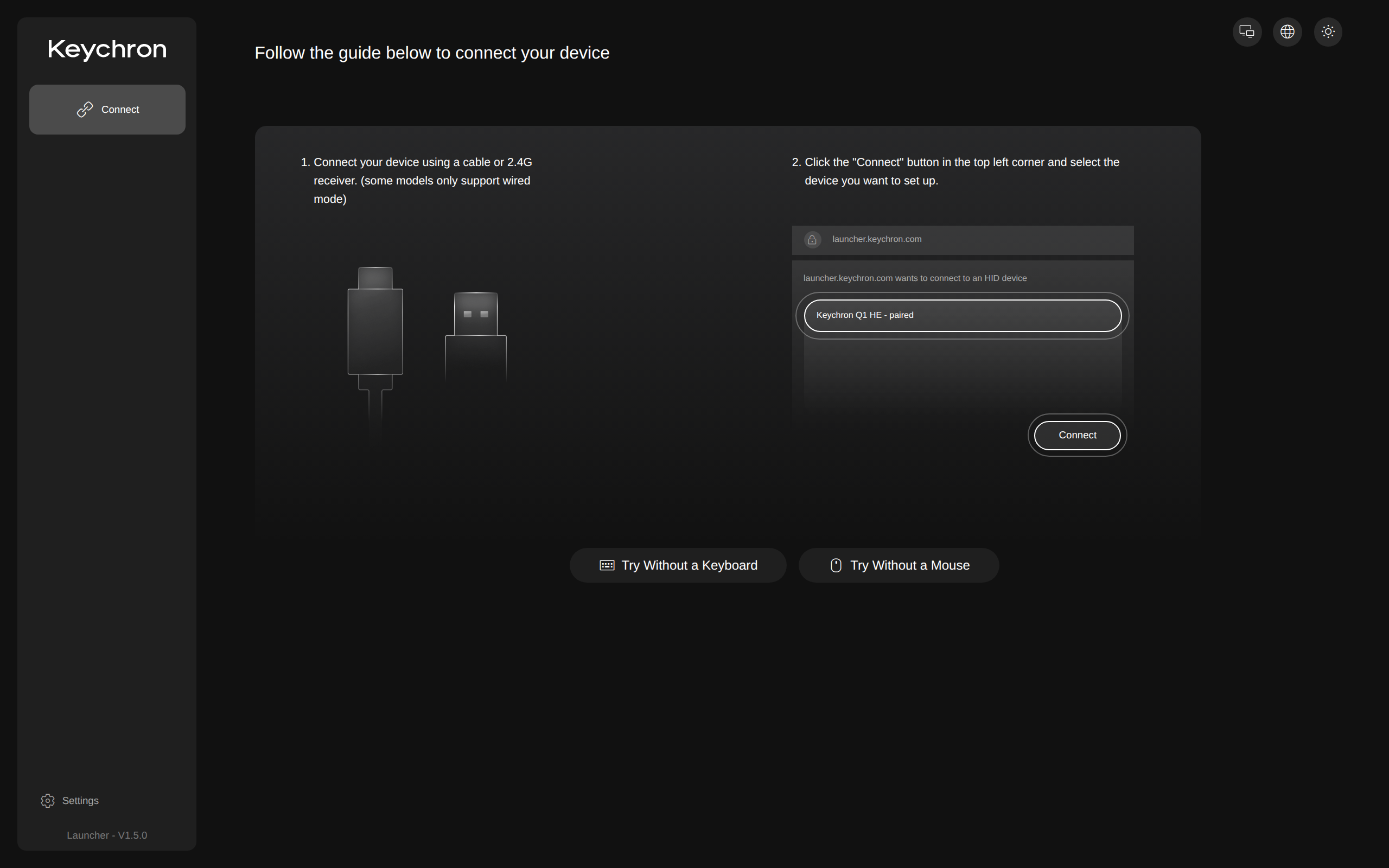
Remapping runs through QMK firmware and the Keychron Launcher, a web app. You plug in or pair the dongle, press Connect, and pick the keyboard from the browser. Keys, layers and macros all live there. The Launcher works on macOS, Windows and Linux without an install.
Living with a 75% layout
Dropping the number pad is the compromise people underestimate. Spreadsheet work gets slower, and accountants should look at a full-size board instead. In return you get a mouse that sits closer to your keyboard hand, which many people find easier on the shoulder. The knob in the top right corner is programmable like any other key, so you can set it in the Launcher to do what you need.
The layout also keeps the function row and the arrow keys, so coding, writing and email feel normal. Mac and Windows keycaps are both in the box, so a mixed household is covered.
Who it is for, and who should walk away
Buy it if you type for hours, like a heavy board, and want to swap switches later. Spare switches are cheap: Keychron lists a 45-switch pack of its Banana switches at $6.99 on the same page. A silicone palm rest is another $14.99, which is worth it because the case is tall.
Skip it if you share a desk, since even a muted board is louder than a membrane one. Skip it if you need a number pad or a travel-sized board. A mainstream office keyboard from Logitech will weigh a fraction of this and cost far less. If you want a smaller price tag with the same ideas, look at the cheaper K-series Max boards in Keychron's range.
Verdict
The Q1 Max is the nicest keyboard we can recommend at around $200 for people who actually type all day. It is not a necessity, and it is heavy and loud next to an office board. If you want to spend on your desk once, this is a good place to do it.