
GoPro MAX2 Review: Shoot 360 Now, Frame It Later (If You Will Edit)
The MAX2 records true 8K 360 video, has tough twist-off lenses and costs $499.99. Reframing later beats aiming a normal action camera, if you will really sit down to edit.
Best for: Travelers and riders who edit on a phone and hate missing a shot
The strongest 360 camera for rough use: true 8K, lenses you twist off and replace in seconds, and a build that survives drops. At $499.99 it undercuts the Insta360 X5 and DJI Osmo 360. Low light is poor, battery is short at 8K, and editing on a desktop means GoPro Player. Buy it if you edit on a phone. If you will not edit, buy a HERO13 Black.
$499.99from GoProgopro.com
The promise of a 360 camera is that you cannot miss the shot. You mount it, hit record and choose where to point the frame afterward: the ski line behind you, the child who ran off to the left, the view you did not know was there. The MAX2 is GoPro's attempt to make that promise cheaper and tougher than the competition. It mostly does.
What you get for $499.99
GoPro sells the MAX2 for $499.99, and its page also offers bundles with accessories. SlashGear noted that this undercuts the Insta360 X5 and DJI Osmo 360 by $50, which matters in a market where the three cameras are close in features.
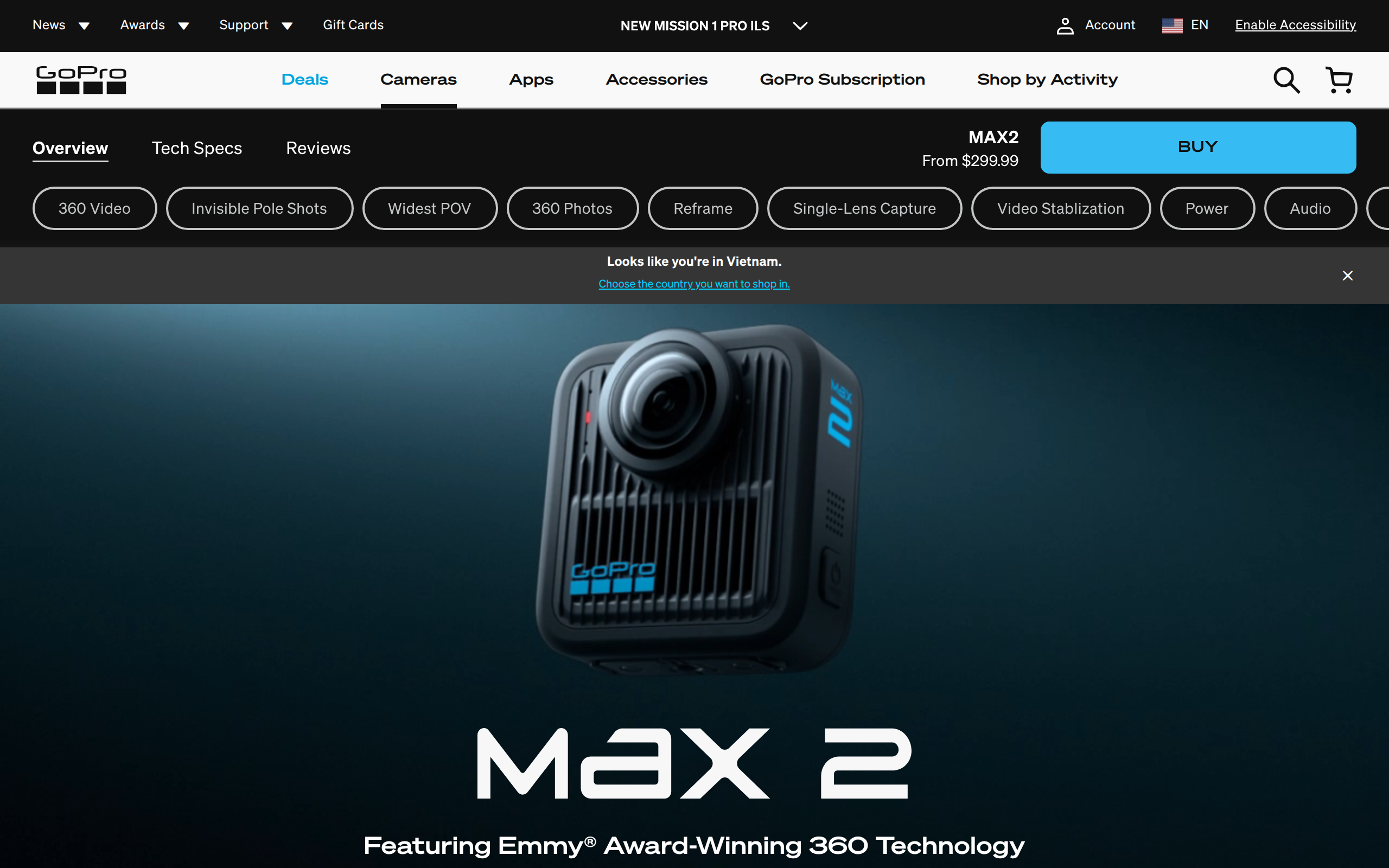
The headline is what GoPro calls true 8K. Both lenses feed a stitched picture, and some of each image is lost to the overlap used for stitching. GoPro says its sensors capture more than 4K each, so after stitching you still have a full 8K frame, which RedShark News puts at up to 25 percent more resolution than rivals. SlashGear put the gain at roughly 21 percent and said it is visible in good light.
Modes are 8K at 24 or 30 fps, 5.6K at up to 60 fps, and 4K at around 90 to 100 fps for slow motion. The caveat is that 4K spread across a 360 sphere is a modest picture once you reframe it, so the slow-motion mode is the weakest one.
Reframing is easier than it sounds, and harder than it should be
Here is the practical answer to the question on this page. For a trip or a sport where you cannot predict the action, shooting in 360 and choosing the angle later really is simpler than aiming a normal action camera. You stop worrying about framing and you can cut a flat 16:9 clip, a vertical clip and a spinning-planet shot from the same file.
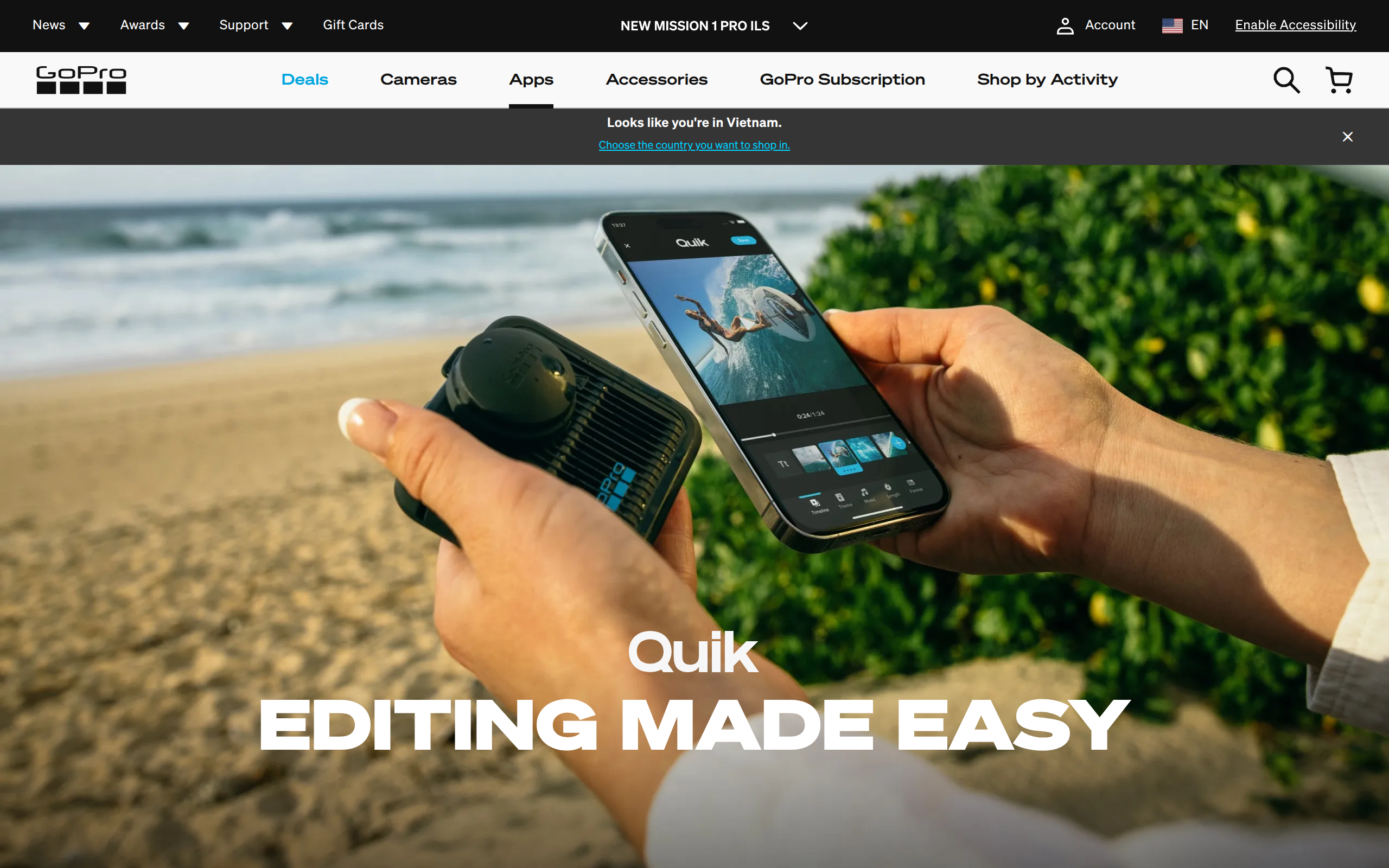
The work moves to the edit. RedShark found GoPro's Quik phone app straightforward, with easy object tracking. On a computer it is worse. SlashGear's blunt verdict is that the desktop path runs through GoPro Player, which it called a poor experience, and that dropping footage straight into Premiere or DaVinci Resolve is not yet possible. If you edit on a laptop, budget extra time and hard drive space.
Built for dropping, with fingers
Two design choices distinguish it from other 360 cameras. The lenses twist off by hand in seconds, so a scratched one can be swapped on a trail, and RedShark contrasts that with Insta360's more fussy process. SlashGear said the camera felt more durable than rivals, and RedShark dropped one in a car park without so much as a mark on the lens. The camera is also small enough to mount like a standard action camera, and its built-in folding fingers make it easier to mount than other 360 cameras, in SlashGear's view.
GoPro uses two separate hard caps in place of one floppy cover, so you can leave one lens guarded. Its color science also earns praise: SlashGear thought it looked more realistic than the heavier processing from Insta360 and DJI.
The weak spots are old GoPro habits
Low light is the first. SlashGear said dusk and night footage looked grainy, mushy and underexposed, and RedShark agreed that low light trails rivals. Battery is the second: RedShark got just over an hour in 8K, behind competitors, while another test cited 30 to 40 minutes at 8K30. Bluetooth audio to a DJI Mic 3 worked but sounded lower in quality, so serious vloggers will want a different camera.
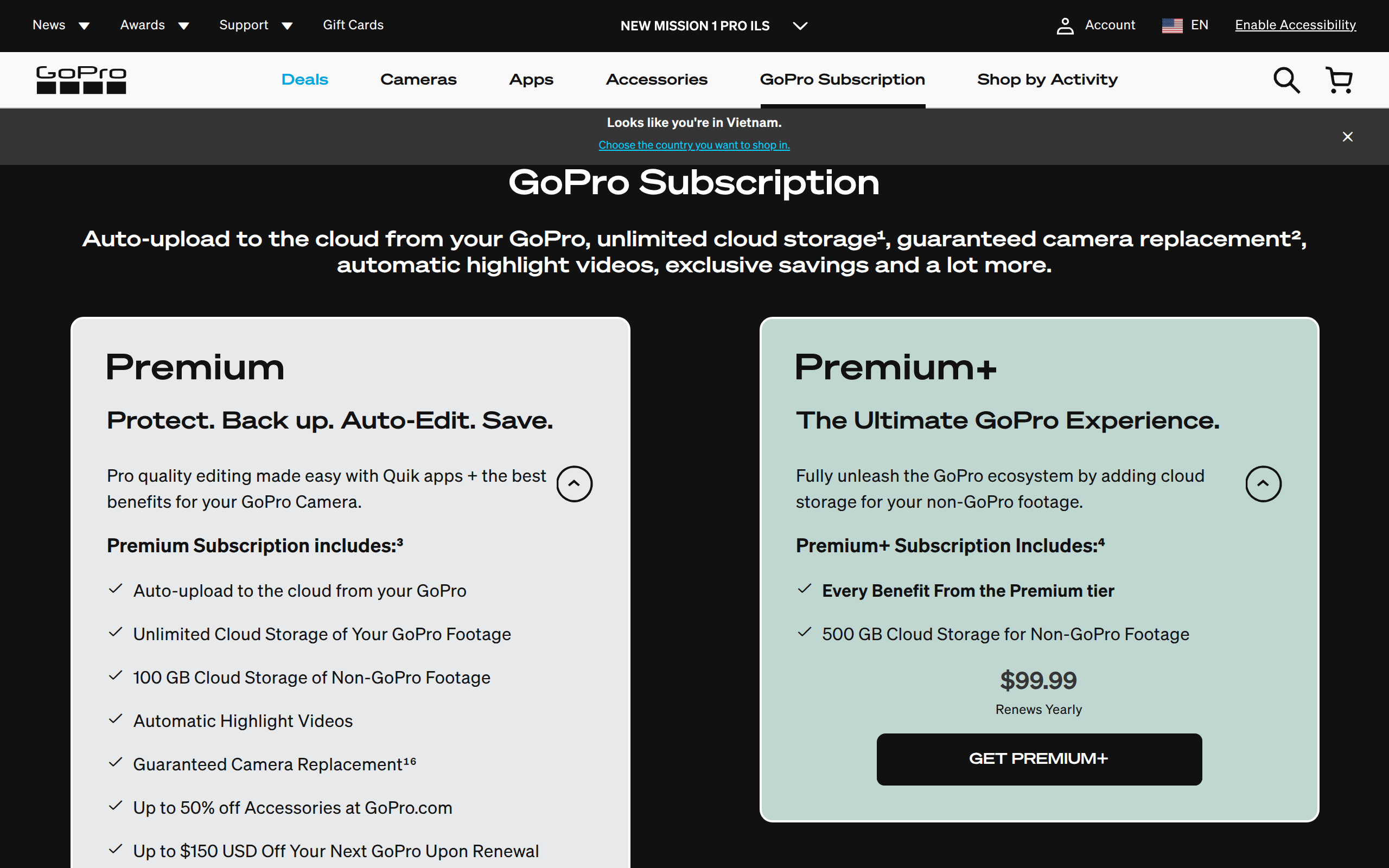
Then there is the subscription. Auto-upload and cloud storage need GoPro's plan. SlashGear says the plan costs $24 in the first year and $49 afterward, and GoPro's own page lists bigger storage tiers at up to $99.99 a year.
Who should buy it
Buy the MAX2 if you travel, ride, ski or surf, you will edit on a phone, and you like the idea of never missing the moment. Its toughness and quick lens swaps are the best reasons to pick it over the rivals.
Skip it if you mostly film in the evening, want a long battery, or plan to edit on a desktop. The GoPro HERO13 Black costs $100 less and gives you a normal flat picture with no editing step. Ask yourself honestly whether you will open 360 files after the trip. If the answer is no, a regular action camera is the better purchase.