
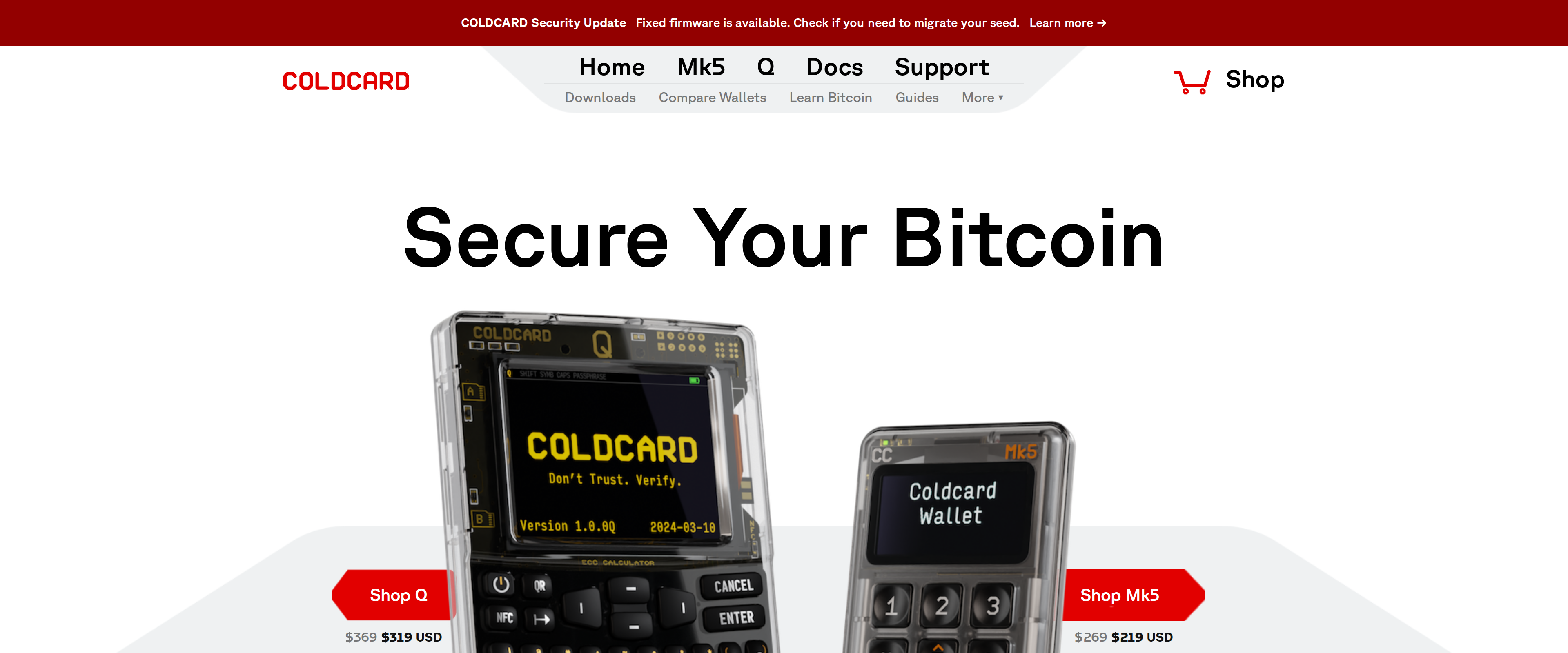
 Coldcard Q Review: The Air-Gapped Signer for Bitcoin OnlyThe Coldcard Q signs Bitcoin transactions without ever touching a USB cable, using its camera and QR codes instead, and backs that up with two independent secure elements rather than one. It is Bitcoin-only by design, needs a separate wallet app like Sparrow to actually spend from, and its firmware stopped being open source in 2020, tradeoffs a maximalist accepts happily and a first-time buyer should know about before paying $319.Best for: Bitcoin-only holders who want fully air-gapped signing and already know a companion wallet app
Hardware Wallets, ranked
Sorted by our score out of 10. The verdict and the buyer each product suits sit on every row.
10 reviews
Coldcard Q Review: The Air-Gapped Signer for Bitcoin OnlyThe Coldcard Q signs Bitcoin transactions without ever touching a USB cable, using its camera and QR codes instead, and backs that up with two independent secure elements rather than one. It is Bitcoin-only by design, needs a separate wallet app like Sparrow to actually spend from, and its firmware stopped being open source in 2020, tradeoffs a maximalist accepts happily and a first-time buyer should know about before paying $319.Best for: Bitcoin-only holders who want fully air-gapped signing and already know a companion wallet app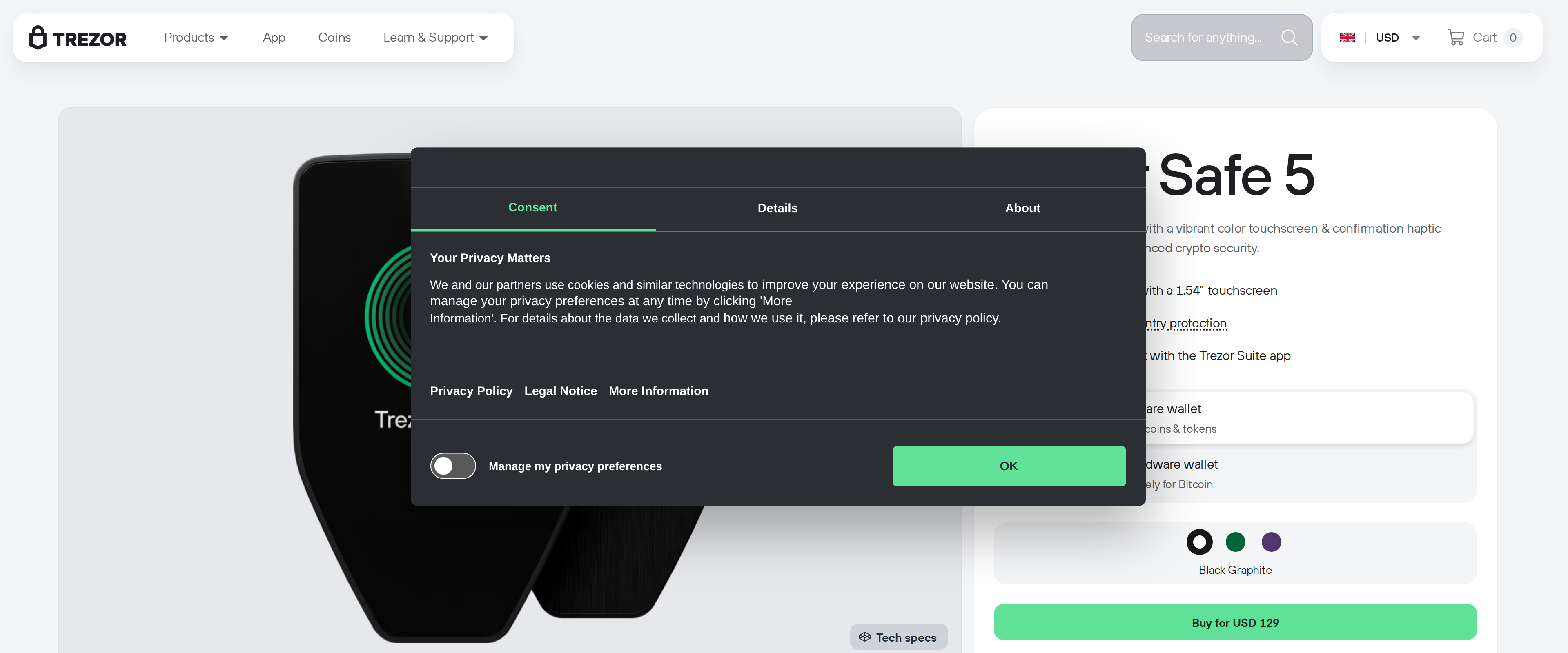 Trezor Safe 5 Review: A Touchscreen Hardware Wallet Worth $129The Safe 5 gives up nothing on security compared with pricier Trezor models and adds a color touchscreen that makes everyday signing far less fiddly than the button-only Safe 3. Skip it only if you need Bluetooth or full iOS support, both reserved for the Safe 7.Best for: Buyers who want touchscreen convenience and open-source firmware without paying for the Safe 7's metal body
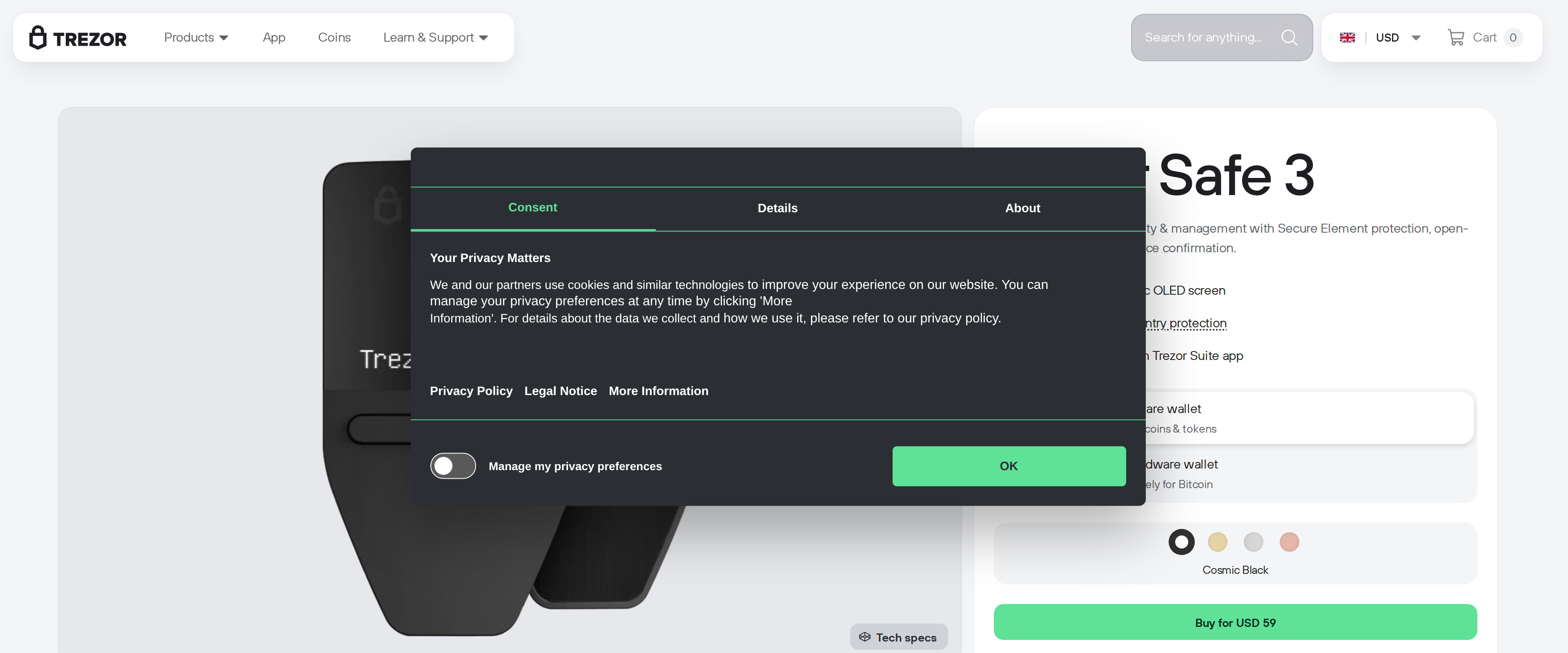 Trezor Safe 3 Review: A First Hardware Wallet Done RightThe Trezor Safe 3 costs $59, carries the same EAL6+ certified secure element as its pricier Safe 5 sibling, and walked us through moving coins off an exchange without a single confusing step. Its small monochrome screen and two-button interface feel dated next to the Safe 5's color touchscreen, and typing a long passphrase on it takes patience, but neither weakness affects the security that matters for someone's first cold wallet. For a buyer moving modest holdings off an exchange for the first time, the Safe 3 gets the fundamentals right for two-thirds of the Safe 5's price.Best for: First-time buyers moving coins off an exchange who want proven security without paying for a touchscreen
 Trezor Safe 7 review: a $249 wallet that finally justifies BluetoothThe Safe 7 is the most capable Trezor yet, with a genuinely auditable secure element and wireless features that work as advertised, but the Safe 5 still does the core job of a hardware wallet for $120 less.Best for: Buyers who want Bluetooth mobile signing and are willing to pay for it
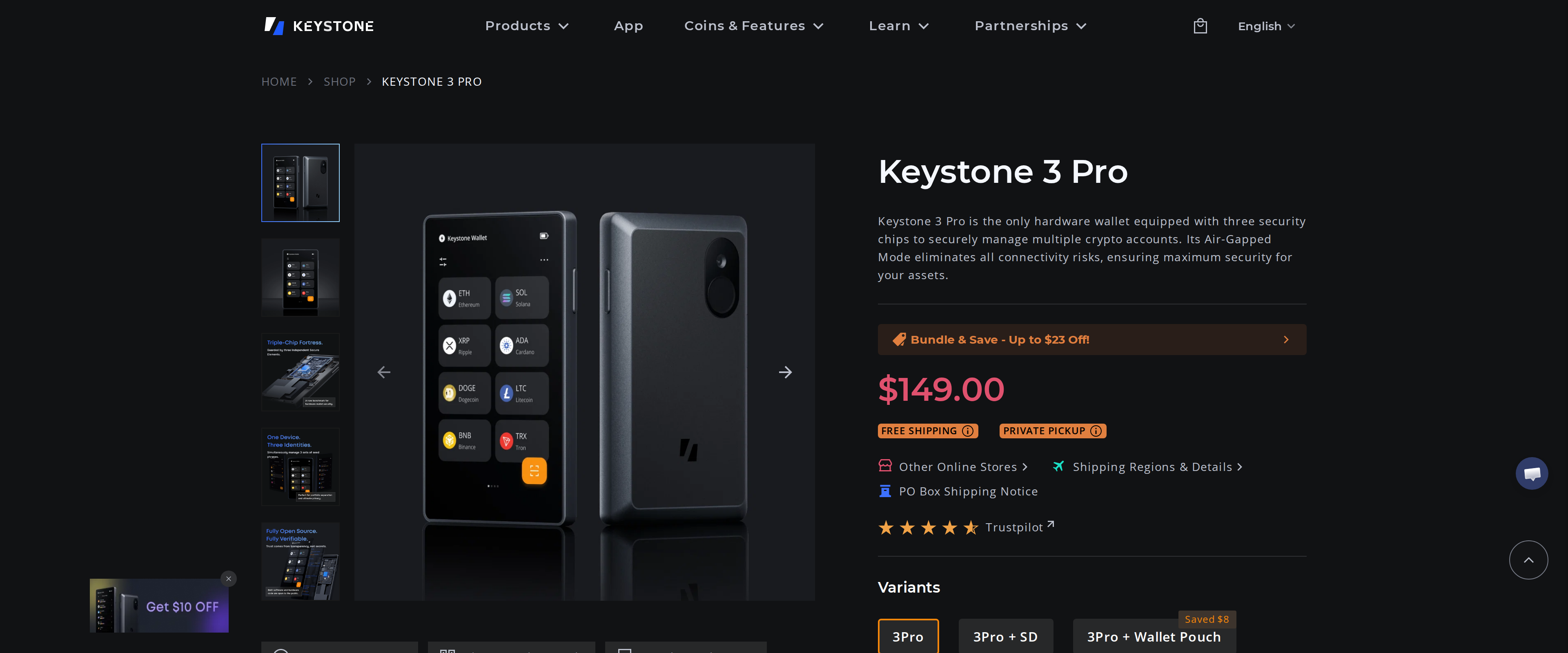 Keystone 3 Pro Review: The Air-Gapped Signer Built for MetaMaskThe Keystone 3 Pro is one of the few wallets that is genuinely air-gapped and still comfortable to use daily, dropping USB data transfer, Bluetooth and NFC and signing everything through a QR code on a 4-inch screen. Three secure elements hold your keys, and most of the firmware is open for audit, though the core MCU library stays closed. Set against Ledger, you lose native staking and Ledger Live's polish, but gain a MetaMask pairing that never touches a cable. Multichain MetaMask users get real value here; anyone wanting one-tap staking from a single app should look at Ledger instead.Best for: MetaMask and multichain DeFi users who want a fully air-gapped signer with no cable or wireless link
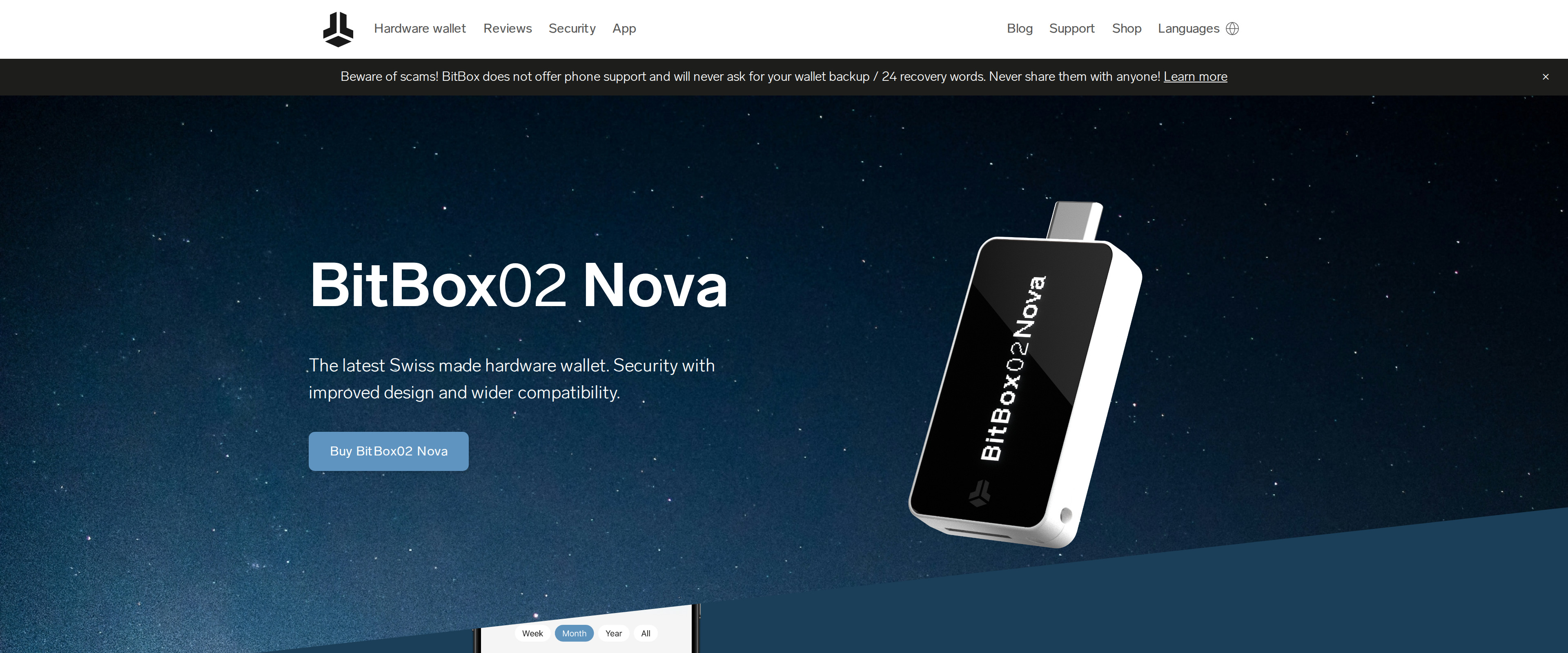 BitBox02 Nova Review: Swiss Simplicity Meets Open FirmwareThe BitBox02 Nova doesn't force a choice between transparency and physical security: its firmware and hardware are fully open source, yet it runs on an OPTIGA Trust M V3 secure chip certified to EAL6+, the same standard used in banking cards. That beats Ledger's closed firmware and matches Trezor's openness while adding a secure element Trezor's cheaper models lack. Its real news is Bluetooth for iPhone and iPad through a custom protocol called Whisper, isolated with no access to wallet secrets and switchable off entirely. At roughly $169, it costs more than a base Trezor Safe 3 but less than Ledger's touchscreen Stax, earning that price with the most defensible security story of the three.Best for: Buyers who want open-source firmware and iPhone support without giving up a certified secure chip
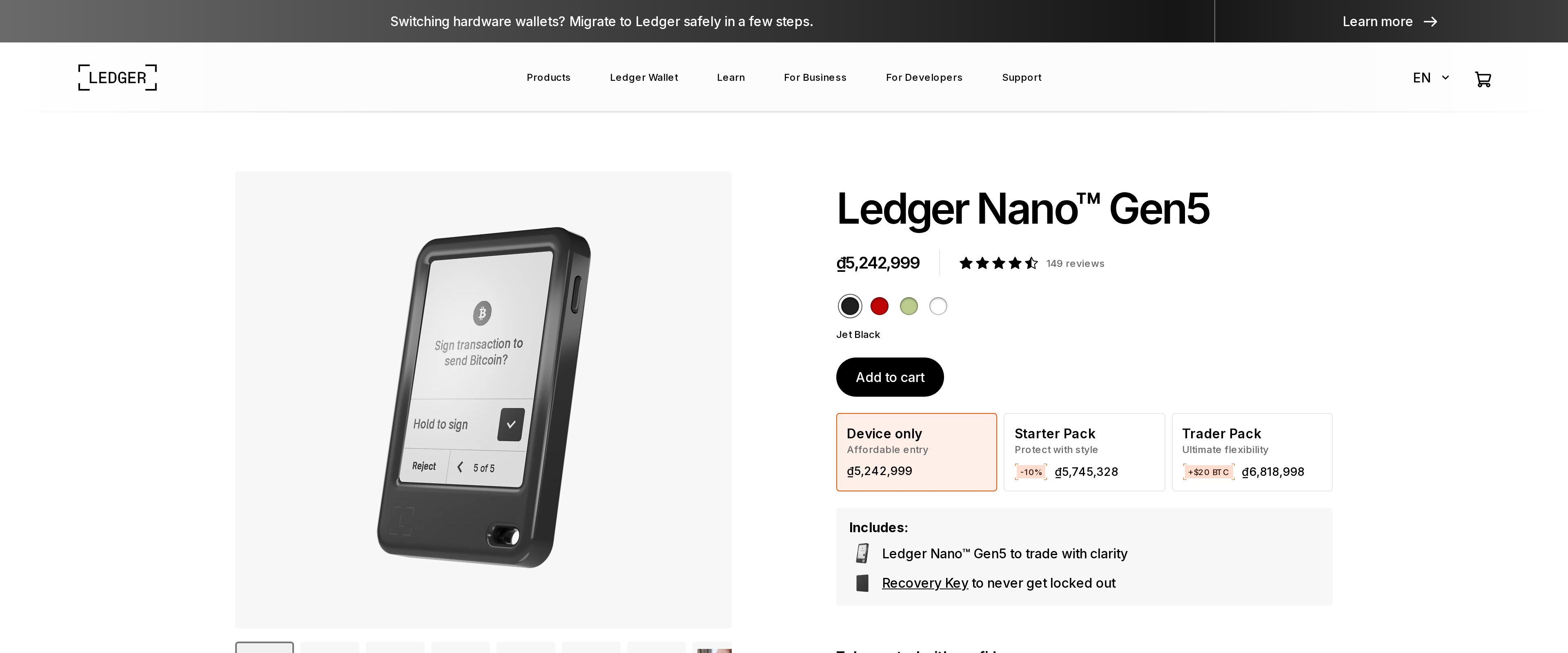 Ledger Nano Gen5 review: a touchscreen upgrade that costs you the Nano X's price twiceThe Nano Gen5 is the easiest Ledger to use day to day, and its EAL6+ element and NFC recovery flow close real gaps in the older lineup. But at $179 against a $99 Nano X and a $59 Nano S Plus, it is a comfort upgrade, not a security requirement, for anyone who already owns a working classic Nano.Best for: First-time buyers who want one device to last, and anyone tired of squinting at a 128x64 screen
 Tangem Wallet Review: A Screenless Card That Trusts Your PhoneTangem is the easiest cold wallet we have set up: tap a card, scan a QR code, done, no seed phrase to copy onto paper. That ease comes from removing the one part every Ledger and Trezor owner takes for granted, a screen that shows what is actually being signed. Buy the three card set, keep one card somewhere else entirely, and treat the phone it pairs with as part of the security model, not just an accessory.Best for: A first cold wallet for someone who wants offline key storage without learning to write down a seed phrase
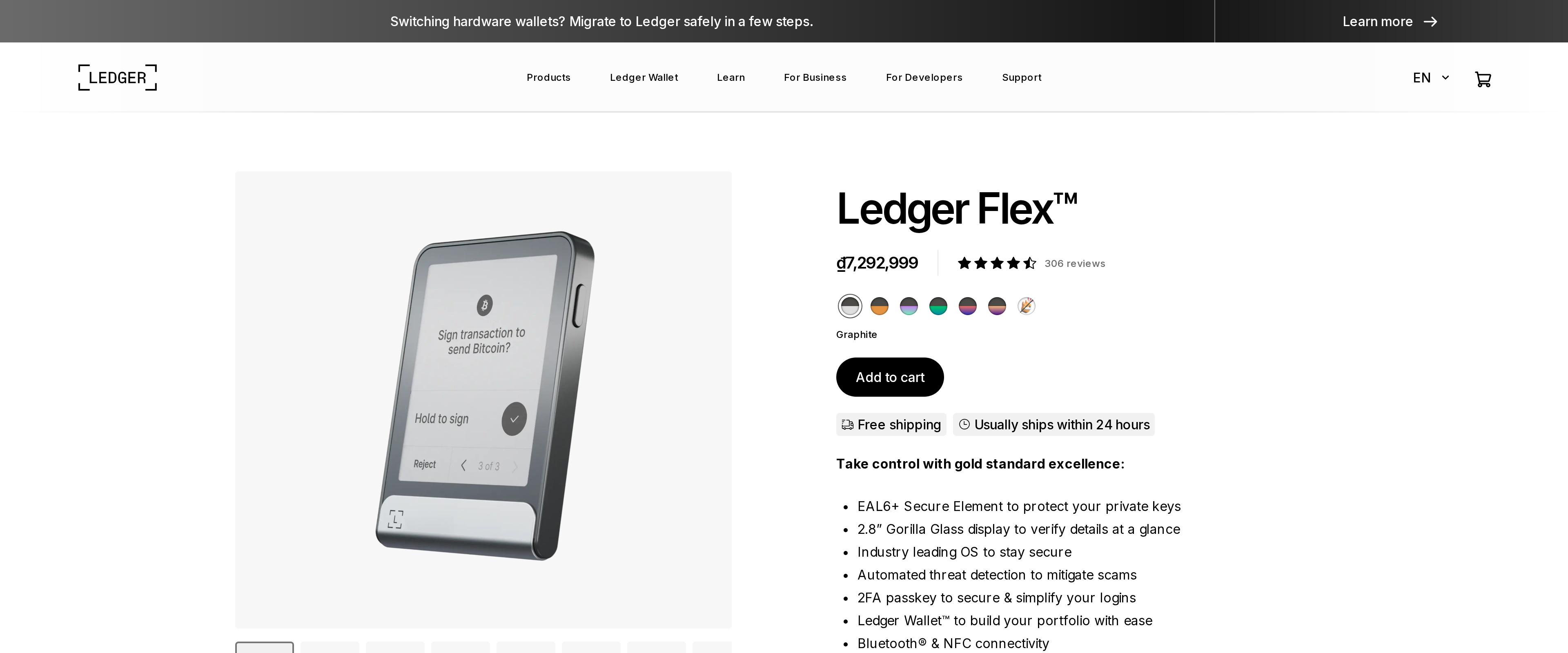 Ledger Flex Review: A Sharper Screen for $70 More Than Gen5Ledger Flex and the Nano Gen5 share the same ST33K1M5 secure element at EAL6+, so paying $249 instead of $179 does not buy extra security. It buys a 480x600px screen against the Gen5's 300x400px, which reads a transaction's recipient address and amount more clearly, an advantage worth $70 to someone who prioritizes that over pocket size.Best for: Buyers who want the clearest on-device view of what they sign and do not need pocket size
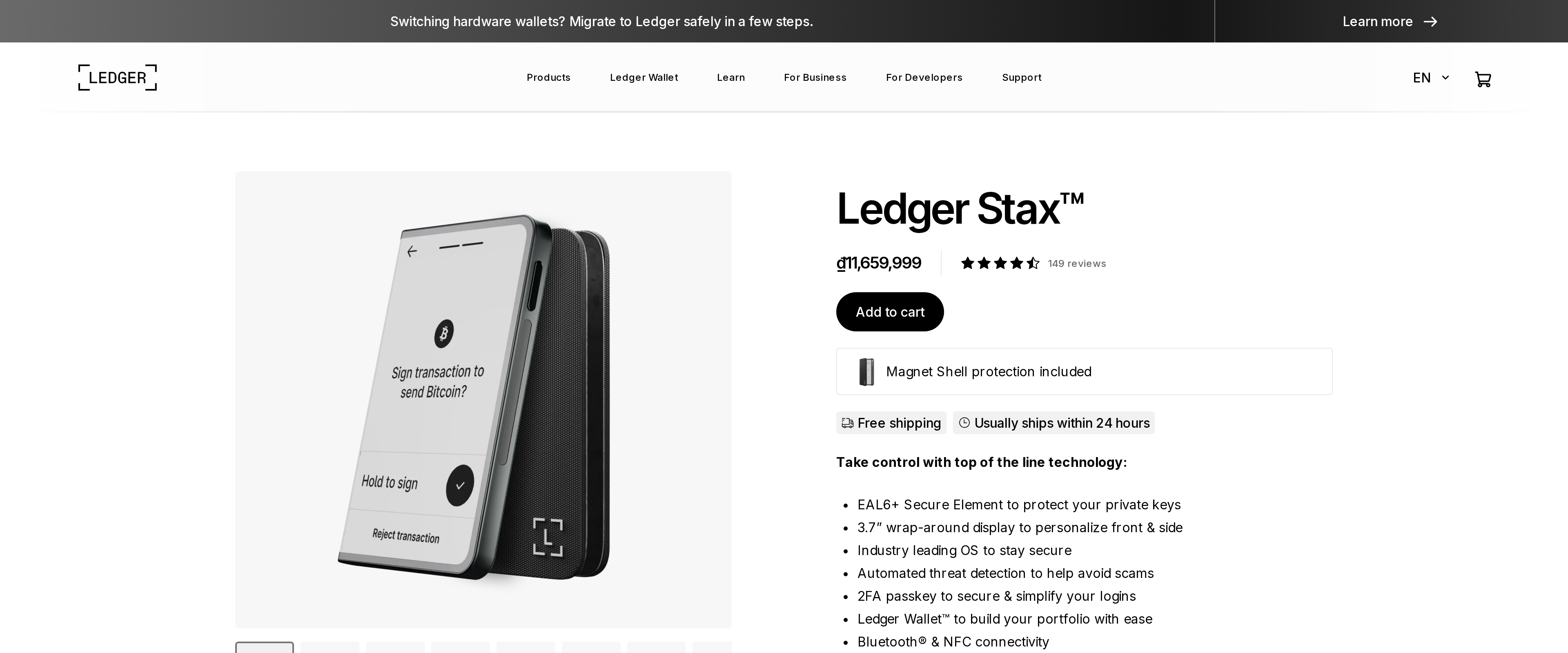 Ledger Stax Review: Is the Curved Screen Worth $150 More Than Flex?The Ledger Stax runs the same EAL6+ secure element and Ledger Wallet software as the cheaper Flex, so the extra $150 buys design, not security: a 3.7 inch wrap-around E Ink display against Flex's 2.8 inch screen, Qi wireless charging Flex skips, and curved glass over Flex's Gorilla Glass. Both run about 10 hours on a charge and support Clear Signing, the feature that shows a transaction's real terms instead of a blind hash. Someone who wants the biggest screen and a wireless dock gets real value here. Anyone weighing cost against a near-identical feature set should buy the Flex instead.Best for: Buyers who want the largest E Ink display and wireless charging and don't mind paying for design