
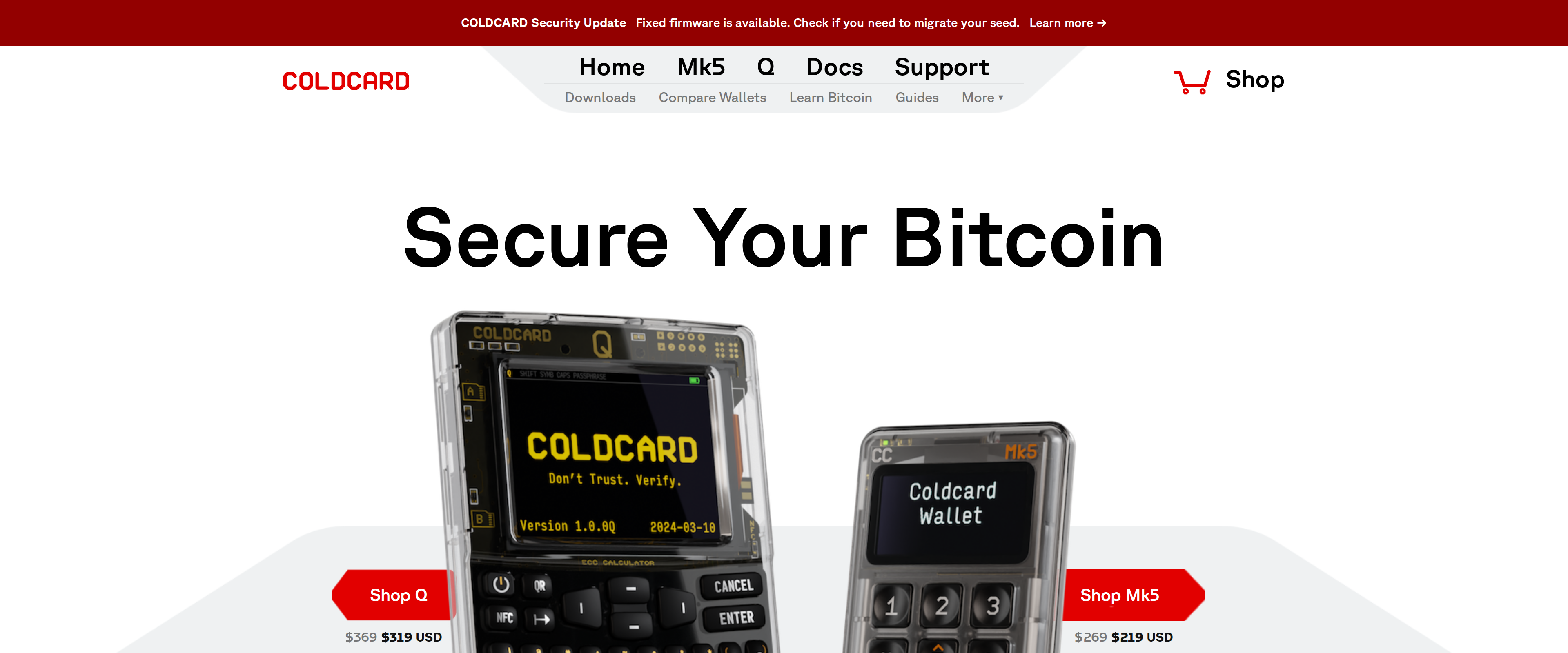
 Hardware WalletsColdcard Q Review: The Air-Gapped Signer for Bitcoin OnlyThe Coldcard Q signs Bitcoin transactions without ever touching a USB cable, using its camera and QR codes instead, and backs that up with two independent secure elements rather than one. It is Bitcoin-only by design, needs a separate wallet app like Sparrow to actually spend from, and its firmware stopped being open source in 2020, tradeoffs a maximalist accepts happily and a first-time buyer should know about before paying $319.Best for: Bitcoin-only holders who want fully air-gapped signing and already know a companion wallet app
Every review, ranked
Sorted by our score out of 10. The verdict and the buyer each product suits sit on every row.
50 reviews
Hardware WalletsColdcard Q Review: The Air-Gapped Signer for Bitcoin OnlyThe Coldcard Q signs Bitcoin transactions without ever touching a USB cable, using its camera and QR codes instead, and backs that up with two independent secure elements rather than one. It is Bitcoin-only by design, needs a separate wallet app like Sparrow to actually spend from, and its firmware stopped being open source in 2020, tradeoffs a maximalist accepts happily and a first-time buyer should know about before paying $319.Best for: Bitcoin-only holders who want fully air-gapped signing and already know a companion wallet app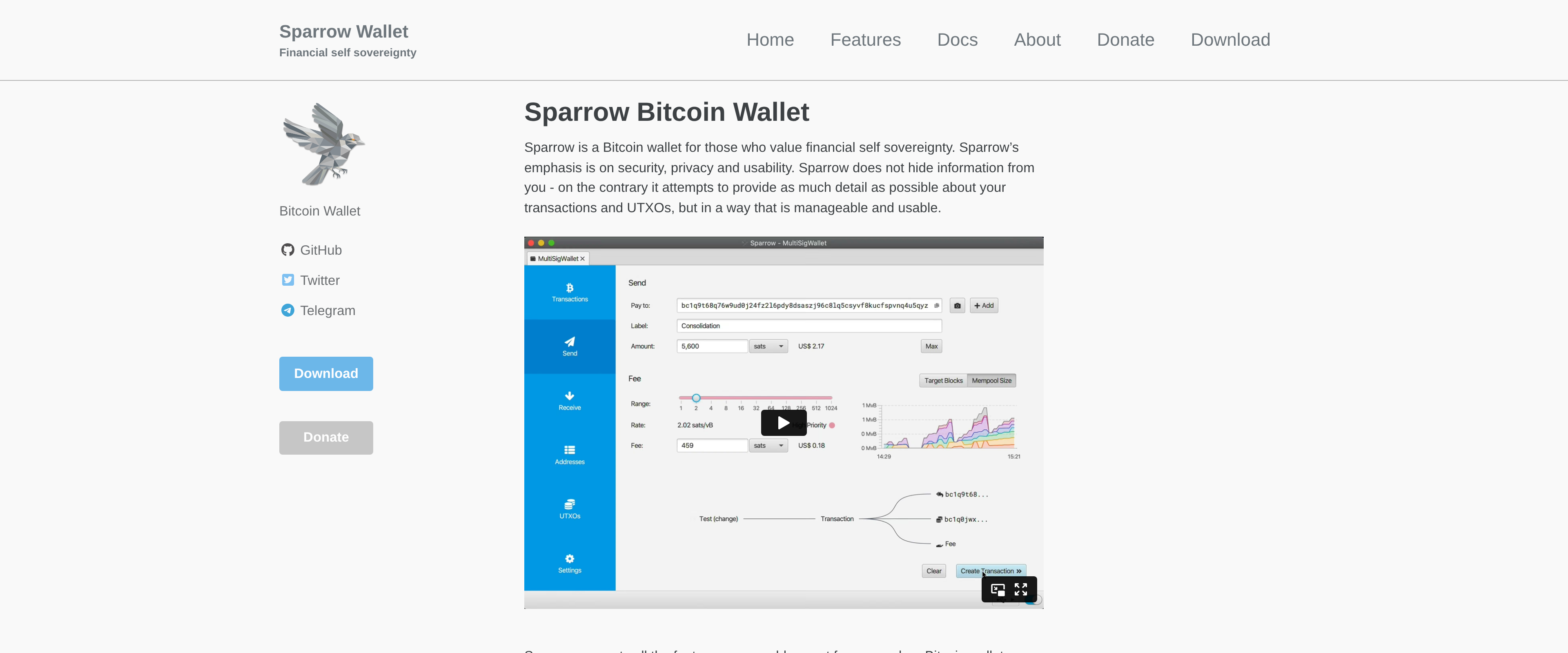 Software WalletsSparrow Wallet Review: The Desktop Layer a Hardware Wallet NeedsSparrow does not try to be a beginner's first wallet, and that is exactly why it works so well paired with a Coldcard, Trezor or Ledger. Coin control, PSBT handling, multisig setup and built-in Tor are all here for free, under an Apache 2 license, with no companion mobile app to distract from the desktop workflow. Bitcoin-only buyers who already own a hardware signer will get more out of Sparrow than out of any wallet vendor's own desktop app.Best for: Bitcoin holders who already own a hardware wallet and want real coin control, multisig or CoinJoin on desktop
 Crypto ExchangesKraken Review: Pro Fees That Beat Coinbase, If You Use Kraken ProKraken Pro's maker and taker fees undercut Coinbase Advanced Trade at every tier we checked, and Kraken's clean 14-year security record backs up the low prices. The simple Kraken app narrows that gap sharply though, so the savings only show up once you actually move to Pro.Best for: Active traders willing to use Kraken Pro instead of the simple app to capture the lower fees
 Hardware WalletsTrezor Safe 5 Review: A Touchscreen Hardware Wallet Worth $129The Safe 5 gives up nothing on security compared with pricier Trezor models and adds a color touchscreen that makes everyday signing far less fiddly than the button-only Safe 3. Skip it only if you need Bluetooth or full iOS support, both reserved for the Safe 7.Best for: Buyers who want touchscreen convenience and open-source firmware without paying for the Safe 7's metal body
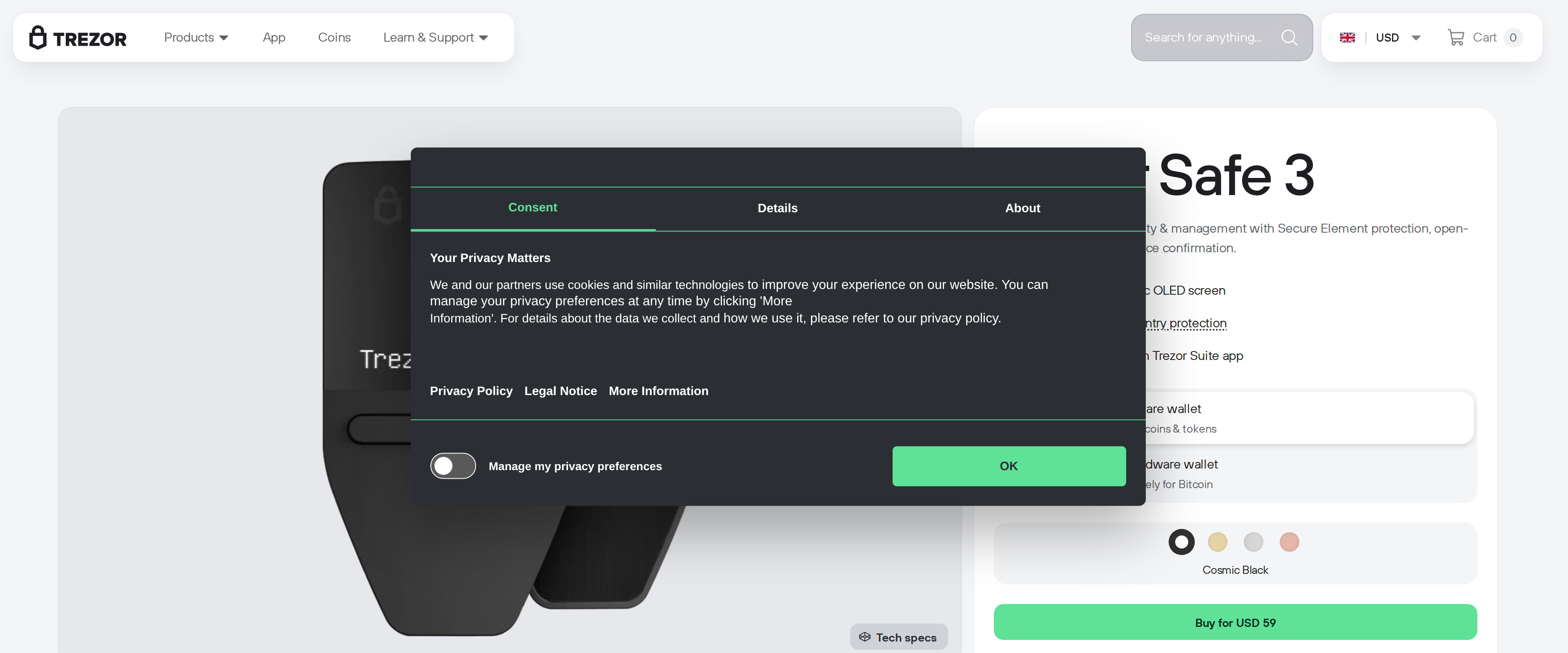 Hardware WalletsTrezor Safe 3 Review: A First Hardware Wallet Done RightThe Trezor Safe 3 costs $59, carries the same EAL6+ certified secure element as its pricier Safe 5 sibling, and walked us through moving coins off an exchange without a single confusing step. Its small monochrome screen and two-button interface feel dated next to the Safe 5's color touchscreen, and typing a long passphrase on it takes patience, but neither weakness affects the security that matters for someone's first cold wallet. For a buyer moving modest holdings off an exchange for the first time, the Safe 3 gets the fundamentals right for two-thirds of the Safe 5's price.Best for: First-time buyers moving coins off an exchange who want proven security without paying for a touchscreen
 Hardware WalletsTrezor Safe 7 review: a $249 wallet that finally justifies BluetoothThe Safe 7 is the most capable Trezor yet, with a genuinely auditable secure element and wireless features that work as advertised, but the Safe 5 still does the core job of a hardware wallet for $120 less.Best for: Buyers who want Bluetooth mobile signing and are willing to pay for it
 Trading Bots and ToolsTradingView Review: Which Plan Does a Crypto Trader Really NeedTradingView's free Basic plan is genuinely usable for casual chart checking, but its 3 price alerts and single chart per tab push anyone tracking more than one or two coins toward the $12.95 Essential plan within a week. Plus and above matter only once you are running several indicators per chart at once.Best for: Crypto traders who watch multiple coins and need more than 3 live price alerts
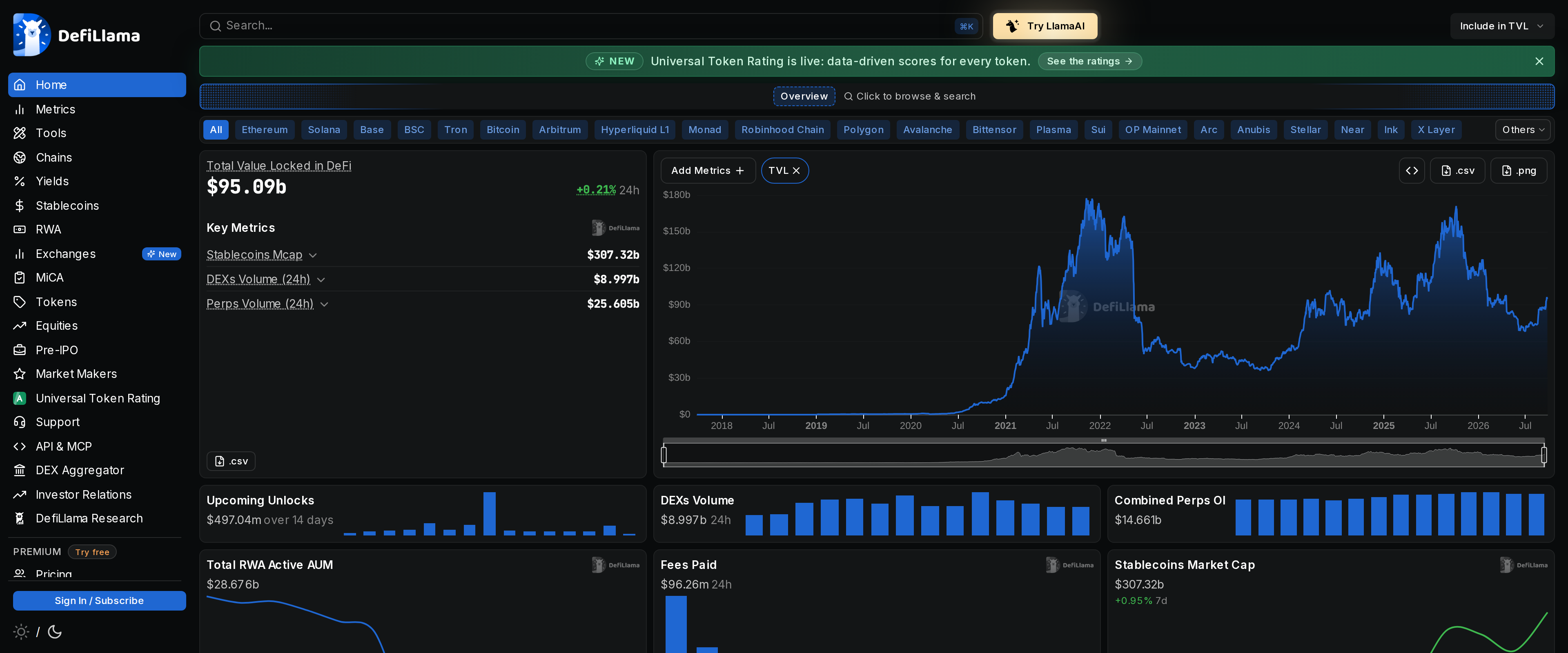 Market Data and ResearchDefiLlama Review: Free TVL Data That Beats Most Paid ToolsDefiLlama tracks total value locked across more than 7,000 protocols and 520 chains for free, covering most of what a casual DeFi reader needs: TVL by chain, DEX volume, a 15,000-pool yield tracker and a hack database that logs exploits as they happen. The $49 Pro tier adds LlamaAI queries, CSV export and custom dashboards, useful for an analyst but skippable for someone just checking numbers. The tradeoff is that its stricter methodology, excluding non-circulating tokens and double counting, can read lower than a protocol's own marketing page. For daily DeFi news, the free tier replaces a paid subscription outright; only bulk exports or an AI budget justify paying.Best for: Anyone tracking DeFi TVL, fees and yields who does not need bulk CSV exports or an API feed
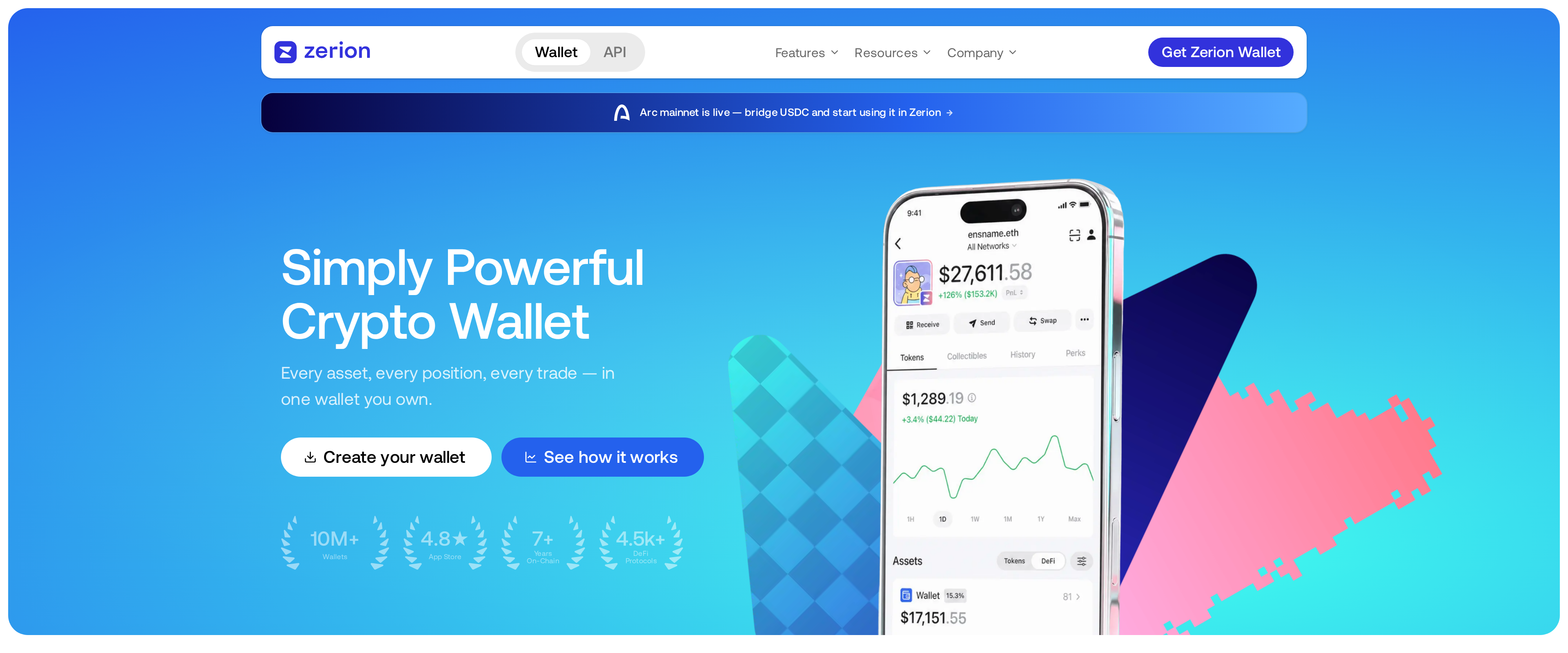 Portfolio TrackersZerion Review: The Clearest View of DeFi Across Many ChainsZerion finds lending positions, liquidity pairs and staking rewards across 66 mainnets without you telling it where to look, which is a harder problem than a plain balance tracker solves and the reason we keep coming back to it. The built-in wallet is genuinely usable day to day, and paying $99 a year only makes sense once your trade volume is high enough for the halved fees to outweigh the subscription.Best for: Anyone holding DeFi positions across several EVM chains who wants them found automatically
 Software WalletsRabby Wallet review: a security engine that actually reads the transactionRabby earns its reputation as the more careful of the two default EVM wallets. Its pre-sign security engine simulates the exact balance change and flags risky approvals before you click confirm, something MetaMask only partially does, and its built-in swap fee of 0.25 percent stays well under MetaMask's 0.875 percent. It is not a hardware wallet replacement and its mobile app is younger than the extension, but for anyone signing DeFi transactions daily, it is the safer default.Best for: Daily DeFi users who sign contracts often and want the transaction previewed before they approve it
 Market Data and ResearchCoinGecko review: enough free data for a daily reader, so who needs PremiumFor a reader who checks prices, reads news and skims a chart once a day, CoinGecko's free tier already does the job: coverage is wide, uptime has held at 100 percent over the last 60 days across its three public API services, and nothing behind a paywall changes what you actually see. Premium at roughly $8 a month mostly buys an ad-free page and a newsletter, not new data, so pay for it out of comfort rather than necessity.Best for: Anyone checking crypto prices and news daily who does not need commercial API access
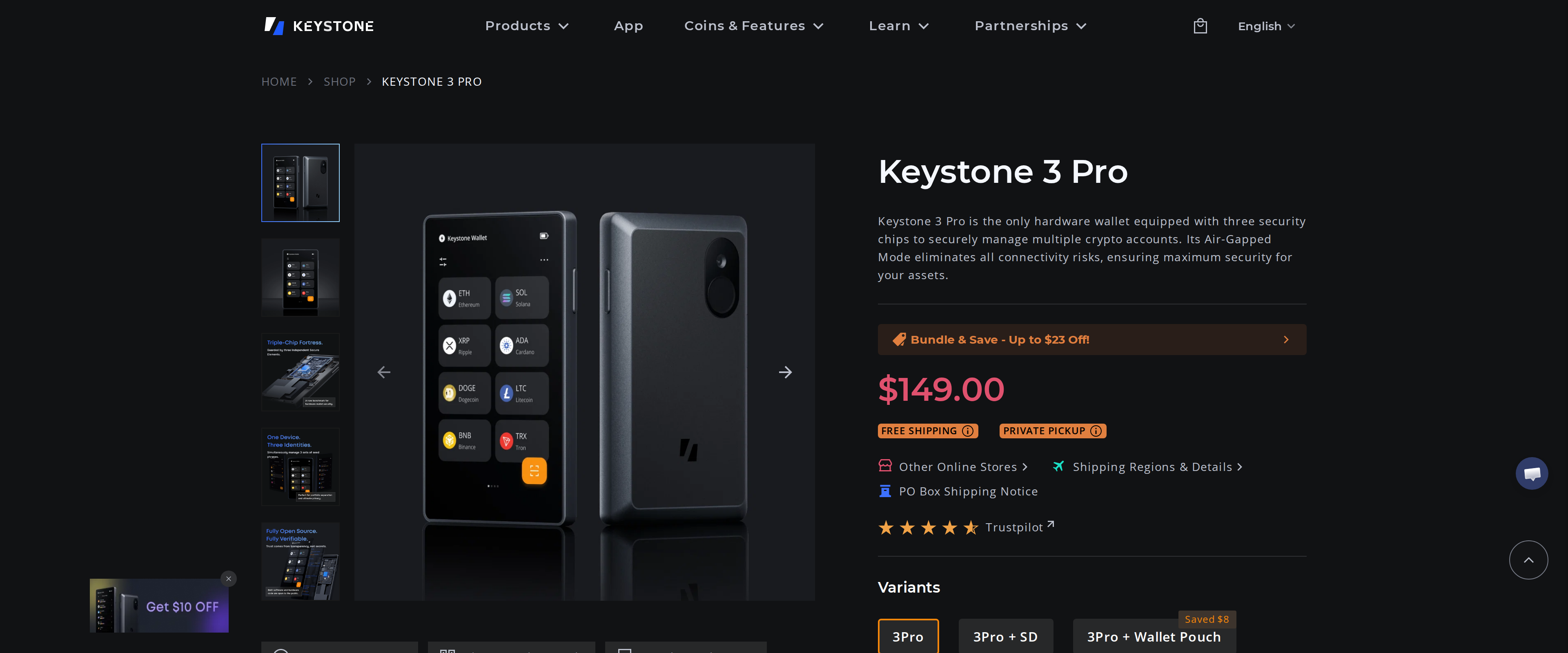 Hardware WalletsKeystone 3 Pro Review: The Air-Gapped Signer Built for MetaMaskThe Keystone 3 Pro is one of the few wallets that is genuinely air-gapped and still comfortable to use daily, dropping USB data transfer, Bluetooth and NFC and signing everything through a QR code on a 4-inch screen. Three secure elements hold your keys, and most of the firmware is open for audit, though the core MCU library stays closed. Set against Ledger, you lose native staking and Ledger Live's polish, but gain a MetaMask pairing that never touches a cable. Multichain MetaMask users get real value here; anyone wanting one-tap staking from a single app should look at Ledger instead.Best for: MetaMask and multichain DeFi users who want a fully air-gapped signer with no cable or wireless link
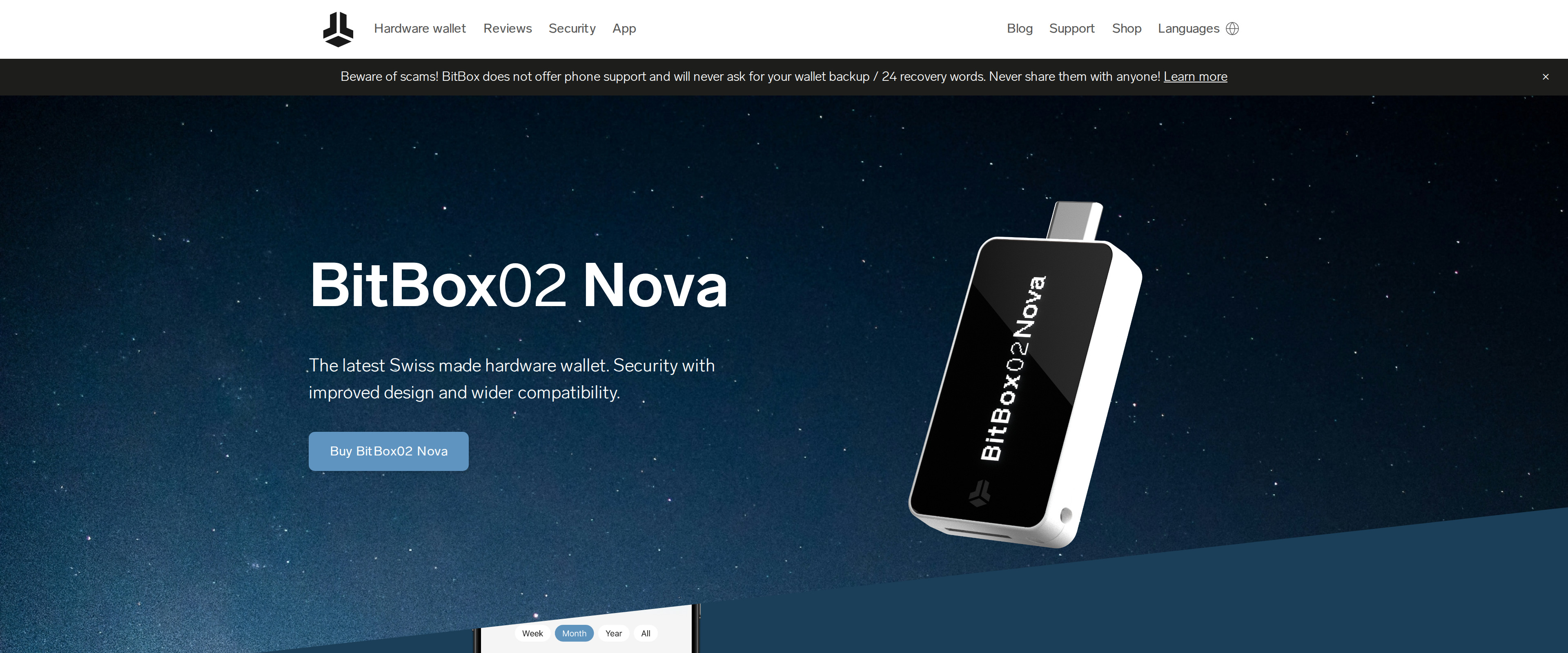 Hardware WalletsBitBox02 Nova Review: Swiss Simplicity Meets Open FirmwareThe BitBox02 Nova doesn't force a choice between transparency and physical security: its firmware and hardware are fully open source, yet it runs on an OPTIGA Trust M V3 secure chip certified to EAL6+, the same standard used in banking cards. That beats Ledger's closed firmware and matches Trezor's openness while adding a secure element Trezor's cheaper models lack. Its real news is Bluetooth for iPhone and iPad through a custom protocol called Whisper, isolated with no access to wallet secrets and switchable off entirely. At roughly $169, it costs more than a base Trezor Safe 3 but less than Ledger's touchscreen Stax, earning that price with the most defensible security story of the three.Best for: Buyers who want open-source firmware and iPhone support without giving up a certified secure chip
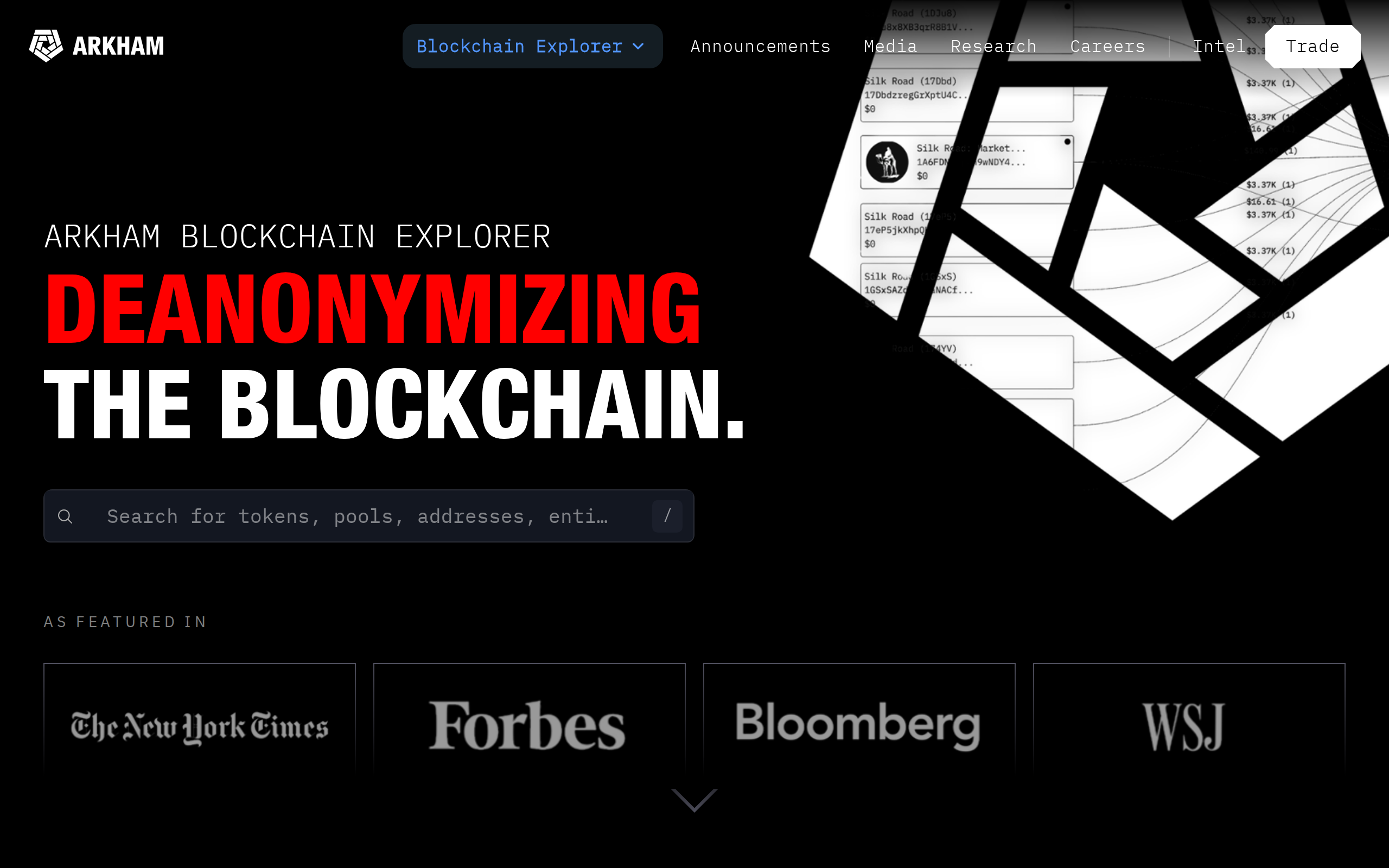 Market Data and ResearchArkham review: free whale tracking that beats paid alternativesArkham's entity labeling turns anonymous wallet addresses into names we recognized within minutes, and it costs nothing to use, but the labels are crowdsourced and occasionally wrong, so treat every claim as a lead to verify, not a fact.Best for: Readers who want to check the wallet behind a crypto headline without paying for data
 Software WalletsPhantom Review: Solana's Best Wallet Now Juggles Bitcoin TooPhantom remains the fastest, cleanest wallet for anyone living on Solana, and its reach into Ethereum, Base, Bitcoin and half a dozen other chains genuinely works rather than sitting there as a marketing checkbox. Treat it as a spending and trading wallet, not a vault: the 0.85% swap fee adds up on bigger trades, and its history of targeted phishing means a stolen recovery phrase is still the likeliest way to lose funds.Best for: Solana-first users who also want Ethereum, Base and Bitcoin in the same app
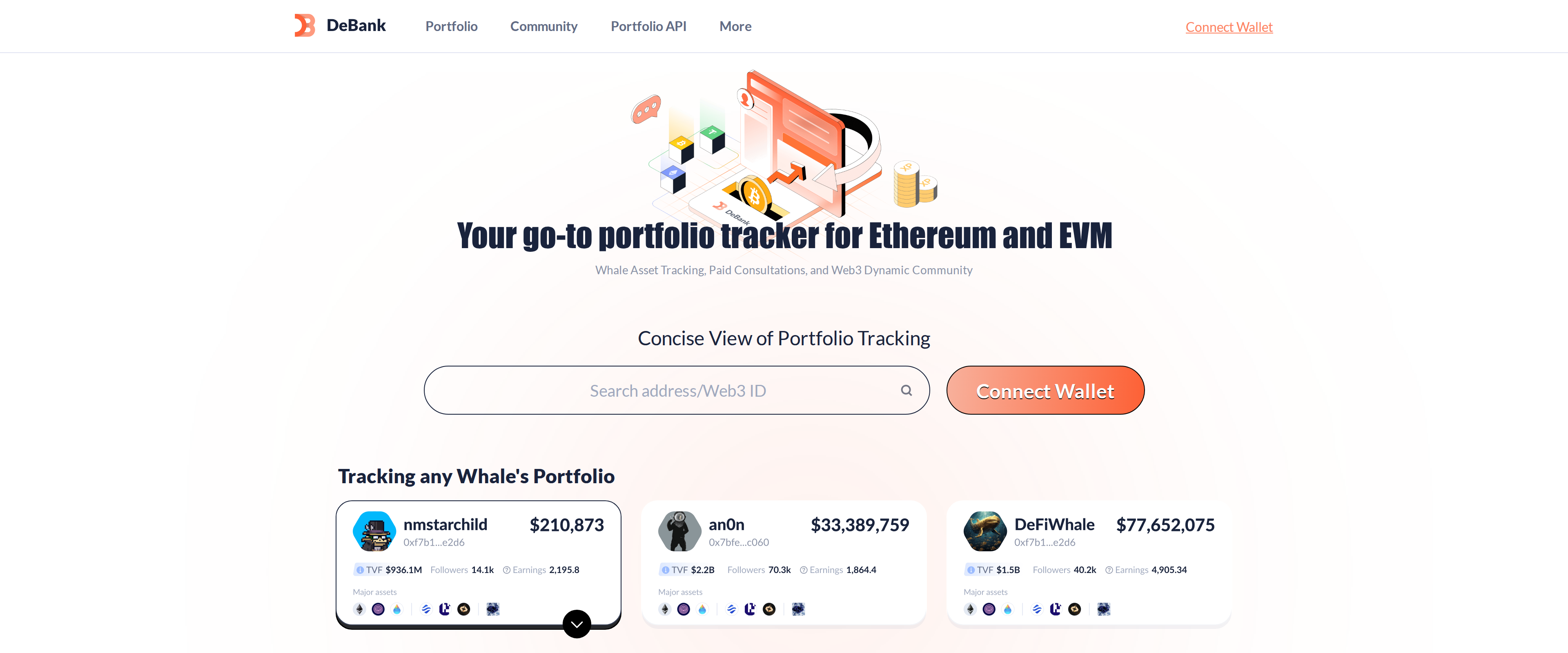 Portfolio TrackersDeBank Review: A Complete DeFi Portfolio View, But a Thin Pro TierDeBank remains the most complete free window into a multichain DeFi position: paste any address and it breaks down holdings across more than 70 EVM chains, values LP positions and staking correctly, and does it without asking you to connect a wallet. The tradeoff is that every address you look up, including your own if you ever check it, becomes a public profile with followers and a visible net worth. The paid tier barely changes the product; it buys a VIP badge and a custom profile ID, not deeper analytics.Best for: DeFi users who hold positions across many EVM chains and want a fast, free way to check any address's holdings
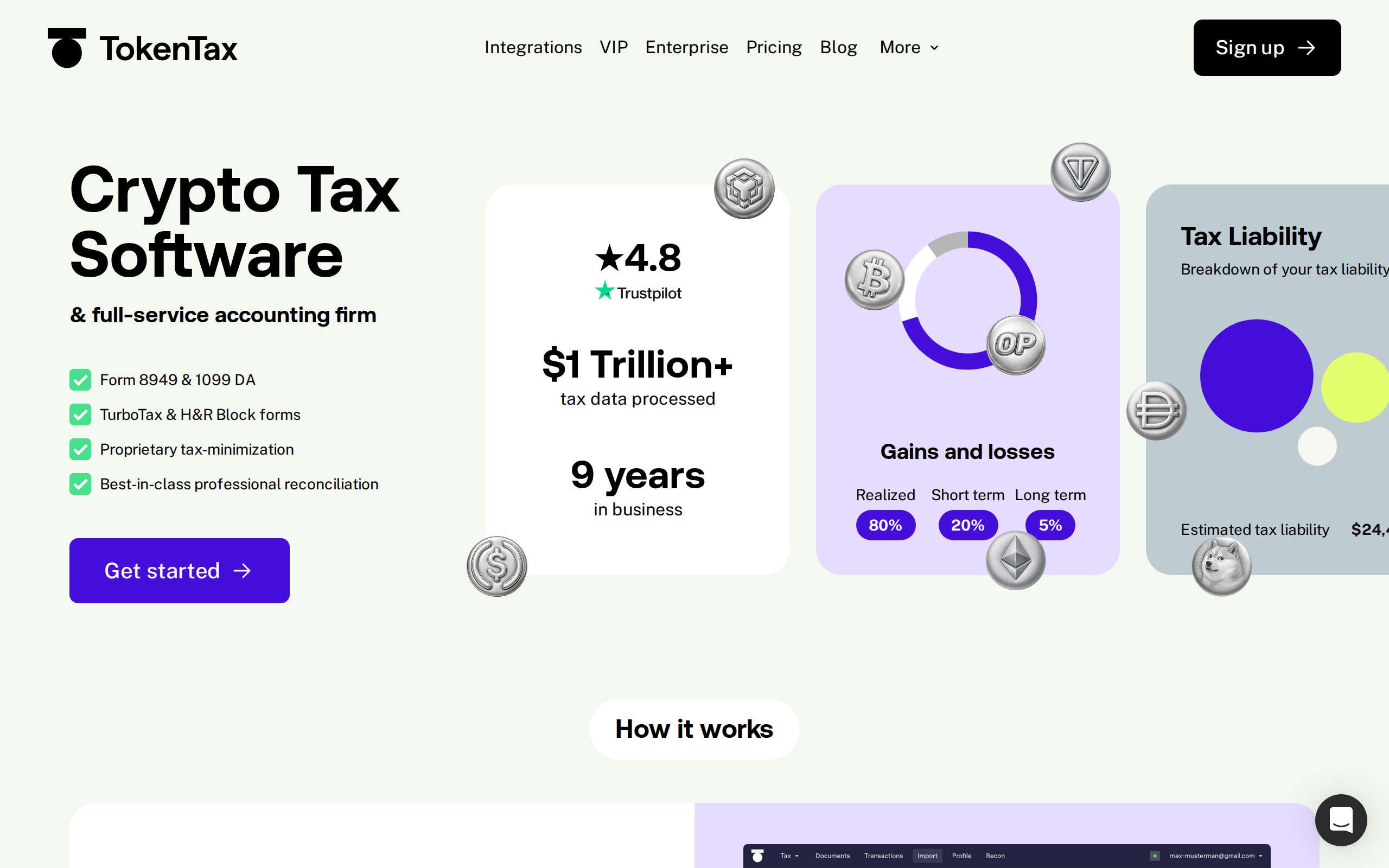 Crypto Tax SoftwareTokenTax review: when does the $3,499 VIP plan make sense?TokenTax's DIY plans are priced above rivals like Koinly for similar reconciliation work, but its VIP tier buys something those tools do not sell at all: a human CPA team that reconciles the mess and files the return, which is worth $3,499 only if your tax year is genuinely too complicated to trust software alone.Best for: DeFi-heavy or high-net-worth filers who want an accountant to finish the job, not just software to start it
 Crypto Tax SoftwareKoinly review: how much manual cleanup a DeFi-heavy tax year still needsKoinly gets exchange history right with almost no work from you, and its free tracking tier is generous enough to test before paying. DeFi activity is a different story: wrapped tokens, liquidity pool entries and staking rewards still need a manual pass, so budget an evening of relabelling, not the 20 minutes on the homepage, if you touched more than a couple of protocols this year.Best for: Traders with mostly exchange activity and a handful of DeFi transactions to check by hand
 Portfolio TrackersKubera review: is $250 a year worth it for one balance sheet?Kubera pulls crypto wallets, brokerage accounts and physical assets into one balance sheet without selling your data, and for a portfolio spread across many account types that is worth $250 a year; a reader with just a bank account and one exchange should stick to a free tool.Best for: People tracking crypto alongside brokerage, bank and real estate holdings in one place
 Crypto Tax SoftwareCoinTracker Review: Worth Paying For Over a Free Tax Tool?CoinTracker earns its price on the exchanges and wallets it connects cleanly and the TurboTax export that actually saves a manual re-entry step. The free plan tracks a portfolio without limits but produces no tax forms, so anyone who sold, swapped or staked will land on a paid tier the moment their transaction count passes a hundred, and DeFi activity still needs a manual check before filing.Best for: Investors on a handful of centralized exchanges who want a direct TurboTax export
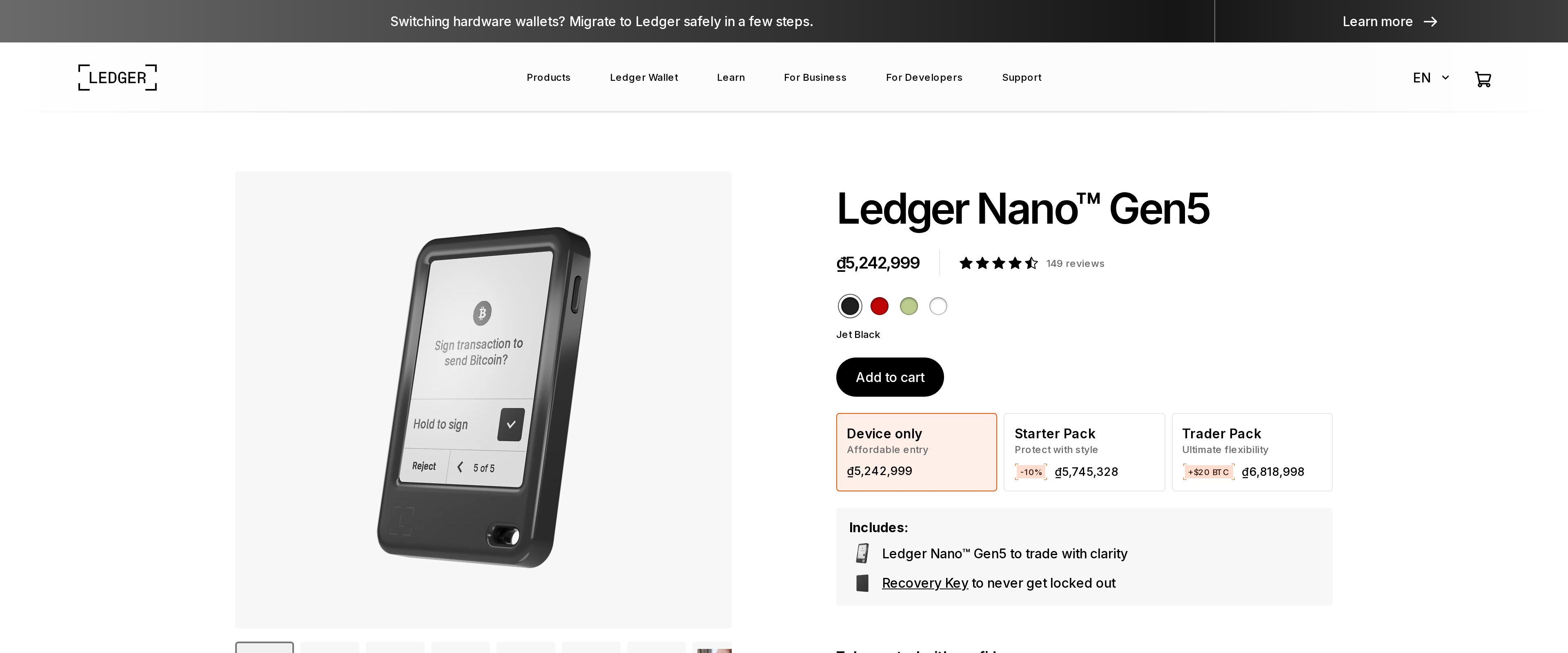 Hardware WalletsLedger Nano Gen5 review: a touchscreen upgrade that costs you the Nano X's price twiceThe Nano Gen5 is the easiest Ledger to use day to day, and its EAL6+ element and NFC recovery flow close real gaps in the older lineup. But at $179 against a $99 Nano X and a $59 Nano S Plus, it is a comfort upgrade, not a security requirement, for anyone who already owns a working classic Nano.Best for: First-time buyers who want one device to last, and anyone tired of squinting at a 128x64 screen
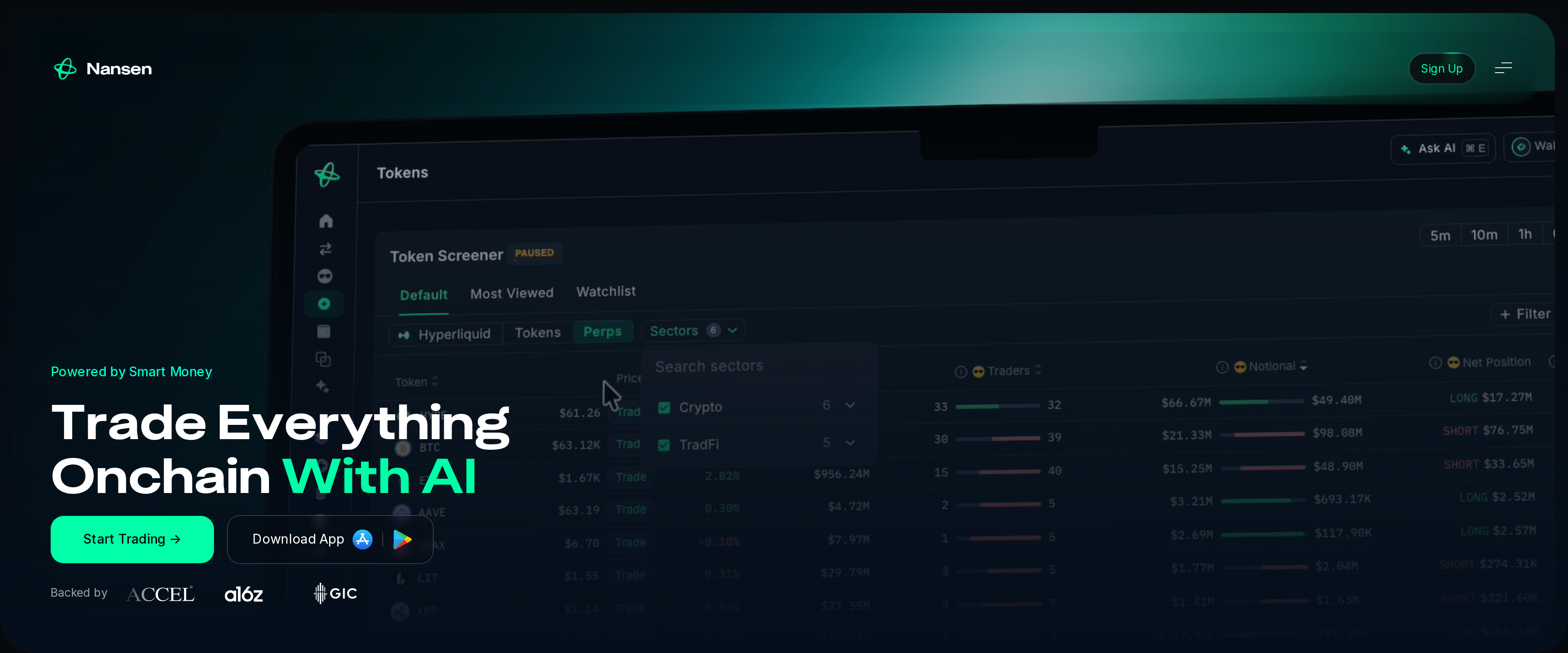 Market Data and ResearchNansen Review: Is Wallet Labelling Worth $49 a Month?Nansen's wallet labels are the deepest we have used, covering over 500 million addresses across 25-plus chains, and the Smart Money leaderboard surfaced two accumulation trades days before either token moved noticeably. The Pro plan now costs $49 a month billed annually or $69 month to month, a steep cut from the old $99 Pioneer tier, and that price drop is the main reason to look again if you dismissed Nansen as too expensive before. It still overlaps heavily with free tools like Arkham for basic wallet tagging, and the interface asks for real time investment before its dashboards pay off.Best for: Active traders who watch on-chain flows daily, not casual holders checking a balance
 Software WalletsElectrum review: is Bitcoin's oldest wallet still worth using?Electrum still does the core job, a fast, free, open-source Bitcoin wallet with SPV verification and real hardware wallet support, but its interface has not kept pace with Sparrow's UTXO tools, and Lightning support remains a secondary feature bolted onto an on-chain wallet, not the reason to pick it.Best for: Bitcoin holders who want a free desktop wallet with both on-chain and Lightning support in one app
 Portfolio TrackersDelta by eToro Review: One App for Crypto and Stocks TogetherDelta earns its place by doing what most crypto-only trackers don't: it puts stocks, ETFs, forex and commodities in the same portfolio view as your coins, syncing over 300 exchanges and wallets through read-only connections with no withdrawal permission. The free tier caps you at 10 tracked assets, a limit a mixed-portfolio investor hits fast, and PRO's deeper analytics, unlimited syncing and Delta AI insights sit behind that $53.88-a-year plan. A buyer who only holds crypto will find dedicated trackers with a larger free tier elsewhere.Best for: Investors who hold crypto alongside stocks or ETFs and want one dashboard instead of two apps
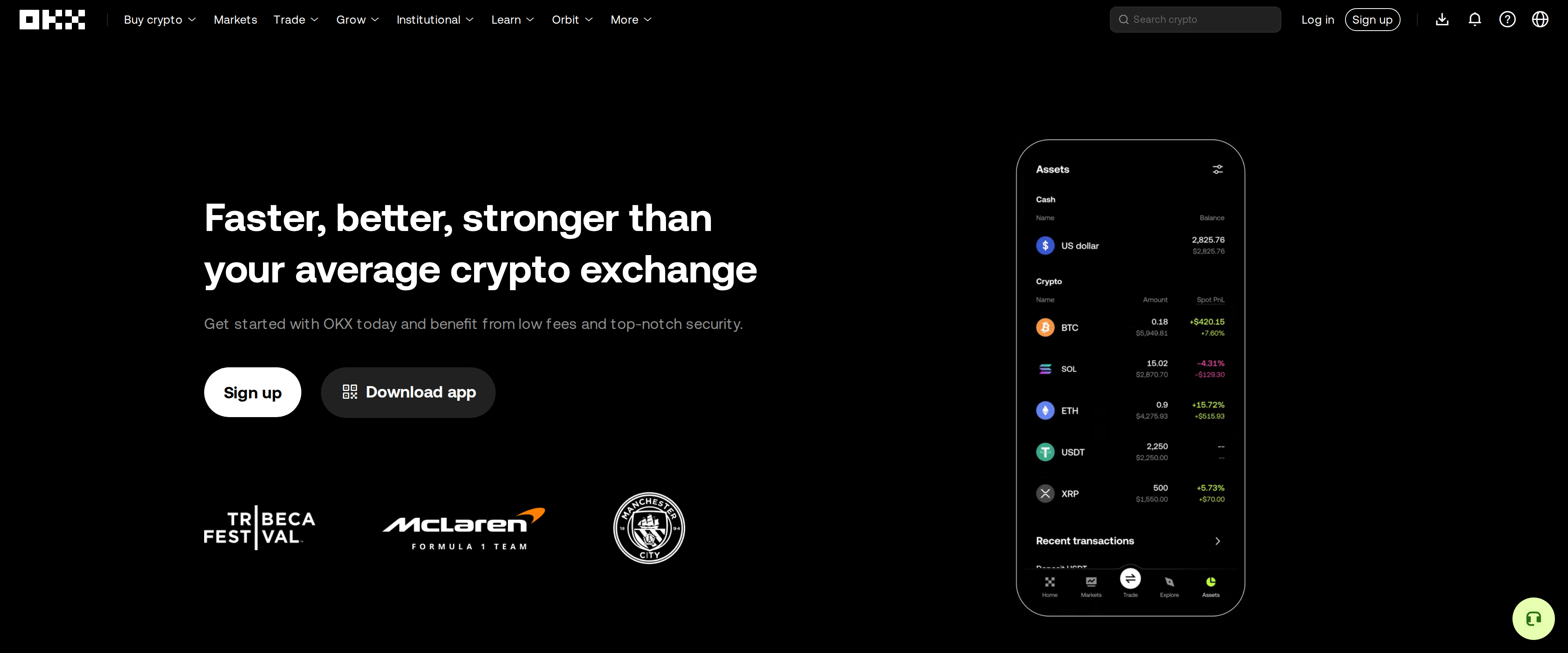 Crypto ExchangesOKX review: a strong exchange for traders the US locks out entirelyOKX is one of the stronger all-in-one platforms outside the United States: 0.08 percent maker spot fees at the base tier, a self-custodial wallet spanning more than 130 chains, and deep derivatives and bot tools in one account. The catch is availability. The global site blocks the US, Canada, Hong Kong, India and several other markets outright, and traders in those regions are pushed toward a more limited OKX US entity or a different exchange entirely.Best for: Traders outside the US and its blocked markets who want spot, derivatives and a multi-chain wallet under one login
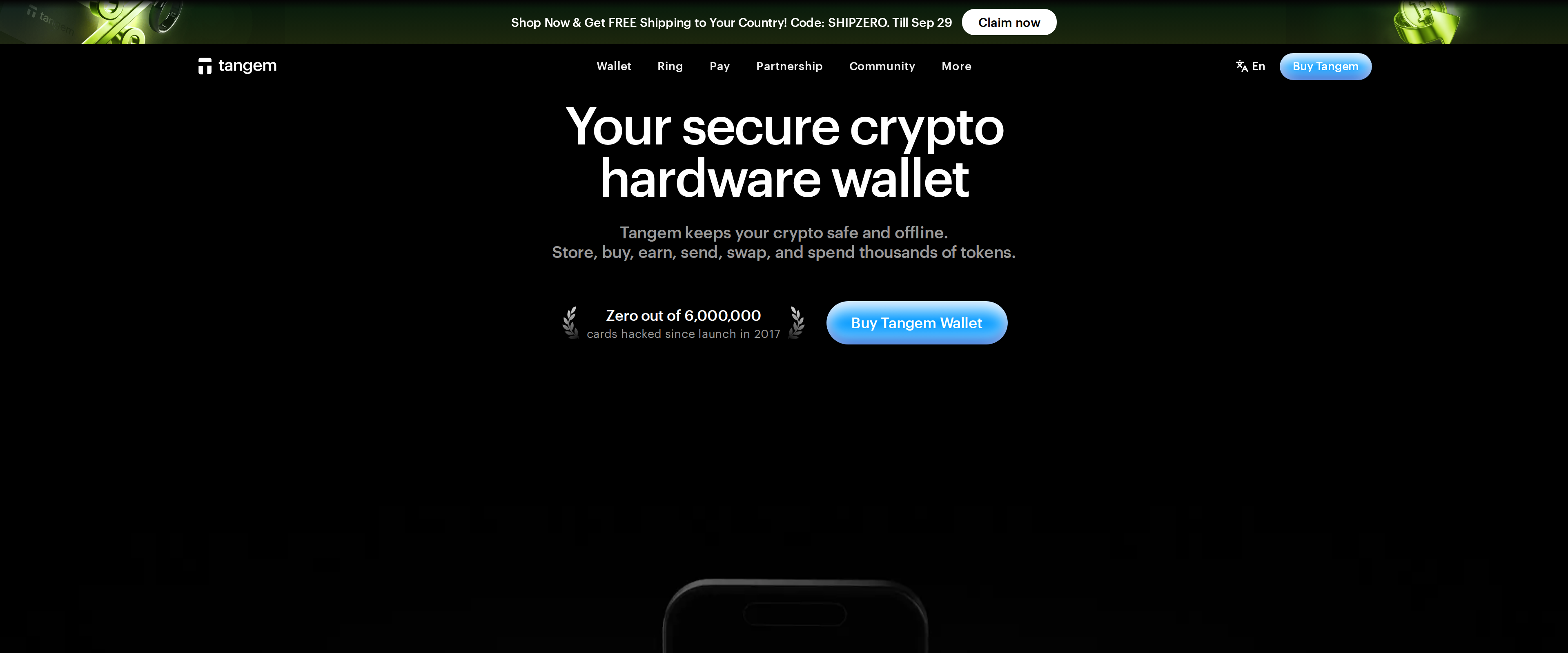 Hardware WalletsTangem Wallet Review: A Screenless Card That Trusts Your PhoneTangem is the easiest cold wallet we have set up: tap a card, scan a QR code, done, no seed phrase to copy onto paper. That ease comes from removing the one part every Ledger and Trezor owner takes for granted, a screen that shows what is actually being signed. Buy the three card set, keep one card somewhere else entirely, and treat the phone it pairs with as part of the security model, not just an accessory.Best for: A first cold wallet for someone who wants offline key storage without learning to write down a seed phrase
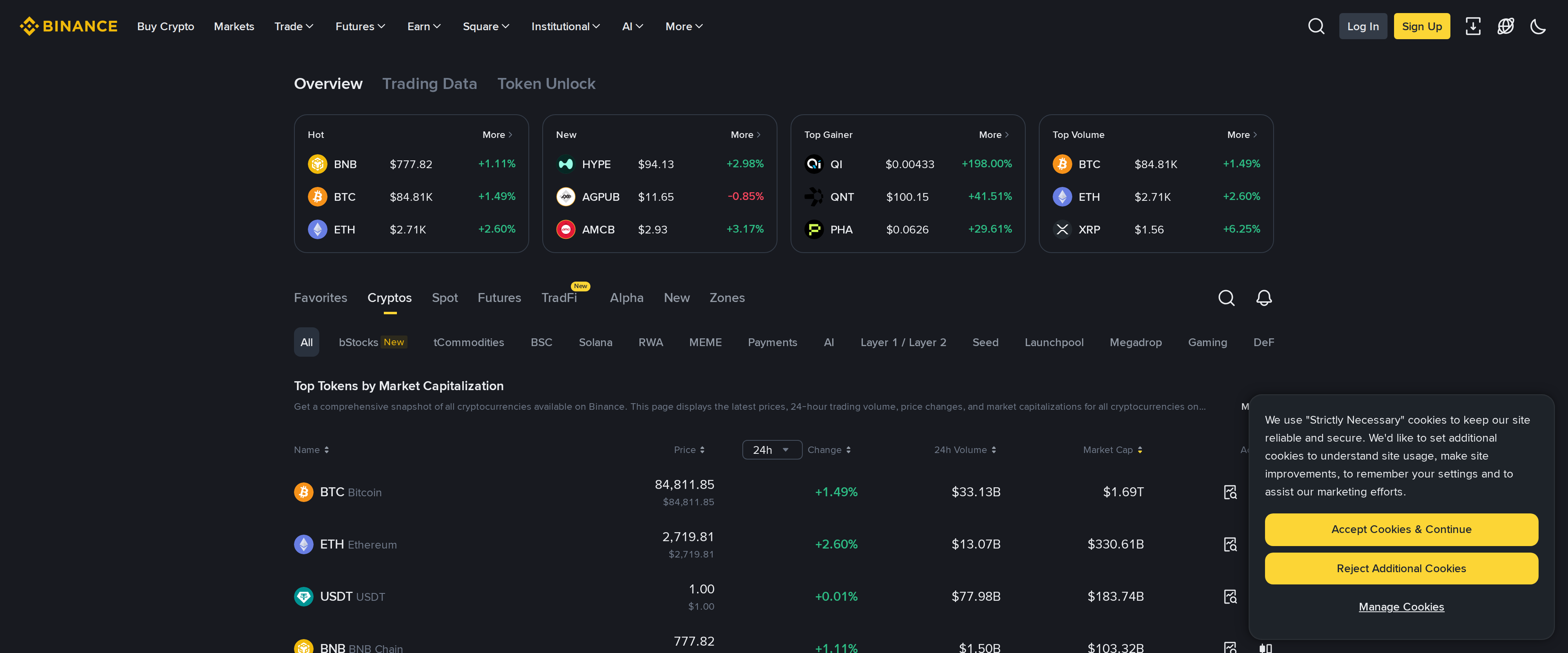 Crypto ExchangesBinance Review: Cheap Fees Weighed Against a Long Rap SheetBinance's 0.10% base spot fee, cut further with BNB or trading volume, undercuts most rivals we have tested, and the order books we watched on major pairs are as deep as any exchange in this category. That price comes bundled with a $4.3 billion 2023 settlement over sanctions and Bank Secrecy Act violations, exits from the UK, Netherlands and Canada, and a separate, more limited Binance.US for American residents, so the low fees only tell half the story.Best for: Active traders outside the US who want low fees and deep liquidity and accept the regulatory baggage
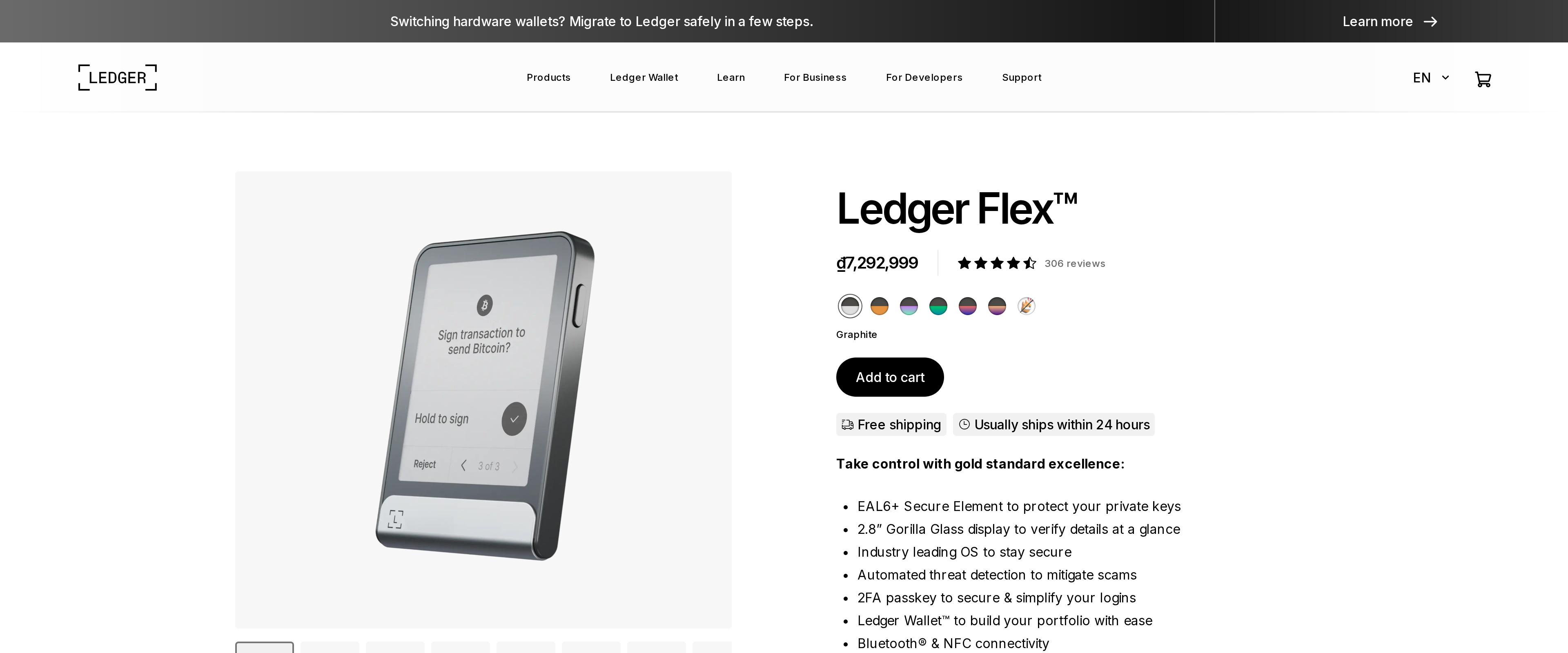 Hardware WalletsLedger Flex Review: A Sharper Screen for $70 More Than Gen5Ledger Flex and the Nano Gen5 share the same ST33K1M5 secure element at EAL6+, so paying $249 instead of $179 does not buy extra security. It buys a 480x600px screen against the Gen5's 300x400px, which reads a transaction's recipient address and amount more clearly, an advantage worth $70 to someone who prioritizes that over pocket size.Best for: Buyers who want the clearest on-device view of what they sign and do not need pocket size
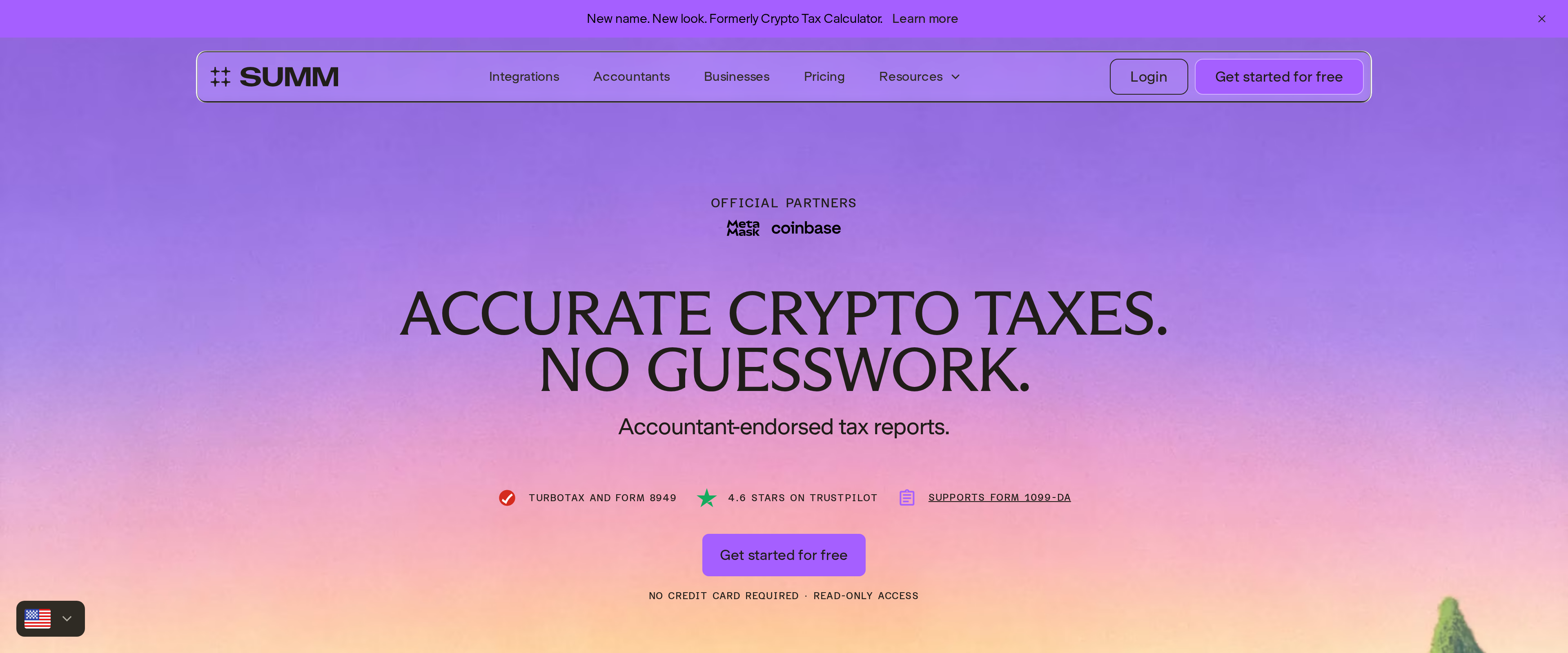 Crypto Tax SoftwareSumm review: does the rebrand handle DeFi better than Koinly?Summ, still known to many by its old name Crypto Tax Calculator, backs up its DeFi-heavy positioning with over 3,500 exchange, wallet and protocol integrations and a paid tier structure that scales with transaction count rather than tax years. Its 249 dollar Investor tier covering 10,000 transactions is genuinely competitive for someone with a sprawling on-chain history, though Koinly's free unlimited-transaction preview and lower entry price still make it the better fit for a lighter, simpler year.Best for: Multi-country DeFi users with thousands of on-chain transactions who need one subscription to cover every past tax year
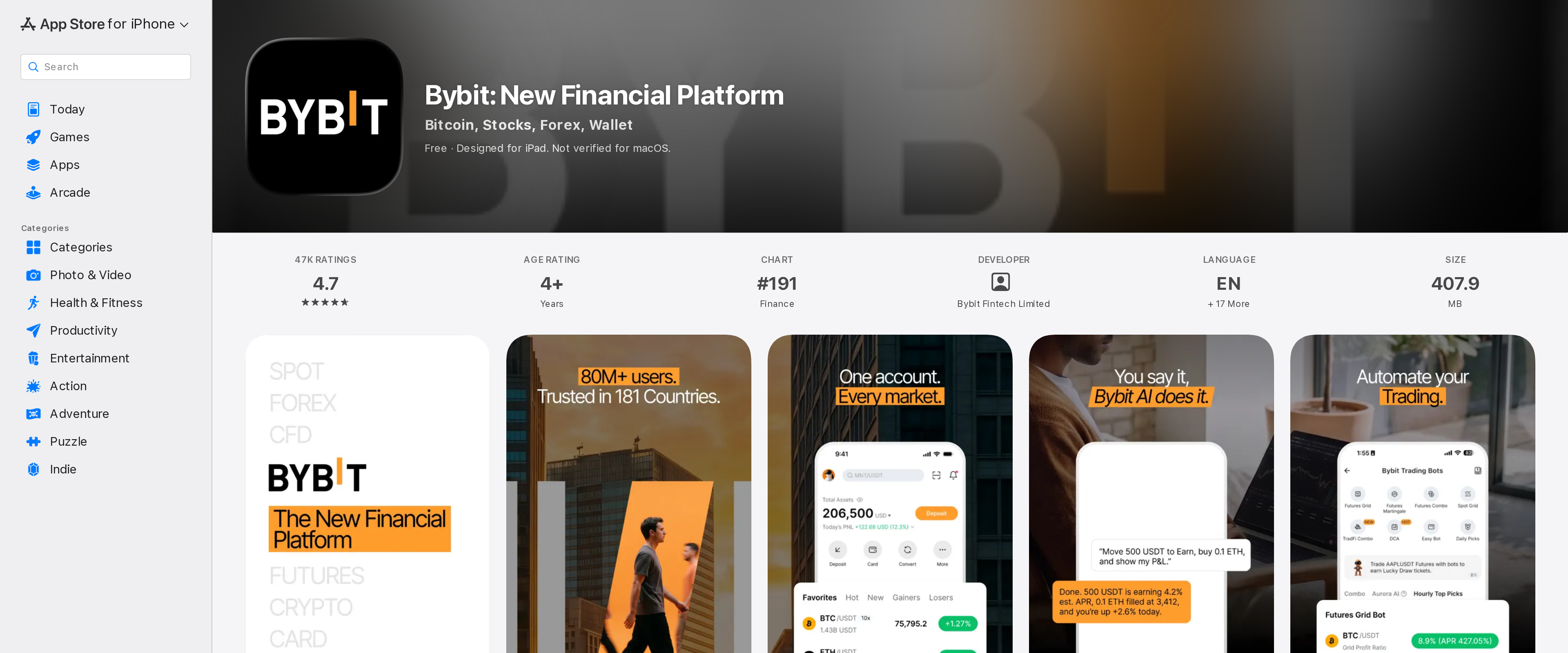 Crypto ExchangesBybit Review: A $1.5 Billion Hack Later, Is It Still Safe to Trade?Bybit lost $1.5 billion to a wallet-signing exploit in February 2025 and made every affected user whole within days, funded by bridge loans and its own balance sheet rather than user funds. Its monthly Hacken-audited proof of reserves has stayed at or above 100 percent since. That record, plus 0.1 percent spot fees and 0.055 percent taker fees on USDT perpetuals, makes it a defensible pick for derivatives trading, but the hack itself is a reminder that even a top-three exchange by volume can lose a cold wallet to a convincingly faked signing screen.Best for: Active derivatives traders who want deep USDT perpetual liquidity and accept centralized custody risk
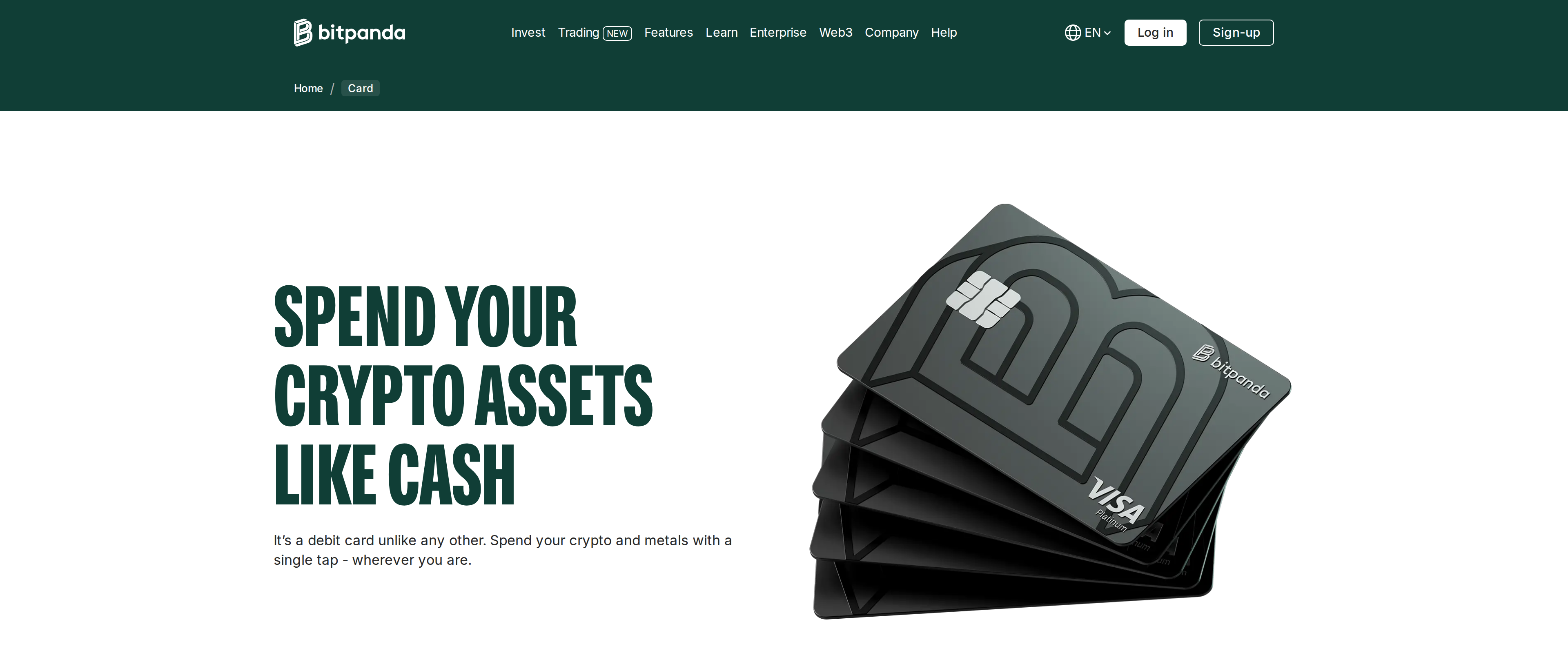 Crypto CardsBitpanda Card Review: What a Free Crypto Card Actually CostsThe Bitpanda Card is free to open, free to hold and charges no FX fee on non-euro purchases, spending straight from your Bitpanda balance in crypto, metals or stocks with a tap. The 1% cashback sounds simple until you read the fine print: it only pays out when the transaction is funded by a crypto asset, not euros, stablecoins, metals or stocks. ATM withdrawals cost 2% or 2 euros, whichever is higher, and a lost card costs 9.90 euros to replace, fair by industry standards but worth budgeting for. Anyone in the eligible Eurozone countries who already holds crypto on Bitpanda gets a genuinely free way to spend it; someone chasing cashback on everyday fiat spending should look elsewhere.Best for: Eurozone Bitpanda users who want to spend crypto directly without a separate conversion step
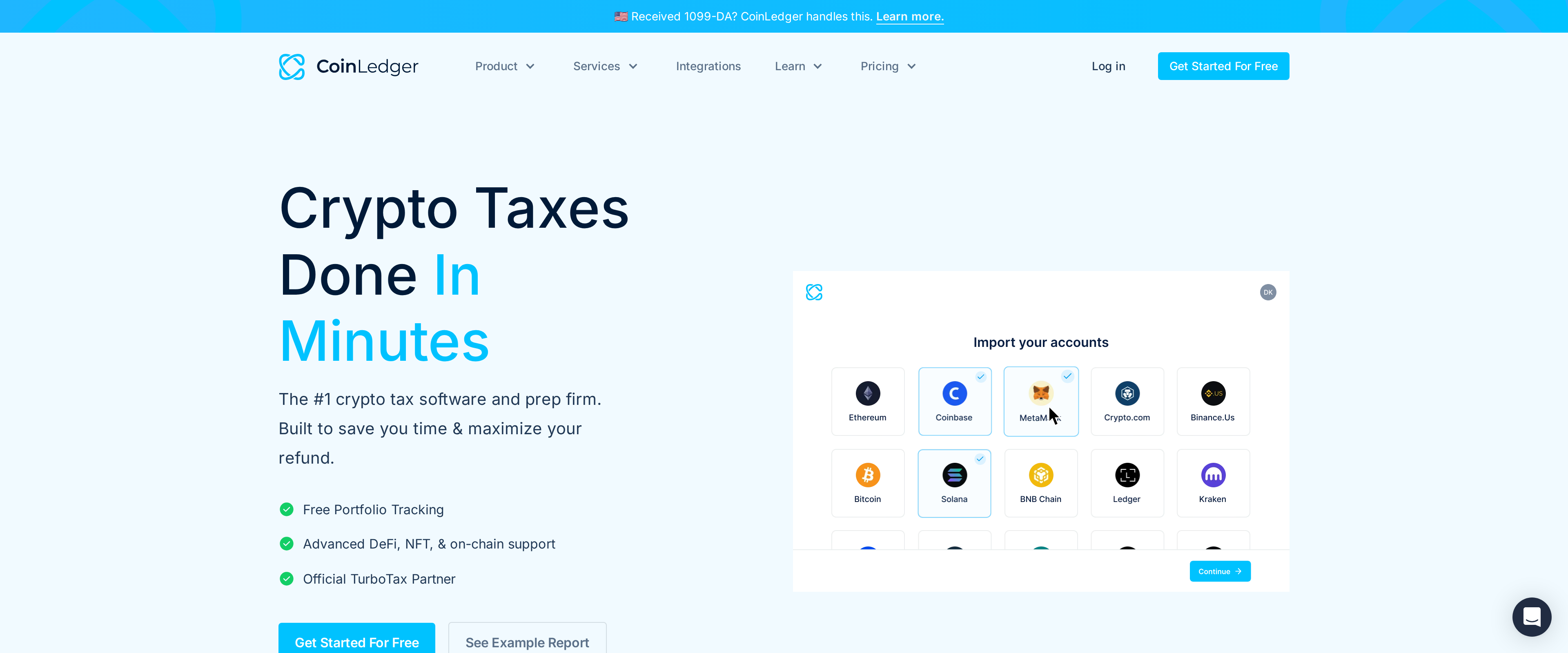 Crypto Tax SoftwareCoinLedger Review: The Simplest US Crypto Tax Filing Path?CoinLedger lets you connect exchanges and wallets and preview your full gain and loss picture for free, then charges once you actually want the downloadable report: $49 for up to 100 transactions, $99 for up to 1,000, or $199 and up for 3,000 or more. For a US filer with a handful of centralized exchange accounts, that free-then-pay model and the direct TurboTax export make it one of the least stressful ways to get through a crypto tax season. Heavy DeFi users should still expect to manually recheck staking, liquidity pool and bridged-token entries, because CoinLedger's automatic labelling gets those wrong often enough to matter.Best for: US filers with a few centralized exchanges and light-to-moderate DeFi activity who want a TurboTax-ready report
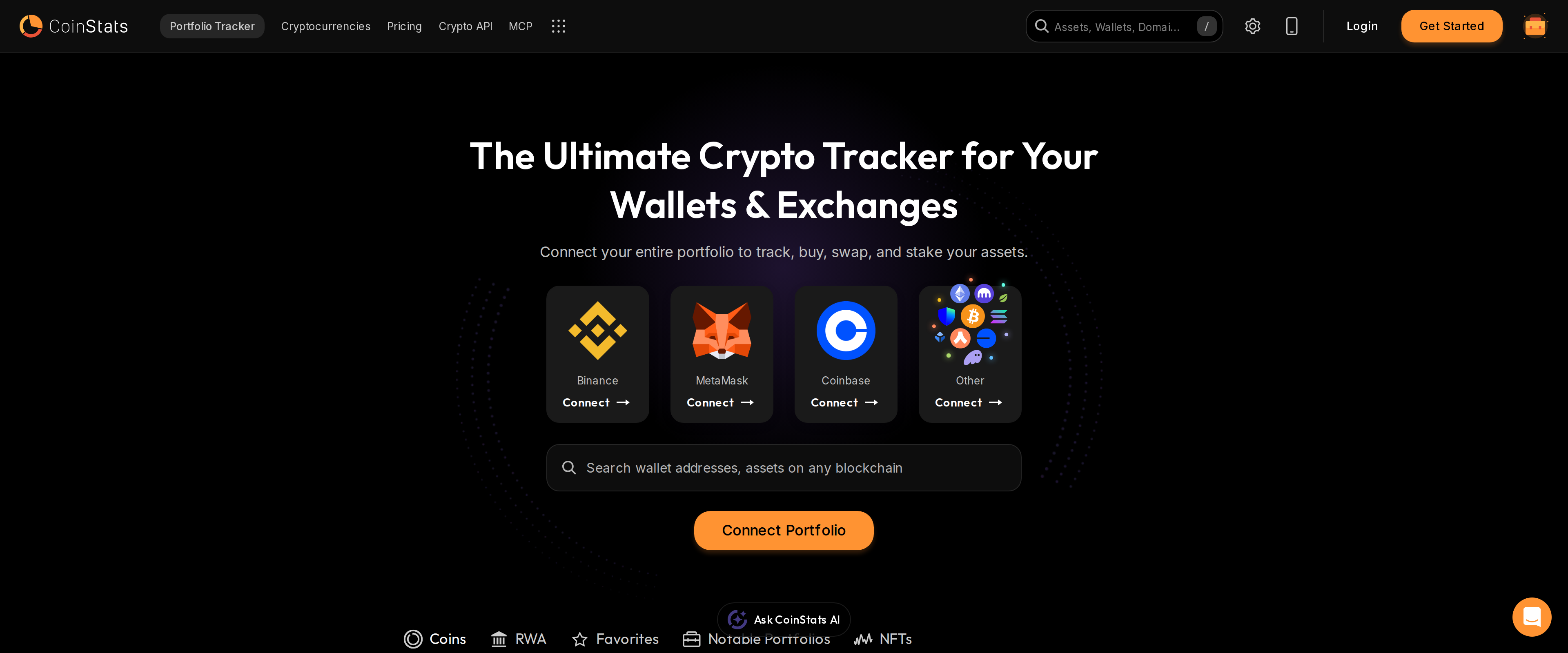 Portfolio TrackersCoinStats Review: Can It Replace a Portfolio SpreadsheetCoinStats pulls together exchanges, wallets and DeFi positions faster than a spreadsheet ever will, and the free plan's 10 portfolios and 20,000 transactions cover most personal use. Sync lag on smaller coins and wallet integrations is a real, recurring complaint though, so treat any single balance as a prompt to verify, not a final number.Best for: Holders who want one dashboard across several exchanges and DeFi wallets and can tolerate occasional sync delays
 Crypto ExchangesGemini Review: Compliance You Can Check, Fees You'll NoticeGemini's ActiveTrader base tier charges 0.60% maker and 1.20% taker, double Coinbase Advanced's 0.40%/0.60% base and well above Kraken Pro's 0.40%/0.80%, and its coin list of roughly 90 assets is the smallest of the three. What that fee premium buys is a New York trust charter, $125 million in insurance and a clean decade-plus security record, real assurances for a compliance-conscious trader, not a marketing line.Best for: US-based traders who prioritize regulatory oversight and insured custody over the lowest fee and the widest coin list
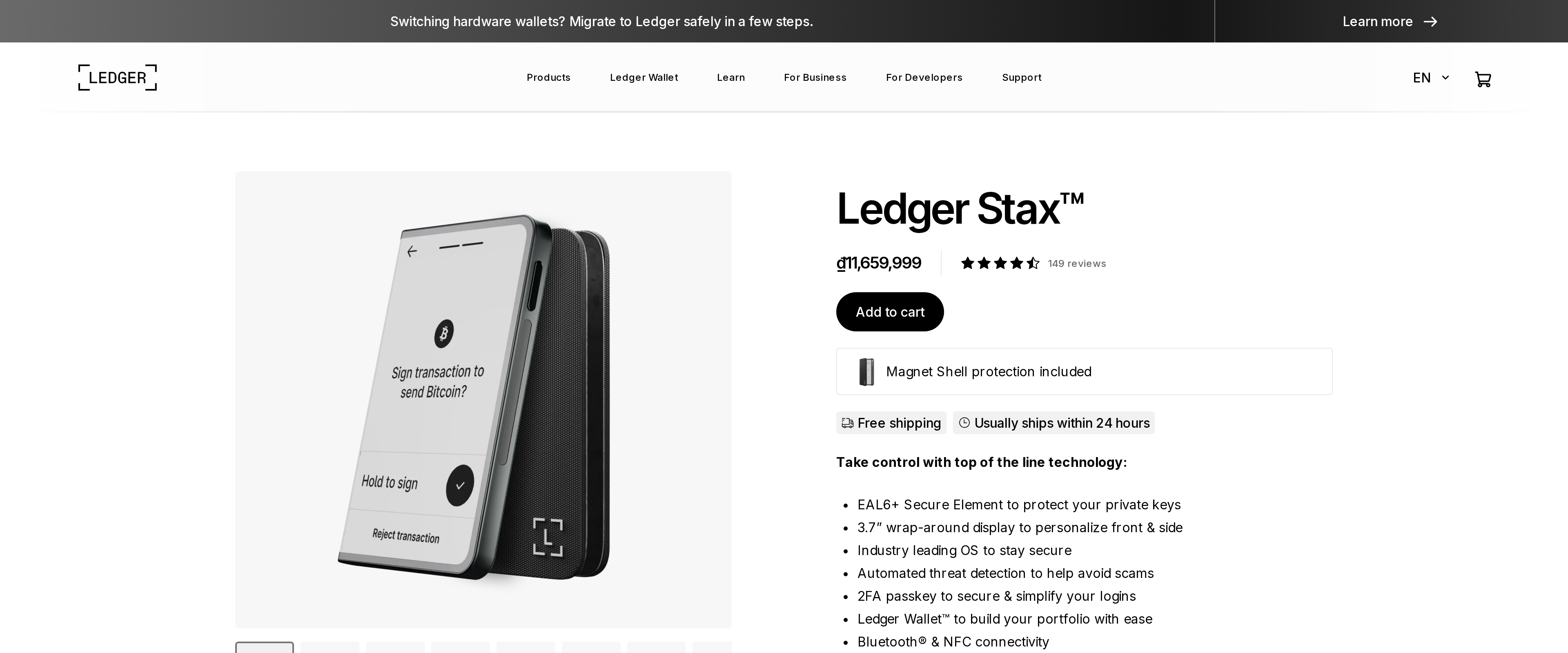 Hardware WalletsLedger Stax Review: Is the Curved Screen Worth $150 More Than Flex?The Ledger Stax runs the same EAL6+ secure element and Ledger Wallet software as the cheaper Flex, so the extra $150 buys design, not security: a 3.7 inch wrap-around E Ink display against Flex's 2.8 inch screen, Qi wireless charging Flex skips, and curved glass over Flex's Gorilla Glass. Both run about 10 hours on a charge and support Clear Signing, the feature that shows a transaction's real terms instead of a blind hash. Someone who wants the biggest screen and a wireless dock gets real value here. Anyone weighing cost against a near-identical feature set should buy the Flex instead.Best for: Buyers who want the largest E Ink display and wireless charging and don't mind paying for design
 Trading Bots and ToolsPionex Review: Free Grid Bots That Beat a Paid SubscriptionPionex bundles 16 free bots, including grid, DCA and a spot-futures arbitrage bot, directly into an exchange account charging a flat 0.05% spot fee, undercutting what most traders pay a separate bot subscription plus a second exchange's own fee just to run the same strategy. The trade-off is a 2.3 out of 5 Trustpilot rating built mostly on withdrawal delays, limited fiat on-ramps and support that runs on email and chat only, no phone line. For a trader who wants to automate a sideways market without paying two bills, Pionex earns its place; anyone who needs fast fiat withdrawals or phone support should keep it as a secondary account rather than the only one.Best for: Traders who want free grid and DCA bots without paying a separate subscription on top of exchange fees
 Crypto ExchangesCoinbase review: is the easy app worth paying more per trade than Kraken or Advanced TradeCoinbase remains the easiest on-ramp for a first-time buyer in the United States, with clear regulatory standing and a simple app that removes every reason to hesitate. That ease costs real money on every simple trade, and anyone moving more than a few hundred dollars a month should route the same order through Advanced Trade or pay for Coinbase One instead of accepting the spread by default.Best for: First-time buyers who want a regulated, well-known exchange and do not mind paying for that comfort
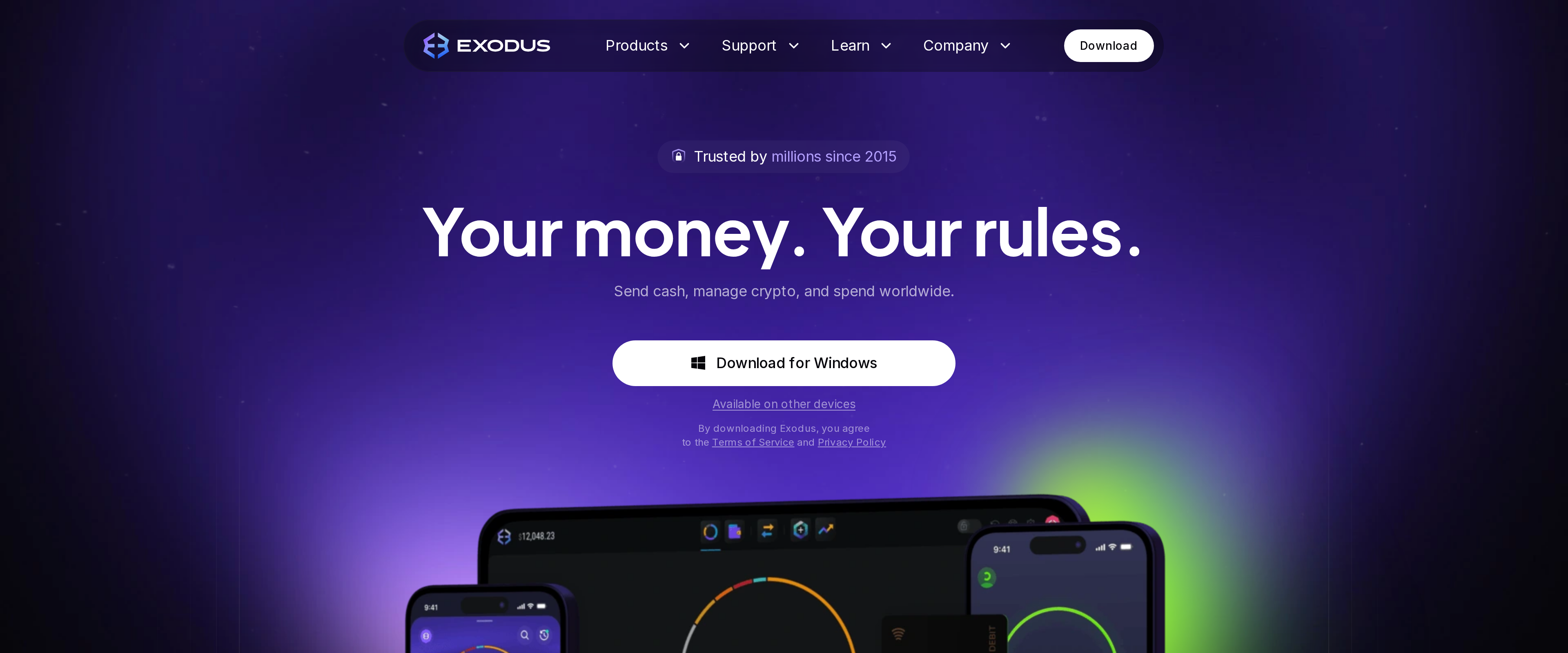 Software WalletsExodus Review: A Polished Wallet With an Expensive SwapExodus is free to download and among the best-looking self-custody wallets we have used, with smooth desktop-to-mobile sync, staking for assets like Ethereum and Cardano, and direct pairing with Trezor and Ledger devices. The wallet itself charges nothing, but its built-in swap is where Exodus makes money: the advertised 0.5 percent rate only shows up on large, liquid pairs, and our mid-size test swaps landed closer to a 2 to 3 percent all-in cost. For someone who uses a separate exchange for swaps, Exodus is a strong daily wallet; for regular in-app swapping, that convenience carries a real price.Best for: Self-custody users who want an easy interface and swap elsewhere rather than inside the app
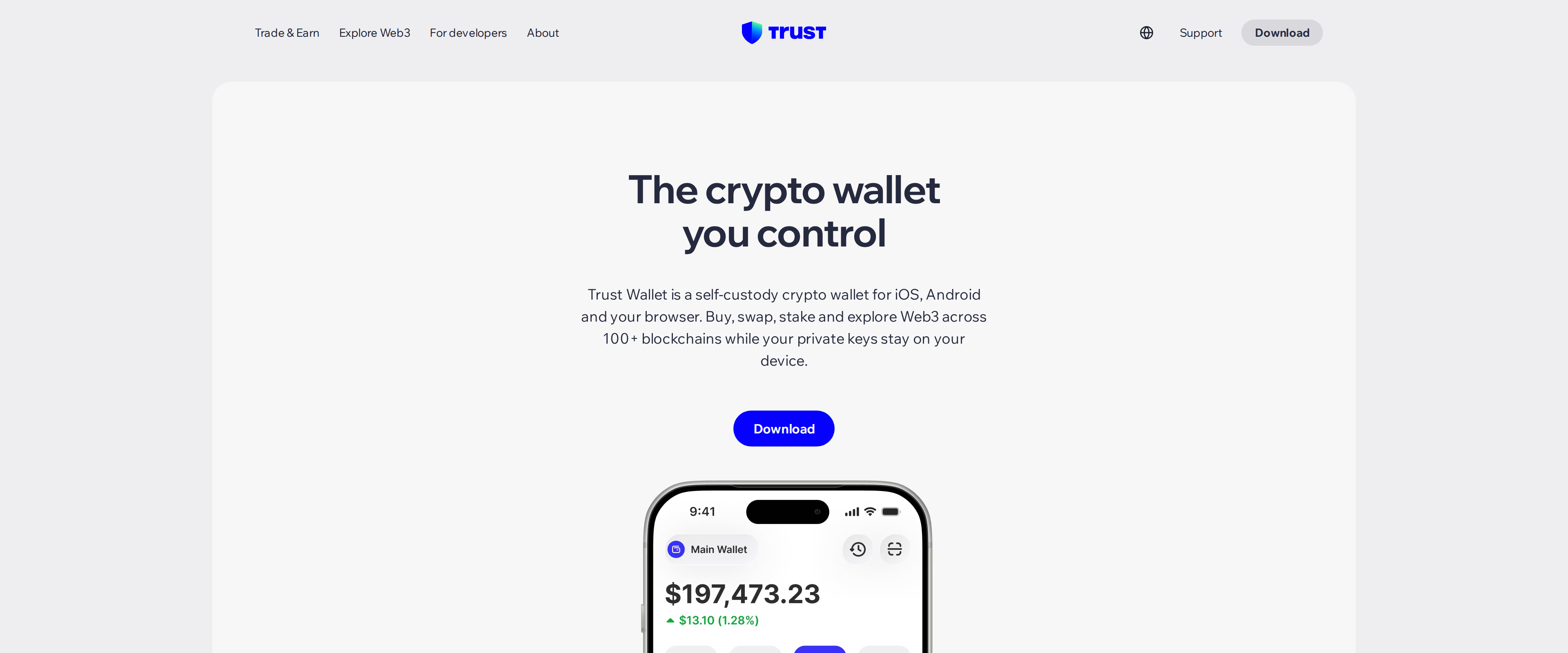 Software WalletsTrust Wallet Review: A Beginner's All-in-One, After the 2025 BreachTrust Wallet's mobile app covers more than 100 blockchains from one seed phrase and adds a Security Scanner that flags risky dApps before you sign, which is exactly what a beginner holding many coins needs. The browser extension's record is the reason we cannot call it an easy recommendation without a caveat: a December 2025 supply chain attack replaced the real extension with a malicious one for roughly two days, stealing near $8.5 million before Trust Wallet caught it.Best for: A beginner who wants one mobile app and one seed phrase for many different coins, and who avoids the browser extension
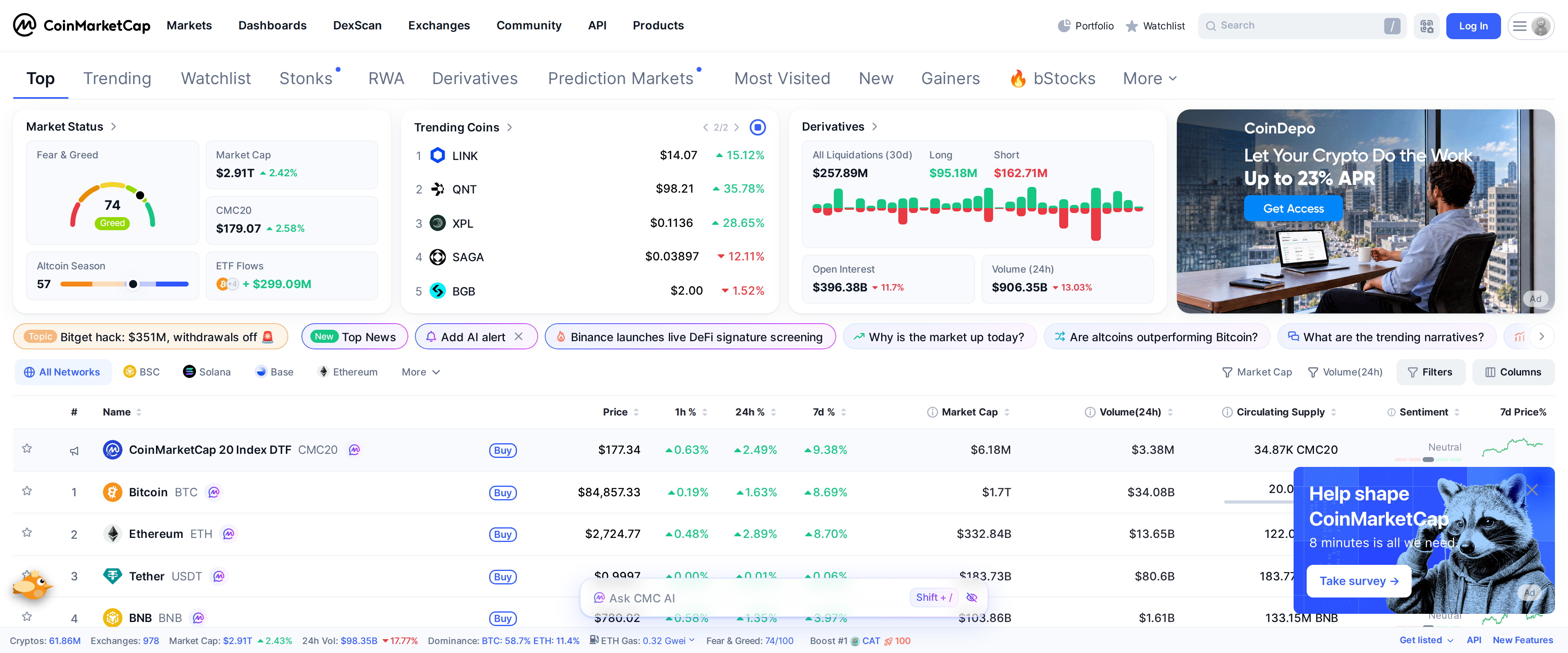 Market Data and ResearchCoinMarketCap review: still useful, but remember who owns itCoinMarketCap earns its default status honestly: free access to millions of tracked coins, live data on nearly a thousand exchanges, and a rankings page most of the industry still checks first. What it cannot shake is the fact that Binance has owned the company outright since a 2020 acquisition, and both firms insist rankings run independently of that relationship. CoinGecko's Trust Score methodology and lack of exchange ownership make it the more comfortable second opinion, not a full replacement.Best for: Anyone who wants a free, fast first check on price and rank, paired with a second source for anything Binance-adjacent
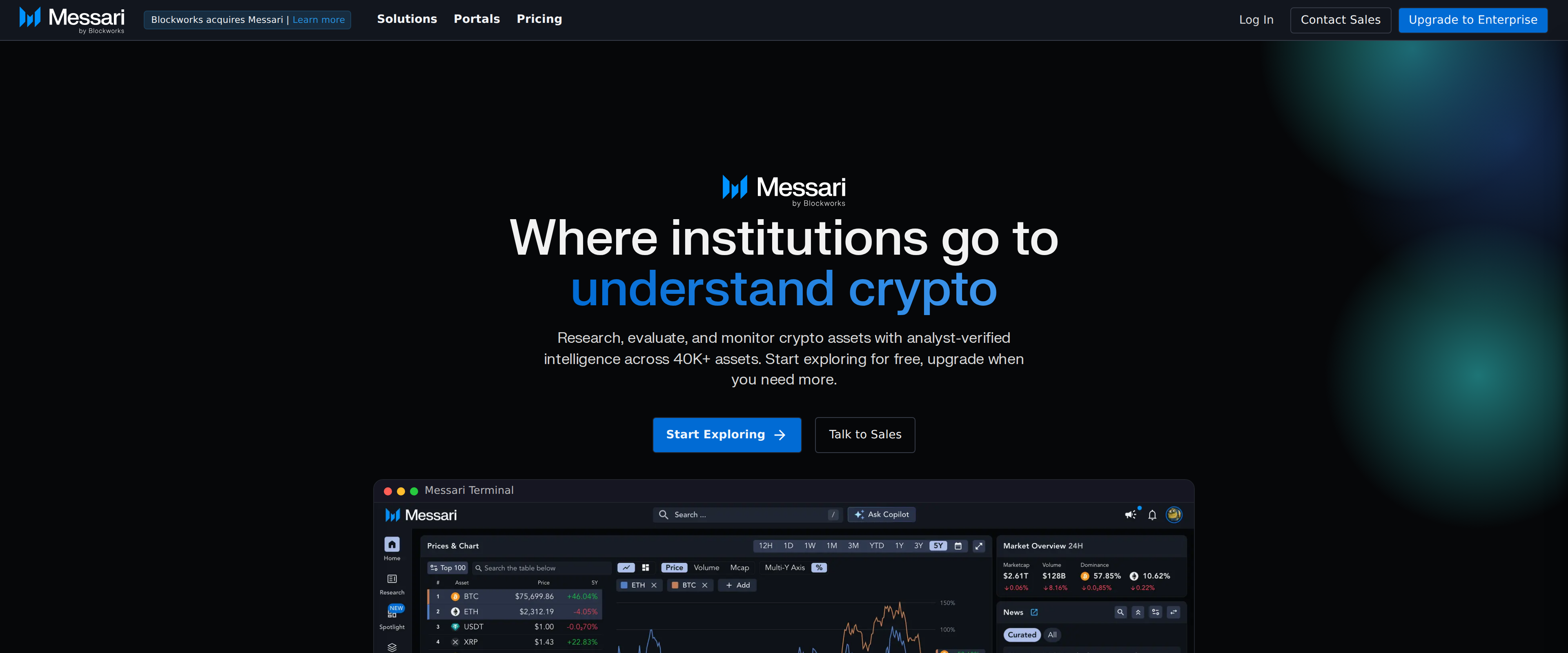 Market Data and ResearchMessari Review: Is the New $4,500 Enterprise Plan Worth It?Messari's asset profiles remain genuinely useful: pulling up Bitcoin surfaces on-chain metrics, unlock schedules and fundraising history in one page, covering over 40,000 assets. The problem is timing. In June 2026, Blockworks acquired Messari for $10 million, down from a $300 million valuation four years earlier, and retired the old $29.99-a-month Pro plan for a single $4,500-a-year Enterprise tier built for professionals. The free Basic tier still gives you asset data and quarterly reports, so a casual reader keeps most of what they came for; a former Pro subscriber now faces a much bigger bill or a narrower free version.Best for: Professional researchers and firms who need exclusive reports and AI research tools and can absorb a $4,500 annual seat
 Software WalletsMetaMask review: still the default Ethereum wallet, but the swap fee will surprise youMetaMask is still the safest default choice for someone new to Ethereum because of its reach, its Blockaid scam warnings and years of battle-tested code. It is not the cheapest or the most protective option once you start swapping tokens regularly: the advertised 0.875 percent swap fee routinely lands closer to three or four percent once routing and slippage stack on top, and Rabby's more aggressive transaction simulation catches more before you sign.Best for: New Ethereum and EVM users who want the most widely supported wallet, not the cheapest swaps
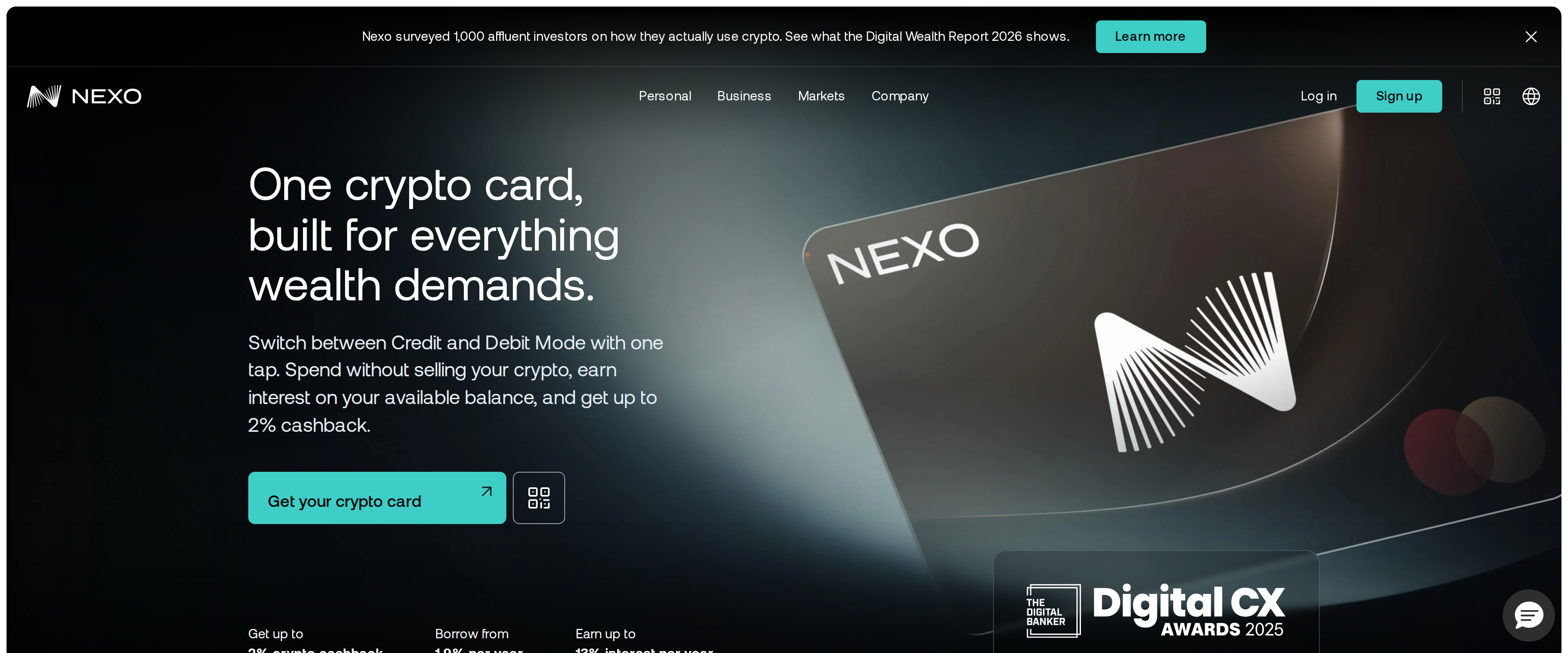 Crypto CardsNexo Card Review: Real Cashback, Locked Behind Loyalty TiersThe Nexo Card genuinely does what it says: switch between spending your balance and borrowing against it with one tap, at no monthly fee. But the advertised 2% cashback needs Platinum status and a $5,000-plus balance, and it is only available in the EEA, the UK and a handful of nearby countries, so most of what makes it interesting only shows up once you already have real money parked with Nexo.Best for: Existing Nexo users in Europe with a balance above $5,000 who want to spend or borrow without selling their crypto
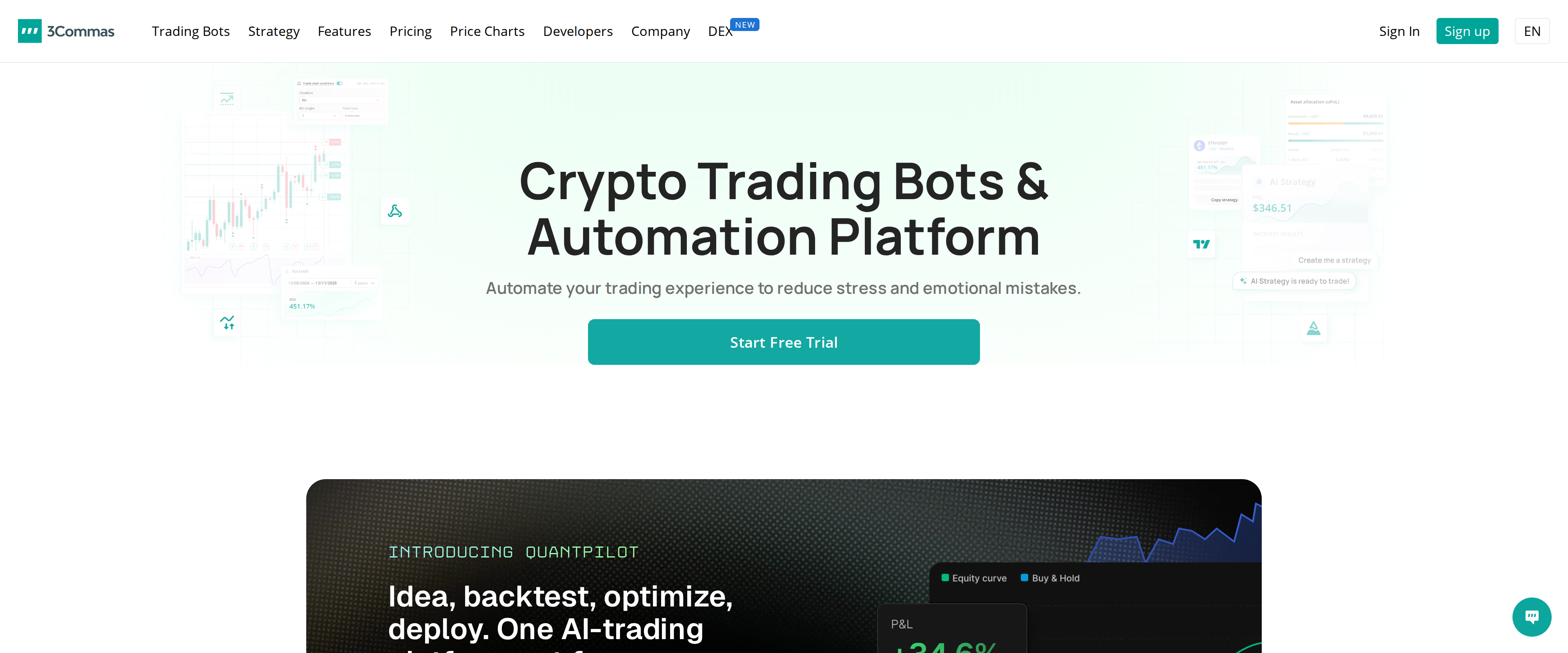 Trading Bots and Tools3Commas Review: Do the DCA and Grid Bots Earn the Subscription?3Commas automates dollar-cost averaging and grid trading across more than fifteen exchanges from one dashboard, and the bots do what the settings say. The subscription is the catch: Starter runs $15 a month and caps you at five DCA bots and two grid bots, so a small account can spend more on the tool than the bots make it, and a 2022 breach that exposed roughly 100,000 API keys is a fact any user handing over exchange access needs to weigh.Best for: Traders with several thousand dollars spread across multiple exchanges who want DCA or grid automation
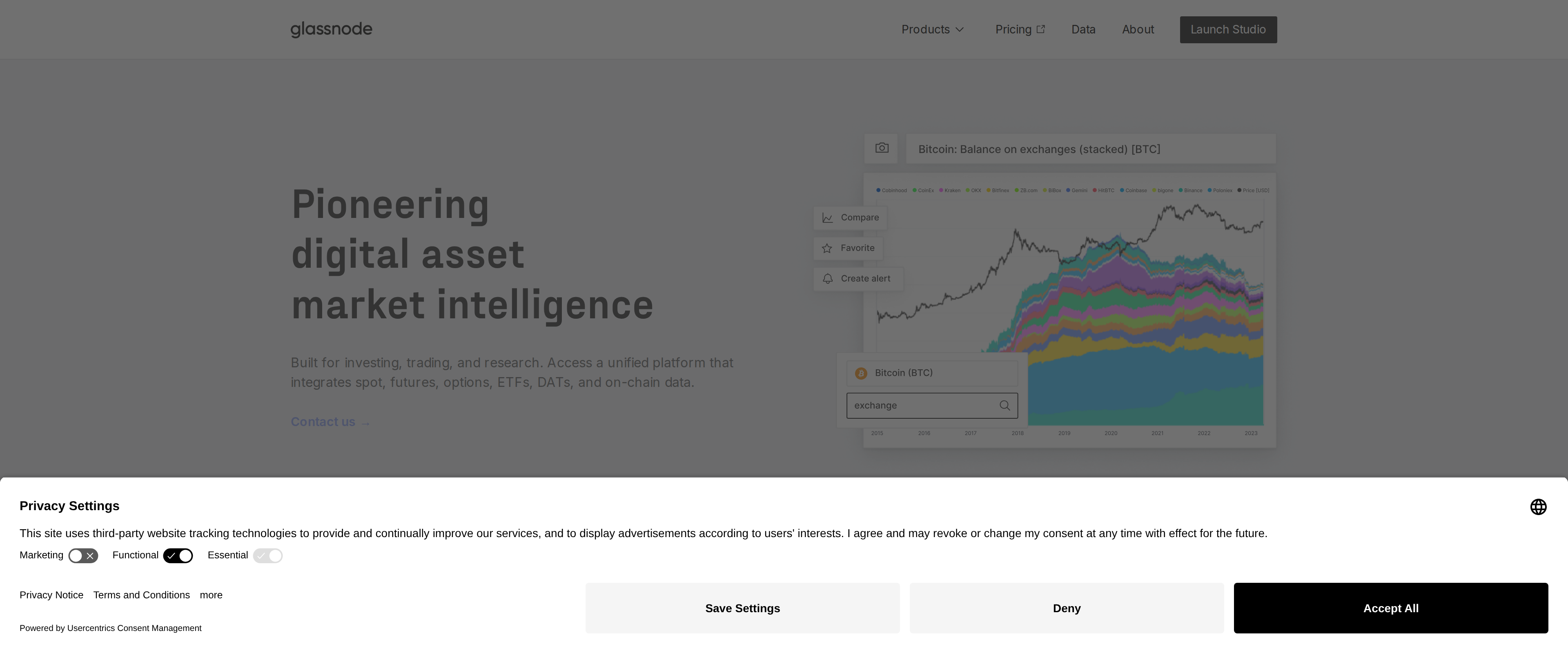 Market Data and ResearchGlassnode Review: On-Chain Data Worth Paying For Solo?Glassnode's raw data is genuinely deep, over 1,700 metrics across 1,500 assets with up to 15 years of history, and the free charts alone teach more about market structure than most retail dashboards. The catch is that the metrics a serious analysis actually needs, like Net Unrealized Profit/Loss, sit behind the $49-a-month Advanced plan or the custom-priced Professional tier, pricing built for funds and desks rather than someone checking their own portfolio once a week.Best for: Serious independent researchers willing to pay monthly for metrics beyond basic price charts
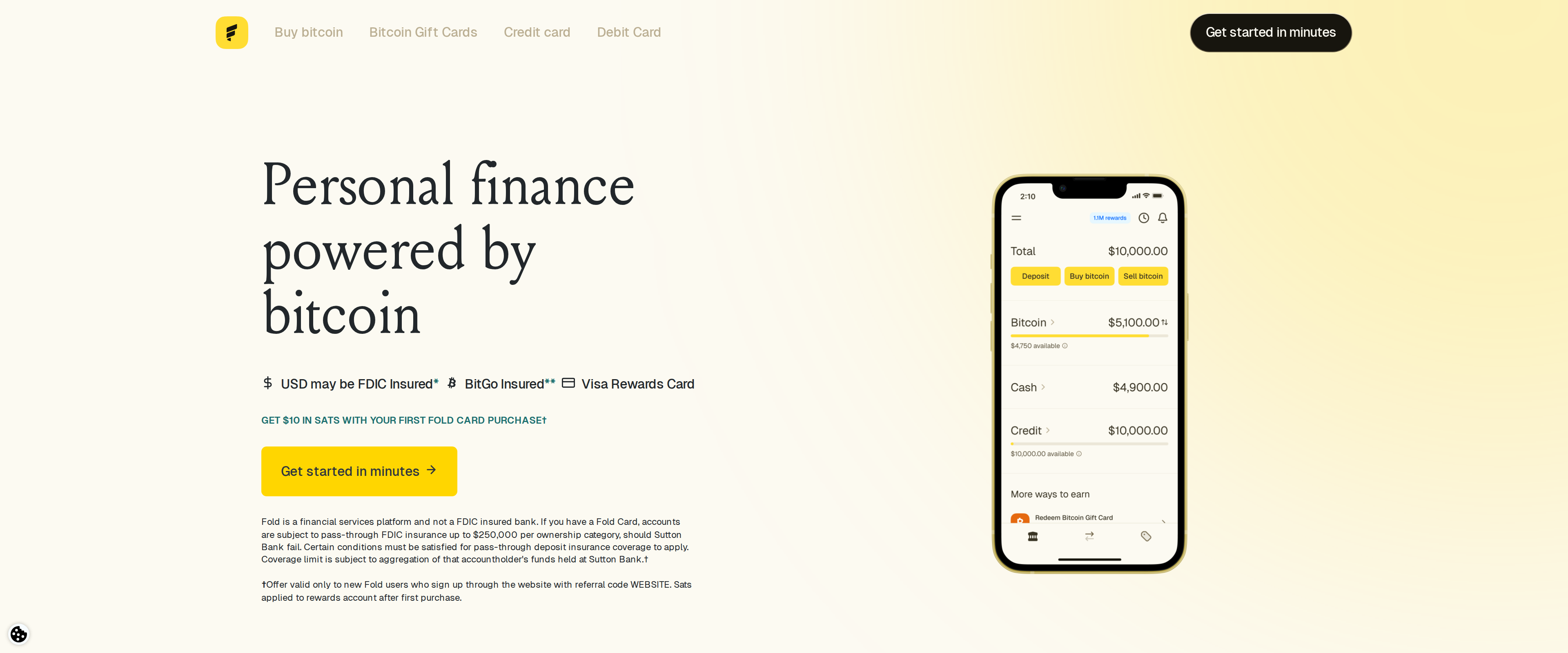 Crypto CardsFold Review: How Much Bitcoin Does the Card Really Earn?The Fold debit card pays a guaranteed 0.5 percent back in bitcoin on everyday spending and adds a daily spin wheel that can land a much bigger prize, but user reports we cross-checked put the average real-world payout closer to 0.5 to 1 percent rather than the headline 4 percent Fold advertises for its stacked, best-case scenario. A $10-a-month Fold+ membership removes bitcoin purchase fees and boosts spin odds, which is worth it only if you are already buying bitcoin through the app regularly. As a way to accumulate small amounts of bitcoin from spending you would do anyway, it works; as a primary rewards card competing with 2 percent cashback cards, it does not.Best for: Bitcoin holders who want small, automatic satoshi accumulation from routine spending and don't mind variable rewards
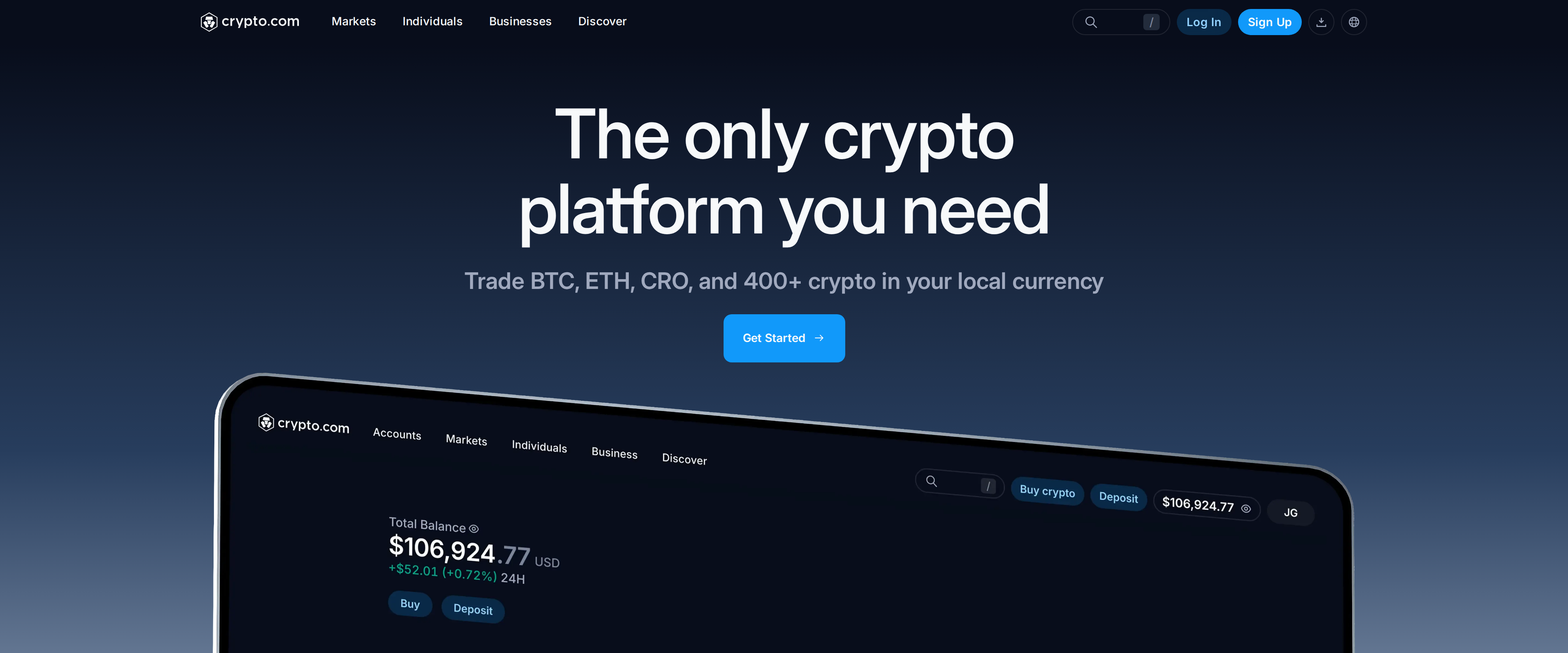 Crypto ExchangesCrypto.com App Review: Convenient, but the Spread Costs MoreThe Crypto.com App works well for a first purchase: it holds a 250 million user base, cold storage for customer coins and an Account Protection Program covering up to $250,000 per account. What it does not advertise upfront is that its convenience is priced into the spread, a cost of roughly 0.5% to 2% baked into the buy and sell rate rather than shown as a line-item fee. Move the same trade to the Crypto.com Exchange and the published Level 1 rate is 0.25% maker and 0.50% taker, a rate that improves fast once you hold CRO or trade volume. The app suits someone buying occasionally in small amounts; anyone trading often should open the Exchange tab in the same app instead.Best for: Occasional US buyers who want a simple app and are willing to pay a hidden spread for it
 Crypto ExchangesRobinhood Crypto Review: Withdrawals Arrived, But So Did a Florida SubpoenaRobinhood Crypto now lets you send coins in and out freely, closing the biggest gap it used to have against a real exchange, and its exchange-routing option discloses a fee that drops from 0.85% to 0.03% as your 30-day volume climbs. The catch is the default: app orders route to a market maker that pays Robinhood roughly $0.95 per $100 of volume, a cost folded into the spread rather than shown as a line item. Florida's Attorney General is already asking Robinhood to justify its lowest cost marketing under subpoena. Traders who switch on exchange routing get a fair deal; anyone on the default screen pays more than the slogan promises.Best for: Existing Robinhood brokerage users who will switch on exchange routing and watch their fee tier
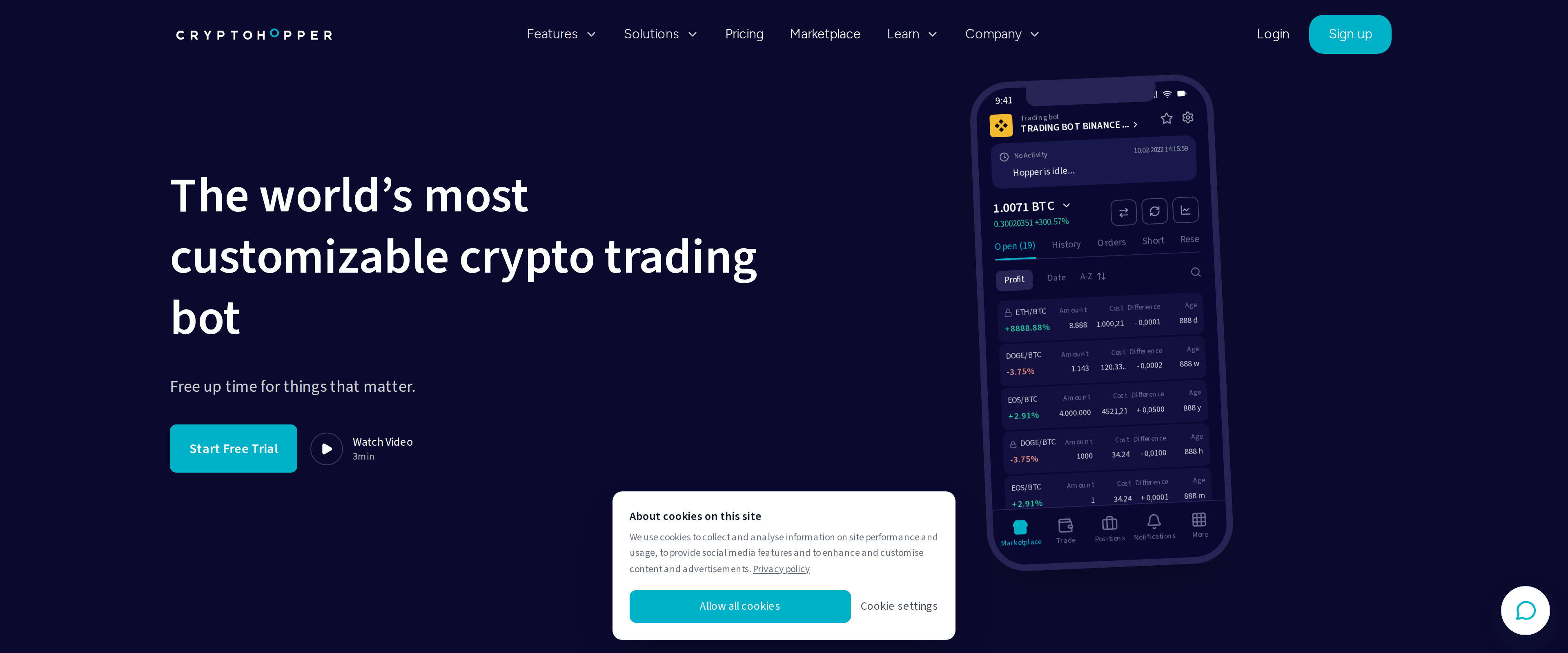 Trading Bots and ToolsCryptohopper Review: Can a Beginner Actually Trade Without Losing?Cryptohopper's drag-and-drop strategy builder and marketplace really do let someone with no coding background launch an automated bot in an afternoon. What the free plan does not tell you upfront is that automated trading itself requires a paid subscription starting at $29 a month, and that a marketplace strategy's shiny backtest is not a promise of future profit, several buyers have reported strategies losing money once real fees and slippage entered the picture. Treat it as a serious tool that still requires oversight, not a set-and-forget income source.Best for: Traders comfortable connecting exchange API keys who want to test and automate simple strategies without writing code
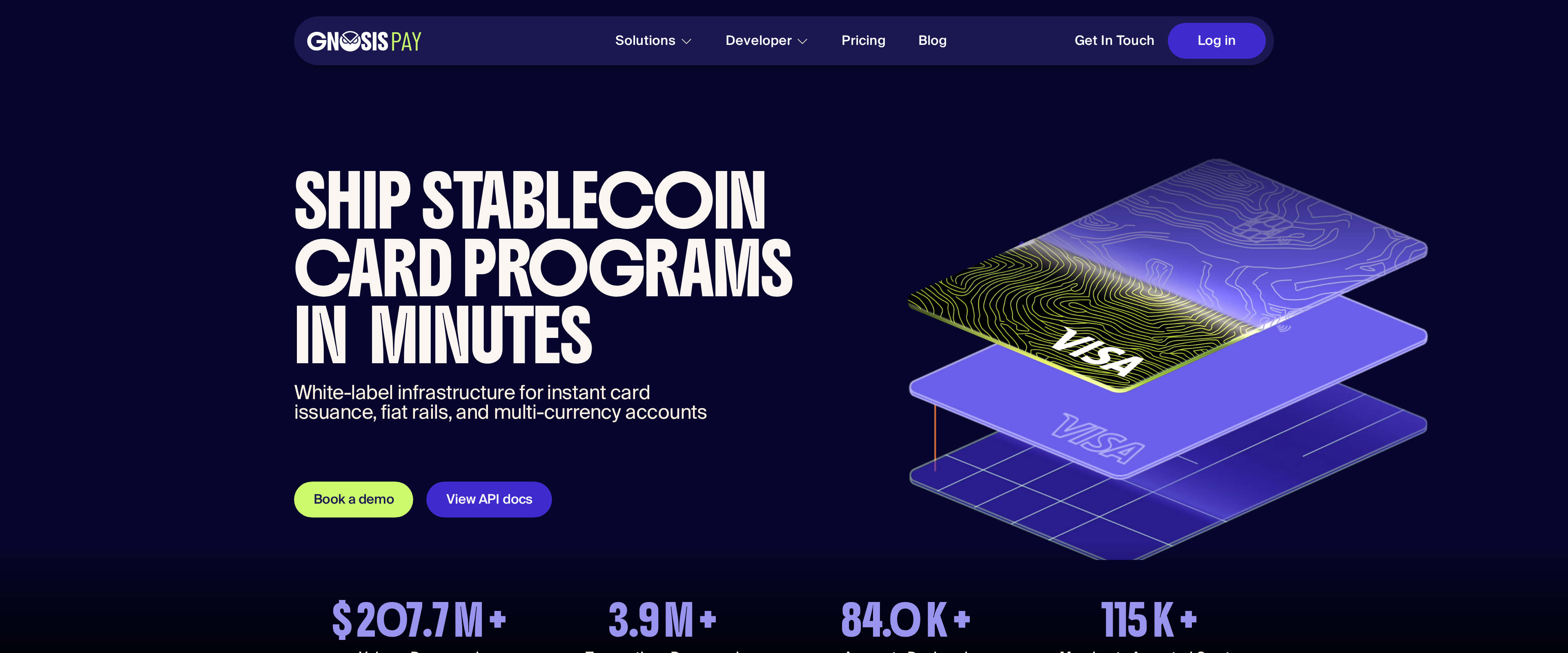 Crypto CardsGnosis Pay review: the self-custodial card is winding down, not starting upThe idea behind Gnosis Pay works: a Visa debit card tied directly to a Safe smart account you control, earning GNO cashback with no bank ever holding your funds. The company itself has stopped selling that idea directly. Gnosis Pay is retiring its own consumer card and web app in favor of licensing the technology to wallets like Zeal and Picnic, and existing cardholders are being migrated to partner apps rather than staying on Gnosis Pay's own platform.Best for: EU or Brazil residents already using a wallet like Zeal or Picnic who want a self-custodial card bundled into that app