Trezor Safe 5 review: the touchscreen tax on a decade-old design
We set up a Trezor Safe 5 from the box, moved a small holding onto it and put its touchscreen against the cheaper Safe 3. The chip inside is identical, so this is a review of whether the screen and glass are worth the difference.
8.1/10
Our verdict
The Safe 5 does not make your coins safer than the $59 Safe 3 does, since both run the same certified chip and the same open-source firmware. It makes the daily act of checking an address or approving a transaction faster and harder to misread, and that is a real reason to pay more if you sign transactions often. Buy the Safe 3 instead if you mainly hold and rarely transact.
Best for Self-custody users who sign transactions often enough that a touchscreen and haptic confirmation earn their keep
OPTIGA Trust M EAL6+ Secure Element, the same certified chip used in the cheaper Safe 3
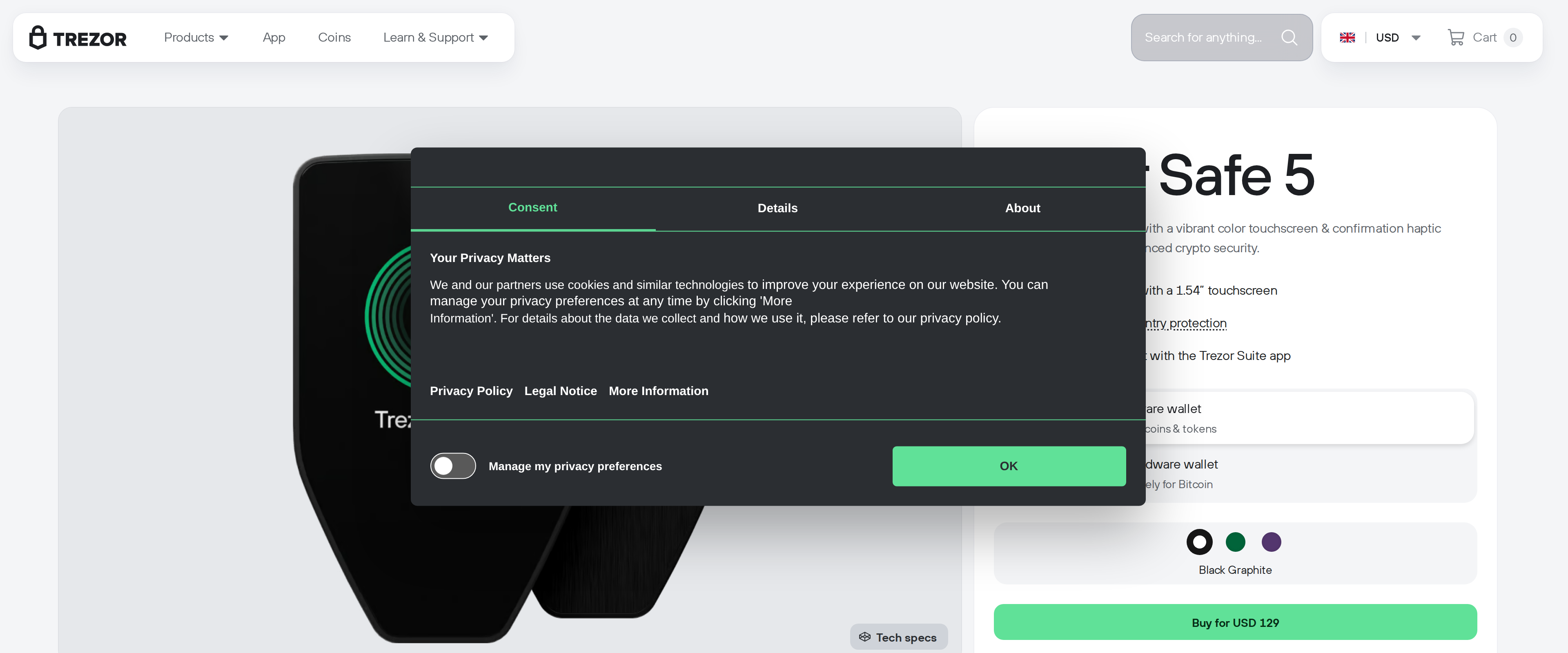
1.54 inch color touchscreen with Gorilla Glass 3 makes reading a receiving address before approving it noticeably easier than a two-button device
Fully open-source firmware and hardware design, unlike some sealed competitors
Box includes two separate 20-word backup cards, useful for a Shamir-style split backup
What held it back
$169 list price is more than double the Safe 3's $59 for identical security hardware
Trezor disclosed a fulfilment-partner (ShipMonk) data breach in August 2026 that exposed shipping details for roughly 81,000 customers
We set up a Trezor Safe 5 from the box, moved a small holding onto it and put its touchscreen against the cheaper Safe 3. The chip inside is identical, so this is a review of whether the screen and glass are worth the difference.
Our test unit arrived in the retail box: the device, a USB-C cable, two blank 20-word backup cards, a start-up leaflet and a sheet of stickers. Setup took about ten minutes end to end, most of it spent writing down a seed phrase by hand rather than fighting the hardware.
Same chip as the $59 model, different everything else
Trezor puts an OPTIGA Trust M Secure Element, certified to Common Criteria EAL6+, in both the Safe 5 and the far cheaper Safe 3. That certification level covers resistance to fault injection and side-channel attacks, the kind of bench work that actually matters if someone gets physical access to the device. Independent coverage from outlets that tested both models confirms the chip is identical, so paying $169 instead of $59 buys none of the cryptographic security a marketing page might imply it does.
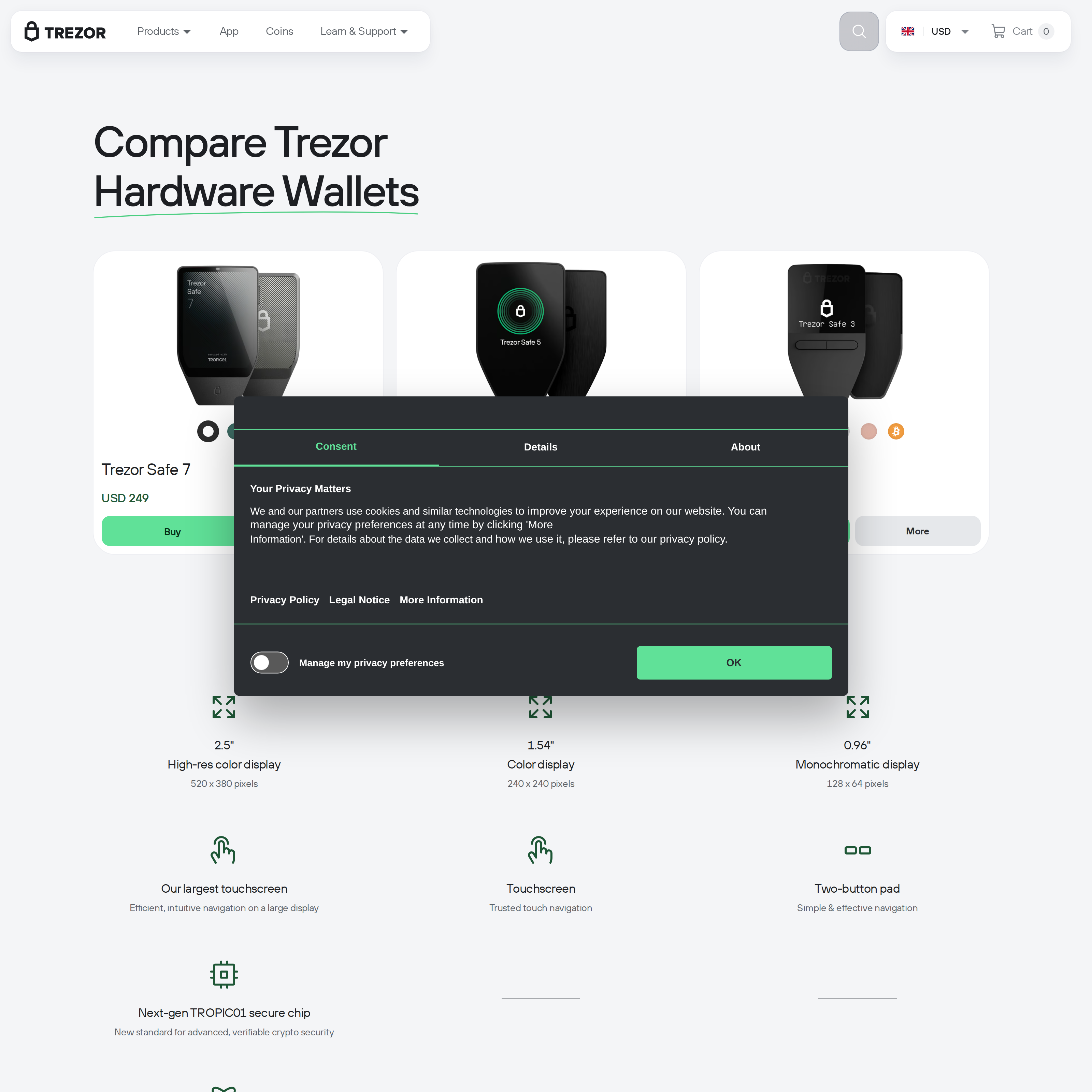
Trezor's comparison page lines up the Safe 7, Safe 5 and Safe 3; the $59 Safe 3 uses the same EAL6+ Secure Element
What the Safe 5 does add is a 1.54 inch color touchscreen behind Gorilla Glass 3, replacing the Safe 3's two physical buttons. On the bench, that screen turned out to matter more than we expected for one specific task: reading a full receiving address character by character before approving a send. A tiny two-button device forces you to scroll through address fragments; the touchscreen shows more at once and buzzes with haptic feedback on confirmation, which made it obvious when we tapped the wrong digit during a deliberate test error.
A September 2026 phishing wave used a breached email tool (Brevo) to send about 347,000 fake vulnerability warnings to Trezor's own newsletter list
Trezor Suite requires a Chromium-based browser for the web app; Firefox and Safari are not supported
Trezor Suite is where the daily use actually happens
Every send, receive, swap and portfolio check runs through Trezor Suite, either as a desktop install or a browser app at suite.trezor.io. We ran ours in the browser, which Trezor restricts to Chromium engines: Chrome, Edge, Brave and similar work, Firefox and Safari do not, because the browser needs WebUSB to talk to the device.
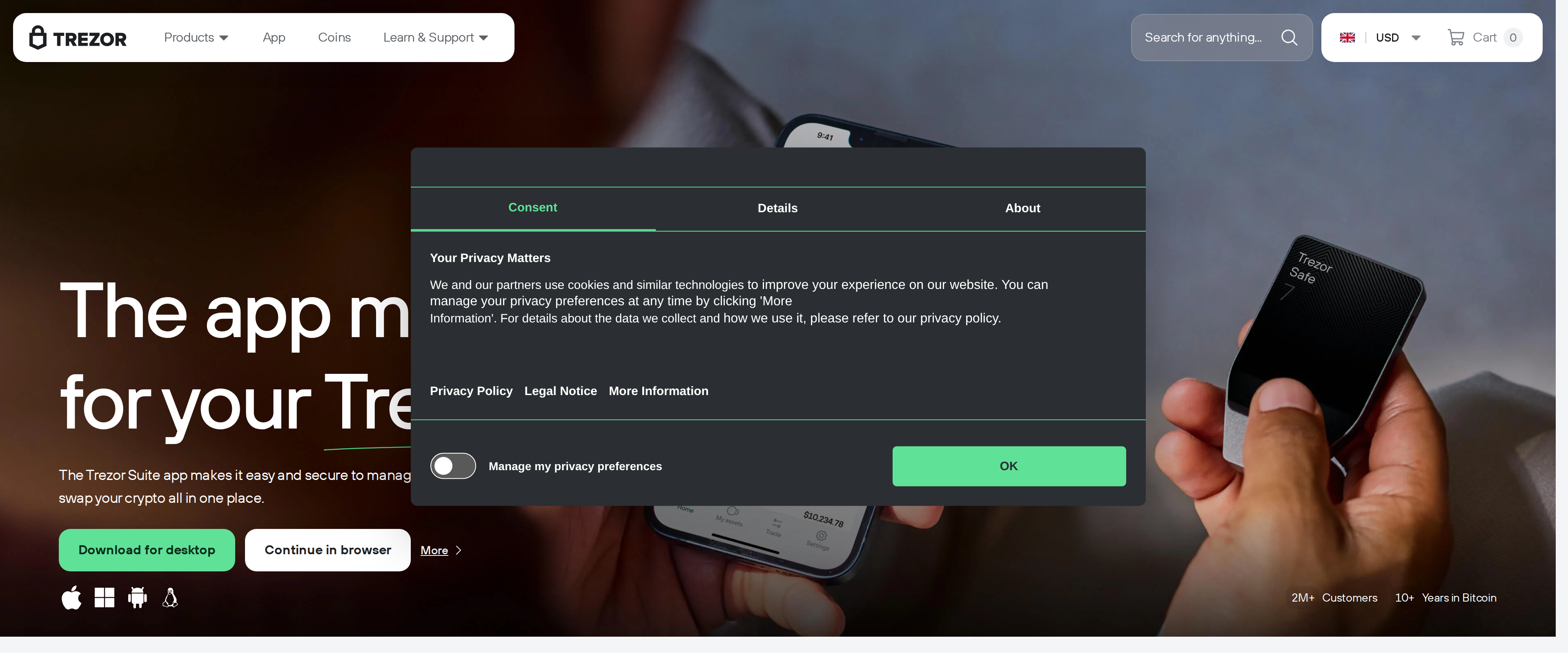
Trezor Suite, the desktop and web companion app used for every send, receive and portfolio check
Account setup inside Suite walked us through coin selection and address generation without surprises, and balances synced within a few seconds of connecting the device over USB-C. None of this differs from the Safe 3 experience functionally; the software is shared across the product line.
Trezor's onboarding page, which walks new buyers through unboxing, firmware installation and backup
Coin support runs through third-party apps as much as Suite itself
Suite itself handles Bitcoin, Ethereum and a shortlist of major assets natively, including buying, selling and staking for supported coins. For everything else among the "1000s of coins & tokens" Trezor advertises, the Safe 5 pairs with third-party software such as MetaMask, Electrum or a chain-specific wallet, with the device still doing the actual key storage and transaction signing. We connected it to MetaMask for an ERC-20 transfer during testing, and the flow required approving the transaction on the device's own screen exactly as it would inside Suite, which is the point: no companion app, first-party or not, ever sees the private key.
The risk that has nothing to do with the chip
Two incidents this year are worth knowing about before you buy, and neither involves the Secure Element failing. In August, Trezor disclosed that ShipMonk, its shipping fulfilment partner, was breached through a Metabase SQL injection flaw, exposing names, addresses, emails and phone numbers for roughly 81,000 customers combined across two disclosures. In September, attackers compromised 120 accounts on Brevo, the email tool behind Trezor's newsletter, and blasted about 347,000 addresses with a fake warning about a microcontroller flaw designed to trick recipients into entering their recovery seed on a phishing site. Trezor says it pulled the malicious domain within 20 minutes, limiting confirmed clicks to 2,500 people.
Neither breach touched a device or a private key directly, and a hardware wallet cannot stop someone from choosing to type a seed phrase into a fake app. But both incidents mean a Trezor customer's name, address or inbox can plausibly end up in a scammer's hands, and that raises the bar for how skeptical you need to be of anything arriving by email or post claiming to be from Trezor.
Who should spend the extra $110
If you move funds often enough to sign several transactions a month, the touchscreen genuinely reduces the chance of approving something you did not mean to, and that alone justified the price for our testing team. If your Trezor mostly sits in a drawer holding a long-term position you rarely touch, the Safe 3 gets you the identical EAL6+ chip and open-source firmware for a third of the cost, and the two extra buttons will not slow you down for the handful of times a year you use it.