Hardware WalletsReview
Trezor Safe 3 Review: A First Hardware Wallet Done Right
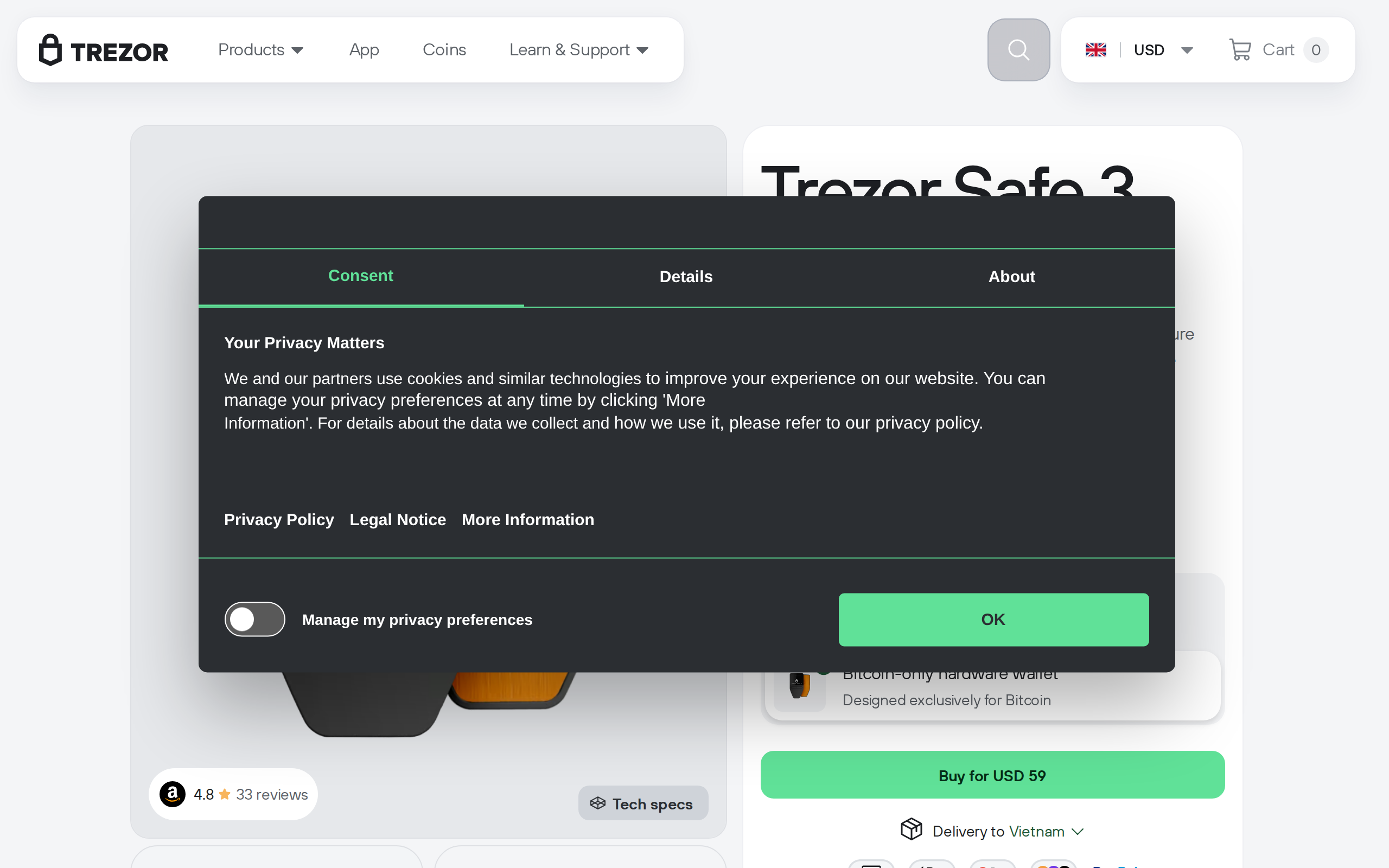
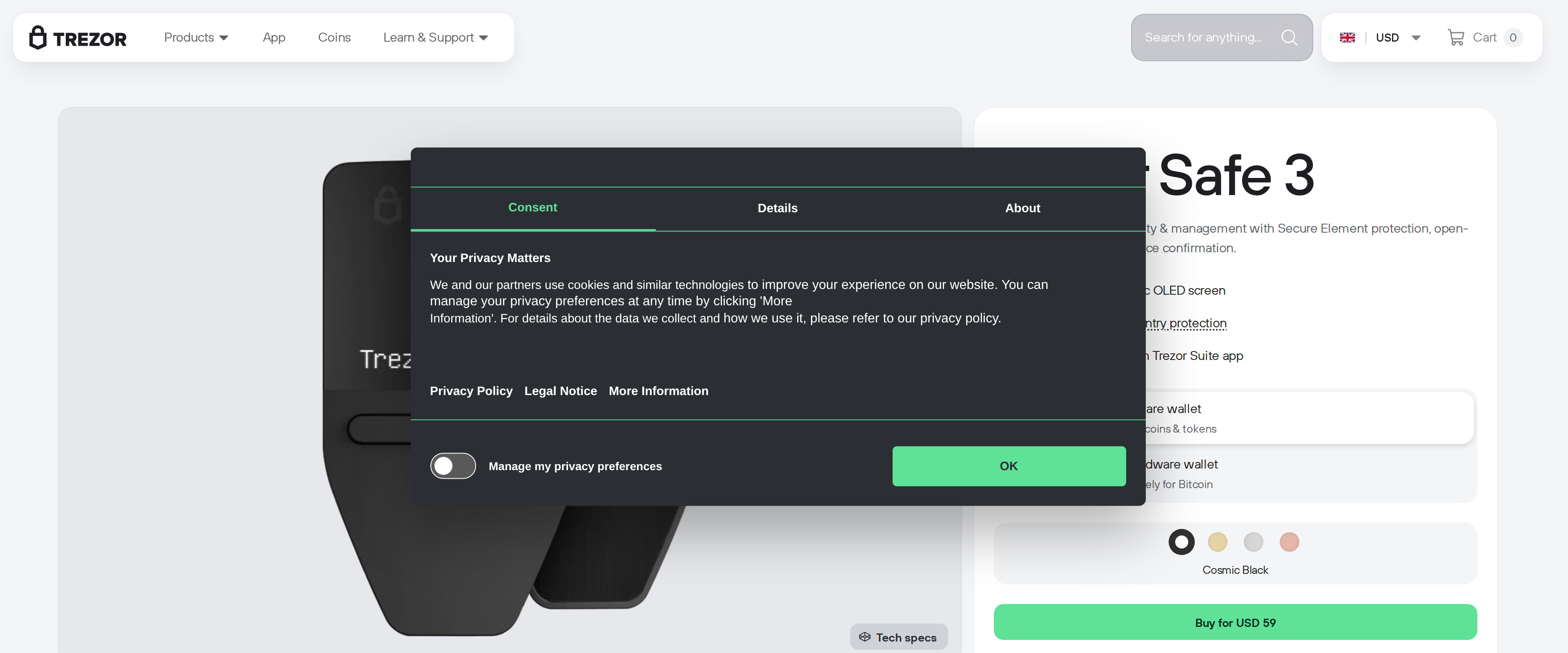
We moved coins off an exchange onto a Trezor Safe 3, ran through the two-button setup with no prior hardware wallet experience assumed, and weighed its $59 price and secure element against the Safe 5's touchscreen upgrade.
Our verdict
The Trezor Safe 3 costs $59, carries the same EAL6+ certified secure element as its pricier Safe 5 sibling, and walked us through moving coins off an exchange without a single confusing step. Its small monochrome screen and two-button interface feel dated next to the Safe 5's color touchscreen, and typing a long passphrase on it takes patience, but neither weakness affects the security that matters for someone's first cold wallet. For a buyer moving modest holdings off an exchange for the first time, the Safe 3 gets the fundamentals right for two-thirds of the Safe 5's price.
Best for: First-time buyers moving coins off an exchange who want proven security without paying for a touchscreen
- Price
- $59
- Made by
- Trezor
What we liked
- EAL6+ certified secure element, the same protection level as the pricier Safe 5
- Open-source firmware that has been independently reviewed for years
- Simple two-button setup that a first-time user can complete without help
- Supports thousands of coins and tokens through Trezor Suite
- USB-C connectivity and a small, pocketable form factor
What held it back
- 0.96-inch monochrome screen is cramped compared with the Safe 5's color touchscreen
- Entering a long passphrase with two buttons is slow and easy to fumble
- No touchscreen means every confirmation takes an extra button press or two
- Bitcoin-only variant exists separately, so ordering the wrong SKU is an easy mistake
We bought a Trezor Safe 3 with no hardware wallet experience in the room, unboxed it cold and moved a small amount of Bitcoin off an exchange to see how far $59 actually gets a first-time buyer.
Setup that assumes nothing
The box holds the device, a USB-C to USB-C cable, two blank backup cards and a short start-up guide, and that guide was genuinely enough. Trezor Suite walked us through generating a new seed, writing the 24 words onto the backup cards, and confirming a handful of them back on the device screen to prove we had copied them correctly. Every confirmation happens on the device itself rather than trusting the computer screen, which is the whole point of a hardware wallet, and having it work smoothly on a first attempt matters more for a beginner than any spec sheet number.
The secure element is not a downgrade from the flagship
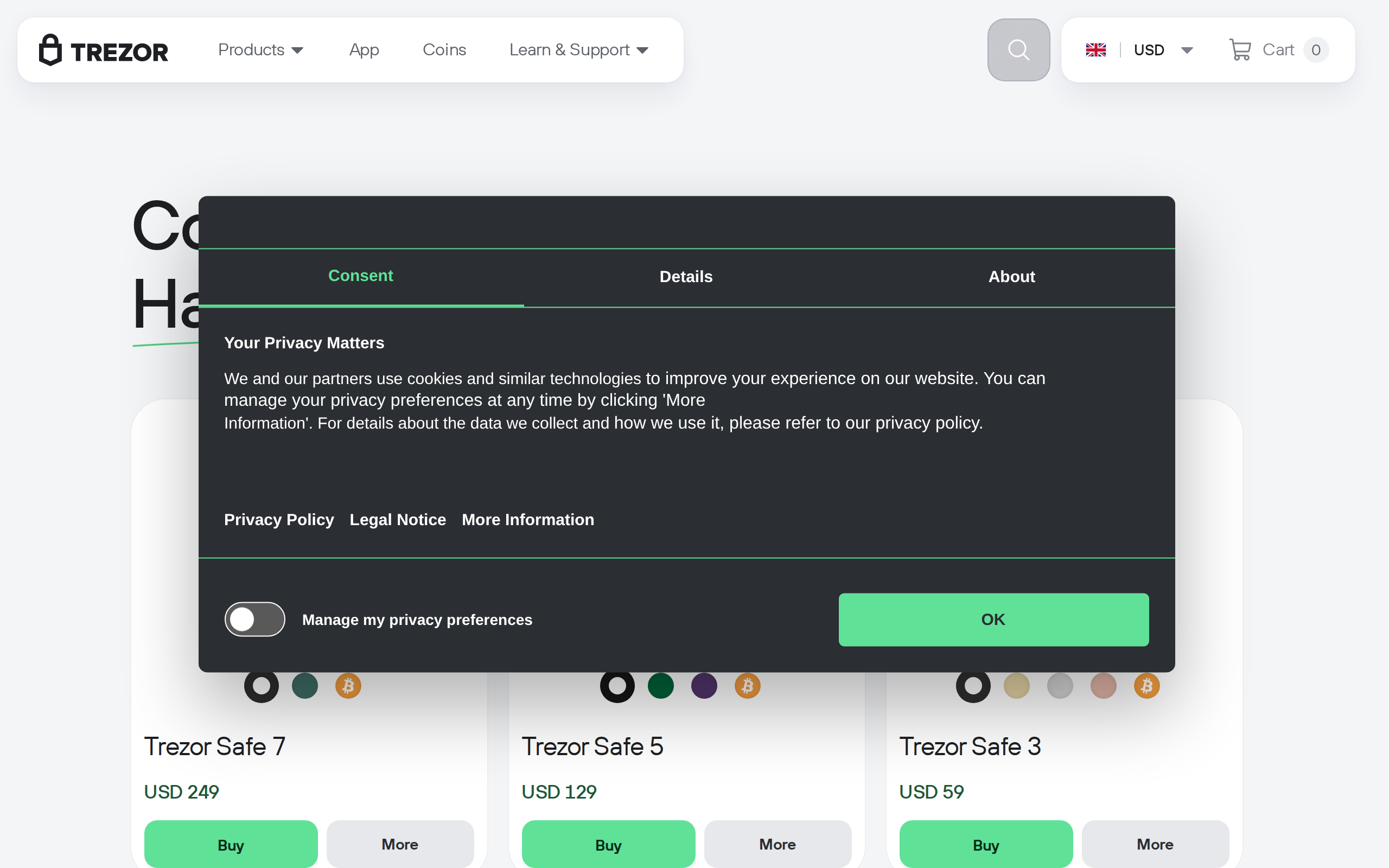
It would be reasonable to assume the cheaper device in a lineup cuts corners on security to hit its price. The Safe 3 does not: it carries the same EAL6+ certified secure element chip as the $129 Safe 5, the tier Trezor markets as its flagship. What the Safe 3 actually trims is the display and input method, not the cryptographic protection underneath it, which is the right place to cut costs if you have to cut somewhere.
Where the small screen actually costs you something
The 0.96-inch monochrome screen and two physical buttons work fine for the core job: confirming a send address, approving a transaction, entering a short PIN. Where it gets tedious is a long passphrase. Typing anything beyond a short PIN means scrolling through a character grid one click at a time, a process that took us close to two minutes for a 20-character passphrase versus what would be seconds on a touchscreen device. For someone who plans to use a passphrase-protected hidden wallet regularly, that friction is worth knowing about before buying.
Trezor Suite does the heavy lifting
All the day-to-day work happens in Trezor Suite, the free companion app that handles sending, receiving, buying, selling, staking and swapping while the device itself only confirms and signs. We found the interface calmer than some competitors' apps, with a plain list of accounts and balances rather than a cluttered dashboard trying to upsell extra products on every screen. Coin support runs into the thousands, covering every major chain we tried without needing a third-party app bridge.
Specifications
- Price
- $59
- Screen
- 0.96-inch monochrome OLED, 128x64px, two-button input
- Secure element
- EAL6+ certified
- Connectivity
- USB-C
- Dimensions/weight
- 59 x 32 x 7.4mm, 14g
- Backup options
- 12, 20 or 24-word seed; two 20-word backup cards included
- Coin support
- 1000s of coins and tokens via Trezor Suite
- Companion app
- Trezor Suite (desktop and web)