Software WalletsReview
Sparrow Wallet Review: The Desktop Layer a Hardware Wallet Needs
Sparrow is free, Bitcoin-only and built for pairing with a Coldcard, Trezor or Ledger rather than replacing one. We connected three different hardware wallets to it, ran coin control on a UTXO set, and tested Tor and Whirlpool CoinJoin to see whether its steep learning curve is worth climbing.
Our verdict
Sparrow does not try to be a beginner's first wallet, and that is exactly why it works so well paired with a Coldcard, Trezor or Ledger. Coin control, PSBT handling, multisig setup and built-in Tor are all here for free, under an Apache 2 license, with no companion mobile app to distract from the desktop workflow. Bitcoin-only buyers who already own a hardware signer will get more out of Sparrow than out of any wallet vendor's own desktop app.
Best for: Bitcoin holders who already own a hardware wallet and want real coin control, multisig or CoinJoin on desktop
- Price
- Free
- Made by
- Sparrow Wallet
What we liked
- Free and open source under Apache 2, with no subscription or paid tier
- Connects to Coldcard, Trezor, Ledger, BitBox02, Keystone, Jade and more over USB or air-gapped PSBT
- Full coin control: label, select and consolidate individual UTXOs before sending
- Built-in Tor and Whirlpool CoinJoin support without installing separate software
What held it back
- Bitcoin-only, so it is no help for anyone holding Ethereum, Solana or other chains
- No official mobile app, so signing on the go means carrying a laptop
- Coin control and PSBT terminology assume you already understand UTXOs
- Running your own Bitcoin Core node for full privacy is a separate setup step
Sparrow will not hold your Ethereum, will not run on your phone, and will not hide the concept of a UTXO from you no matter how much you might want it to. That is deliberate, and if any of those three sentences sound like a dealbreaker, this is not your wallet. For anyone who already owns a Coldcard or a Trezor and wants a desktop companion built specifically for Bitcoin, it is close to the best option available for free.
Why pair a desktop app with a hardware wallet at all
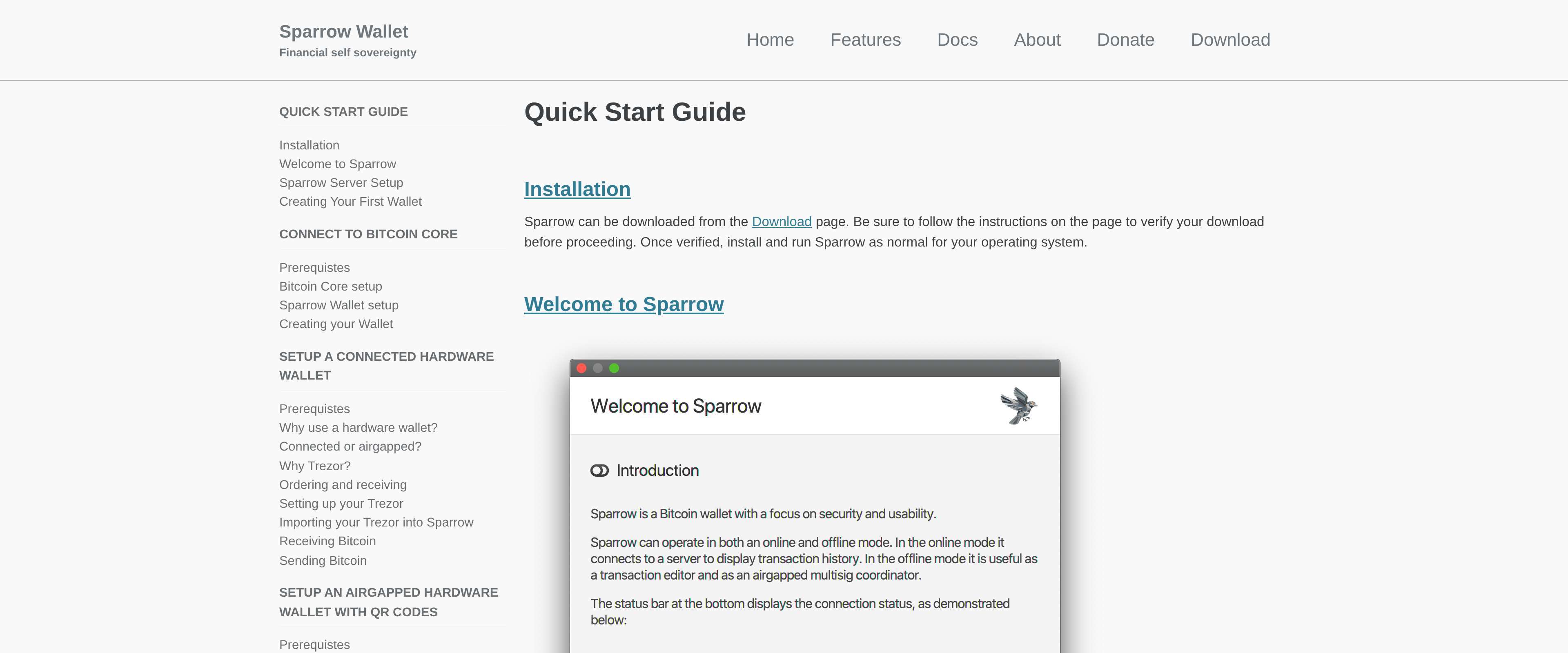
A hardware wallet keeps your private keys offline, but the screen and buttons on the device itself are not built for browsing a UTXO set or building a complex multisig transaction. Sparrow fills that gap: the hardware device still signs every transaction, but Sparrow handles the interface, the fee estimation, the address book and the parts of Bitcoin ownership that a tiny hardware screen cannot show comfortably.
We connected a Coldcard Mk4 over USB, then tested an air-gapped PSBT flow with a Trezor by exporting an unsigned transaction as a QR code and importing the signed result back. Both worked without needing a driver hunt or a support forum. Sparrow's own documentation lists Coldcard, Trezor, Ledger, BitBox02, Keystone, Blockstream Jade and several others as supported, covering nearly every hardware wallet a Bitcoin-only holder is likely to own.
Coin control that actually shows you the coins
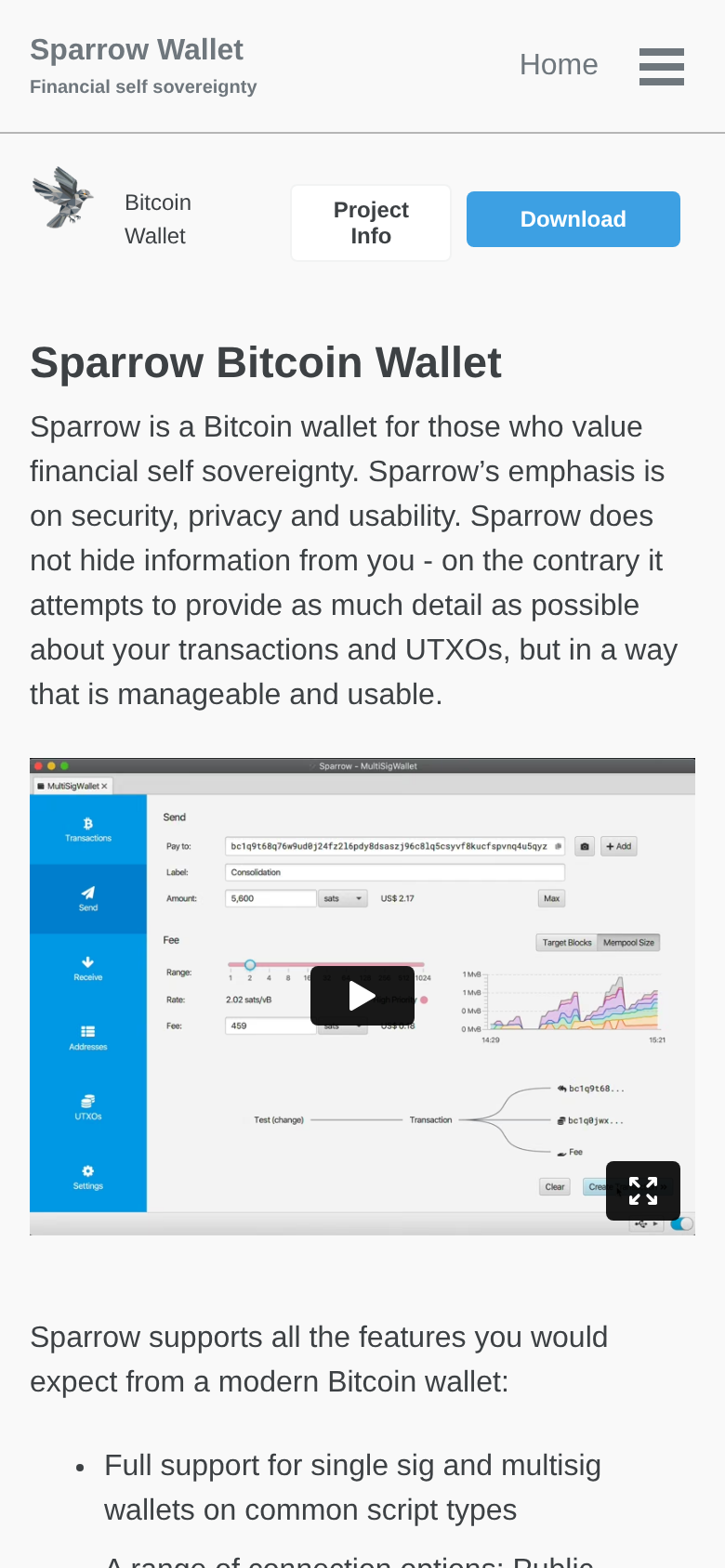
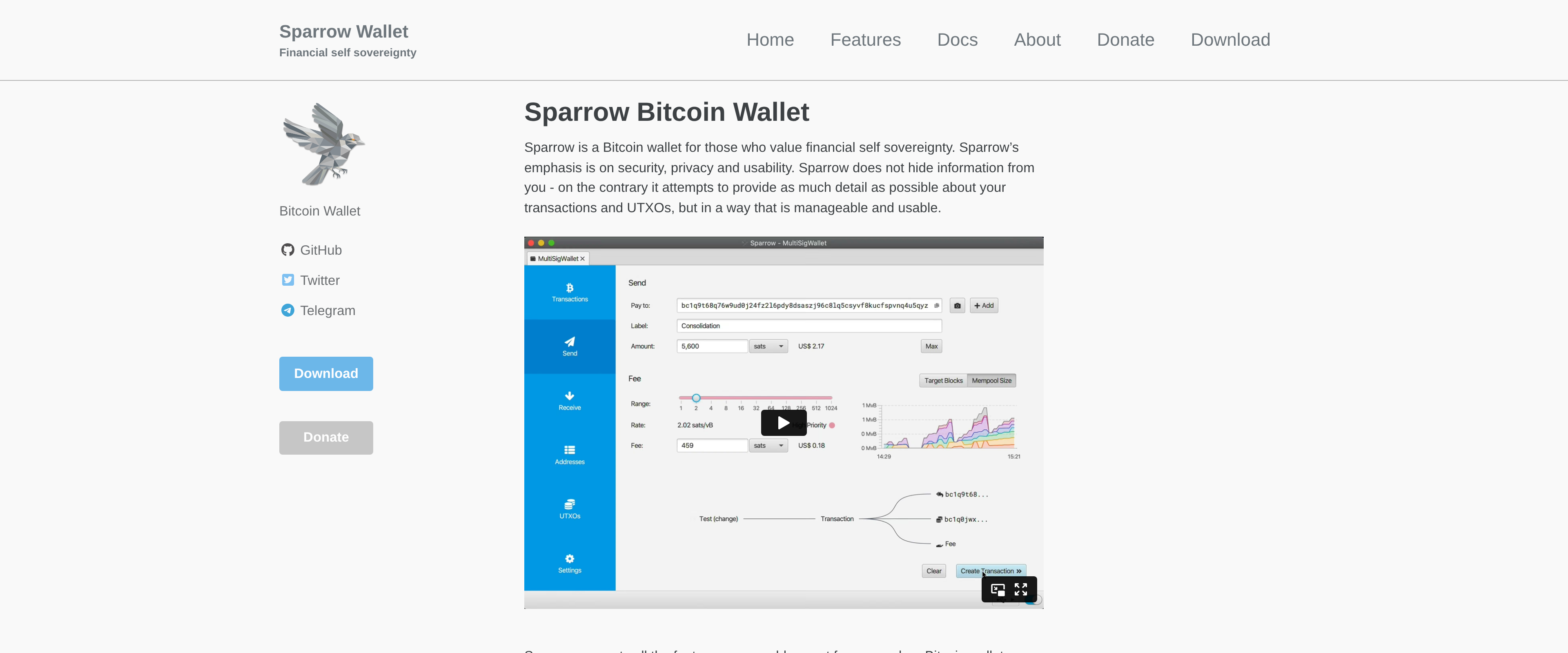
The feature that separates Sparrow from a typical wallet app is coin control: every UTXO in your wallet is listed individually, with its own label, age and origin transaction visible before you decide what to spend. Consolidating dust, avoiding accidental address reuse, and picking specific coins to send rather than letting software choose for you are all a few clicks away rather than buried in a settings menu. For anyone who has ever tried to explain why "just send from your wallet" is not always the private or cheap option, Sparrow is the tool that makes the difference visible.
Privacy without installing three other programs
Sparrow ships with Tor support built in, so network requests to a backend server or node can route through the Tor network without a separate proxy setup. It also includes Whirlpool CoinJoin support directly in the app, letting a user mix coins for better privacy without switching to Samourai's own tooling. Neither feature is turned on by default, both take a few minutes to configure, and neither requires trusting a third party with your keys at any point in the process.
The cost of that much control
None of this is free of friction. Sparrow expects you to know what a PSBT is, what a change address does, and why fee bumping with RBF matters, before any of those screens make much sense. There is no mobile companion app, so a transaction started on your phone is not an option; everything happens on a laptop or desktop. And for full privacy rather than just Tor-routed metadata, you eventually want your own Bitcoin Core node running in the background, which is a separate weekend project, not a Sparrow feature.
Specifications
- Price
- Free
- License
- Apache 2 (open source)
- Latest version tested
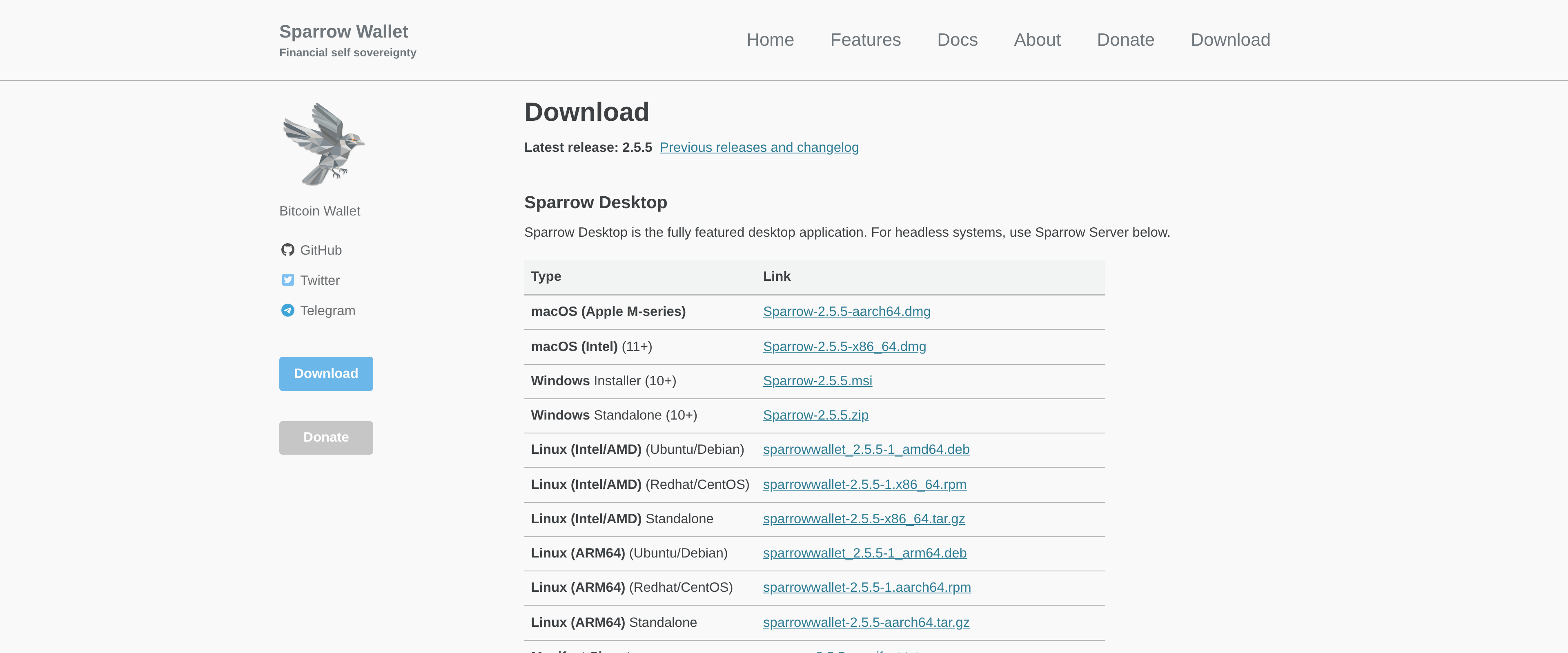
- 2.5.5
- Supported chains
- Bitcoin only
- Hardware wallets
- Coldcard, Trezor, Ledger, BitBox02, Keystone, Jade, Passport, SeedSigner and more
- Multisig
- Full support for single-sig and multisig across common script types
- Privacy tools
- Built-in Tor routing, Whirlpool CoinJoin, labeling of inputs and outputs
- Backend options
- Bitcoin Core, Electrum server or public server connection
- Platforms
- Windows, macOS, Linux