Kraken Review: Pro Fees That Beat Coinbase, If You Use Kraken Pro
We opened accounts on Kraken and Coinbase, ran the same trades through both and compared the maker and taker fee schedules to work out whether Kraken's security record and cheaper Kraken Pro tier actually beat Coinbase for an active buyer.
By The Hashmere Test Desk3 min read
8.6/108.6/10
Our verdict
Kraken Pro's maker and taker fees undercut Coinbase Advanced Trade at every tier we checked, and Kraken's clean 14-year security record backs up the low prices. The simple Kraken app narrows that gap sharply though, so the savings only show up once you actually move to Pro.
Best for: Active traders willing to use Kraken Pro instead of the simple app to capture the lower fees
Kraken Pro starts at 0.40% maker and 0.80% taker, undercutting Coinbase Advanced's 0.40%/0.60% base tier at higher volume
No confirmed hack in Kraken's operating history since 2011
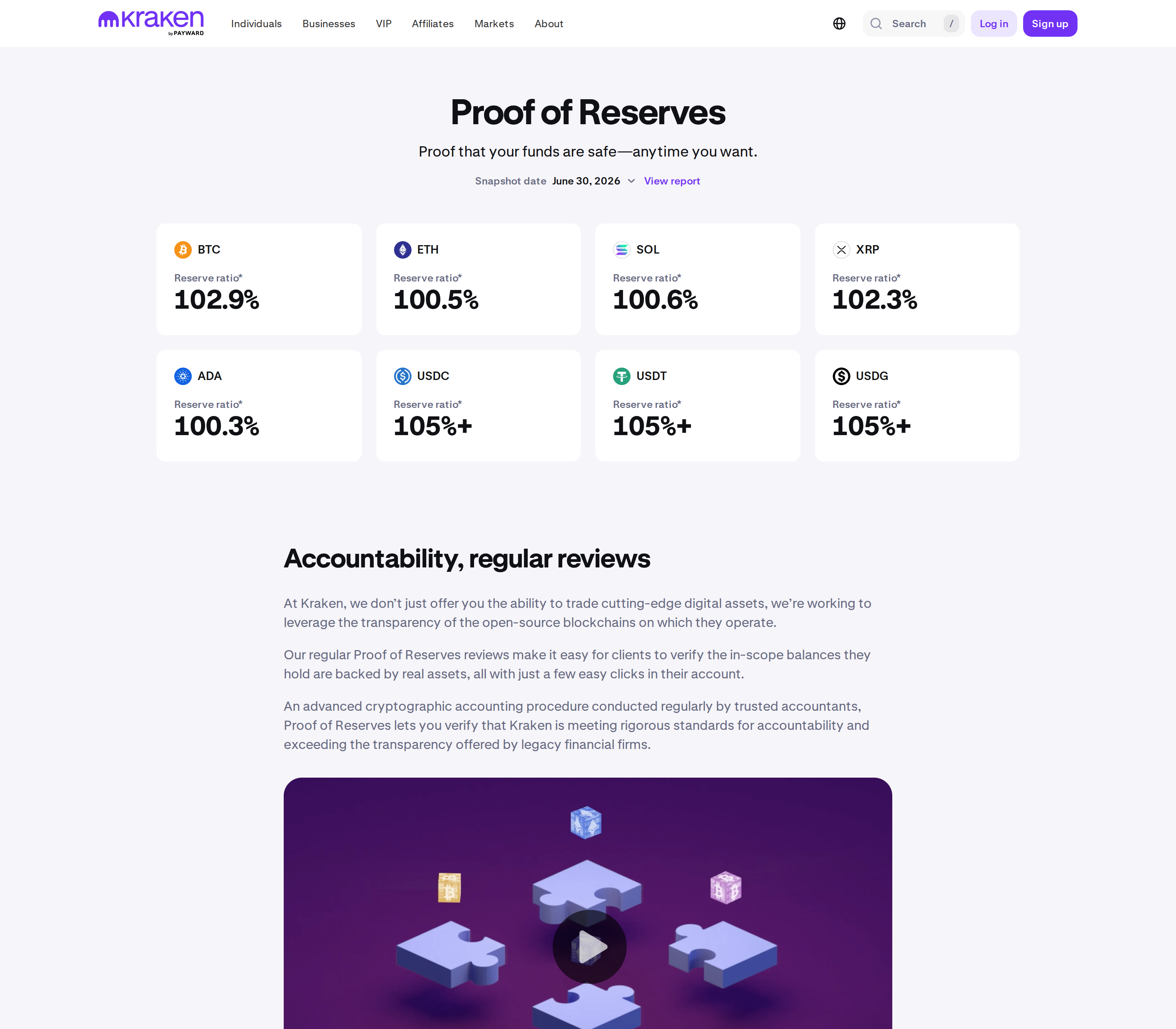
Quarterly third-party Proof of Reserves reviews are published for clients to verify
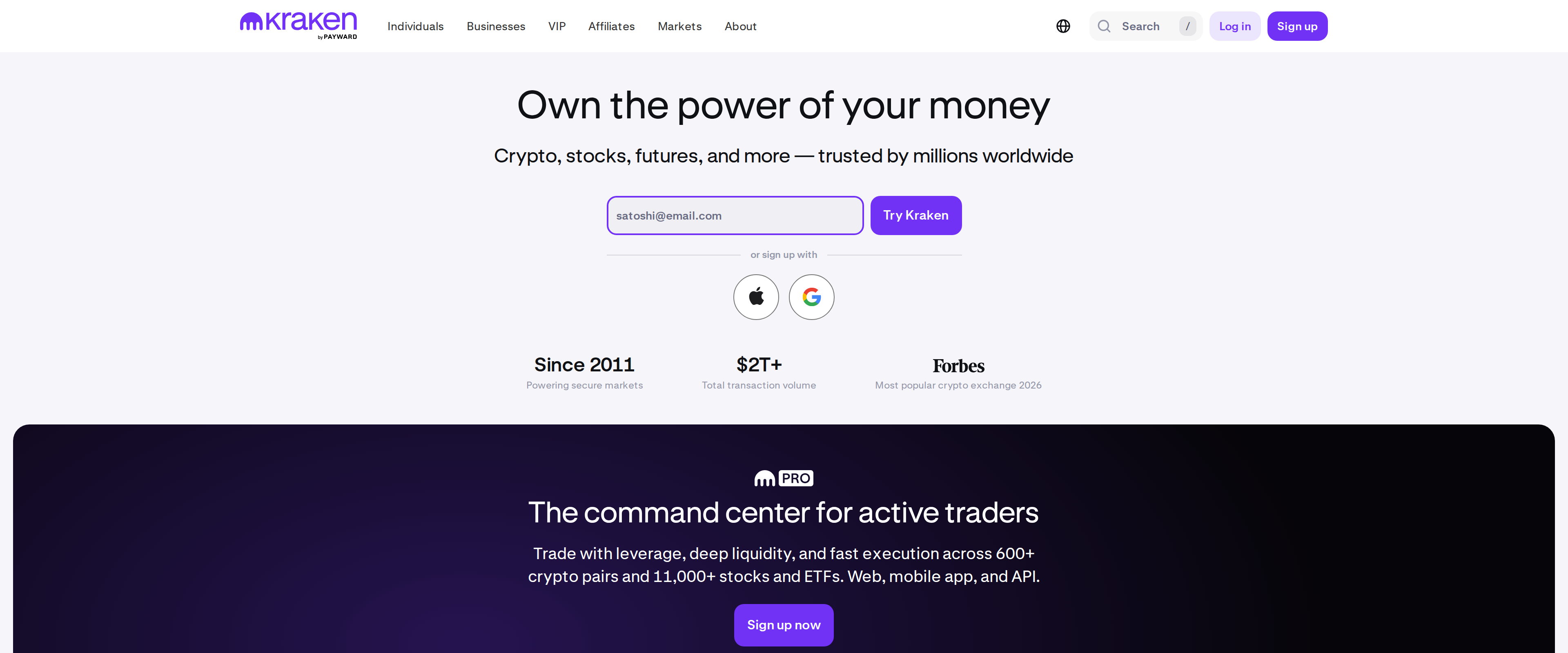
600+ pairs and margin, futures and staking all sit under one account
What held it back
The plain Kraken app charges 1% on instant buys, close to what casual Coinbase users pay
Fee tiers are based on 30-day volume, so occasional traders never reach the cheapest brackets
Kraken Pro's order interface is dense and takes real time to learn
Margin trading up to 20x leverage is easy to enable and easy to misuse
We opened a Kraken account alongside a Coinbase one, funded both with the same amount and ran identical buy orders through the simple apps and the pro platforms on each. The headline claim we wanted to test was whether Kraken's lower Pro fees and its long, hack-free history actually beat Coinbase for someone who trades more than once a month.
The fee gap only opens up on Kraken Pro
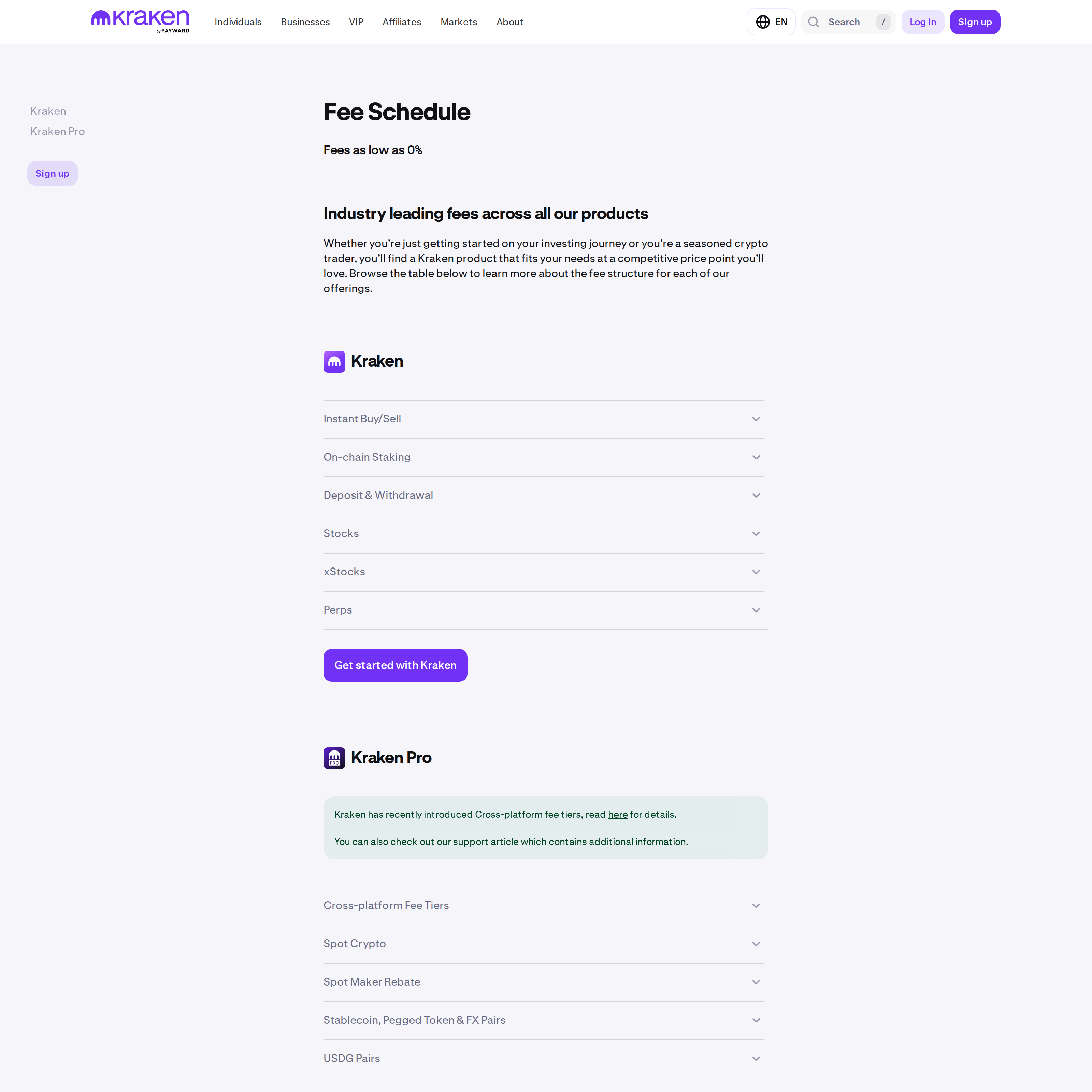
Kraken Pro's base tier charges 0.40% maker and 0.80% taker on under $2,500 of 30-day volume, dropping in steps all the way to 0.0% maker and 0.05% taker once you clear $500 million (kraken.com/features/fee-schedule). Coinbase Advanced Trade starts its own base tier at a similar 0.40% maker but a noticeably higher 0.60% taker, and its ladder does not fall as fast. At $10,000 of monthly volume, our Kraken Pro test account sat at 0.22% maker and 0.38% taker, a real gap once you're placing more than a handful of trades a month.
That gap only exists on the Pro side, though. Kraken's plain consumer app charges 1% on instant buy, sell and convert orders and 1.5% on custom orders, fees Kraken itself waives for Kraken+ members up to $10,000 in monthly volume. If you never open Kraken Pro and just tap buy in the regular app, you are paying close to what a casual Coinbase user pays, and the exchange's low-fee reputation will not show up on your statement.
A 14-year clean security record, backed by numbers you can check
Kraken has operated since 2011 without a confirmed hack, one of the longest unbroken records among major exchanges. Rather than ask us to take that on faith, Kraken publishes a Proof of Reserves review each quarter, run by an independent accountant, that lets a client cross-check their own balance against the reserves Kraken claims to hold (kraken.com/proof-of-reserves). We walked through a recent report and could verify our own test balance appeared in the cryptographic accounting, which is a meaningfully stronger claim than a marketing page saying "we're secure."
Coinbase counters with its own strengths: it is a publicly traded, SEC-reporting company, which brings a layer of financial disclosure Kraken as a private company does not have. Neither track record guarantees the next ten years look like the last ten, and neither exchange's security history is a reason to skip your own 2FA and withdrawal allowlist setup.
Kraken's Proof of Reserves page, describing its quarterly third-party auditsKraken's fee schedule page, showing separate tables for the simple app and Kraken Pro
What the simple app gets you, and what it costs
The consumer Kraken app covers buying, selling and recurring buys on assets like BTC, ETH and XRP, plus staking for yield on eligible coins. It is the version most new users land on first, and its interface is closer to a banking app than a trading terminal, which suits someone making occasional purchases rather than watching order books.
The problem is that it is the expensive door into an exchange known for cheap trading. Anyone planning to buy more than occasionally should move to Kraken Pro early rather than getting comfortable with 1% instant-buy fees, because the two products share the same account and the same funds; switching over costs nothing but a bit of interface learning.
Margin, futures and the risk that comes with them
Kraken Pro offers margin trading up to 20x leverage and perpetual futures to eligible users, both accessible from the same account used for spot trading. These tools exist because active traders ask for them, not because most account holders need them, and 20x leverage turns a routine price swing into a liquidation event fast. If you are opening a Kraken account specifically to buy and hold, ignore this section of the platform entirely; it adds risk without adding anything you need.
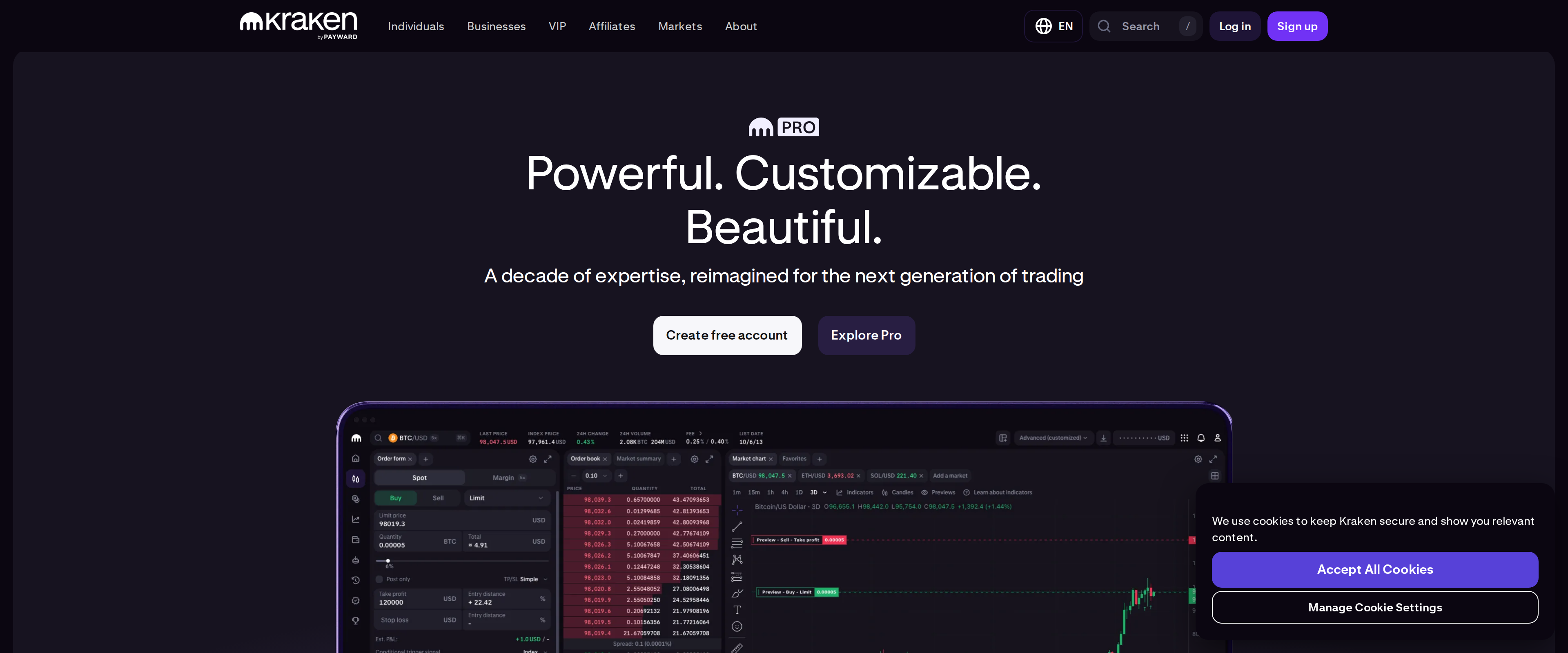
The Kraken Pro trading interface, shown on its own product page
Who should open an account
Kraken earns its reputation for low fees and a clean security record, but only for people who actually use Kraken Pro. If you are moving five figures a month through crypto, the fee tiers we tested against Coinbase Advanced Trade make a real difference over a year of trading. If you are buying a small amount occasionally and plan to stay in the simple app, the fee advantage mostly disappears, and Coinbase's friendlier onboarding might suit you better. Nothing here is a recommendation to trade on margin or leverage; that decision carries risk well beyond what any fee schedule shows.