Software WalletsReview
Exodus Review: A Polished Wallet With an Expensive Swap
We moved funds between Exodus desktop and mobile, paired it with a Trezor for cold storage, staked ETH and ADA, then ran three swaps to measure the real spread against the advertised 0.5 percent starting rate.
Our verdict
Exodus is free to download and among the best-looking self-custody wallets we have used, with smooth desktop-to-mobile sync, staking for assets like Ethereum and Cardano, and direct pairing with Trezor and Ledger devices. The wallet itself charges nothing, but its built-in swap is where Exodus makes money: the advertised 0.5 percent rate only shows up on large, liquid pairs, and our mid-size test swaps landed closer to a 2 to 3 percent all-in cost. For someone who uses a separate exchange for swaps, Exodus is a strong daily wallet; for regular in-app swapping, that convenience carries a real price.
Best for: Self-custody users who want an easy interface and swap elsewhere rather than inside the app
- Price
- Free
- Made by
- Exodus Movement
What we liked
- Clean desktop and mobile interface with smooth cross-device syncing
- No fees for holding, sending or receiving; only network fees apply
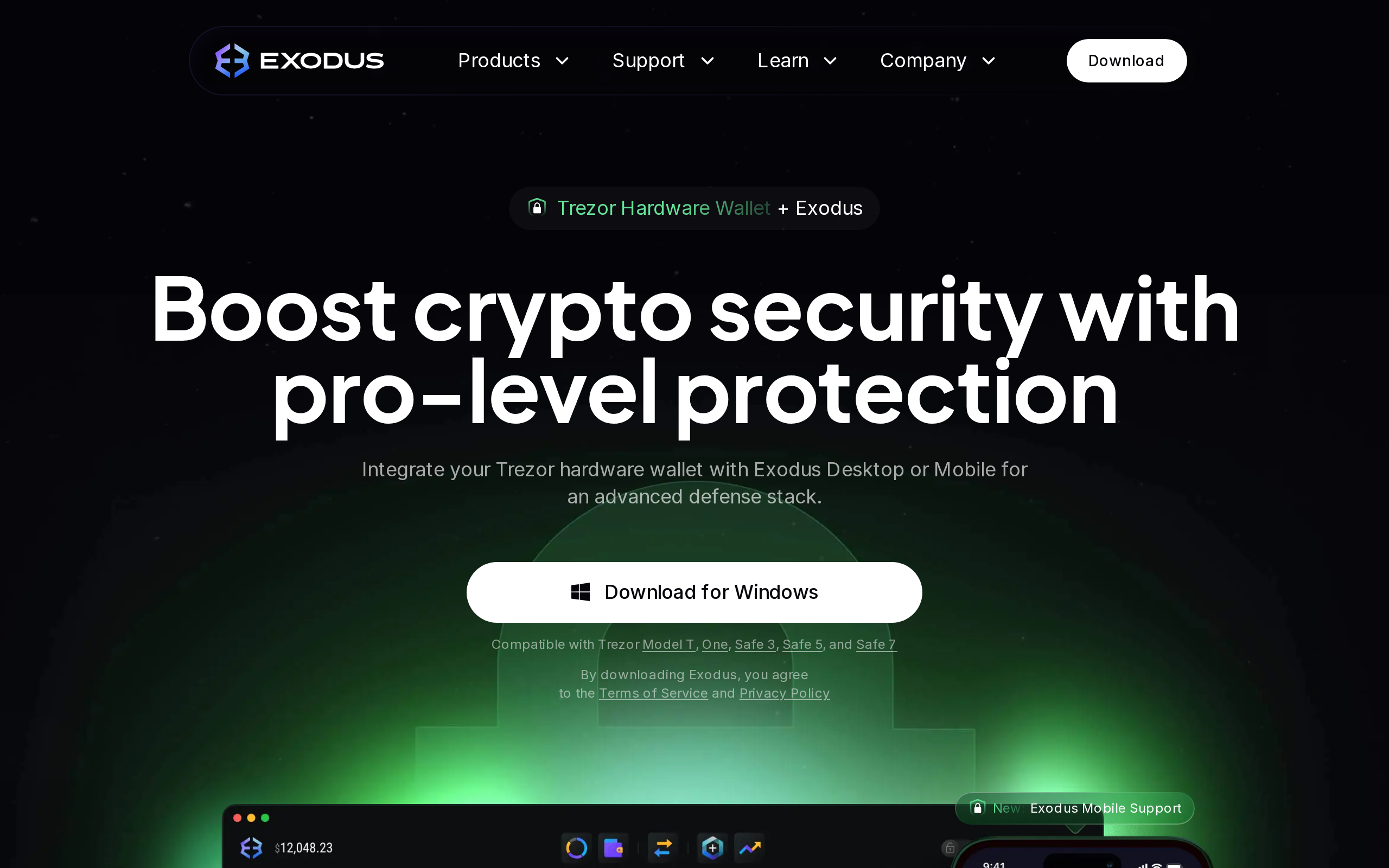
- Direct pairing with Trezor on desktop and Ledger on mobile for hardware-backed signing
- Built-in staking for ETH, ADA, ATOM and several other assets, with optional auto-restaking
- Supports over 1 million digital assets across many chains
What held it back
- Built-in swap spreads run well above the advertised 0.5% starting rate on anything but the largest pairs
- A $1,000 swap can cost roughly $20-40 more in hidden spread than the same trade on a centralized exchange
- Not open source, so the code cannot be independently audited the way some competitors' can
- Trustpilot rating sits at 3.9/5, with recurring complaints about swap availability and occasional sync issues
We installed Exodus on a laptop and a phone, watched a balance sync between them in seconds, then spent two weeks staking, pairing a hardware wallet and running swaps to see where the free wallet actually charges you.
The interface is the easiest sell
Exodus looks like consumer software, not crypto software, and that distinction matters more than it sounds. Portfolio charts, an asset list with live prices, and a send-and-receive flow that never asked us to decode a confusing address format made the wallet approachable in a way several competitors still are not. Syncing between desktop and mobile through an encrypted passphrase worked without a hitch in our test, moving a balance view from laptop to phone in under ten seconds each time we checked.
The swap fee nobody puts in the headline
Exodus advertises swap rates starting at 0.5 percent, and on our largest test swap, a major pair with deep liquidity, that number held up closely. On a mid-size $500 swap between a smaller altcoin pair, the effective cost worked out closer to 2.4 percent once we compared the quoted rate against the market price at that moment, in line with what independent 2026 reviews report as a typical 2 to 5 percent all-in spread on less liquid pairs. That is the tradeoff behind a wallet with no subscription fee: the swap is where Exodus earns its revenue, and it is priced accordingly. Someone who moves funds through Exodus but swaps on a dedicated exchange instead avoids that cost almost entirely.
Staking that compounds itself
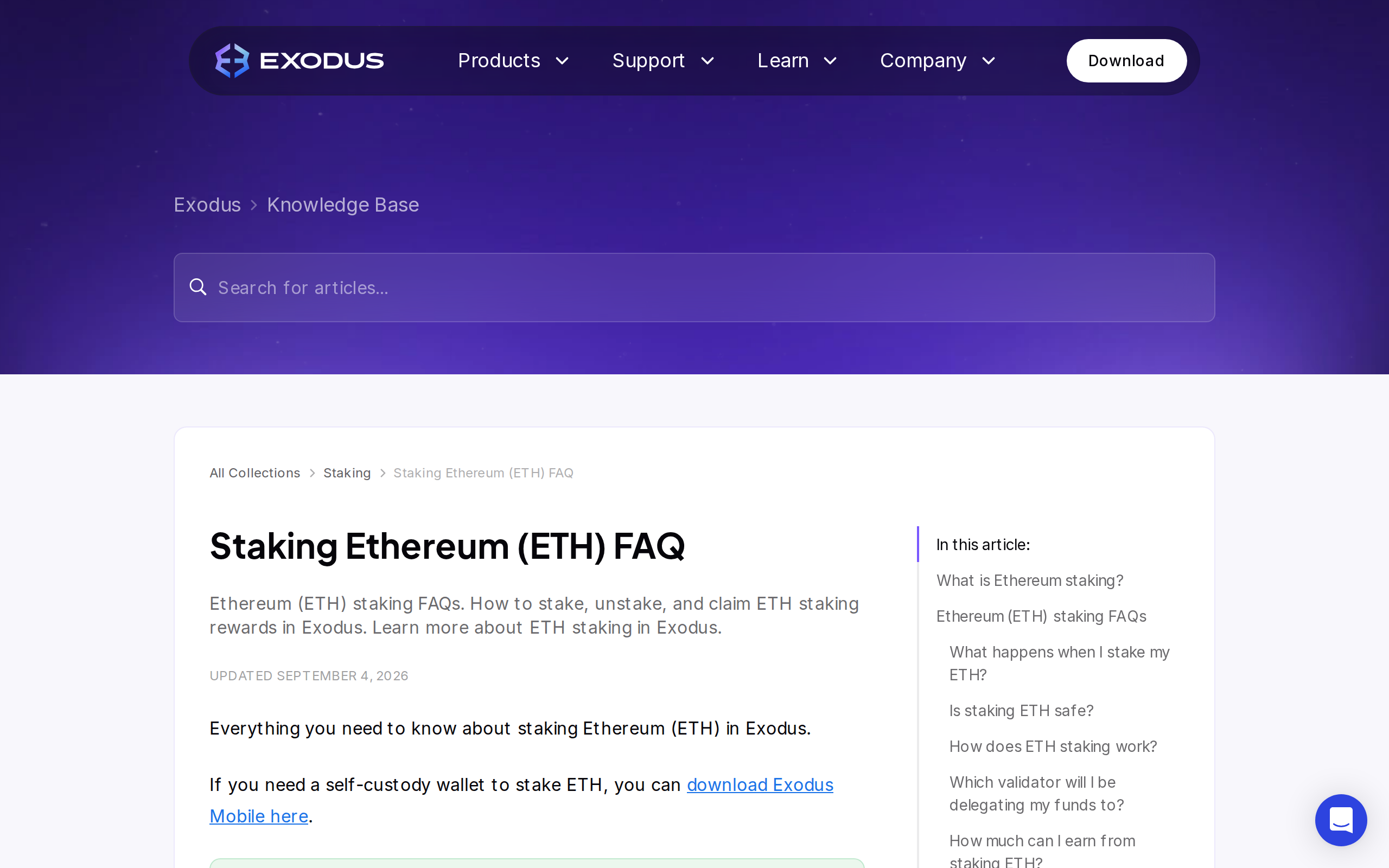
We staked a small amount of ETH and ADA to test the process, and both were straightforward: no separate validator setup, no manual claiming. Exodus auto-restakes many supported assets by default, so earned rewards compound instead of sitting idle until claimed. Cardano staking left our ADA liquid the entire time, available to send or swap without unstaking first, while Ethereum staking behaved more conventionally, tracking rewards as they accrued. Across the nine-plus assets Exodus supports for staking, availability and lock-up rules vary enough that checking the specific asset's FAQ before committing funds is worth the two minutes it takes.
Trezor on desktop, Ledger on mobile, not both everywhere
Hardware wallet pairing is one of Exodus's stronger features, but the split is worth knowing before you buy a device expecting universal support. Trezor models, including the Model One, Model T, Safe 3 and Safe 5, pair with Exodus Desktop. Ledger's Nano X and Flex pair with Exodus Mobile instead. If your plan is signing transactions from a phone with a Trezor, or from a laptop with a Ledger, check that combination specifically, because it may not be supported the way you expect.
Specifications
- Platforms
- Windows, macOS, Linux, iOS, Android
- Price
- Free
- Supported assets
- 1,000,000+
- Swap rate (advertised)
- As low as 0.5%, higher on smaller/volatile pairs
- Hardware wallet support
- Trezor (desktop), Ledger Nano X/Flex (mobile)
- Staking assets
- ETH, ADA, ATOM, APT, MATIC, XTZ, INJ, KAVA, AXL and more
- Buy/sell
- Card, bank transfer, Apple Pay, Google Pay via XO Ramp
- Open source
- No