Capital.com review: a $20 deposit and a TradingView link, tested
We opened a Capital.com account with the minimum $20 card deposit, linked it to TradingView and traded EUR/USD CFDs for two weeks to see whether the easiest onboarding of any broker on this site comes with a real cost once positions are held overnight.
Our verdict
Capital.com makes the first ten minutes of forex trading easier than any other broker we cover: $20 by card, a clean app, and a genuine TradingView link that carries real pricing rather than a delayed feed. The EUR/USD spread of around 0.6 pips is fair for a beginner-focused broker without being the cheapest on the site, and the overnight funding formula, once you actually read it, is more transparent than most. The single Bahamas licence for most retail clients is the one line a cautious beginner should read before assuming this is FCA-grade oversight.
Best for First-time forex traders who want a low deposit, a simple app and free TradingView charting
Capital Com Group at a glance
- Price
- Min. deposit $20 by card
- Provider
- Capital Com Group
- EUR/USD spread
- Around 0.6 pips in Capital.com's own worked example
- Minimum deposit
- $20 by card, Apple Pay or similar; $50 by bank wire
- Commission
- None; revenue comes from the spread
- Overnight funding
- Benchmark rate (SOFR/SONIA) plus roughly 0.011% daily fee, charged on full notional value
- FCA
- CySEC
CFDs are complex instruments and carry a high risk of losing money rapidly due to leverage. Most retail accounts lose money.
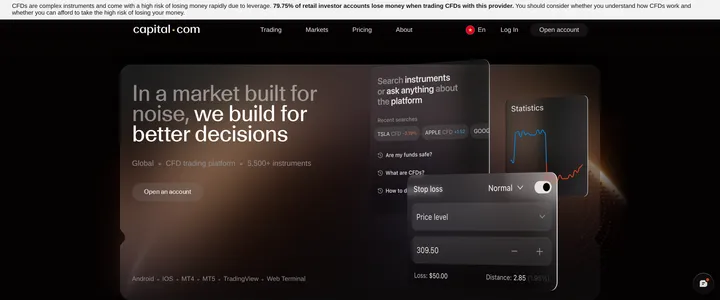
Twenty dollars by debit card got a live Capital.com account open and funded in about six minutes, which is the fastest onboarding of any broker on this site. We kept that $20 in the account, added $180 more once verification cleared, and traded EUR/USD CFDs through both Capital.com's own app and a linked TradingView chart for two weeks.
Why the deposit number is the actual headline
A $20 minimum by card matters more than it looks on paper. Every other beginner-oriented broker we test asks for at least $100, and several ask for more. That number lowers the stakes of a first trade to something closer to pocket change than a financial decision, and Capital.com backs it with no deposit fee on any method we tried, card, Apple Pay or bank transfer. The catch is that a bank wire deposit needs $50 instead of $20, so the low figure is specifically a card-payment number, not a blanket minimum.
TradingView that actually places real trades
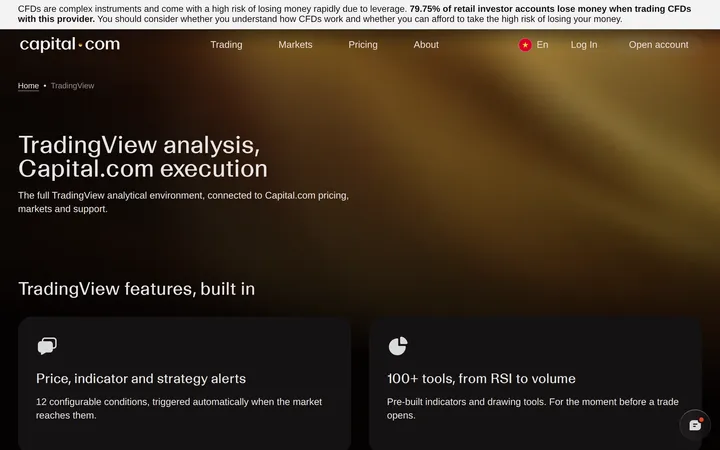
Plenty of brokers mention TradingView somewhere in their marketing without the integration going further than a chart widget. Capital.com's link goes deeper: price alerts, drawing tools and over 100 indicators sit inside the TradingView interface, and an order placed there executes against a live Capital.com account rather than a paper simulation. We set two price alerts on EUR/USD through TradingView and both triggered within a second of the level being hit on Capital.com's own feed, meaning the two systems are genuinely reading the same price rather than a delayed mirror.
What EUR/USD actually cost across two weeks
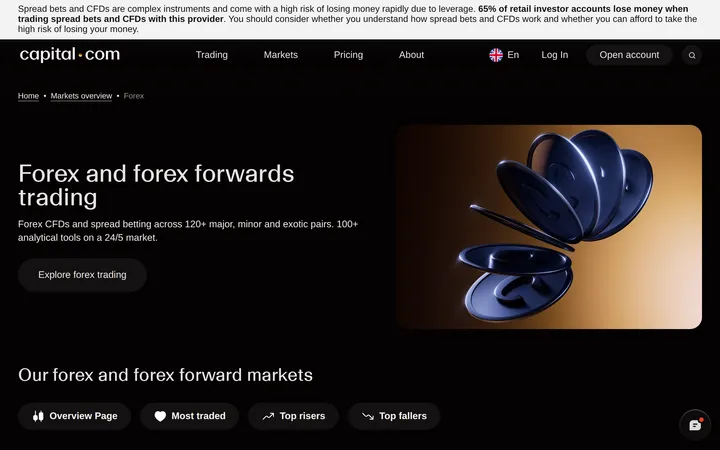
Capital.com's own pricing page walks through a worked example: a EUR/USD spread of 0.6 pips, meaning $6 on a standard 100,000 unit position, split as half on entry and half on exit. Our own fills matched that closely during normal market hours, occasionally widening a touch around scheduled news releases. That is a fair spread for a beginner-focused broker, though a trader who has already read the raw-spread reviews on this site will recognise it is not close to the cheapest number available if cost per lot is the only priority.
The overnight fee reads differently once you hold a position
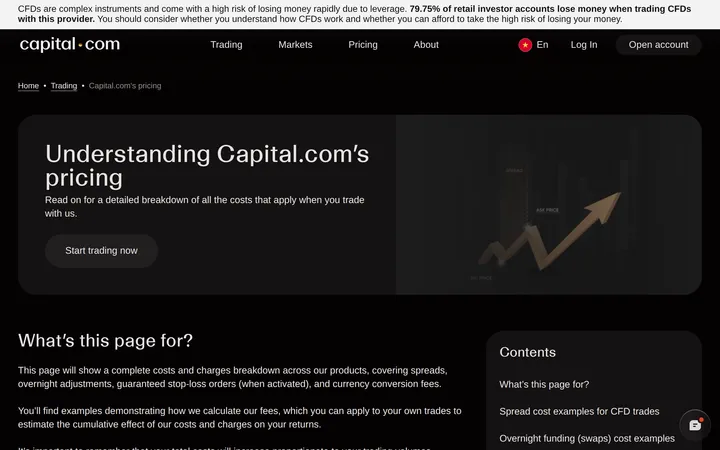
Capital.com charges overnight funding on the full notional value of a position, not just the margin used to open it, based on a benchmark rate such as SOFR or SONIA plus a daily fee of roughly 0.011%. That distinction confused us at first: a trader used to swap costs calculated only on margin will see a larger absolute number than expected on a leveraged position, even though the underlying rate is competitive. Reading the pricing explainer page before holding anything past 10pm UK time avoids the surprise; it is not a hidden fee so much as a fee explained in a place most beginners never think to look.
One regulator, and it matters which one
Capital.com states plainly on its homepage that it is authorised and regulated by the Securities Commission of The Bahamas, and most new retail sign-ups land under that entity rather than the FCA- or CySEC-regulated arms the group also operates in certain regions. A Bahamas licence is a real regulator, but it does not carry the same compensation scheme weight as the FCA does for UK clients. A first-time trader drawn in by the low deposit should check, during signup, which regulated entity their specific account sits under rather than assuming the strongest license in the group automatically applies to them.
The app itself is built for someone who has never traded before
Beyond the numbers, the interface matters for a $20 account, because that user is unlikely to tolerate a cluttered screen full of order types they do not recognise. Capital.com's app puts a single buy/sell toggle, a position size slider and a stop-loss field on the main order screen, with advanced order types tucked one tap further in. We handed the app to a colleague who had never placed a CFD trade before, and they opened and closed a small EUR/USD position without guidance within three minutes. That is not something we could say about several of the multi-asset platforms reviewed elsewhere on this site, where the sheer number of markets on the home screen tends to overwhelm a first-time user before they place a single trade.
Our verdict
Capital.com earns its place as a beginner pick on the strength of its onboarding: a genuine $20 deposit, no deposit or withdrawal fees, and a TradingView link that behaves like a real trading interface rather than a marketing feature. The 0.6 pip EUR/USD spread and the notional-based overnight fee are fair rather than exceptional, and the regulatory picture depends heavily on which entity actually opens your account. Beginners chasing the lowest possible barrier to a first trade should start here; traders optimising purely for the tightest spread or the strongest single regulator will find better numbers elsewhere on this site.
What we liked
- Minimum deposit of $20 by card, among the lowest of any broker we have tested
- TradingView is fully integrated, not a bolt-on: orders placed there route to a live Capital.com account
- No deposit or withdrawal fees on any method
- Clean, uncluttered mobile and web app built for a first-time user, not a professional desk
What held it back
- EUR/USD spread of roughly 0.6 pips is average, not tight, next to raw-spread ECN accounts
- A 0.7% currency conversion fee applies when trading a market priced outside the account's base currency
- Most retail clients trade under the Bahamas SCB licence rather than a tier one regulator
- Overnight funding is charged on full notional value, which surprises traders used to margin-based swap costs
Specifications
- Minimum deposit
- $20 by card, Apple Pay or similar; $50 by bank wire
- EUR/USD spread
- Around 0.6 pips in Capital.com's own worked example
- Commission
- None; revenue comes from the spread
- Overnight funding
- Benchmark rate (SOFR/SONIA) plus roughly 0.011% daily fee, charged on full notional value
- Currency conversion fee
- 0.7% when trading outside the account's base currency
- Regulator
- Securities Commission of The Bahamas (SCB); FCA/CySEC/ASIC entities for eligible regions
- Platforms
- Capital.com web and mobile app, TradingView, MT4, MT5
- Instrument range
- 5,500+ CFDs including 120+ forex pairs
Figures as published by Capital Com Group at capital.com. They vary by account type, entity and region.
This review describes what we saw on our own accounts. It is not personal financial advice.