YubiKey 5 NFC Review 2026: Is It Still Worth $58? | Cipherwell
YubiKey 5 NFC Review: Still the Key to Buy, but Not the Only One
At $58 the USB-A YubiKey 5 NFC stores 100 passkeys and speaks seven protocols. We checked who needs that range, and who is better served by a $25 to $29 Security Key.
8.6 out of 10
Best for Power users and admins who want one key for everything
By The Cipherwell Test Desk
yubico.com
The verdict
The YubiKey 5 NFC is the most capable security key you can buy in USB-A form, with FIDO2, 100 passkey slots, OATH, PIV and OpenPGP. Most people only need FIDO2, and a $25 to $29 Security Key does that. Pay $58 only if you want the extra protocols, and check the USB-A connector first.
What we liked
Seven protocols including FIDO2, PIV, OpenPGP and OATH
Stores up to 100 passkeys (FIDO2 resident credentials)
NFC tap works with phones; IP68 and crush resistant
No battery and no account: it works for years
Works with hundreds of services in Yubico's catalog
What held it back
USB-A connector suits fewer new laptops than USB-C
$58 is double the price of a basic FIDO2 Security Key
Setup of PIV, OpenPGP and OATH is technical
You must buy and register a second key as backup
A hardware security key is the one purchase in this category where "good enough" is nearly always the right call. So when we looked at the YubiKey 5 NFC, the real question was how much of it you will ever use.
What $58 buys
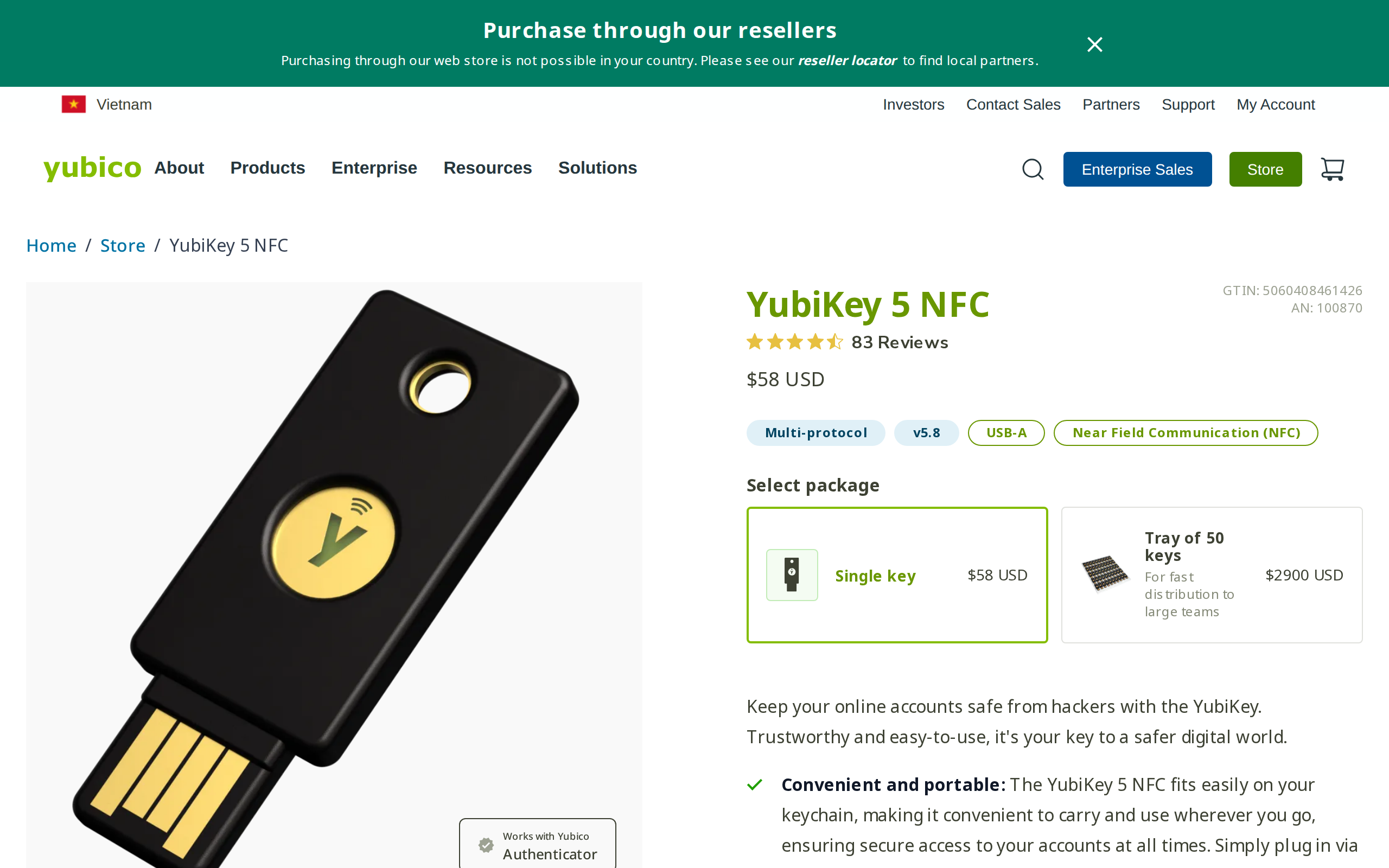
On Yubico's product page the key is listed at $58, with a $2,900 price for a tray of 50. It is a USB-A key with NFC, 18 by 45 by 3.3 mm and 3 g, built to survive a keyring.
The spec sheet is the reason to pay more than for a basic key. It supports FIDO2/WebAuthn, FIDO U2F, Yubico OTP, OATH-TOTP, OATH-HOTP, smart card (PIV) and OpenPGP. It stores up to 100 FIDO2 resident credentials, which is the technical name for passkeys held on the key, and 64 OATH accounts for one-time codes.
Durability is unusual for consumer security. Yubico lists IP68 water and dust resistance, crush resistance and more than 100,000 USB insertions. There is no battery, so it cannot go flat in a drawer.
Passkeys on a key, not in a cloud
Passkeys normally live in a phone or a password manager and sync through an account. A key like this holds them in hardware instead. Nothing syncs, nothing can be phished off a server, and you tap to approve. That is a strong model for your email, your password manager and your bank.
The cost is that the key is the credential. Lose it with no backup and you are recovering accounts by hand. We tell every reader the same thing: buy two, register both everywhere, and keep one at home.
The protocols most people will never touch
PIV, OpenPGP and OATH are what the extra money pays for. PIV is smart-card login used in some company networks. OpenPGP lets the key hold your signing and encryption keys for email or code signing. OATH stores time-based codes, so the key replaces an authenticator app.
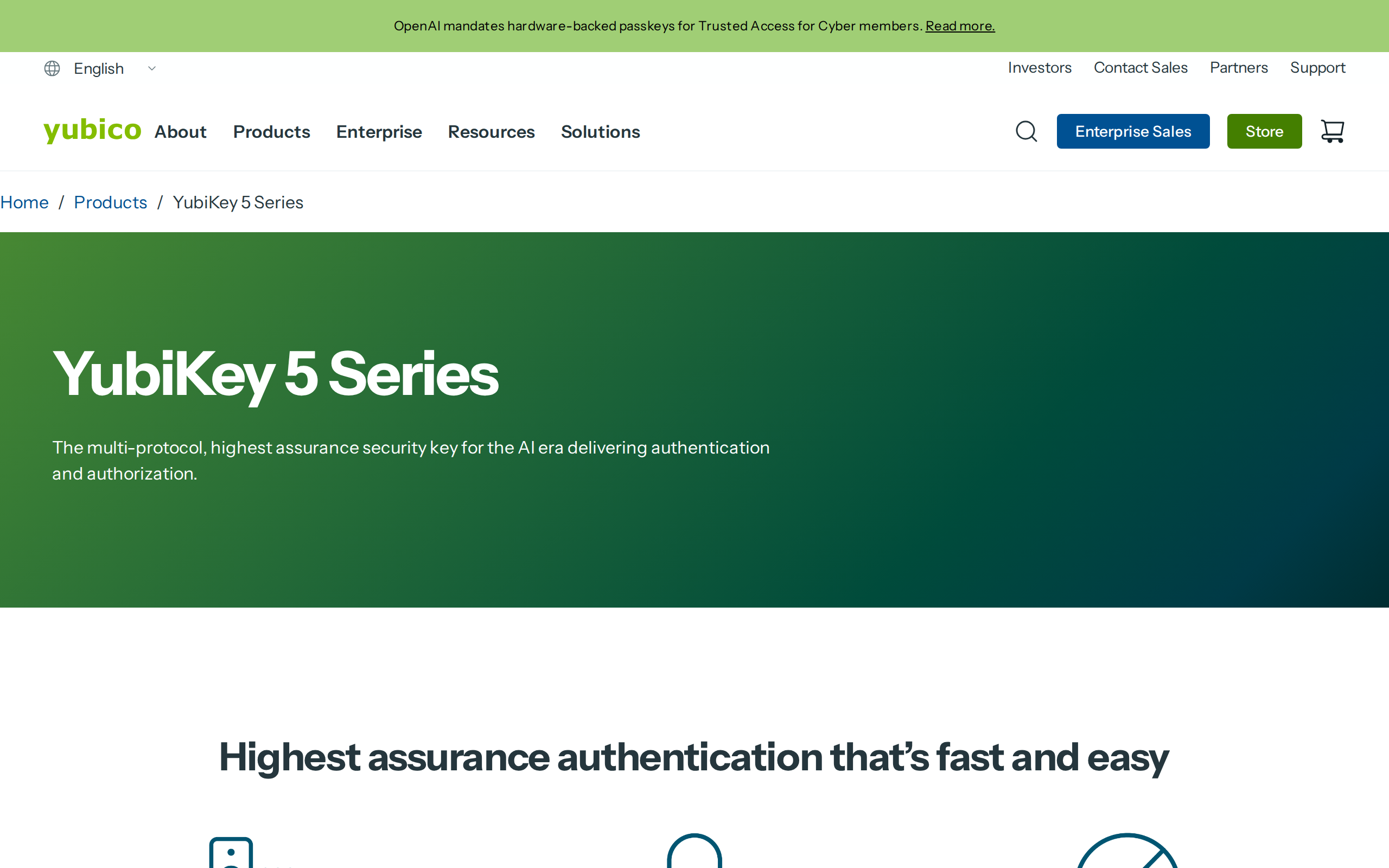
If those words mean nothing to you, you do not need them. The YubiKey 5 Series overview calls it a multi-protocol key, and that is accurate: it is an all-rounder aimed at administrators, developers and people who enjoy configuring things.
yubico.com
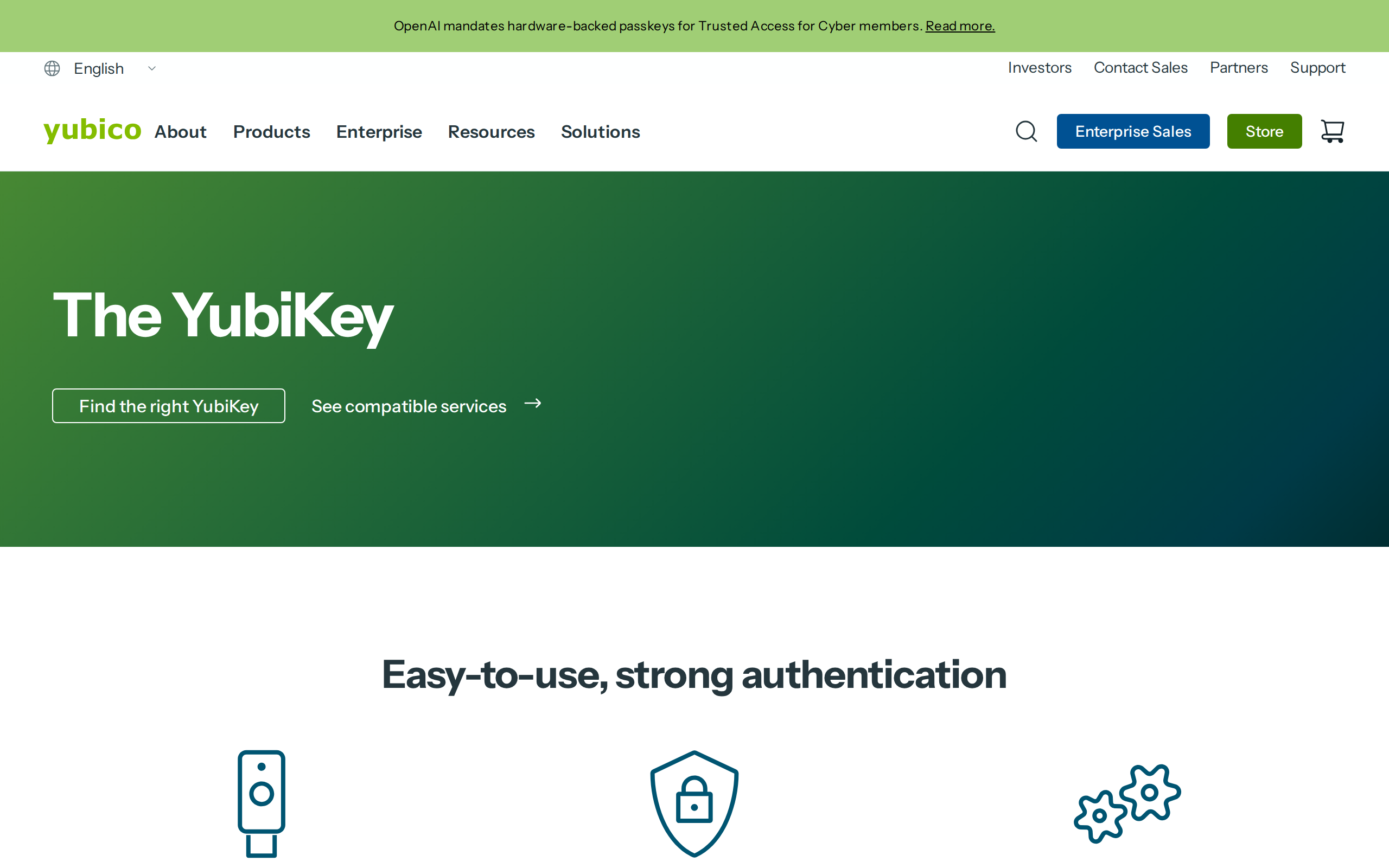
The overview page presents the 5 Series as a multi-protocol key
The cheaper key you should consider first
Yubico also sells a Security Key line that handles FIDO2 and U2F only. Retail listings we saw put it around $25 for USB-A and $29 for USB-C. If your goal is phishing-resistant sign-in to Google, Microsoft, GitHub and most password managers, that cheaper key does the job.
yubico.com
The lineup page helps you choose between the YubiKey 5 Series and other keys
We would still buy the 5 NFC in two cases. First, if you want to use PIV or OpenPGP. Second, if you want the larger passkey store and OATH code storage in one device. In any other case, save the difference and buy a second backup key.
Connectors, phones and compatibility
The connector is the main decision. This model is USB-A. Many newer laptops and phones are USB-C only, so check your ports before ordering, or look at the USB-C variant in the lineup. NFC works by tapping the key to the back of a phone, and that suits both iPhone and Android.
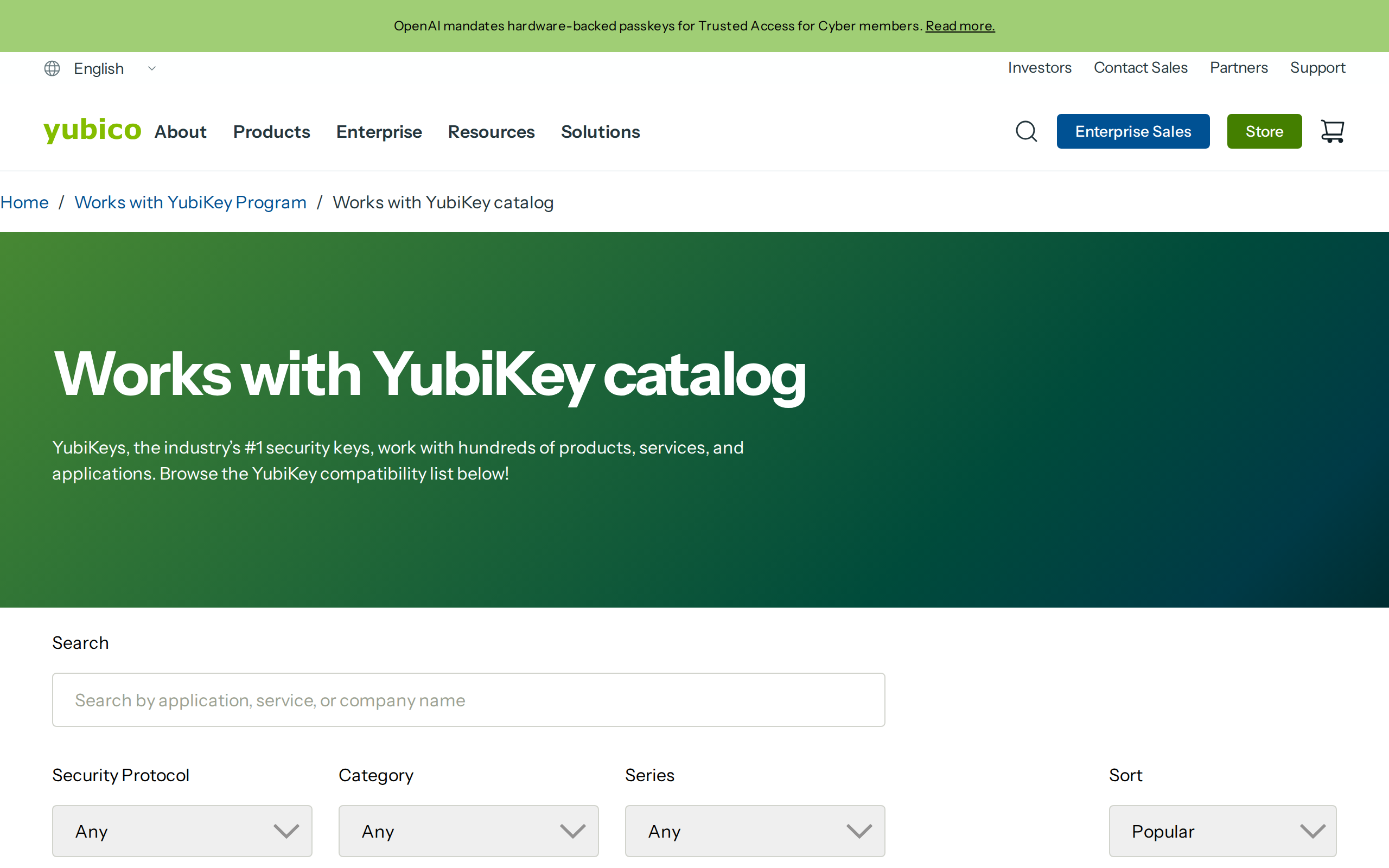
Compatibility is wide. Yubico's catalog lists hundreds of products, services and applications, and it can be filtered by protocol.
yubico.com
The Works with YubiKey catalog can be filtered by security protocol
Living with a key day to day
Using it is dull, which is the compliment. You sign in, the site asks for your key, you touch the metal contact or tap it to your phone, and you are in. There is no code to type and no app to open. On a shared or travel laptop, that is faster than reading six digits off a screen.
Two habits make it work. Keep a PIN set on the key for FIDO2, so a thief with the key still cannot sign in. And write down which accounts you registered it on, because a lost key means visiting each one to remove it. Yubico gives consumers a 45-day return window, so test the setup on your real accounts early.
Who should buy it
Buy the YubiKey 5 NFC if you administer systems, use PIV or OpenPGP, or want one durable key to cover every protocol for years. Buy two.
Skip it if you only want to protect a handful of consumer accounts. A basic Security Key is cheaper, and cheaper means you will actually buy the backup.
Verdict
It is excellent hardware with more range than most people need. We rate it 8.6 out of 10: the best USB-A key, though not the best value for everyone.