Thetis FIDO2 Security Key Review 2026: $25 Key Tested on Paper | Cipherwell
Thetis FIDO2 Security Key Review: Is a $25 Key Safe Enough for Your Most Important Accounts?
Thetis sells FIDO2 keys from $24.99, undercutting the big names. We read the Nano-A and Pro product pages, the warranty terms and the one independent hands-on test we found, to see where the saving costs you.
6.9 out of 10
Best for Budget buyers who want a spare or personal-account FIDO2 key
By The Cipherwell Test Desk
thetis.io
The verdict
The Thetis Nano-A is a legitimate FIDO2 key at $24.99, with 200 passkey slots and 50 TOTP slots, and the Pro adds USB-C and NFC for $32.99. It is certified only at FIDO2 level 1, has a one-year warranty and little independent testing behind it. Good as a cheap second key or for personal accounts. For a lead key on high-value logins, a better-known brand still looks safer.
What we liked
The Nano-A costs $24.99 and the Pro with USB-A, USB-C and NFC costs $32.99
Stores 200 passkeys and 50 TOTP codes, more than many keys at this price
Passkeys, FIDO U2F and TOTP/HOTP supported, with a PIN set through a manager app
Maker lists FIDO certification and Microsoft Entra ID support
Warranty replaces a defective key at no cost in the first year
What held it back
Certified FIDO2 L1 only, so ID Austria and similar level-2 schemes are not supported
Only a one-year limited warranty, and no 24/7 support promise
We found no recent independent lab or teardown of the Nano-A or Pro
Buyer reports mention a connector snapping on one Pro key
Windows Hello sign-in needs Enterprise edition with Entra ID
A security key is a small purchase that guards big things: your email, your password manager, your bank. That is why a $25 price makes us pause rather than cheer. The question is not whether Thetis keys work. They follow the FIDO2 standard, so they do. The question is what the lower price removes: testing history, certification level, support, and a brand that has been through audits.
Two keys, one maker
thetis.io
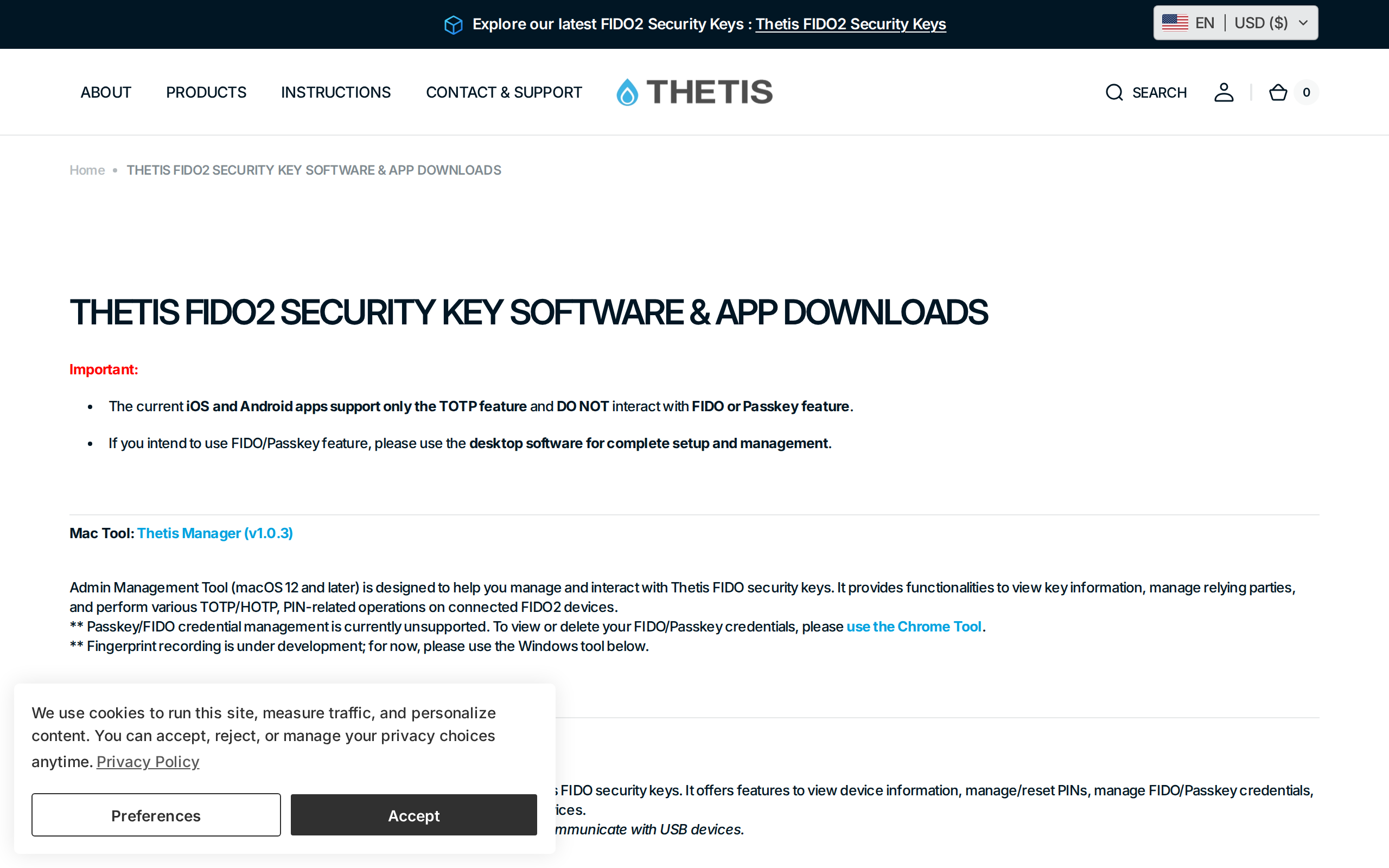
The downloads page hosts the key manager tools used to set a PIN and manage stored credentials.
Thetis is a Newark, California company founded in 2014. It says it shipped a FIDO-certified key in 2017 and was listed by Microsoft as a security token for Azure AD, now Entra ID, in 2019. Both claims come from its own about page, which we could not check against the FIDO Alliance's database.
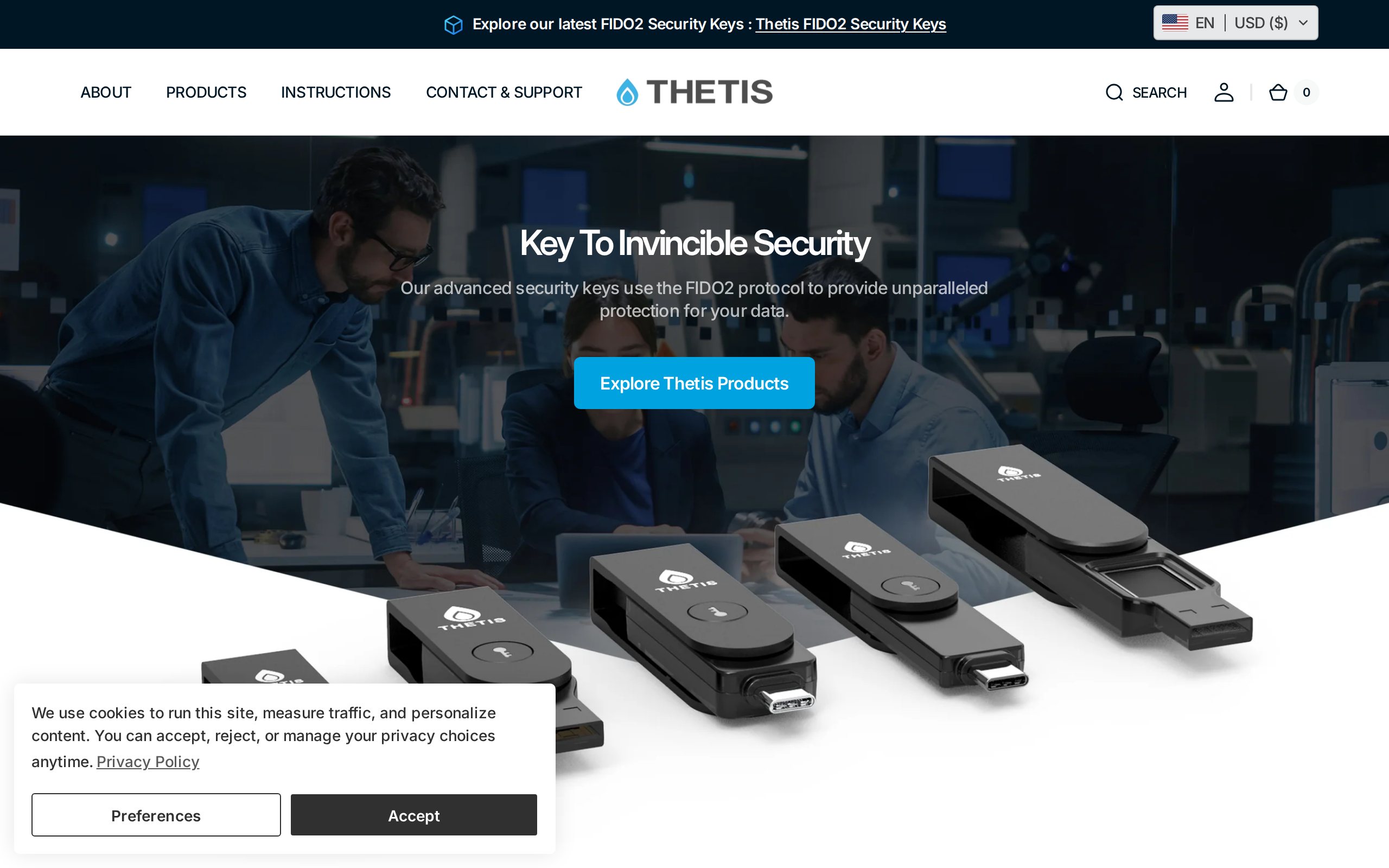
The range is wide, so the first job is picking the right model.
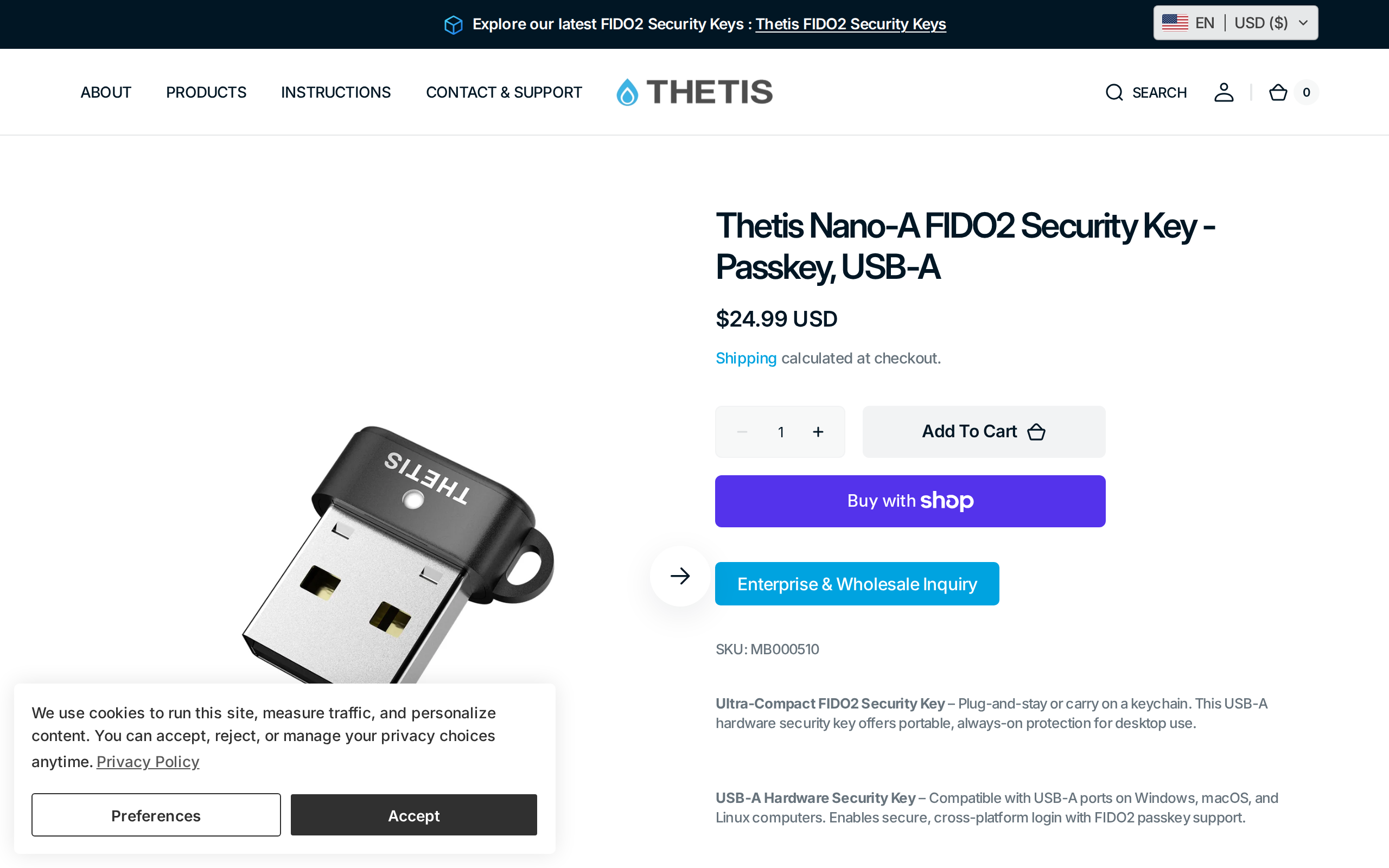
Nano-A: $24.99, USB-A only, small enough to stay in a port.
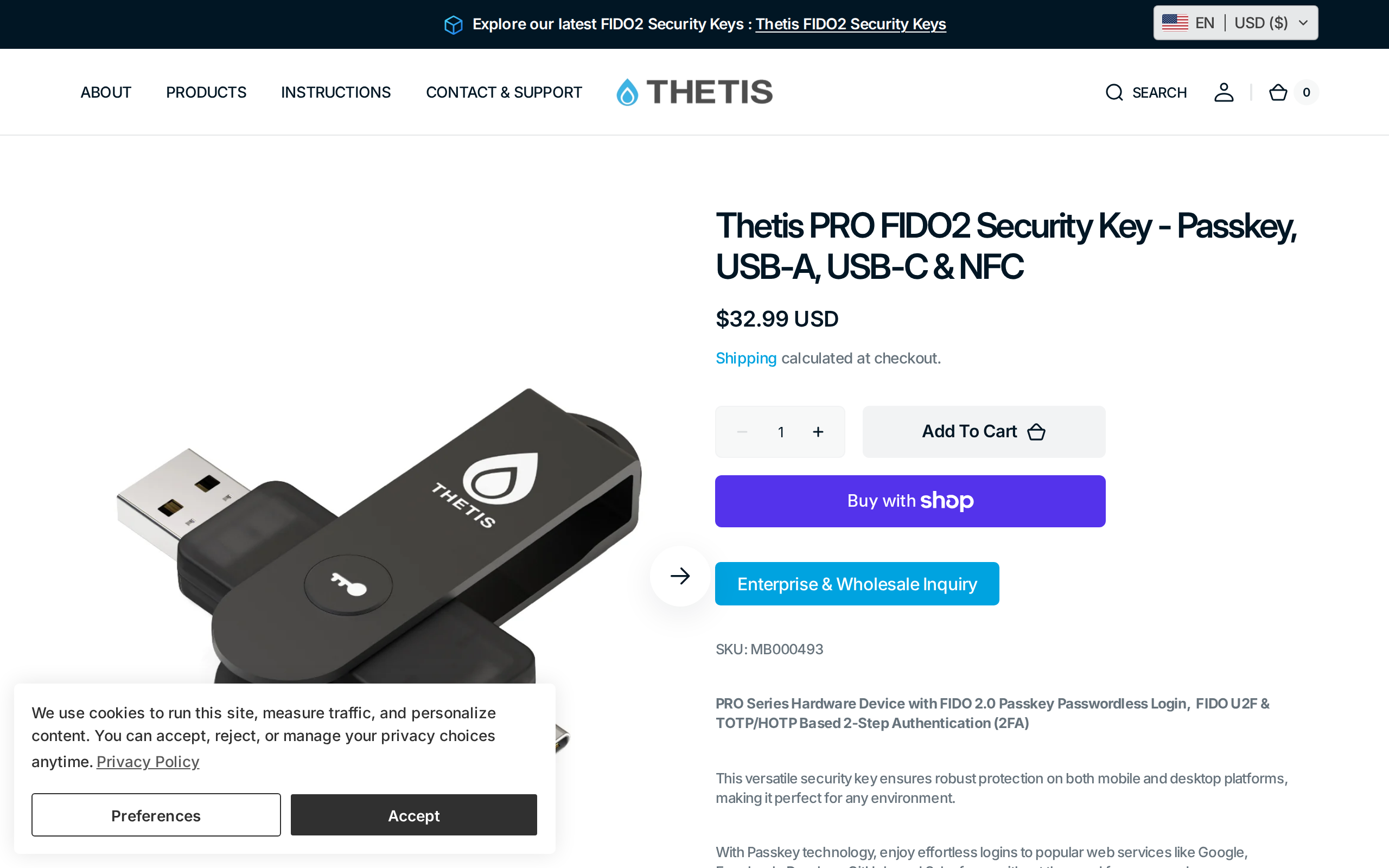
Pro: $32.99, with USB-A, USB-C and NFC, so it works with phones and newer laptops.
The "$25 key" in this review is the Nano-A. If you own a phone or a laptop with only USB-C ports, the Pro is the one to consider, and at $32.99 the price gap to the big brands narrows.
The Nano-A, read line by line
thetis.io
The Nano-A page lists the key at $24.99 with its passkey and TOTP storage.
The product page claims 200 FIDO2 passkey slots and 50 OATH-TOTP slots. That is generous. A key with that many resident credentials can hold passkeys for most people's important accounts, and the TOTP slots let it replace an authenticator app for sites without passkey support. It supports SHA-256, AES, HMAC, ECDH and ECDSA, and carries CE, FCC, RoHS and WEEE marks.
The page is also honest about its limits, and we would rather quote it than hide it. Chrome sign-in works on all Windows versions, but Windows Hello login needs the Enterprise edition with Entra ID. ID Austria is not supported because it requires FIDO2 level 2, and the key is listed as level 1. Level 1 is a standards-conformance rating, not a hardware-attack rating, so it tells you less about physical tamper resistance. We found no teardown or side-channel test of either model.
The Pro, and the metal cover
thetis.io
The Pro page adds USB-C and NFC to the Nano-A's USB-A connector.
The Pro has a rotating metal cover that protects whichever connector you are not using. Retail listings call it water and crush resistant. We cannot confirm that, and one buyer reported the connector breaking on a Pro key under normal use. One report does not make a trend, but it is the kind of risk to weigh when you buy only one key. Buy two.
Setting it up
thetis.io
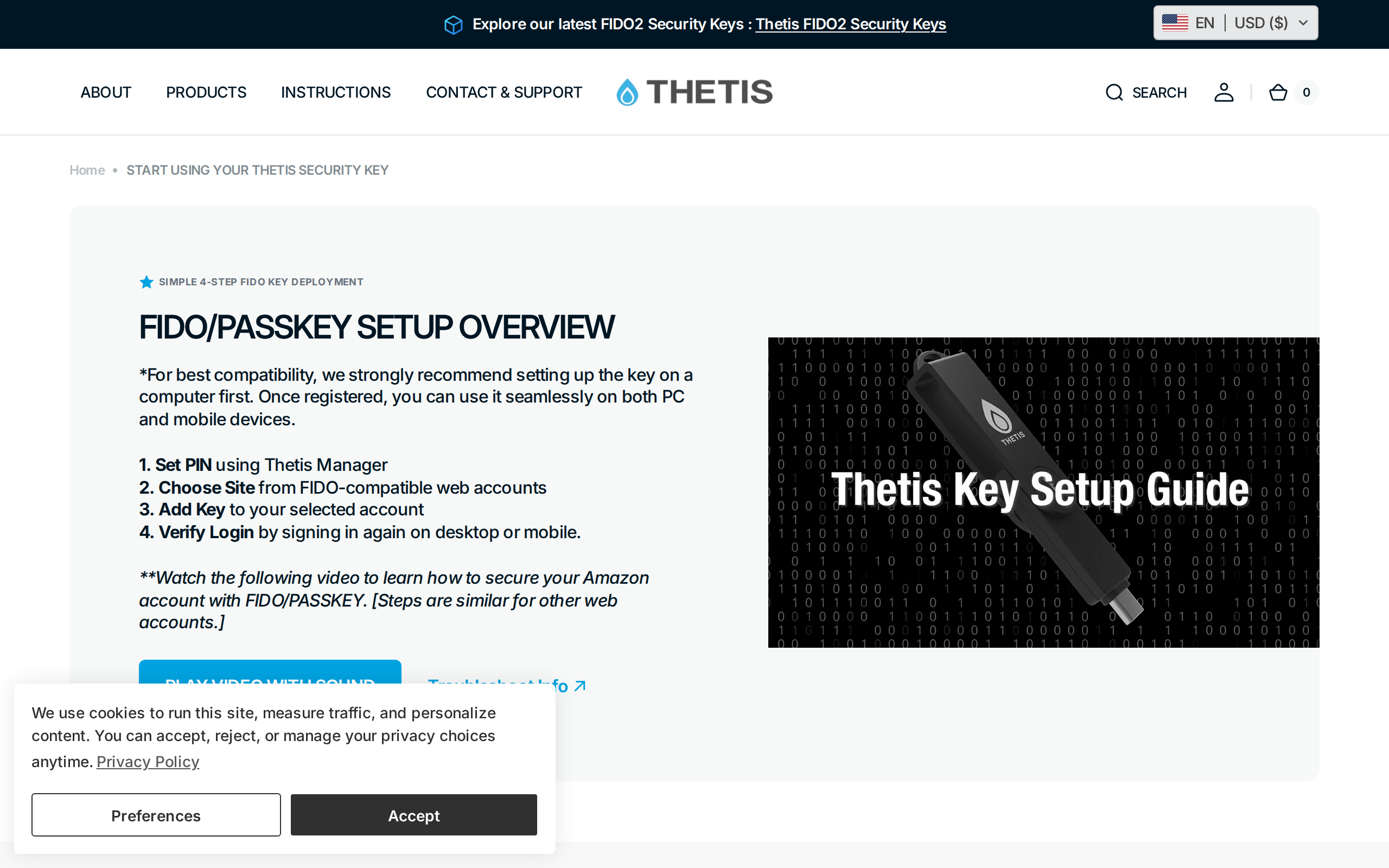
The setup page walks through PIN creation and registration, with a video.
The range spans FIDO2 passkey keys, contactless keys, fingerprint keys and older U2F keys, so read each product title before you add one to the cart.
You set a PIN through Thetis's manager software, then register the key at each service. The setup guide is simple, and the process matches that of other FIDO2 keys. The one independent test we found, by FIDO2 Reviews, covered a different Thetis model with Bluetooth and a battery. It enrolled the first time over USB and Bluetooth and "was factory reset without issue". That is encouraging for the maker's software, though it is not proof about the Nano-A or Pro.
A practical point: everything about daily use depends on that manager software, which lives on the maker's own downloads page. Download it only from there, check that your operating system accepts it, and write the PIN down somewhere other than your phone. A forgotten PIN means a factory reset, and a reset wipes the 200 passkeys, so you would have to register every account again.
Warranty and support
thetis.io
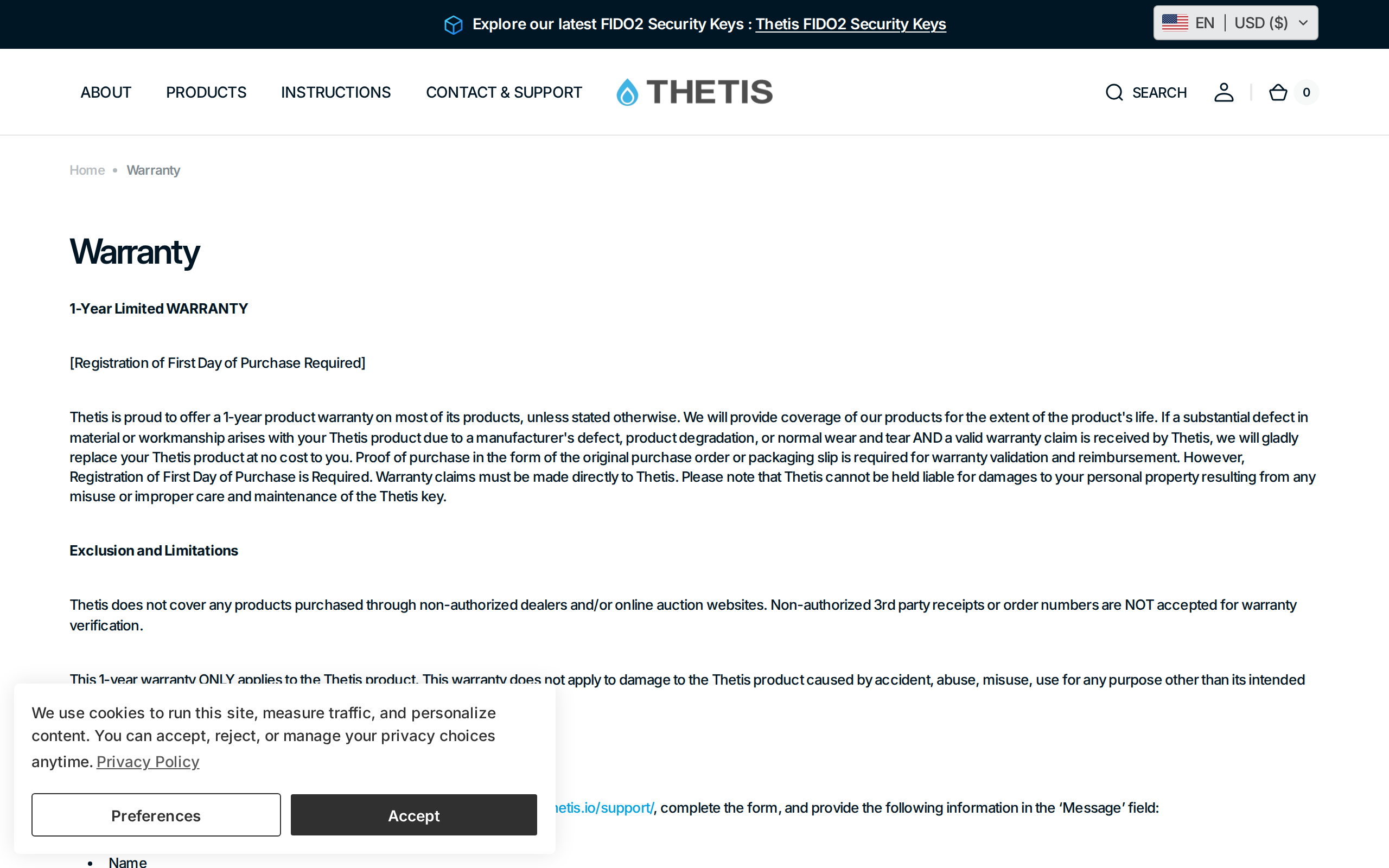
The warranty page sets out a one-year limited warranty with a 14-day window for prepaid returns.
Thetis offers a one-year limited warranty that you must register on the day you buy. It replaces keys with defects in material or workmanship. Damage from misuse and keys bought through non-authorised dealers are excluded. Prepaid return postage applies for 14 days. Set that beside Yubico and Google, both reviewed on this site, whose bigger organisations handle support, and you can see where some of the saving comes from.
Should you buy it?
If you want a second key to keep in a drawer, or a first key for personal accounts, the Nano-A is fine value. Buy two, register both everywhere, and keep recovery codes safe. If you need a lead key for a business, a developer account or a crypto wallet, pay more for a brand with public certification records and a longer history. This review is a product opinion, not personal security advice.