Tailscale Review 2026: WireGuard Mesh vs the Office VPN | Cipherwell
Tailscale Review: Can a WireGuard Mesh Replace the Office VPN?
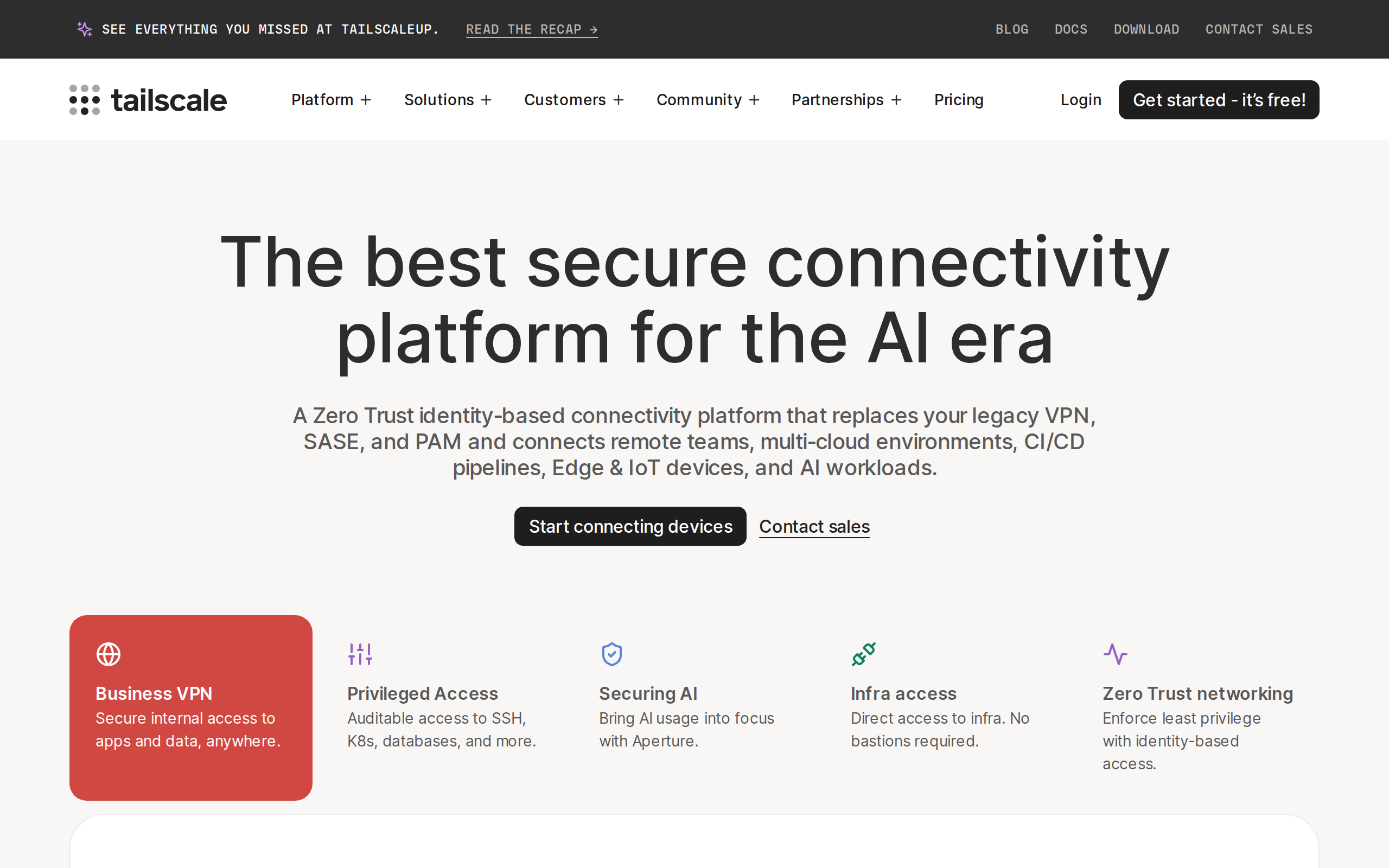
Tailscale builds a private WireGuard mesh between your devices without a VPN gateway to run. We read the plans, the access-control docs and the key-expiry rules to see where it replaces an office VPN and where it does not.
8.6 out of 10
Best for Small teams and home labs that want private access without a VPN appliance
Tailscale is the easiest way we know to let a small team reach laptops, servers and a file share without running a VPN gateway. The free Personal plan covers 6 users, and Standard at $8 per user a month adds SCIM and more ACL groups. Two caveats: the coordination server is closed source, and a real policy file still needs someone who can read JSON.
What we liked
Free Personal plan covers 6 users with unlimited user devices
Setup is a sign-in per device, and the quickstart is built around under 10 minutes
ACLs are deny-by-default, directional and enforced on each device
Standard at $8 per user adds SCIM and 10 ACL groups
Clients for Windows, macOS, Linux, iOS and Android, with open-source Headscale as a self-hosted option
What held it back
The coordination server is closed source, so Headscale is the only self-hosted route
Keys expire after 180 days by default, so devices need a periodic sign-in
Free plan needs a public email domain, not your own company domain
Flow logs, just-in-time access and 300 ACL groups need Premium at $18 per user
A tailnet with no policy file is allow-all until someone writes rules
A traditional office VPN is a box. Someone buys it, patches it, opens a port for it and answers the phone when it falls over. Tailscale's pitch is that the box disappears: every laptop and server talks to every other one over WireGuard, and a coordination service just introduces them. We went through the plans, the quickstart and the access-control documentation to find out whether that holds up for a team with no IT department.
Short answer: yes for a team of 3 to 30 people, with one chore you should know about before you start.
What you stop running
In a classic setup, all traffic funnels through a gateway in one place. Tailscale builds direct encrypted tunnels between devices instead, and falls back to relays (DERP, run over HTTPS on port 443) when two machines cannot reach each other directly. There is no appliance to patch and no inbound firewall hole to maintain.
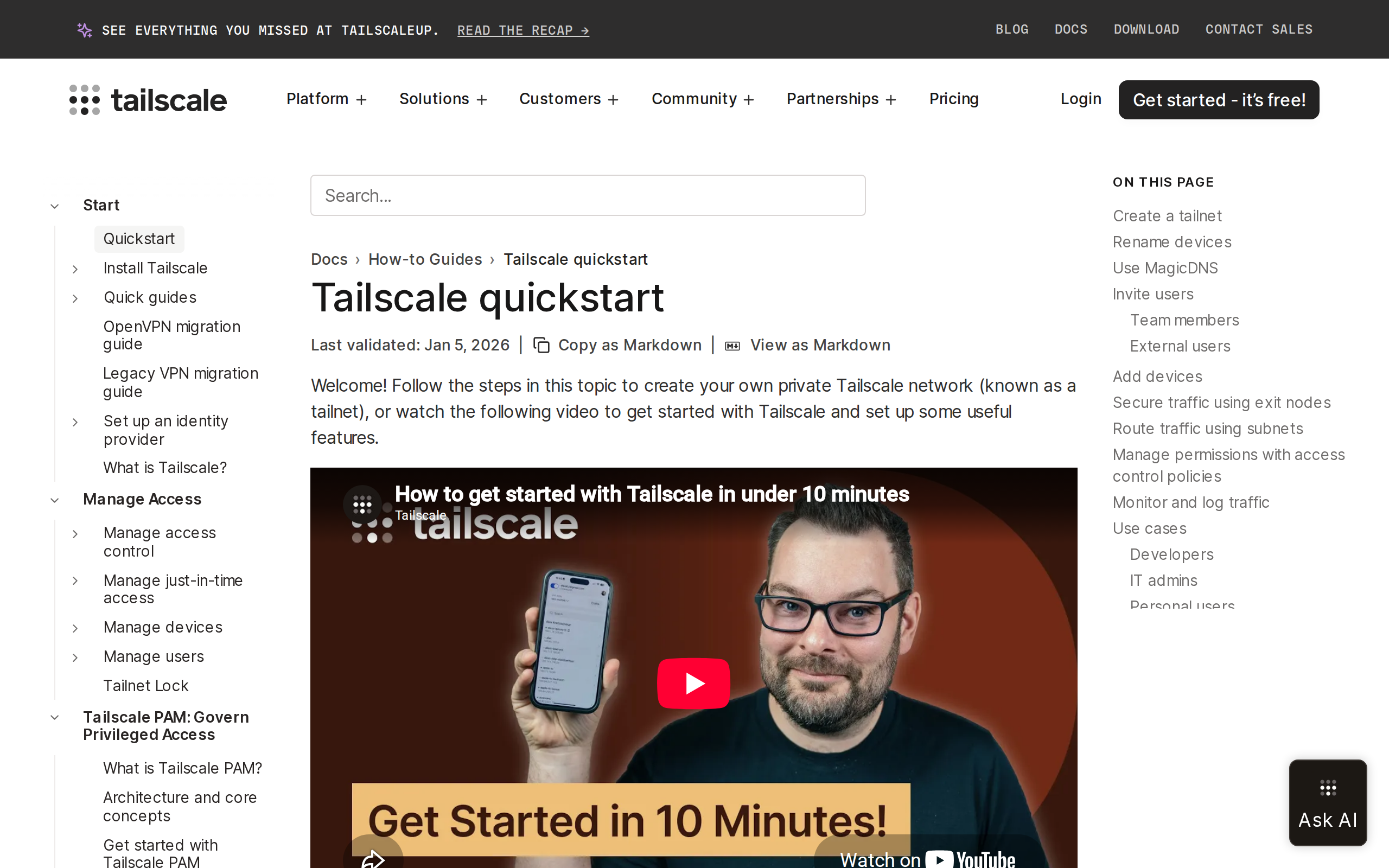
The sign-up is the surprise. You do not create a Tailscale password. You sign in with an existing identity provider, so access follows your Google or Microsoft account. The quickstart runs through six stages: sign up, pick business or personal use, add a first device, add a second with a shareable link, open the admin console, then switch on extras such as MagicDNS. The docs frame the whole thing as under 10 minutes.
tailscale.com
The quickstart page, which walks through adding the first two devices to a new tailnet.
The part where an IT department usually earns its salary
Connectivity is the easy half. The hard half is deciding who may reach what. Here Tailscale is stricter than its friendly sign-up suggests, and also looser.
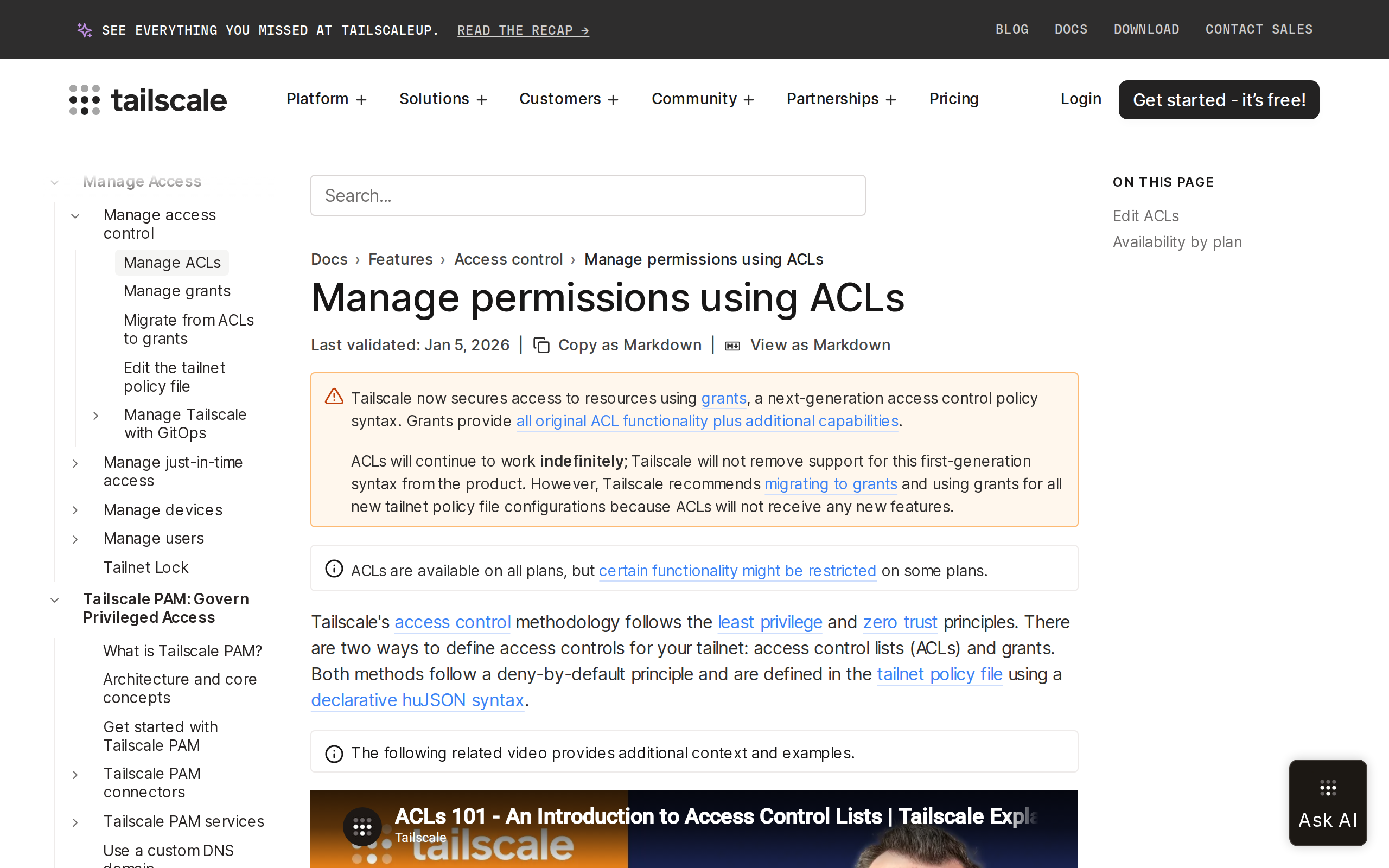
The ACL documentation says rules are deny-by-default, directional (allowing A to reach B does not let B reach A) and enforced locally on each device, not by a central server. That is a sound zero-trust design. The catch is in the same page: with no acls section in the policy file, Tailscale applies a default allow-all policy. A new tailnet is open until you write rules.
Specifications
Underlying protocol
WireGuard
Personal plan
Free, up to 6 users, unlimited user devices
Standard plan
$8 per user per month
Premium plan
$18 per user per month
Enterprise plan
Custom pricing
ACL groups
3 (Personal), 10 (Standard), 300 (Premium)
Default key expiry
180 days
Relay fallback
DERP over HTTPS port 443
Platforms
Windows, macOS, Linux, iOS, Android
Self-hosted control server
Not official; Headscale is a third-party open-source option
The ACL documentation, where the default allow-all behaviour and the deny-by-default model are both explained.
The policy is a text file in a JSON dialect with sources, destinations and ports, plus groups and tags. If nobody on the team is comfortable editing that, you will leave the default open, and then you have a flat network with encryption on it. For a five-person studio that may be acceptable. For anyone handling client data it is not, and the fix is an afternoon of reading, not a purchase.
Pricing, and where the tiers bite
tailscale.com
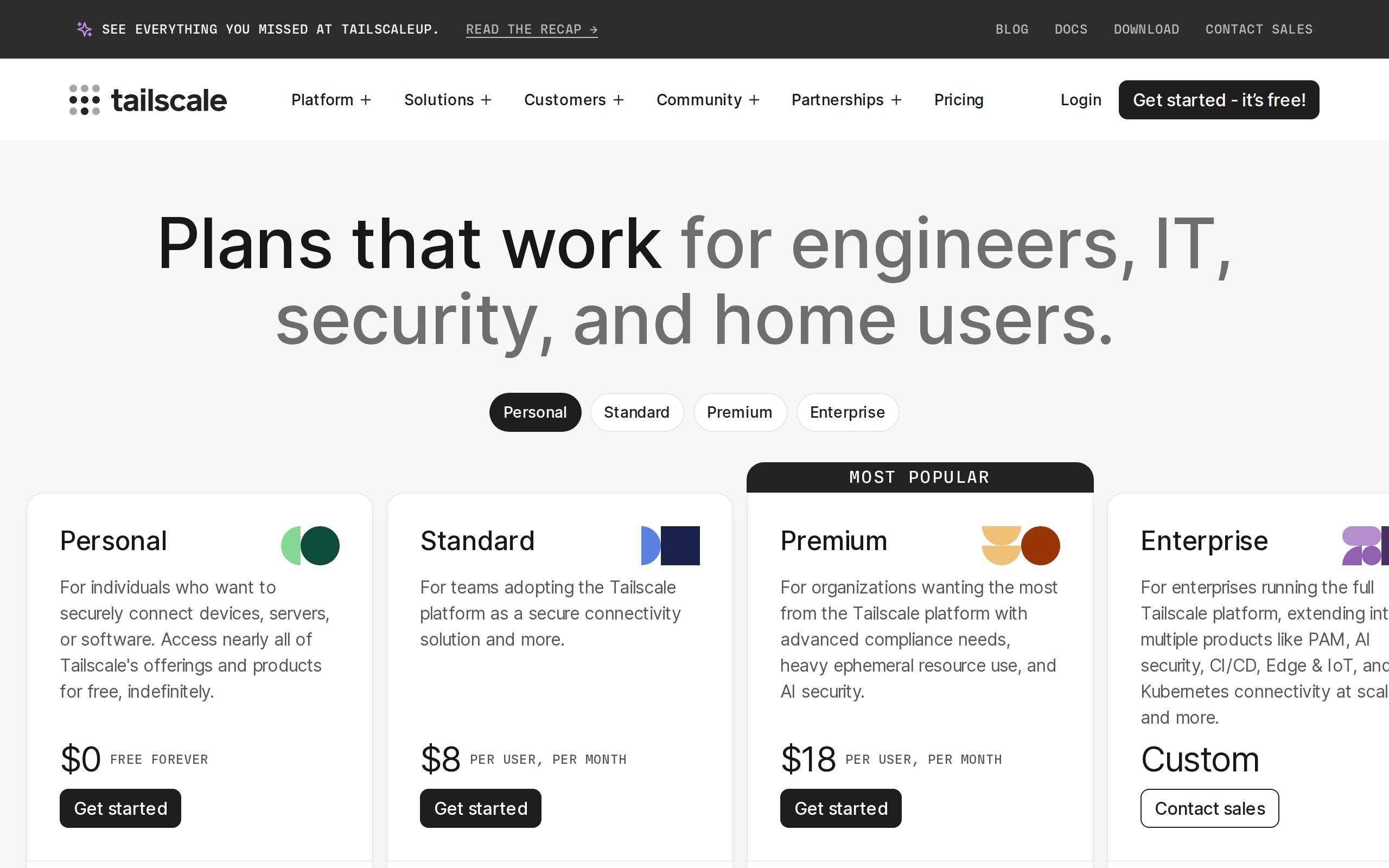
The pricing page: Personal is free forever, Standard is $8 and Premium $18 per user per month, Enterprise is custom.
Personal, free: up to 6 users, unlimited user devices, 3 ACL groups, basic Tailscale SSH for up to 5 hosts. The quickstart notes it needs a public email domain such as gmail.com, so a company domain pushes you toward a paid plan.
Standard, $8 per user per month: unlimited users, 10 ACL groups, SCIM user provisioning and device-posture integrations with MDM and EDR tools.
Premium, $18 per user per month: 300 ACL groups, network flow logs and log streaming, just-in-time access, advanced SSH and priority support.
Enterprise: custom pricing, invoice billing and custom agreements.
Compliance logging is the line that decides the tier. If an auditor wants flow logs, you are at $18 a seat. A 15-person company on Premium pays $270 a month, which is still well below the staff time of keeping an on-premises gateway healthy.
The costs that do not show on the price list
Key expiry. New tailnets expire device keys after 180 days, so each device must sign in again or it drops off the network. You can disable expiry for servers and subnet routers, and you probably should, but forgetting is how a Monday-morning outage starts.
A closed control plane. Most of Tailscale is open source. The coordination server and the GUI clients on Windows, macOS and iOS are not. If a policy of "no proprietary control plane" applies to you, Self-hosting with Headscale is the workaround, but it is a third-party project and you lose official support.
Not a consumer VPN. Tailscale can route traffic through an exit node, but it is a way into your own network, not a service for hiding your address from websites. Do not buy it for that.
Who should use it
Buy it if you run a small team, a home lab or a handful of cloud servers and want private access without hardware. Start on the free plan and move up when you need SCIM or logs.
Skip it if you need a vendor-neutral, fully self-hosted stack with no closed components, or if you mainly want a privacy VPN for streaming and travel. For a mesh that replaces the office gateway with little ceremony, we found no simpler way to get there.