RoboForm Review 2026: Form Filling vs Newer Password Managers | Cipherwell
RoboForm Review: Best Form Filling Around, but the Free Plan Stays on One Device
RoboForm has filled web forms for over twenty years and still wins that contest. We checked its plan pages, security whitepaper, audits and renewal prices to see whether that lead outweighs a dated look and a one-device free tier.
7.5 out of 10
Best for People who fill many web forms and want a cheap, audited manager
By The Cipherwell Test Desk
roboform.com
The verdict
RoboForm is the pick if you fill long forms, checkouts and registrations all day: its form filler is the part reviewers praise most. Premium is cheap at $2.49 a month billed annually, though it renews at $29.88 a year. The free plan keeps your passwords on a single device, and the interface is older than 1Password or Bitwarden. Two third-party audits help its security case.
What we liked
Form filling with multiple identities and custom fields is the best we read about
Premium costs $2.49 a month billed annually, below most rivals
Two third-party audits by Secfault Security, the latest in 2025
Passkey management and hardware key 2FA are included
Family plan covers up to 5 Premium accounts for $3.98 a month
What held it back
Free plan holds unlimited passwords but only on a single device
Premium renews at $29.88 a year, higher than the first-year price
No monthly billing: plans are annual only
Desktop interface is described as outdated and clunky by reviewers
Live chat and phone support are limited to paying customers on weekdays
Password managers are mostly judged on vaults and sharing. RoboForm earned its name on a different job: typing your name, address and card number into the wrong-shaped box on a checkout page. Siber Systems has been at it for over twenty years, and the form filler is still the reason to pick RoboForm over a newer rival. The reason to hesitate is the free plan, which keeps your passwords on one device, and an interface that looks its age.
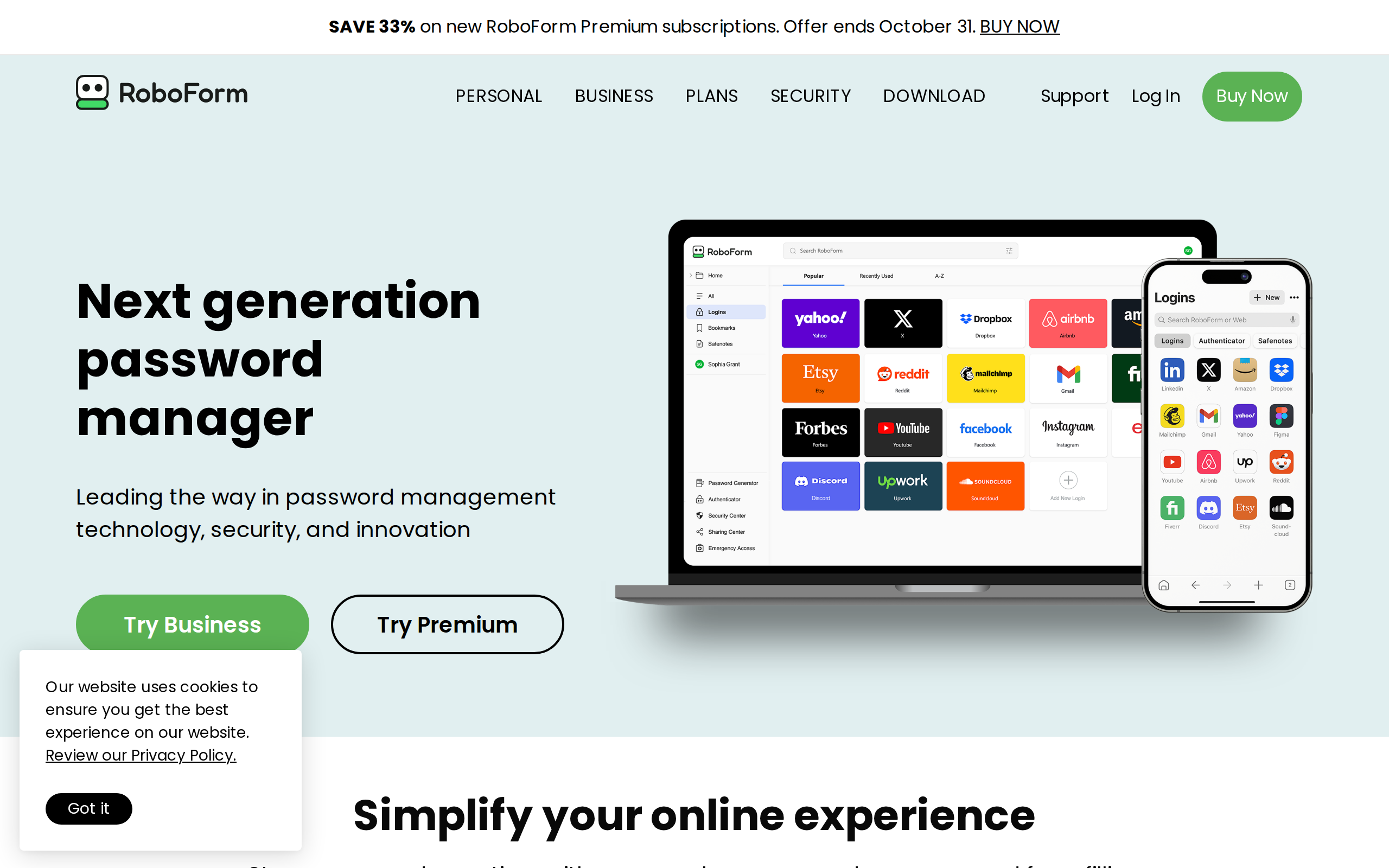
The form filler is the product
roboform.com
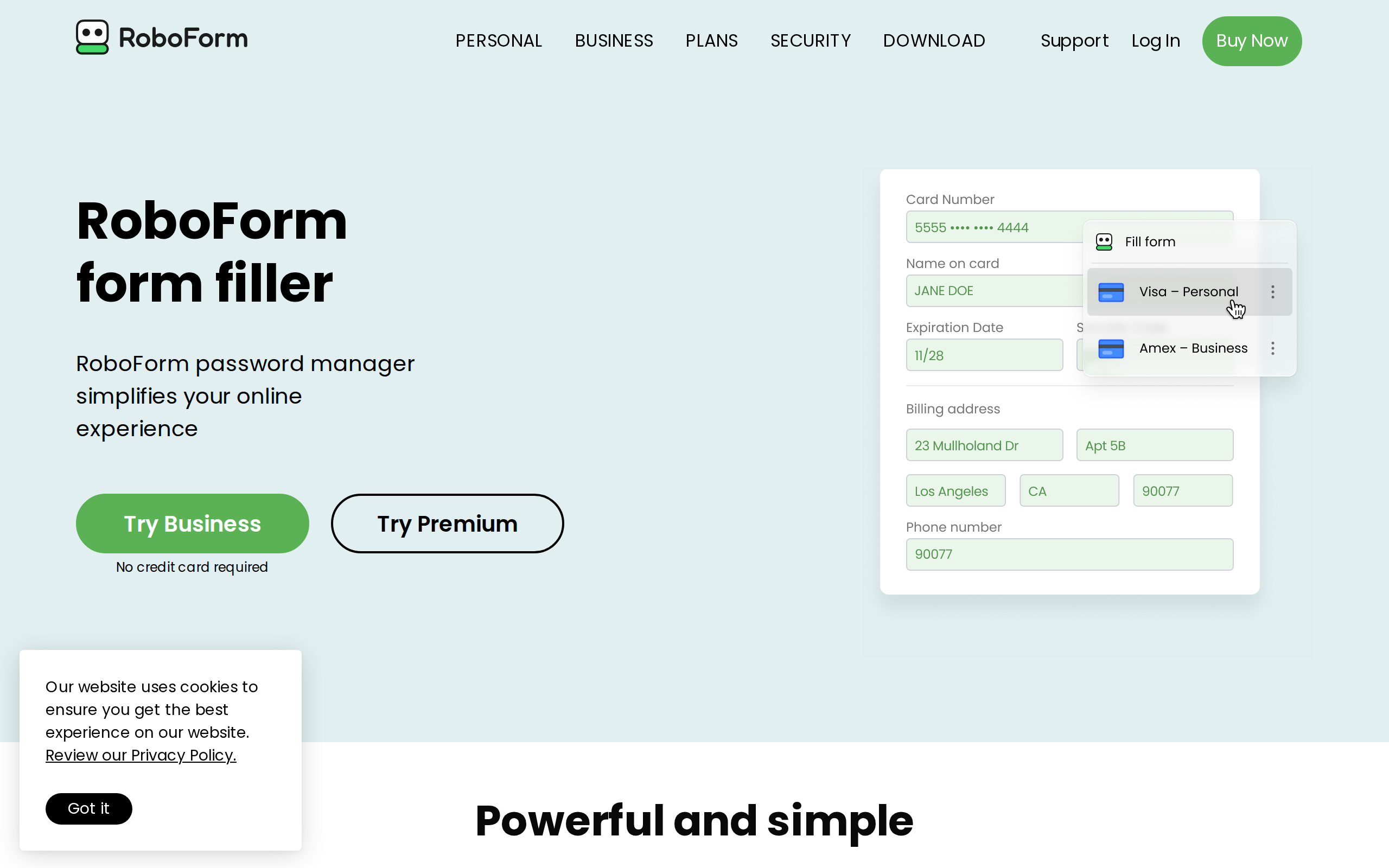
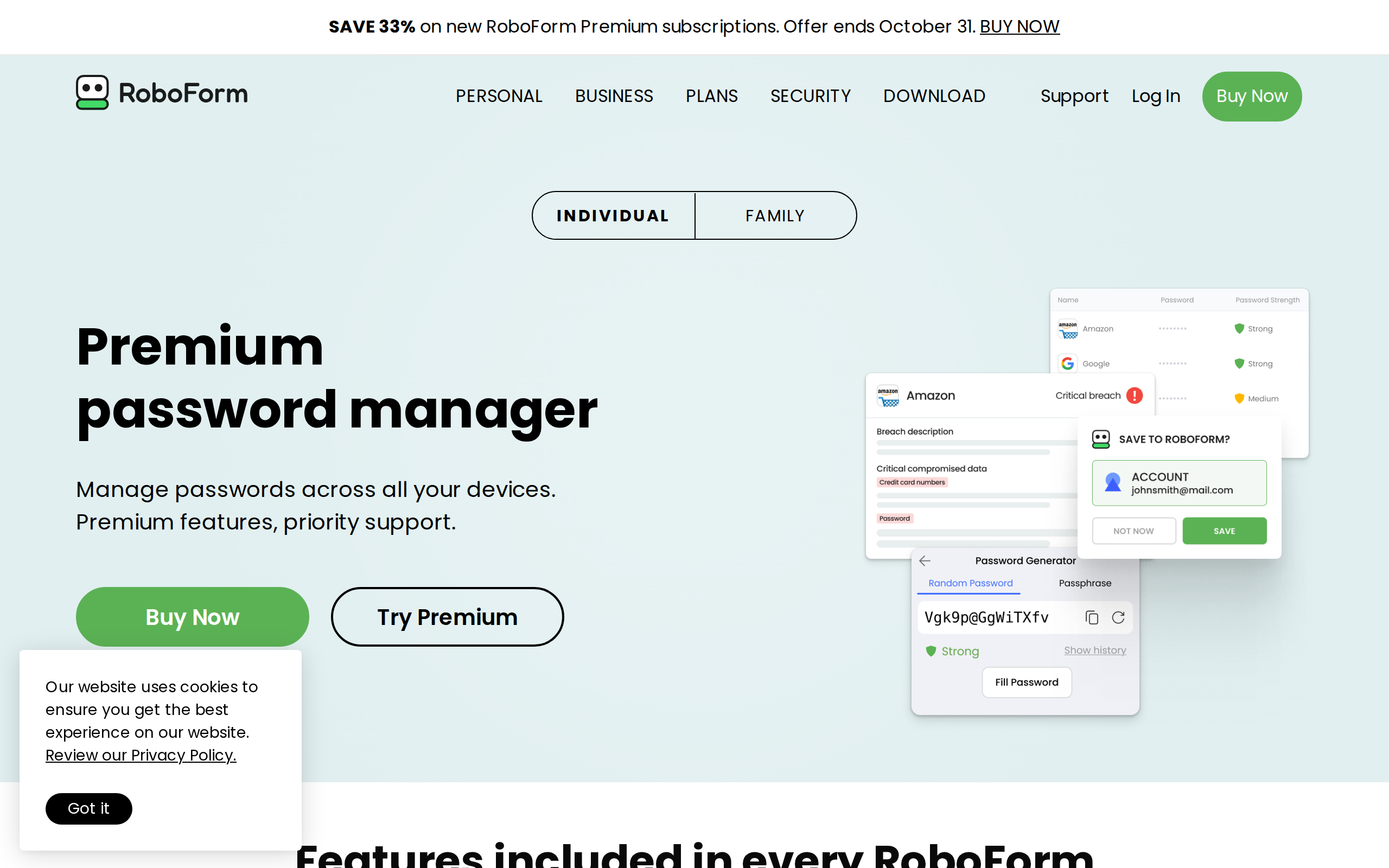
RoboForm's own page for the form filler, the feature it was built around.
Most managers fill a login and, if you are lucky, a saved card. RoboForm lets you keep several identities, each with its own templates, and add custom fields for things such as a work address, a licence number or a company registration. CyberInsider's review calls its login automation best-in-class, and says the multiple-template approach suits complex registrations and payment forms.
We saw no independent timing test that proves it is faster, so treat "best" as the consensus of reviewers we read, not a number. The practical meaning is simple. If you apply for things online, run a small business or re-enter the same details weekly, the saved identities remove real work. If your life is ten logins, any manager does the job and this edge is wasted.
Plans: where the one-device rule bites
roboform.com
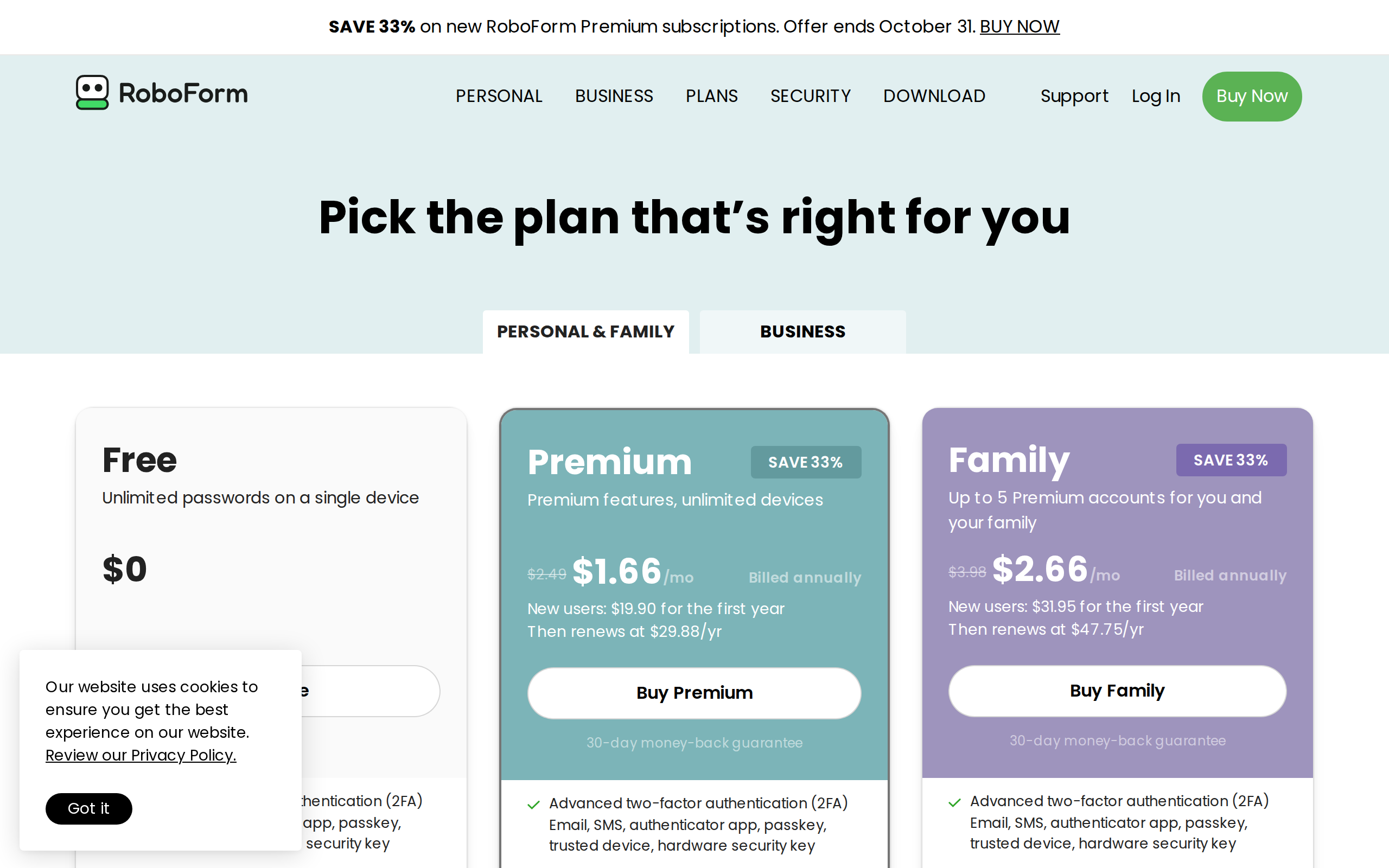
RoboForm's plan comparison: Free, Premium and Family, with the 2FA and breach features listed.
The plan table splits as follows.
Free, $0: unlimited passwords, but on a single device and without cross-device sync.
Premium, $2.49 a month billed annually: access on all devices, cloud backup, web access, secure sharing, Emergency Access and breach monitoring for 5 email addresses, as the plan page lists them. A new-user first-year offer is shown, then the plan renews at $29.88 a year.
Family, $3.98 a month: up to 5 Premium accounts, renewing at $47.75 a year.
Every account, including free, gets the base tools: unlimited storage, form filling, a password generator, a password audit, passkey management and AES-256 encryption. A 30-day money-back guarantee covers Premium. There is no monthly billing, which is a nuisance if you only want to try it for a month.
That one-device limit is the sharpest edge. Bitwarden and Proton Pass let you sync a free vault across devices, and our site covers both. With RoboForm you either stay on one machine or pay. At $29.88 a year after the first year, paying is still cheap beside 1Password or Dashlane, but it is no longer the bargain the headline suggests.
roboform.com
The page lists what every RoboForm plan includes, from unlimited storage to the password audit.
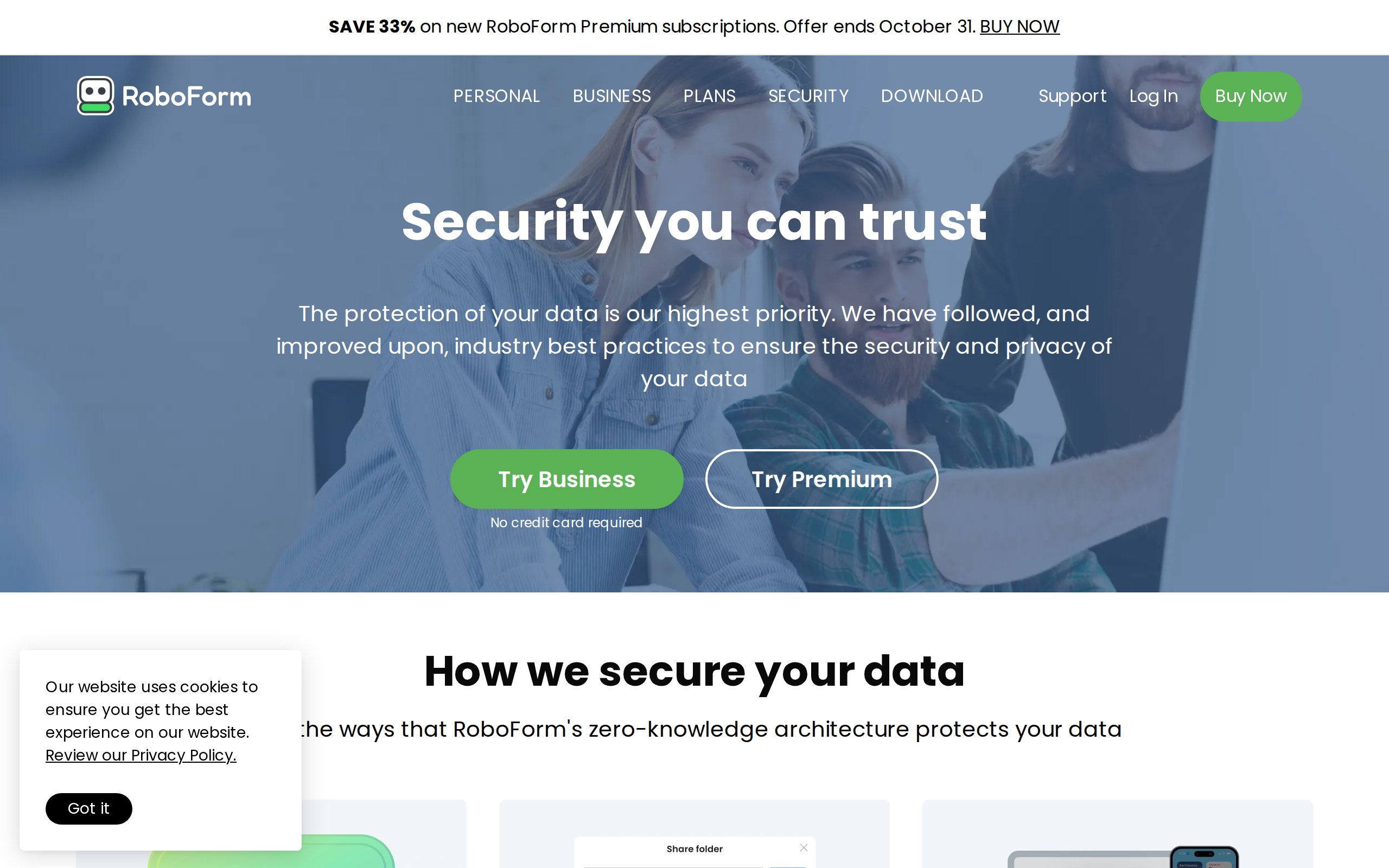
RoboForm's security page explains its zero-knowledge design and links its audit report.
RoboForm says it uses AES-256 with PBKDF2 SHA-256, and that everything is decrypted on your device with a key derived from your Master Password. It cannot read your data and cannot reset the password for you without the restore setup you create. Two-factor options are broad: email, SMS, an authenticator app, a passkey, a trusted device or a hardware key. A local-only mode keeps your data and backups on the device, for people who do not want any sync at all.
The proof that matters is outside review. Secfault Security has audited RoboForm twice, and the 2025 round was the more extensive, covering desktop, mobile, extensions and online portals, per RoboForm's help page and the reviews we read. Issues were found, fixed and re-checked. That is how an audit should go, and we count it in the product's favour, though we have not read the full report ourselves.
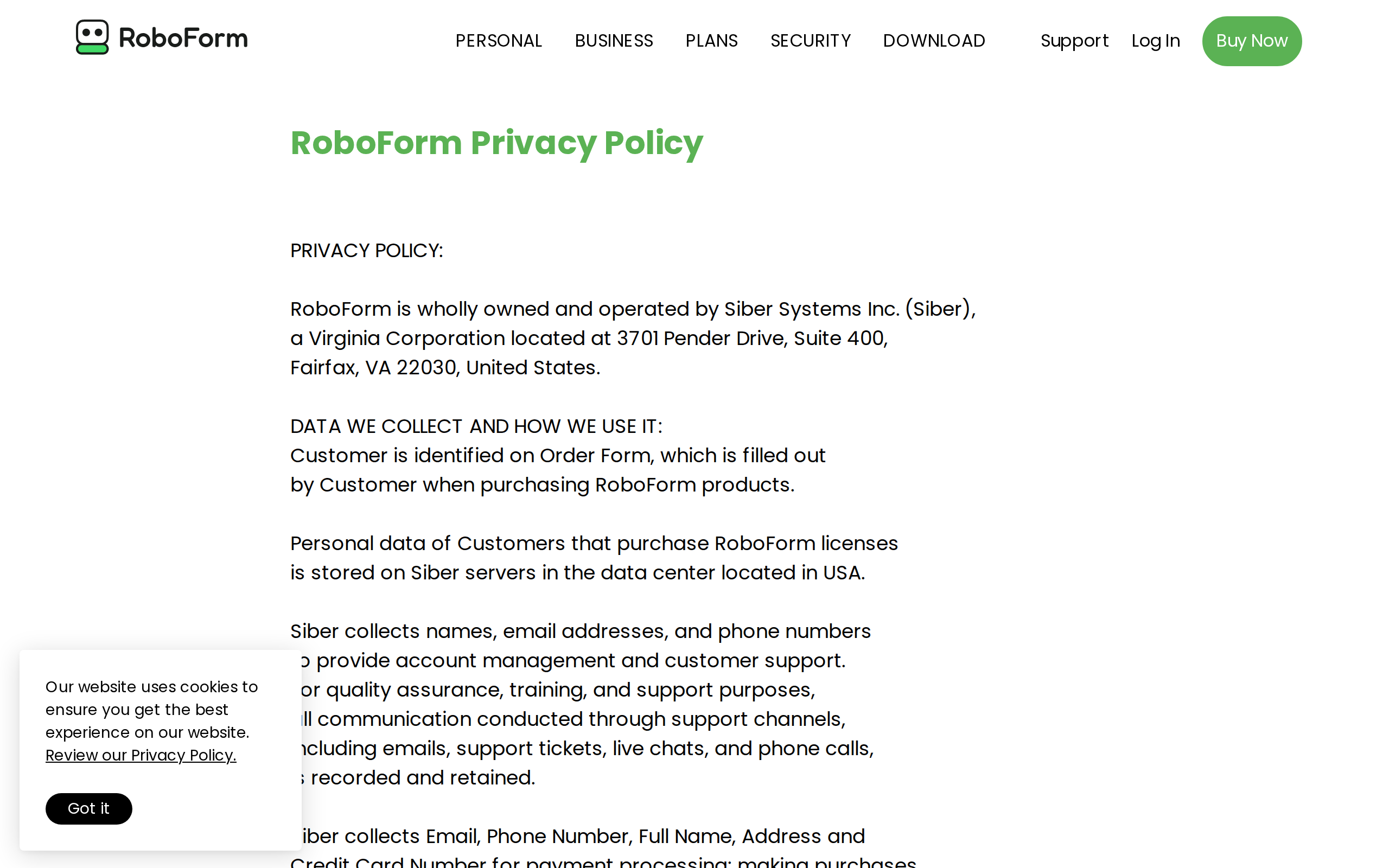
The company is Siber Systems of Virginia, wholly owned and operated by itself, as its privacy policy states. That is a smaller, steadier owner than most of the field.
roboform.com
The privacy policy names Siber Systems Inc. as the owner and operator.
Where it feels old
CyberInsider calls the interface potentially clunky, and says a redesign is underway. That fits other reviews that mention desktop usability. RoboForm also has no official free tier that syncs, which newer products use to win habit. The 1Password and Dashlane comparison pages on its own site show it knows who it is up against.
Who should choose it
Choose RoboForm Premium if you fill forms often, want an audited manager at a low price and can live with a plain look. The Family plan is a sensible buy for a household of up to five.
Skip it if you want a free manager that syncs, or a modern interface and wide integrations. For the first, Bitwarden is the answer. For the second, look at 1Password. RoboForm wins a narrow contest, and it wins it clearly.