Proton Pass Review 2026: Aliases, Pricing and Security | Cipherwell
Proton Pass Review: Email Aliases Are the Reason to Switch
Proton Pass pairs a free, open-source password manager with built-in hide-my-email aliases. We looked at what the free plan keeps, what Pass Plus adds and where Bitwarden still wins.
8.0 out of 10
Best for Privacy-minded users who want passwords and email aliases together
By The Cipherwell Test Desk
proton.me
The verdict
Proton Pass is a strong free password manager and the best option here if you want email aliases built into the same app. The free plan limits you to 10 aliases, 2FA codes and vault sharing require Pass Plus, and Bitwarden still gives more control for less money. If hiding your real address matters, Pass is worth choosing.
What we liked
Free plan has unlimited logins, notes and cards on every device
Unlimited hide-my-email aliases with Pass Plus
Open source, with a third-party audit by Cure53
Passkey support and end-to-end encryption of all fields
Swiss-based, outside US and EU jurisdiction
What held it back
Free plan caps aliases at 10 and has no built-in 2FA codes
Pass Plus costs $2.99 a month, above Bitwarden's premium tier
Aliases depend on Proton's mail forwarding working reliably
Fewer admin and import options than the established managers
Every password manager stores your logins. Proton Pass also hides your email address, and that second job is what separates it from the field. Instead of giving a shop or a newsletter your real address, you hand over a throwaway alias that forwards to your inbox. When one starts attracting spam, you switch it off.
Why aliases change the maths
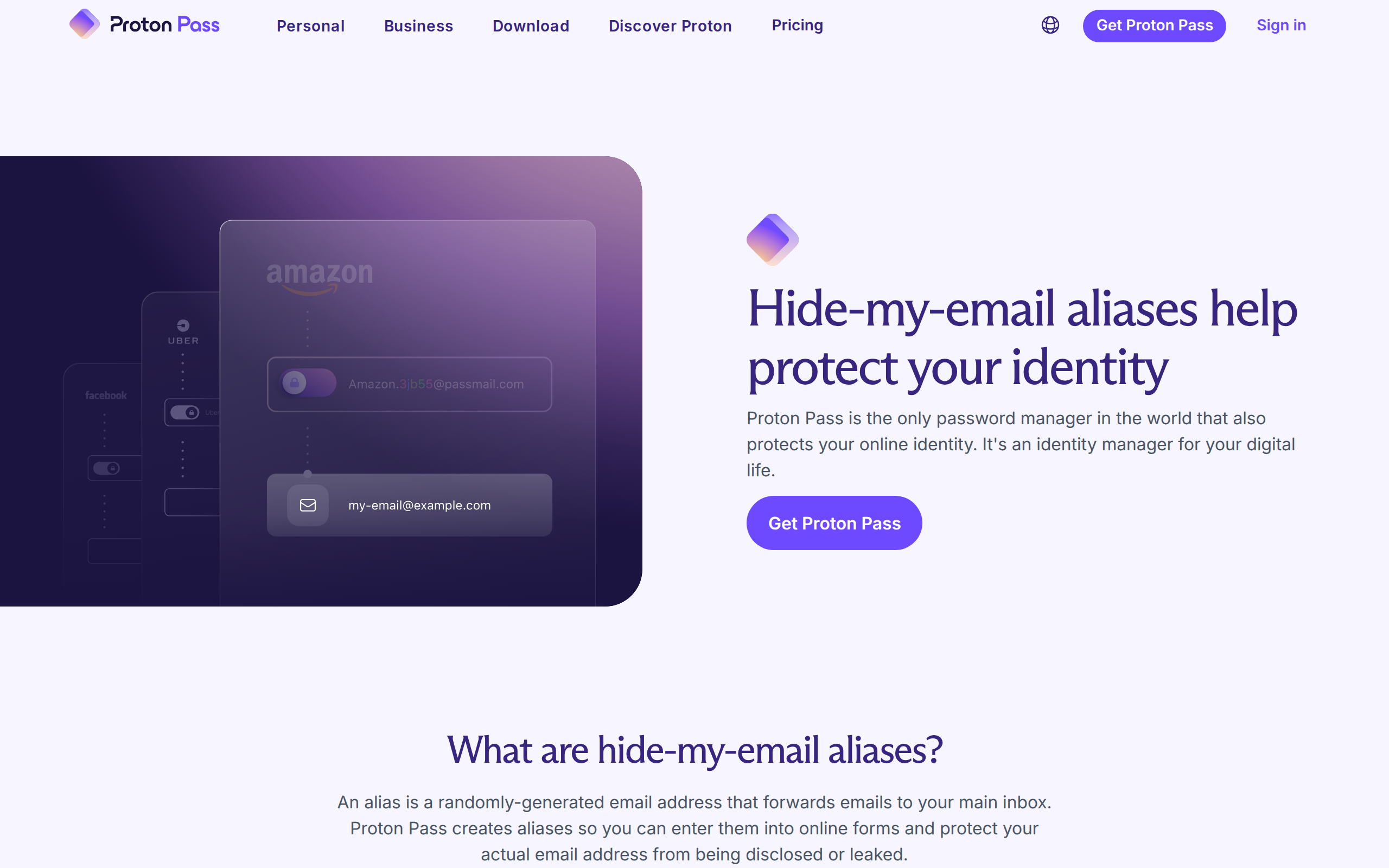
An alias is a randomly generated email address that forwards to your main inbox, as the alias page puts it. You create one per site from the same screen where you save the login, so using them takes no extra effort.
proton.me
The aliases page describes randomly generated addresses that forward to your main inbox
Two things follow. A breach at one site no longer exposes an address you use everywhere, and an alias turns a hard-to-spot leak into an obvious one: if a stranger writes to the address you gave only to a pizza chain, you know who sold it. Other managers have bolted on similar features through partner services. Proton does it in the same app, under one account, and that integration is the whole case.
What the free plan keeps and withholds
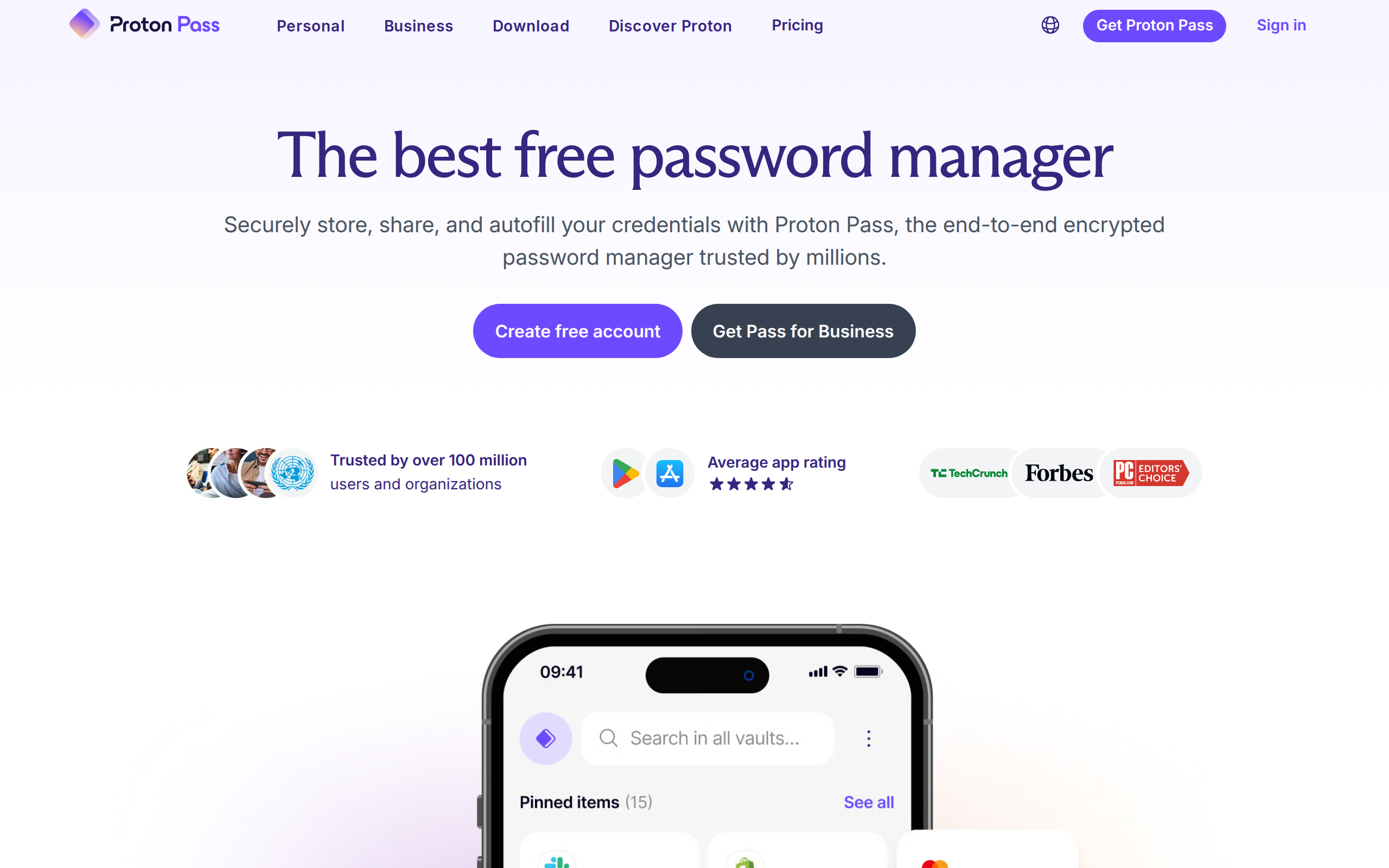
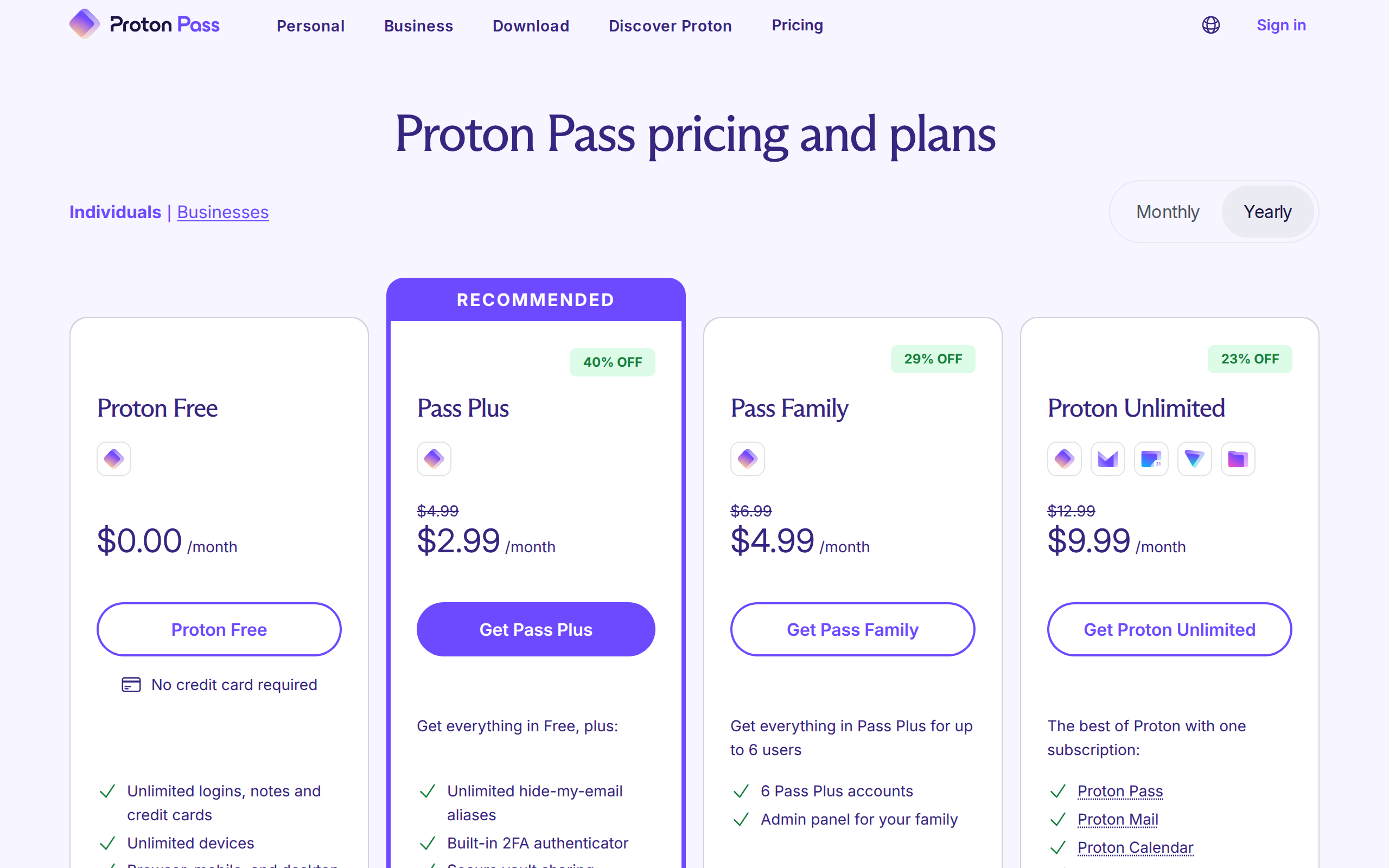
The pricing page offers a generous free tier: unlimited logins, notes and credit cards, unlimited devices, and apps for browsers, phones and desktops.
proton.me
Free at $0, Pass Plus at $2.99 and the family plan at $4.99 on the pricing page
What it withholds is the part many users will want. Free caps you at 10 hide-my-email aliases, has no integrated two-factor code generator and allows two vaults. Pass Plus at $2.99 a month ($35.88 a year) removes the alias limit, adds built-in 2FA, lets you share vaults with up to 10 people, adds dark web monitoring and raises the vault count to 50. Pass Family is $4.99 a month for six users, and Proton Unlimited at $9.99 a month bundles Pass with Mail, Calendar, VPN and Drive.
If you already pay for Proton Unlimited, Pass Plus is included and the question is closed. Otherwise, run the numbers against Bitwarden, whose paid tier costs less and which we rated highly elsewhere on this site. Bitwarden wins on price and on controls such as self-hosting. Proton wins on polish and on aliases.
Security, as far as we can check it
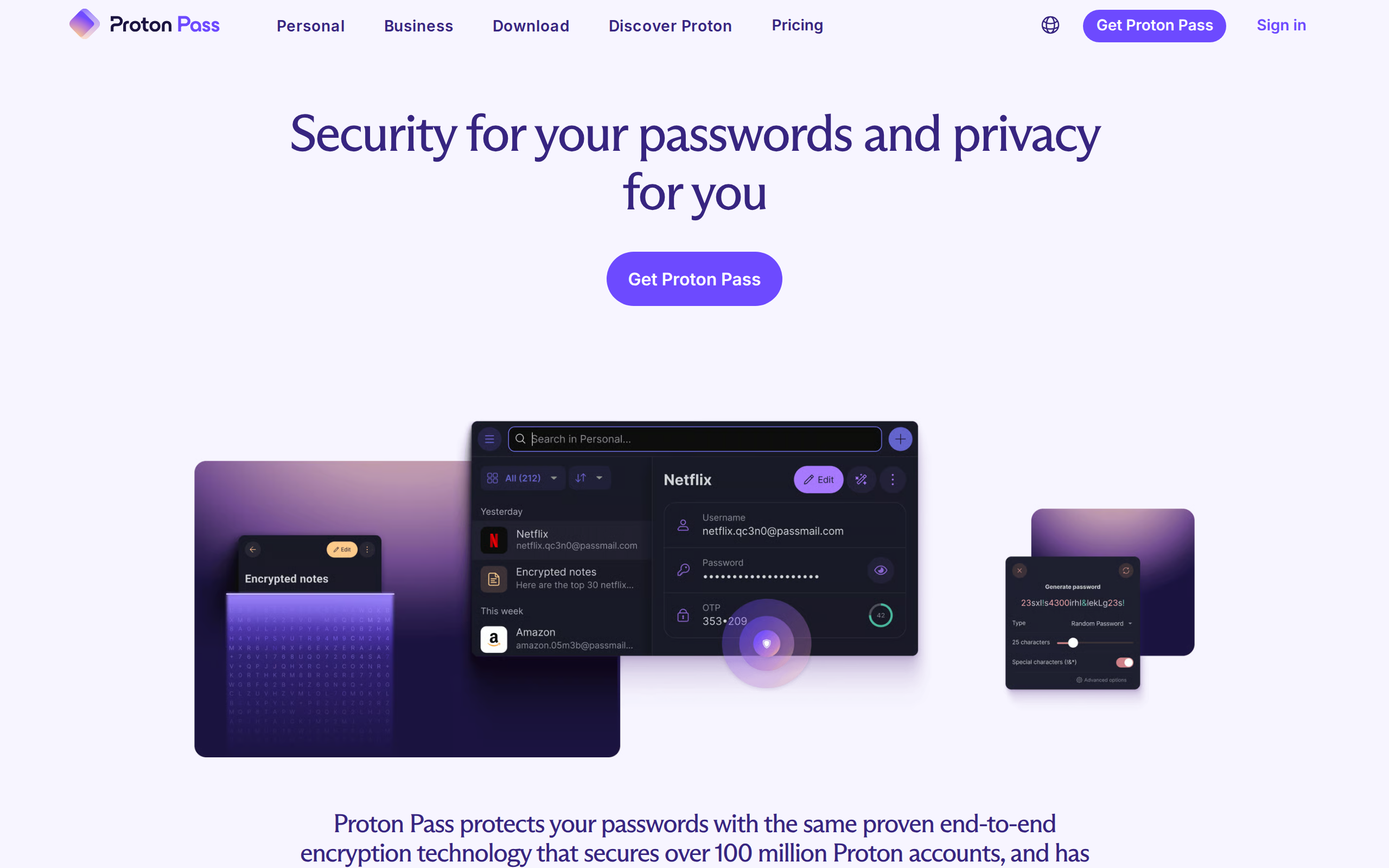
According to the security page, Pass encrypts vault data with 256-bit AES-GCM using random 32-byte keys, and it encrypts usernames, web addresses and notes along with the passwords. The code is open source, Proton publishes audit reports, and the company operates a bug bounty. The 2023 Cure53 audit found only minor issues that Proton fixed before release, as an independent summary of the report notes.
proton.me
The security page covers encryption, audits and the Swiss base
Proton is based in Switzerland, which it presents as protection from US and EU jurisdiction. A friendly legal regime helps, but it is not a technical guarantee. The encryption is what keeps your data unreadable, and Proton says it cannot decrypt your vault. That is the same claim every zero-knowledge manager makes, and the audit plus open code are what make it checkable.
Passkeys and the daily routine
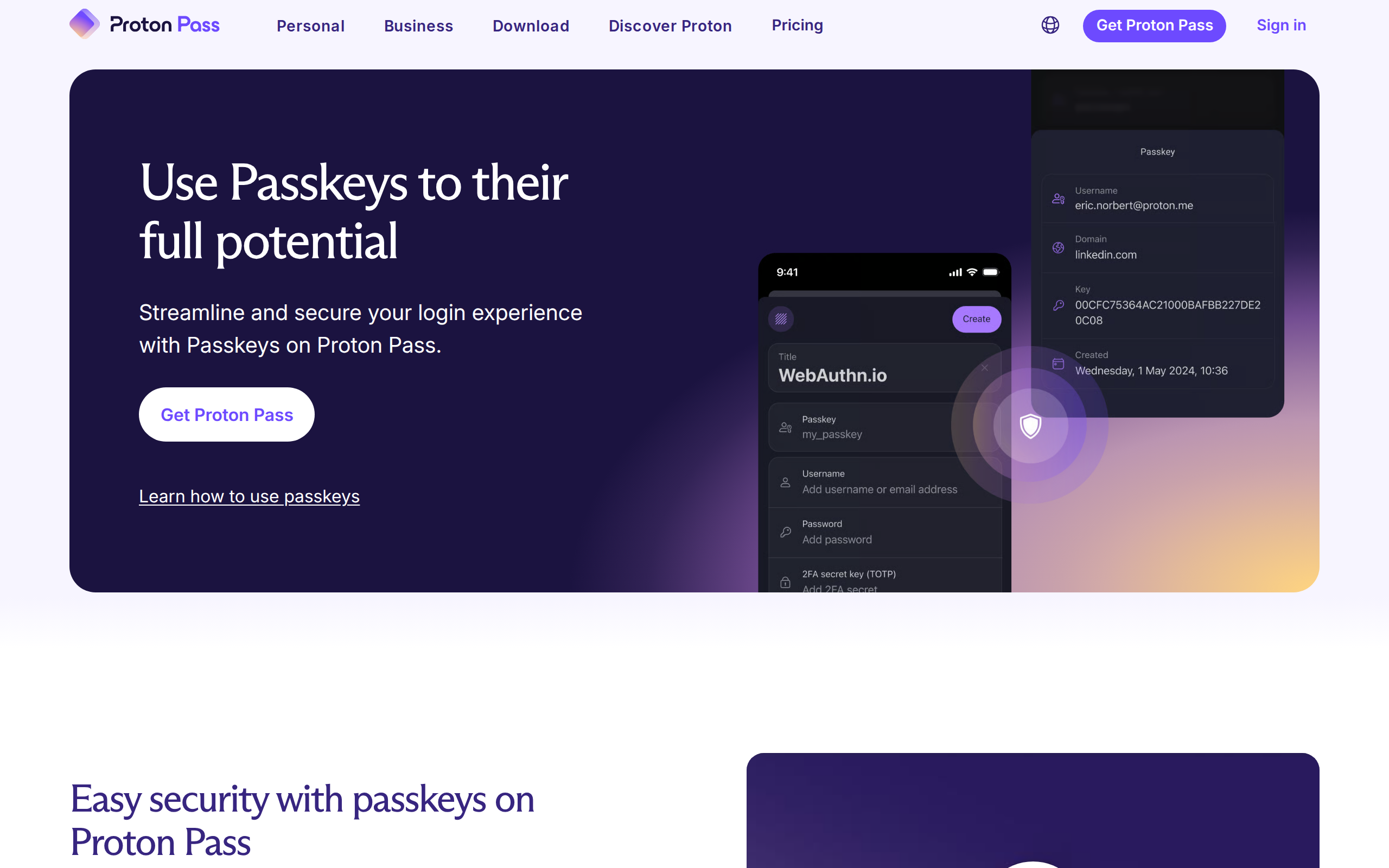
Pass stores passkeys and syncs them across devices, which the passkey page pitches as phishing-resistant sign-in. Passkey support is now a baseline expectation, and Proton meets it.
proton.me
The passkeys page promotes storing and using passkeys from the Pass app
For everyday use, the experience is clean: a browser extension fills credentials, a mobile app handles autofill, and the interface is lighter than the older managers. Where it lags is depth. Importing from big rivals works, but families that need granular admin tools will find more in 1Password.
Getting it onto your devices
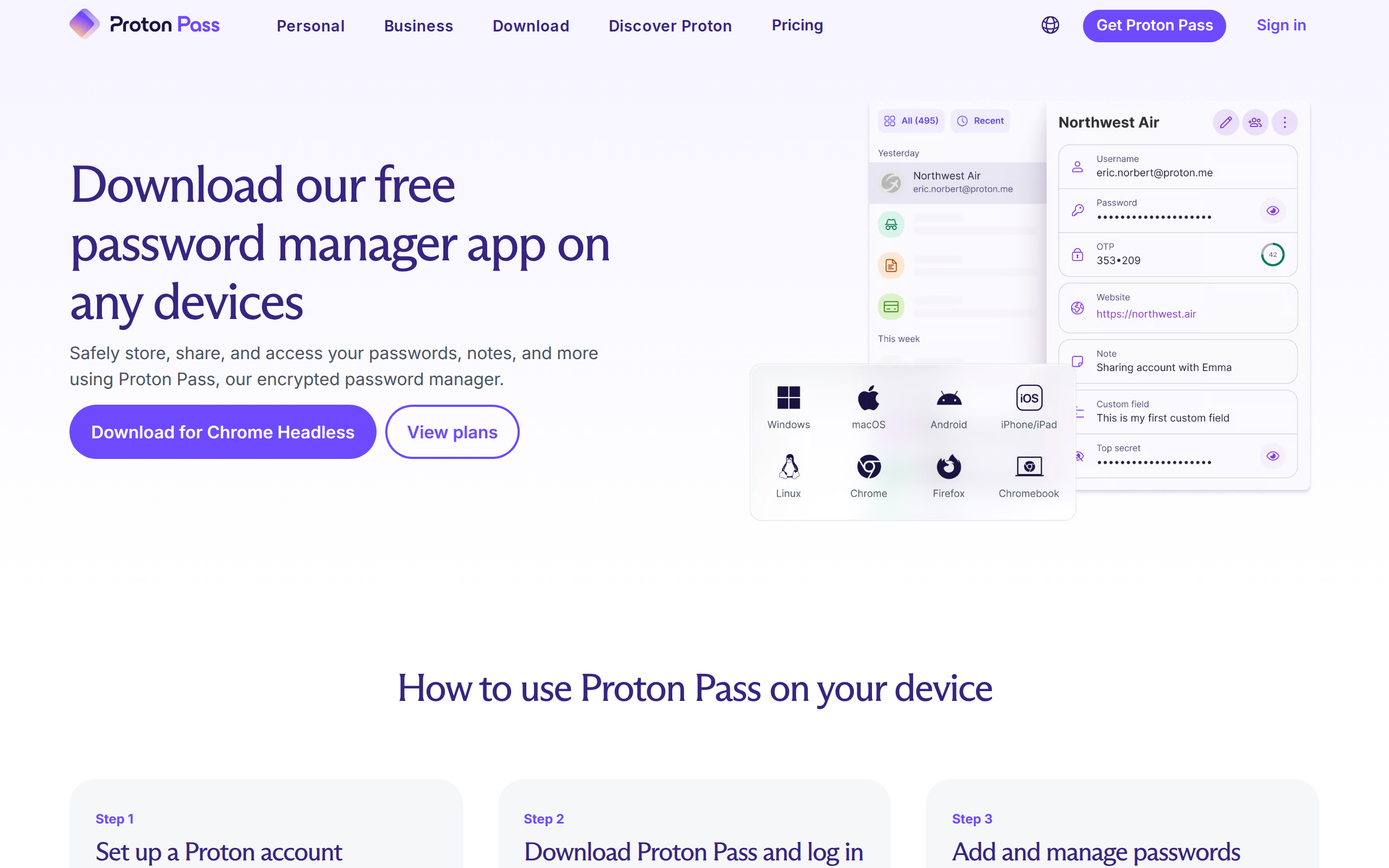
The download page walks through two steps: set up a Proton account, then install the app and sign in.
proton.me
The download page lists the setup steps for each device
One practical warning. Your Proton account password protects the vault, so choose it with care and save the recovery kit offline. If you lose both, nobody at Proton can open the vault for you. That is the cost of real end-to-end encryption, and it applies to every serious manager.
Who should choose it
Pick Proton Pass if you want a free manager that is also a privacy tool, or if you already use Proton Mail. Pay for Plus when the 10-alias ceiling pinches, which for most active users happens within a few months. Stay with Bitwarden if you want the lowest price and full control, or with 1Password if your household needs strong sharing and recovery features.