Keeper Password Manager Review 2026: Price and Add-Ons | Cipherwell
Keeper Password Manager Review: Strong Security, but the Add-Ons Run Up the Bill
Keeper's vault is solid and its certifications are real, yet dark web alerts and file storage cost extra. We compared the paid add-ons with what free and cheaper rivals bundle and found where the bill grows.
7.2 out of 10
Best for Security-conscious users who will pay extra for a vetted vault
By The Cipherwell Test Desk
keepersecurity.com
The verdict
Keeper is a secure, polished vault with zero-knowledge encryption, SOC 2 and ISO 27001 certification and good mobile apps. It is also the clearest example of a password manager that charges separately for things rivals include: BreachWatch alerts and encrypted file storage are add-ons, and the free plan is too small to judge it. Pay for it if you want the security record, not if you want the lowest bill.
What we liked
Zero-knowledge design with AES-256 encryption and a published certification record
SOC 2 Type 2 and ISO 27001, with third-party audits and pen-test results published
Unlimited devices on paid plans and a Family plan with five private vaults
Mobile extras such as biometric login and a self-destruct option after failed attempts
Business and privileged-access products share the same vault, useful for work crossover
What held it back
BreachWatch dark web monitoring is a paid add-on, often $20 to $27 a year
Encrypted file storage costs extra, from roughly $14 a year for 10 GB
The free plan is limited to one mobile device and 10 records
Quoted prices vary by source and region, and the renewal rate can differ from the first-year deal
Keeper has a reputation for security that is mostly earned. The question we kept returning to was a different one: once you add the things most people expect from a modern password manager, how much does Keeper cost compared with what the competition hands over in the base plan? The answer is "more than it first looks", and the reason sits in the add-on list.
The sticker price is only the first line
The personal plan is sold per year, and the figure Keeper leads with works out to about $3.33 a month billed annually. Third-party trackers disagree on the exact number. An older price of $34.99 a year was widely quoted, one 2026 review lists $48.39, and a new-customer discount seen by Security.org brought the base plan to $19.99. Keeper's own pricing page loads its figures with a script, which our page capture could not render, so we are relying on the reviewers' numbers. Check the checkout screen, and look at the renewal line, before paying.
What does not change is the structure. Both personal tiers (Unlimited for one person, Family for five private vaults) cover unlimited devices, unlimited passwords, secure sharing and emergency access. The Family plan includes 10 GB of encrypted file storage. Everything else Keeper sells to consumers is a separate purchase.
Where the bill grows
Three items carry a separate price tag:
BreachWatch, the dark web monitor: quoted at $19.99 a year by one source and $26.99 by another.
Secure file storage on the individual plan: $13.99 for 10 GB, $54.99 for 50 GB or $109.99 for 100 GB a year.
KeeperChat, the private messenger, which is sold as a further add-on.
Put those next to the base plan and a Keeper user who wants breach alerts and a little document storage pays roughly double the headline fee. Competitors treat breach checks as a standard feature. Bitwarden gives away unlimited passwords on its free tier, and Proton Pass puts aliases in its plans. Keeper does not go head-to-head on price, so you need a reason to choose it.
What you get for that premium
The reason is mostly assurance. Keeper describes a zero-knowledge model for personal vaults, with AES-256 and elliptic-curve cryptography, and lists SOC 2 Type 2 and ISO 27001 certification. Reviewers also note third-party audits and published penetration test results. Mobile users get biometric login and an option to wipe the app after five failed sign-ins.
The record is not spotless. The Wikipedia article on the company has a section on security vulnerabilities in the Android app reported in 2017, and another on a 2024 evaluation of password checkup tools. Neither is a breach of customer vaults, and Security.org says it knows of no breach. They do show a product that has been picked apart in public, which counts for something.
keepersecurity.com
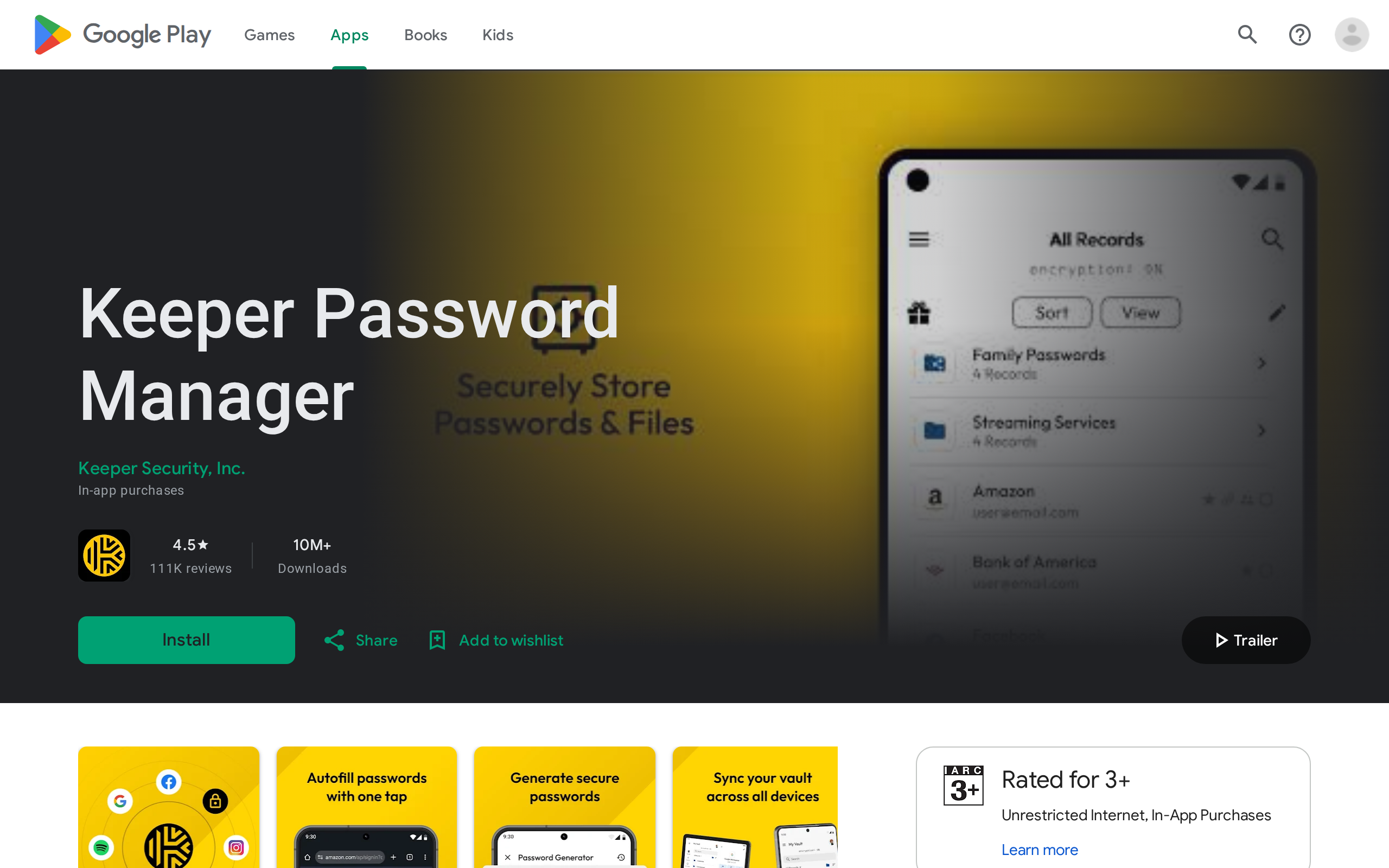
The Google Play listing for Keeper Password Manager, with the app title and a gallery of phone screenshots.
Apps and browsers
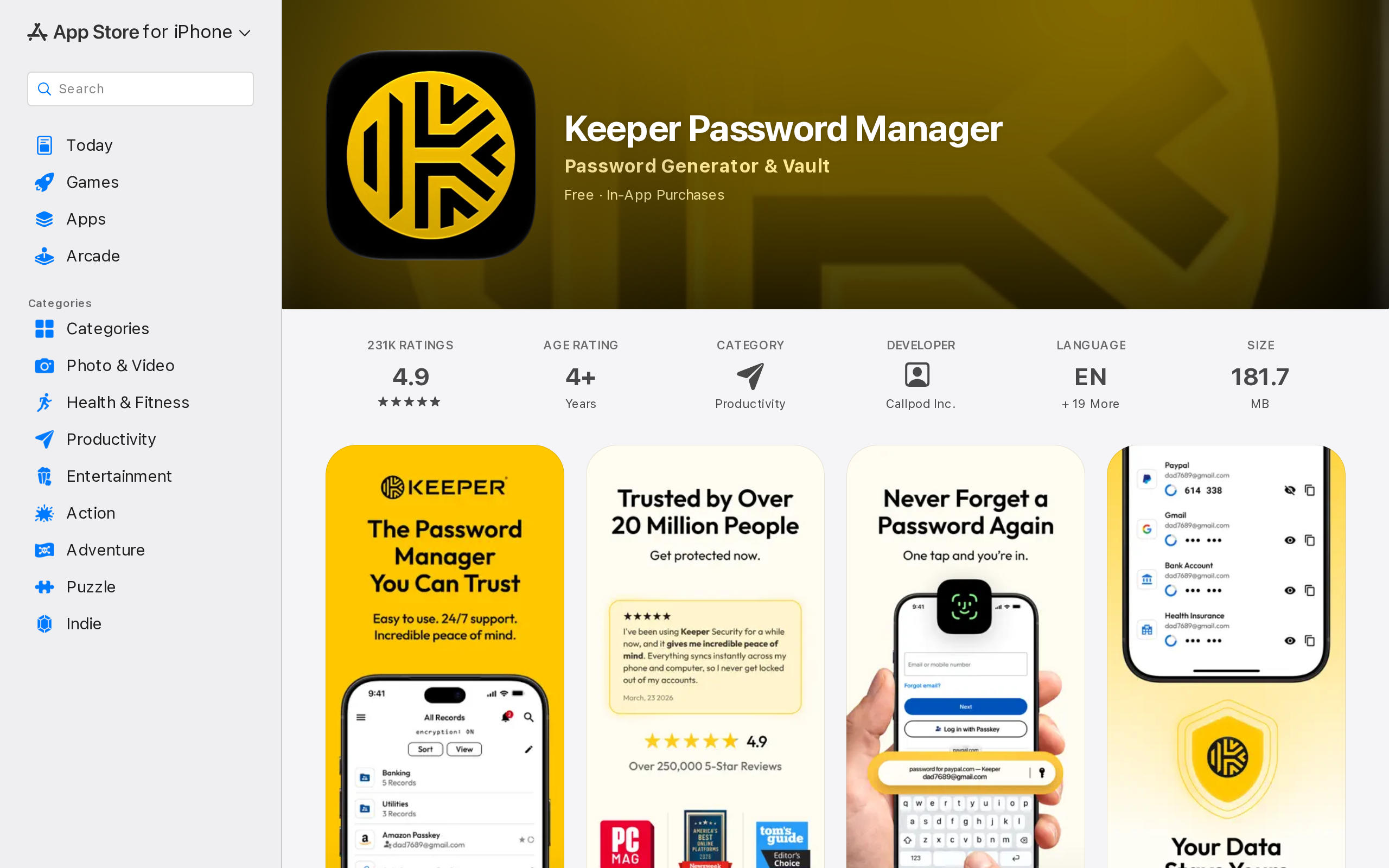
Keeper ships on iOS, Android, desktop and in browsers. The listings are a quick way to see what the vault looks like in daily use, since the company's own site would not render for our capture tool.
keepersecurity.com
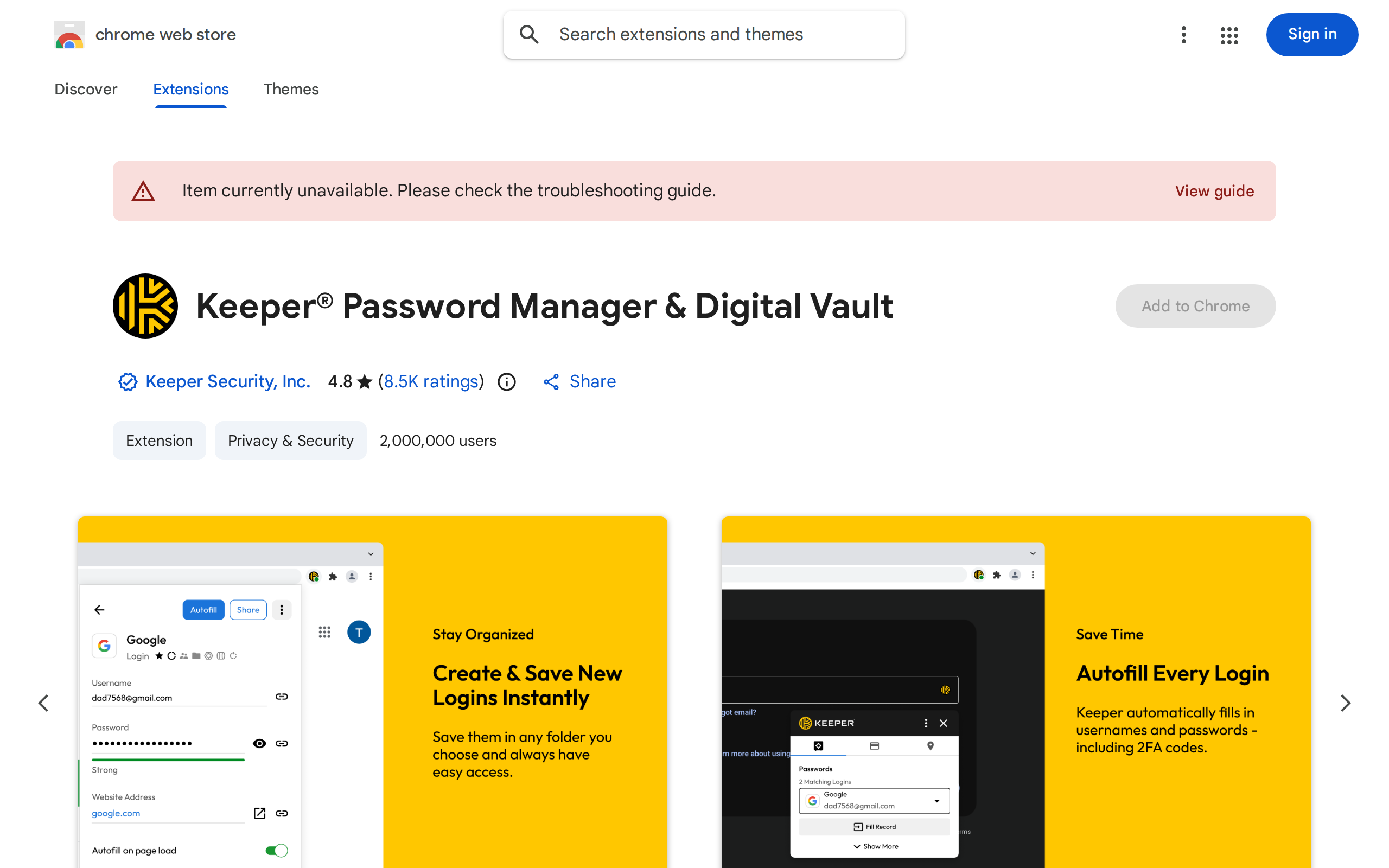
The Chrome Web Store page for the Keeper extension, 'Keeper Password Manager & Digital Vault', with screenshots of autofill and the vault.
The free plan will not settle the question
Per Security.org, the free tier covers a single mobile device and 10 records, with no cloud backup and no support. That is fine for a look at the interface and not much else. If you are on the fence, a paid month or the refund window will teach you more than the free plan will. Free tiers elsewhere are far more generous.
Who should pay for Keeper
Keeper suits two groups. One is the buyer who values certifications and a long track record above the last dollar, perhaps because the same vendor also runs the company's business vault. The other is the family that wants five separate vaults and 10 GB of shared storage in one bill.
It is a worse fit for anyone watching the budget, since a free vault or a cheaper rival gets the basics for less. This review is a general product assessment, not financial advice. Read the Wikipedia history if the 2017 issue matters to you.
keepersecurity.com
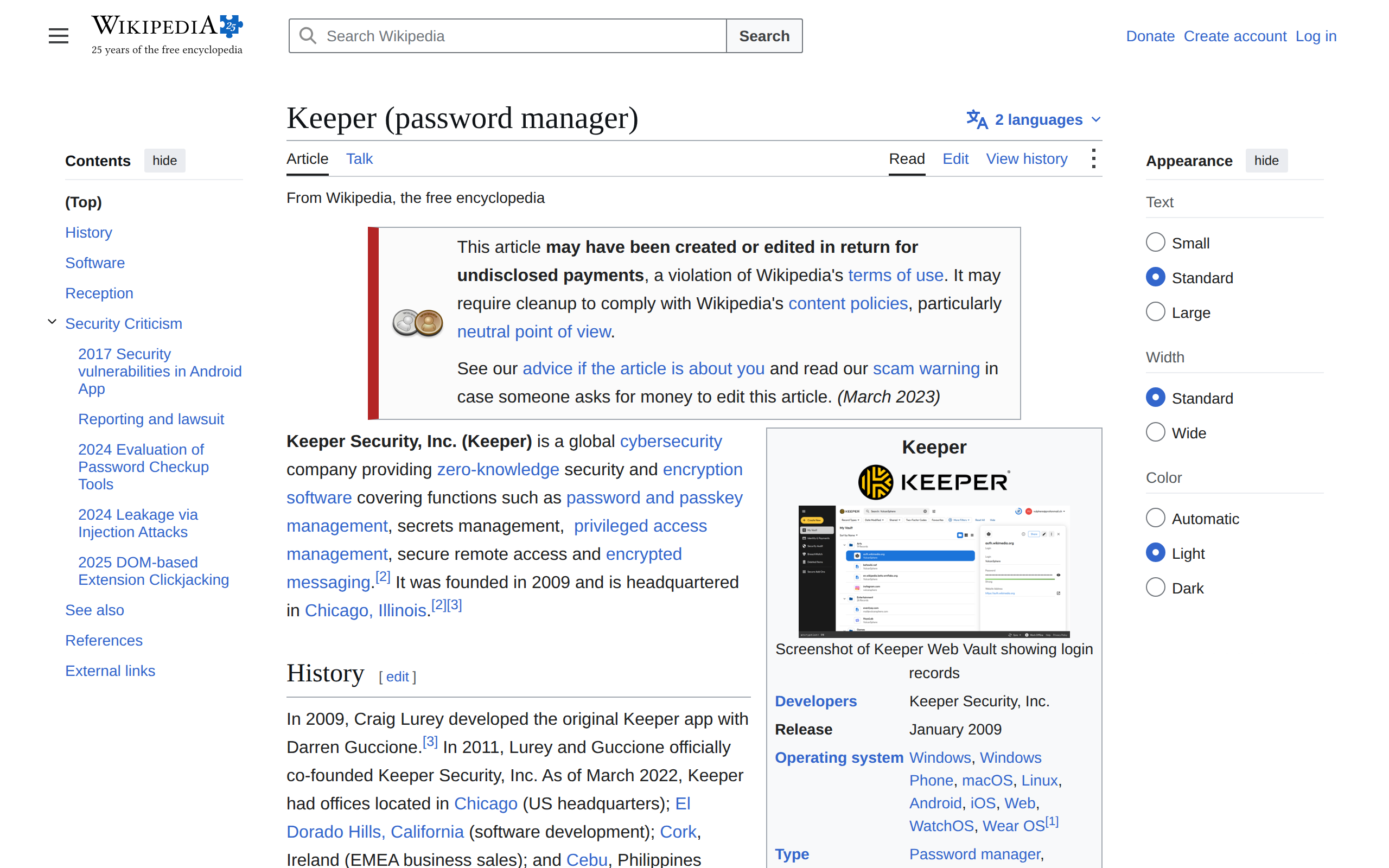
The Wikipedia entry for Keeper (password manager), with a contents list that includes history and a security criticism section.
Our score reflects a good product at a price that needs defending. Strong security earns the points, and the paywalled extras take some of them back.
Specifications
Free plan
1 mobile device, 10 records, no cloud backup (per Security.org)
Personal plan
From $3.33/mo billed annually, unlimited devices
Family plan
5 private vaults, 10 GB file storage included
BreachWatch add-on
About $20 to $27 per year, depending on source and date
File storage add-on
$13.99 (10 GB), $54.99 (50 GB), $109.99 (100 GB) per year