Google Titan Security Key Review 2026: Worth $30? | Cipherwell
Google Titan Security Key Review: Is the Cheaper Key All You Need?
Google's Titan key costs $30 to $35, stores up to 250 passkeys and covers Google's Advanced Protection Program. We checked what it leaves out against Yubico's $29 Security Key.
7.9 out of 10
Best for First-time key buyers who want FIDO2 and a spare
By The Cipherwell Test Desk
store.google.com
The verdict
The Titan Security Key does the one job most people need: phishing-proof sign-ins and passkeys over USB and NFC, for $30 to $35. It stores up to 250 passkeys but gives you no tool to view or delete them, and it lacks the extra protocols of a YubiKey. Buy it as a first or backup key. Skip it if you want one key for everything.
What we liked
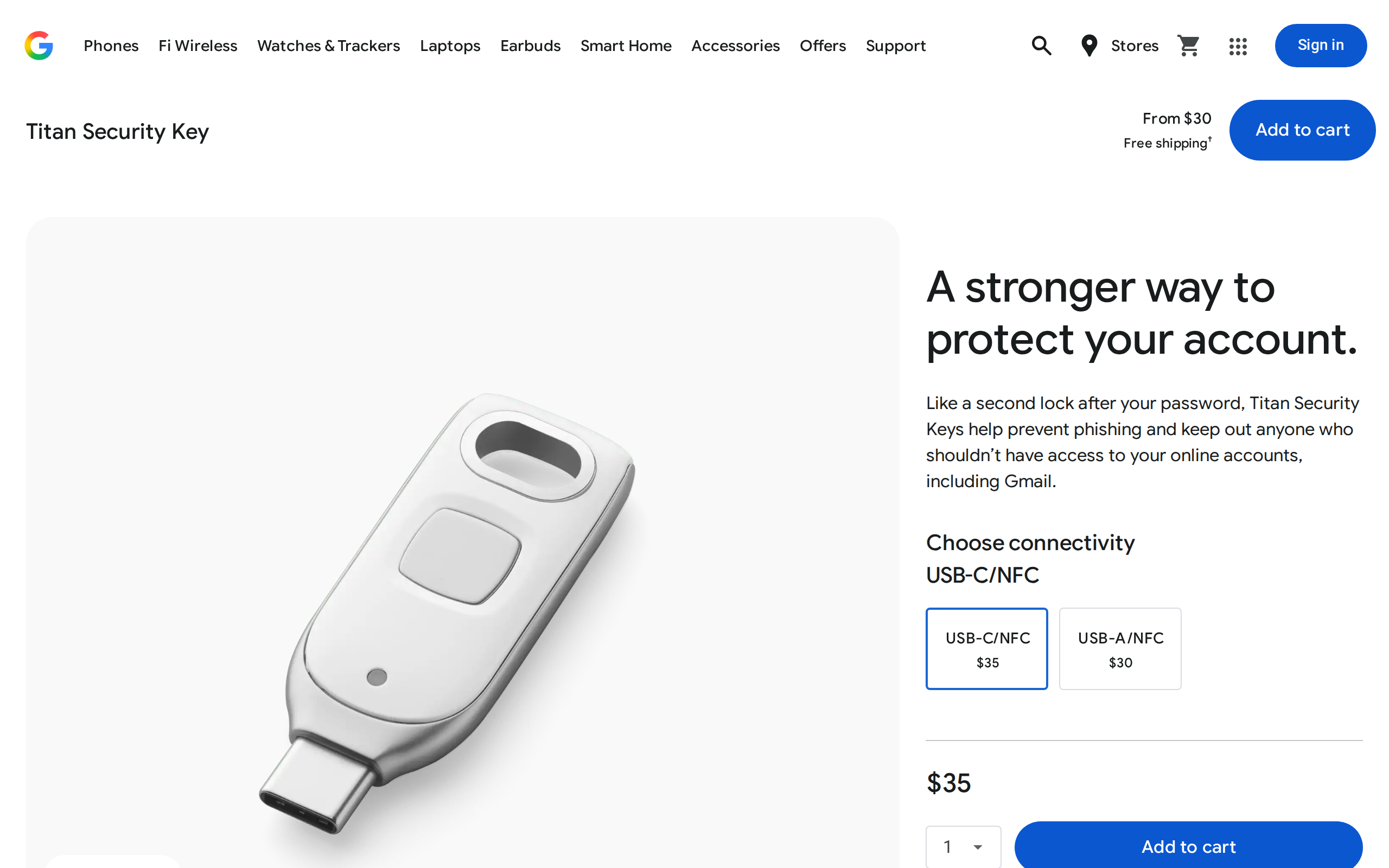
Costs $30 for USB-A/NFC and $35 for USB-C/NFC
Holds up to 250 passkeys, per PCMag's review
Built on FIDO standards, so it works well beyond Google
Works with Google's Advanced Protection Program
Ships with a USB-C to USB-A adapter on the USB-A model
PCMag prefers the $29 Yubico Security Key C NFC for polish
Fixed hardware: a full reset is the only way to clear slots
Most people do not need a clever security key. They need one that stops a fake login page from working, fits their laptop, and costs less than a night out. That is the pitch for Google's Titan Security Key, and after reading the spec sheet and the independent reviews, we think it mostly holds up.
What you actually get for $30 to $35
The Google Store listing sells two models. The USB-A/NFC key costs $30 and the USB-C/NFC key costs $35. Both are built on FIDO open standards, which is the part that matters: a FIDO2 key signs a login only for the real website, so a phishing page gets nothing it can reuse.
The USB-A model measures 43.9 by 20.8 by 3.1 mm and comes with a USB-C to USB-A adapter in the box. The USB-C model is slightly longer at 50.9 mm. Neither has a battery, so there is nothing to charge and nothing to run flat in a drawer. NFC means you can tap the key on the back of a phone, which is how most people will use it on mobile. Choose the connector by the laptop you own now, and remember that a USB-C laptop paired with the USB-A model needs the bundled adapter every time.
Passkeys: roomy, but you cannot look inside
Passkeys are the reason to buy a key in 2026, and this is where Titan is both strong and awkward. PCMag's review, syndicated on Yahoo, reports that the key stores up to 250 resident passkeys. Yubico's Security Key line holds 100. For anyone who will register a key on a few dozen services, 250 is more than enough.
store.google.com
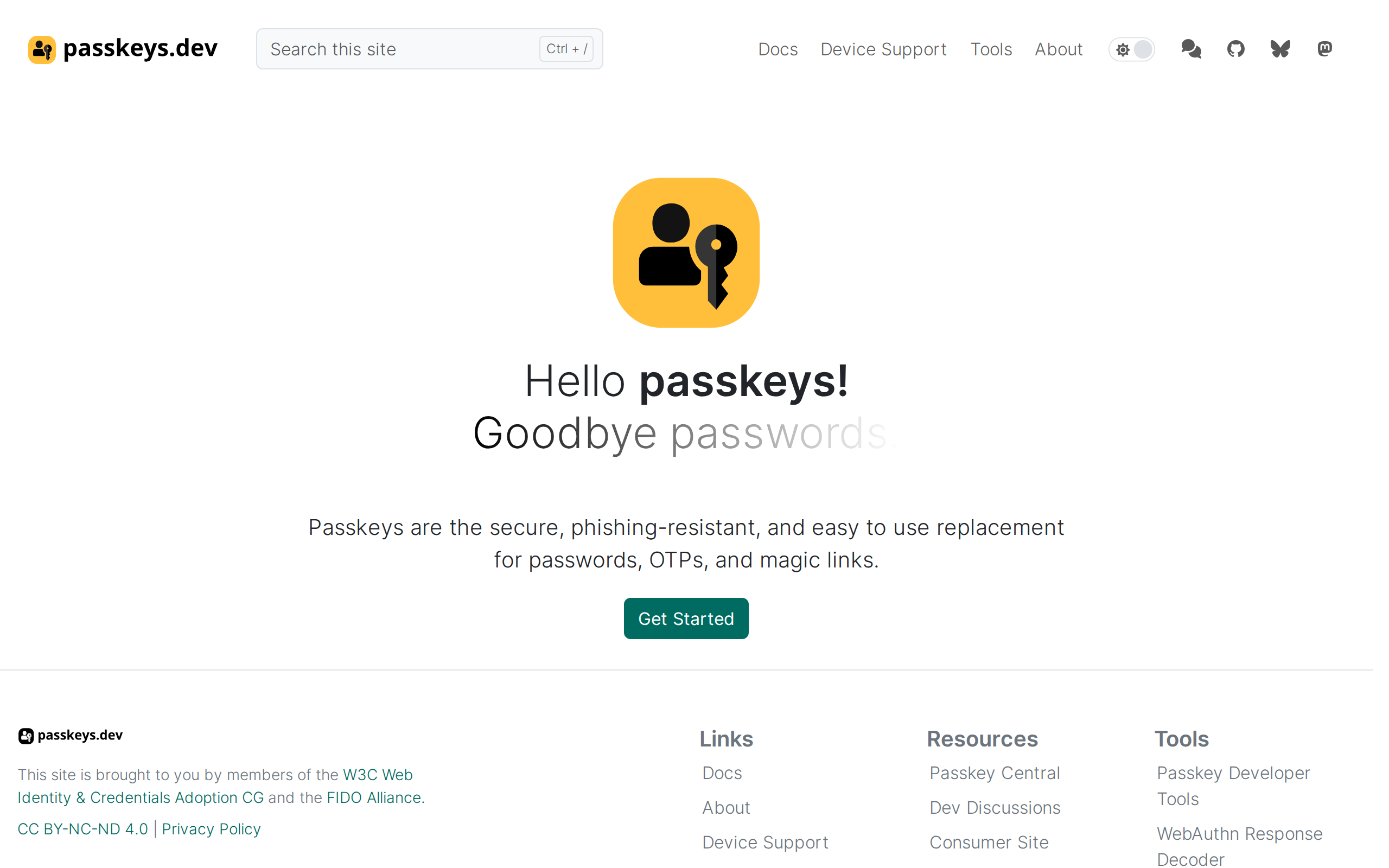
The passkeys.dev homepage, the community reference for how passkeys replace passwords
The catch is management. The same review notes there is no built-in interface to list or delete the passkeys on the key. You can reset the PIN through Windows settings, but pruning one forgotten account is not on offer. If you register a key on a site you later abandon, that slot stays used until you wipe the whole key.
There is also no fingerprint sensor. You tap a touch contact, which proves a human is present, and you enter a PIN where a site asks for one. That is the standard FIDO2 experience, and it is fine.
Where it sits next to Yubico
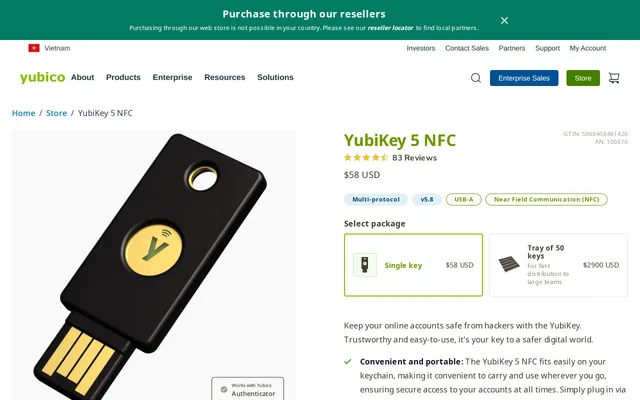
The honest comparison is not with the pricey YubiKey 5 line. It is with Yubico's plain Security Key C NFC at about $29, which PCMag recommends as the more polished budget choice. The two keys do the same core job. Titan wins on passkey capacity and on being a Google product if you live inside Gmail and Android. Yubico wins on polish and on a wider range of form factors.
If you want one device that also does smart cards, OpenPGP and one-time passwords, Titan is the wrong tool. Those need a YubiKey 5, as we covered in our YubiKey 5 NFC review.
Who the Advanced Protection Program is for
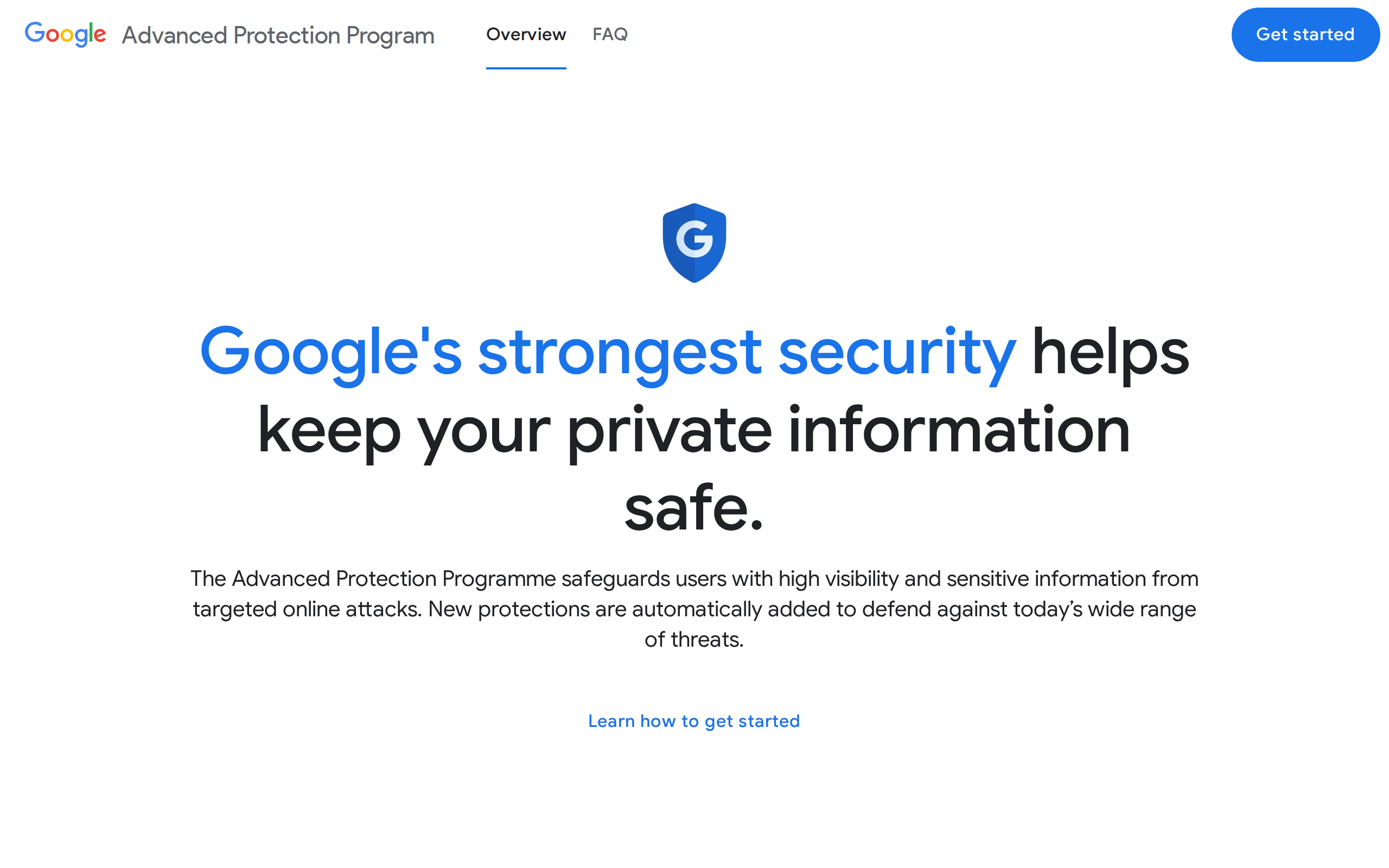
Google's Advanced Protection Program is built for journalists, campaigners and anyone whose account is a target. It requires a security key, and Titan is a natural fit, though any FIDO key works.
store.google.com
Google's Advanced Protection Program page, which uses a hardware key to lock down an account
What Titan does not try to be
Titan has no screen, no app and no account of its own. It does not generate six-digit codes, it does not hold an OpenPGP key and it cannot act as a corporate smart card. Reviewers who rank security keys by feature count will mark it down for that. We think the criticism misses the point for a home user, because every extra protocol is another thing to configure and another reason to keep a manual nearby. A key that only does FIDO2 is easier to explain to a relative, and that matters when the person you are protecting is not you.
Support and the buying experience
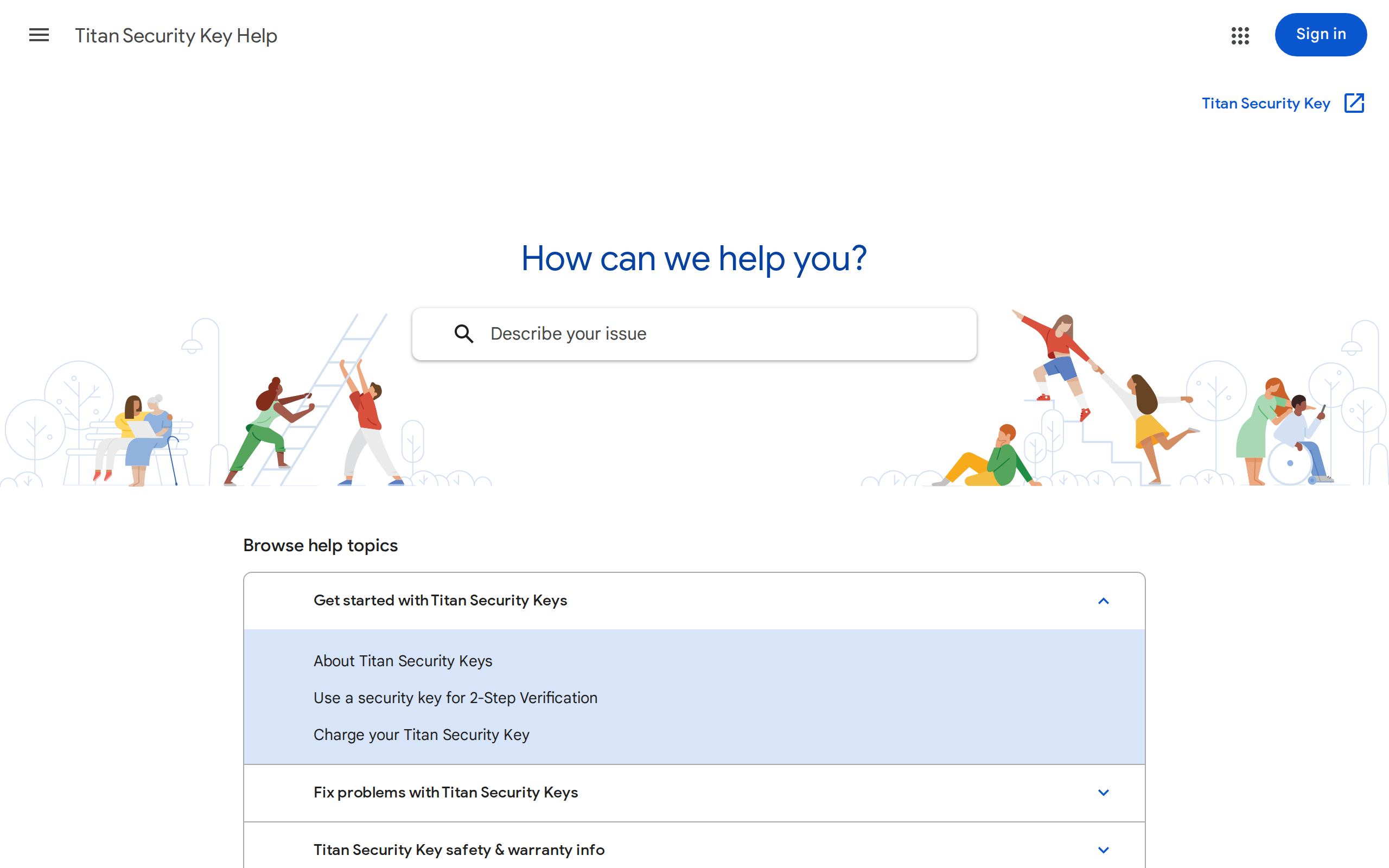
Google keeps a dedicated Titan help centre with setup and troubleshooting topics, and the guidance is short because the product is simple. You register the key in your account's security settings, then tap it when asked.
store.google.com
The Titan Security Key help centre, split into getting started and fixing problems
One practical note: the Google Store asks you to pick a region before it shows the product, and stock differs between regions. Check your shipping address matches before you order.
Our verdict
Buy two. A single security key is a risk, because a lost key with no spare can lock you out of your own accounts. At $60 to $70 for a pair, Titan is a fair way to get a primary key and a backup, and the 250-passkey capacity means you will not run out of room.
Look elsewhere if you want to manage passkeys on the device, if you need protocols beyond FIDO, or if the $29 Yubico key is simply easier to find where you live. For everyone else, this is the cheap, sensible default, and it scores a solid 7.9 from us.
Specifications
Models
USB-A/NFC and USB-C/NFC
List price
$30 (USB-A/NFC), $35 (USB-C/NFC)
Standards
FIDO2/WebAuthn, FIDO U2F, passkeys
Passkey slots
Up to 250 (per PCMag)
USB-A model size
43.9 x 20.8 x 3.1 mm
USB-C model size
50.9 x 18.5 mm
In the box
Key, quick start guide, safety guide; USB-C to USB-A adapter with USB-A model