GoodAccess Review 2026: Static IP Cloud VPN for Small Teams | Cipherwell
GoodAccess Review: A Cloud VPN With a Static IP, and the Gateway Fee That Adds Up
GoodAccess sells a dedicated cloud VPN gateway with a fixed IP from $7 per user a month. We read the pricing and feature pages to see how the real bill looks for a team of 10 to 50 people.
7.7 out of 10
Best for Teams of 10 to 50 that need a whitelistable static IP
By The Cipherwell Test Desk
goodaccess.com
The verdict
GoodAccess does what a small team usually wants: a private cloud gateway with a fixed IP address that you can whitelist, run from a web console with logs. It is not cheap once the $49 monthly gateway fee and the 5-user minimum are added, and the Essential plan is basic. Fine for 10 to 50 people who need a static IP.
What we liked
Dedicated gateway with an IP that only your team uses
14-day free trial with no credit card required
35+ gateway locations and 10 Gbps gateway performance
Central dashboard plus gateway and system access logs
Essential starts at $7 per user with annual billing
Log retention is 90 days on the plans we could see
Some reviewers call it pricey next to generic static IP VPNs
Enterprise tier needs 50 users and has no listed price
The usual reason a small company buys a business VPN is not encryption. It is that a supplier, a bank or a SaaS vendor only accepts logins from one known IP address. Employees working from kitchens have a different address every day, so the company needs one address that stays put.
GoodAccess is built for exactly that job. We read what it sells and worked out what it costs.
The gateway is the product
goodaccess.com
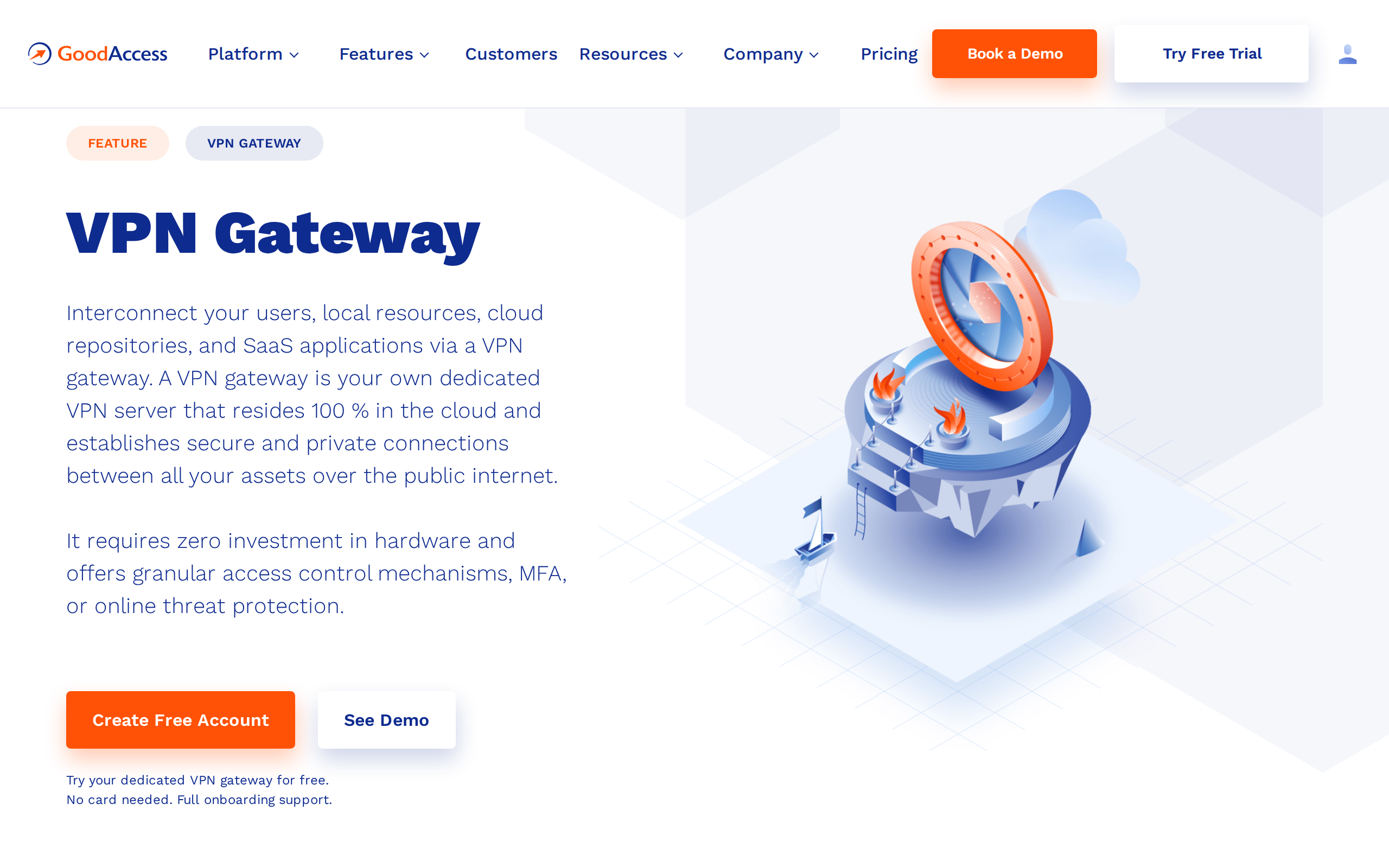
The gateway page describes a dedicated VPN server in the cloud that connects users, offices and SaaS applications.
A GoodAccess "gateway" is a dedicated cloud VPN server. Staff connect to it with the desktop or mobile app, and everything they send to protected systems leaves from the gateway's address. The FAQ on the pricing page says that address is dedicated to you, does not change unless you reconfigure the gateway, and is not shared.
That is the feature to compare. Consumer VPNs sell shared addresses. GoodAccess sells one that your IT contact can give to a vendor for their allow-list. There are 35+ gateway locations, a second gateway can be added for high availability, and the stated throughput is 10 Gbps.
What the bill looks like
goodaccess.com
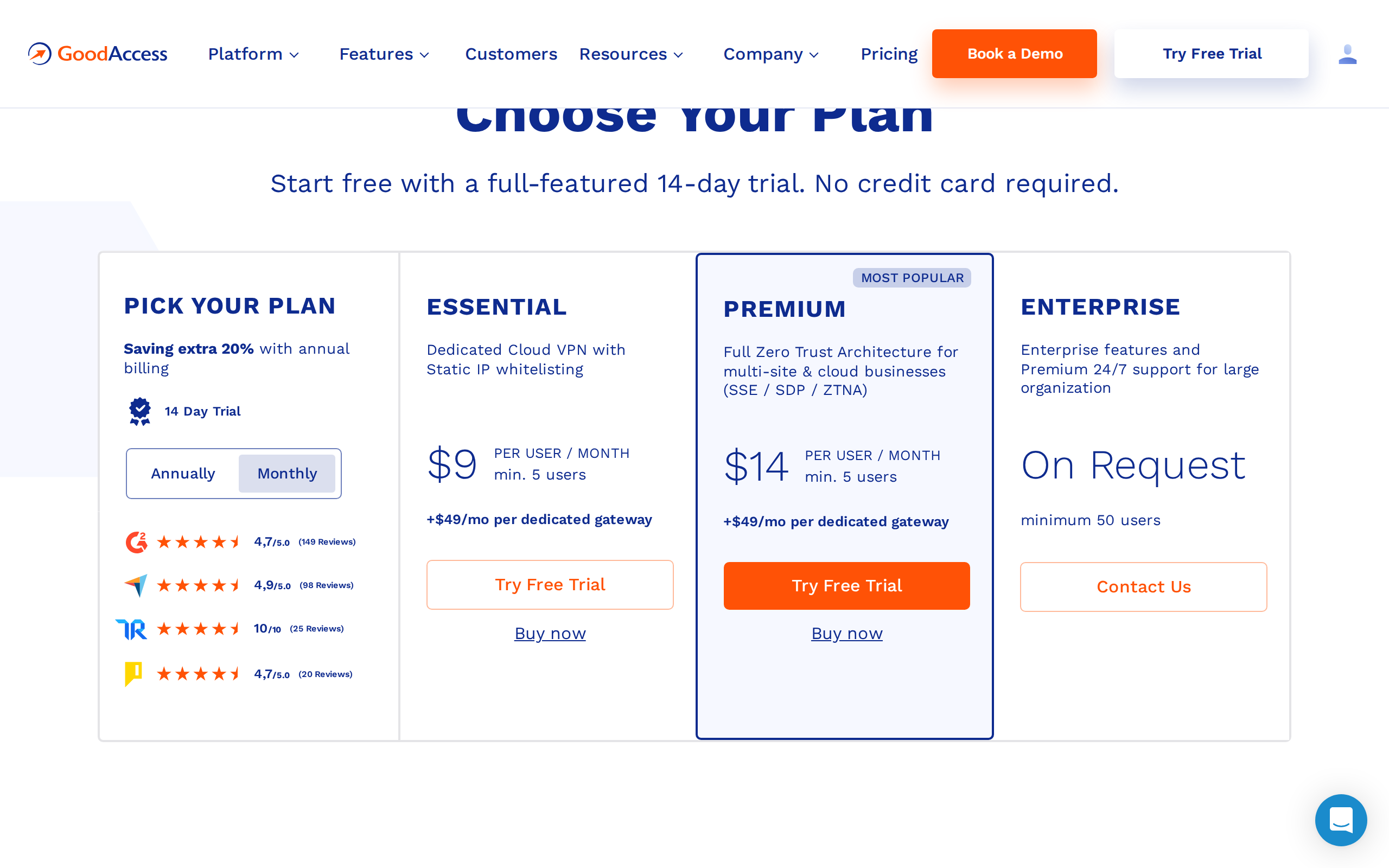
The pricing page lists Essential and Premium per-user prices with a gateway add-on, and an Enterprise plan on request.
The pricing page shows Essential at $9 per user a month, or $7 with annual billing. Premium is $14 monthly or $11 annually. Both need at least 5 users, and the page states "+$49/mo per dedicated gateway". Enterprise starts at 50 users, with pricing on request.
That fee is the number to plan around. We worked it through for annual Essential:
5 users: $35 plus $49, so $84 a month, or about $16.80 per person.
10 users: $70 plus $49, so $119 a month, about $11.90 each.
25 users: $175 plus $49, so $224 a month, about $8.96 each.
The headline $7 per person is only approached as the team grows toward 50 seats. Add a second gateway for resilience and the cost rises by $49 again. For comparison, a G2 comparison page lists NordLayer starting at $8 per user, though NordLayer's own add-ons differ.
A 14-day trial runs with full features and no card, which is enough time to get a vendor to whitelist the address.
Dashboard and logs
goodaccess.com
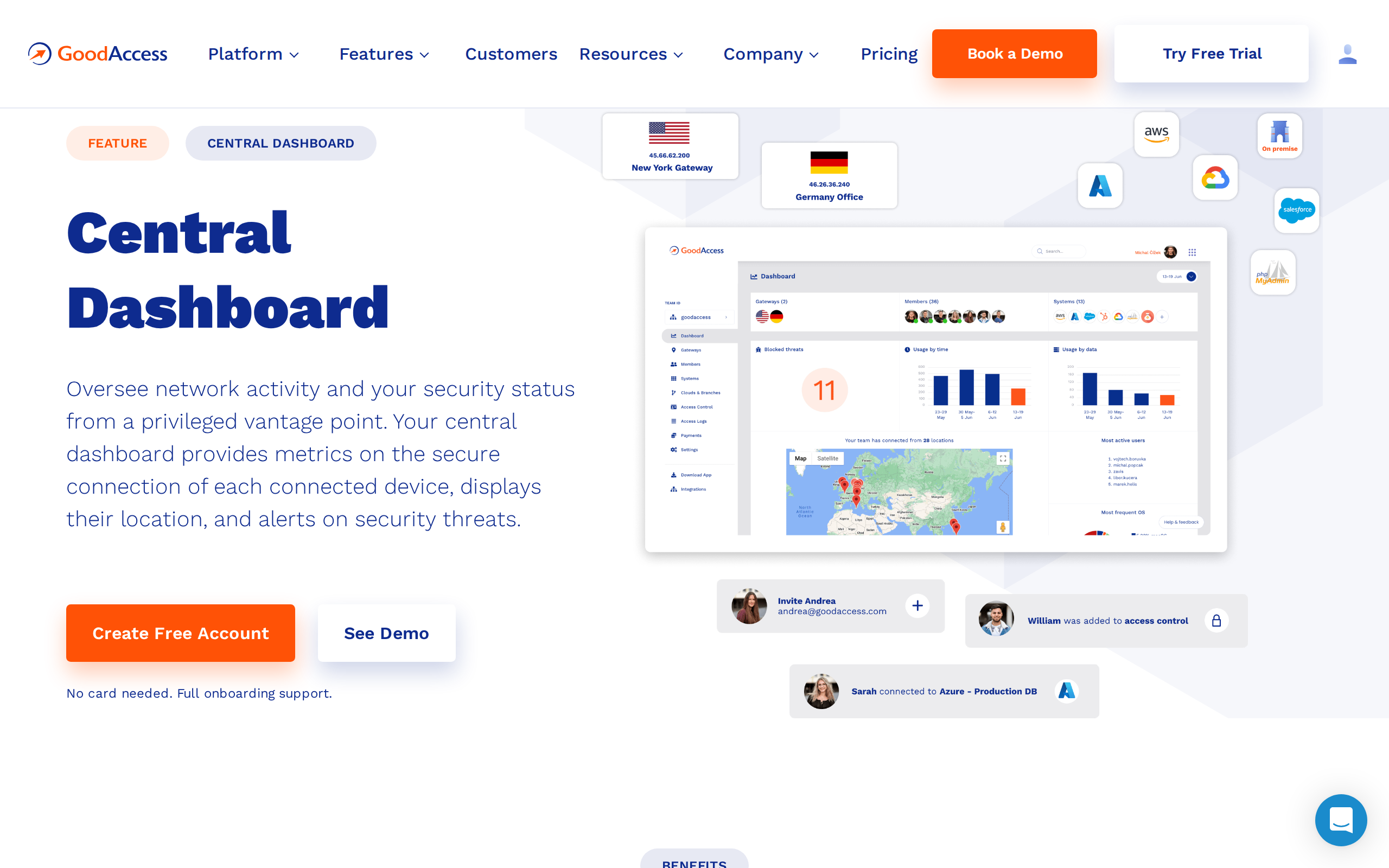
The central dashboard page, which promises an overview of network activity and security status.
Administration happens in a web console. The dashboard page promises metrics on connections and security status, and the plan table includes weekly reports and an API. We did not run a live tenant, so we cannot rate how it feels day to day. Reviewers on G2 describe it as simpler to set up than NordLayer, which fits the company's pitch.
goodaccess.com
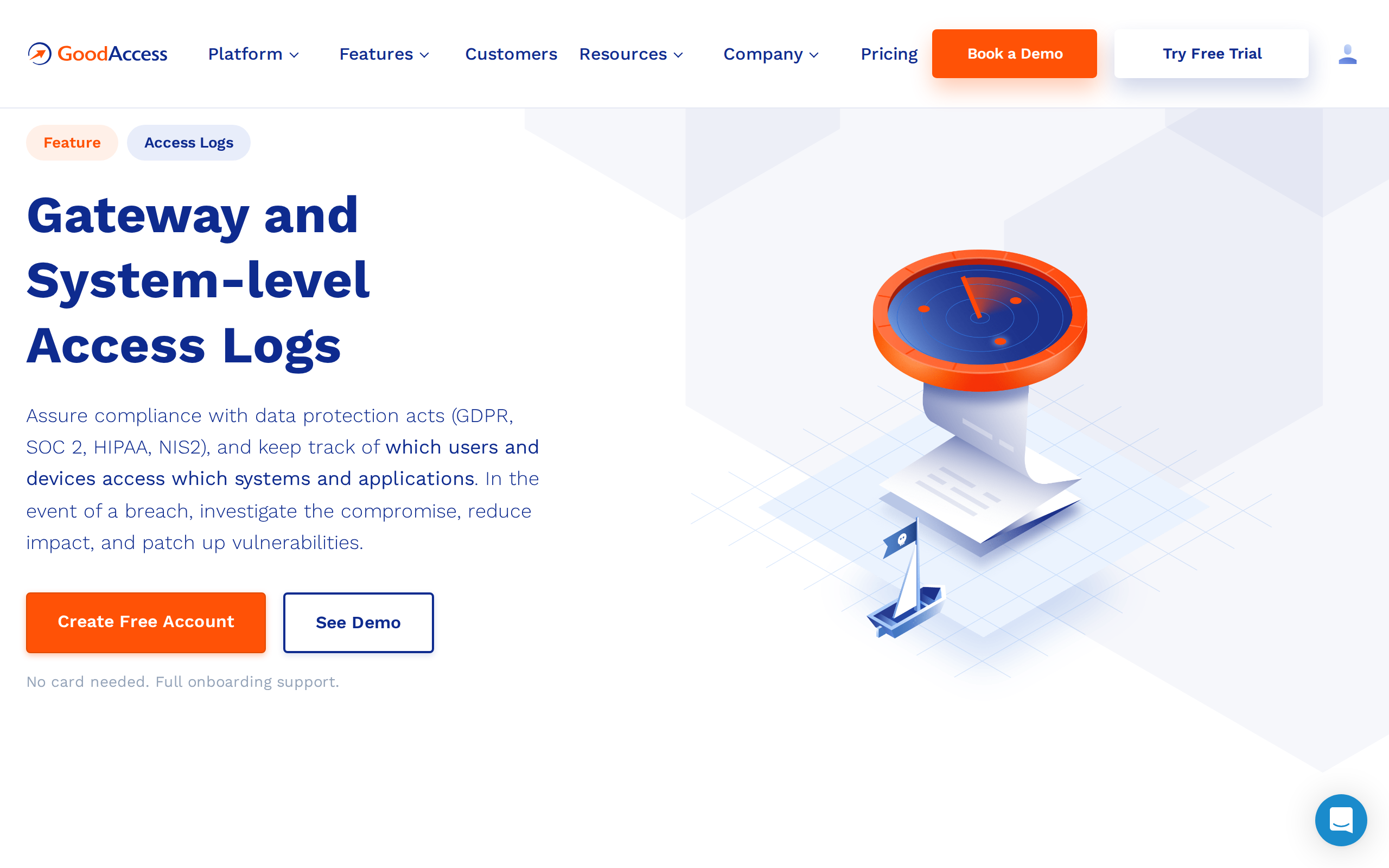
The access logs page, which ties logs to compliance regimes such as GDPR, SOC 2, HIPAA and NIS2.
Logging is a real strength. The plan table lists gateway logs, system logs, threat blocker logs, device posture check logs and admin logs, with 90 days of retention on the plans we could see and custom retention on Enterprise. SIEM integration is on the list. For a team facing an audit, that matters more than the app's looks.
Premium is the tier aimed at zero trust: the page sells it as full zero trust architecture for multi-site and cloud businesses, and the feature table lists device posture checks, access control, time-based permissions and domain filtering. We could not tell from the table exactly which of those Essential lacks, so ask before you buy. If all you need is the fixed address, start with Essential.
What it does not do
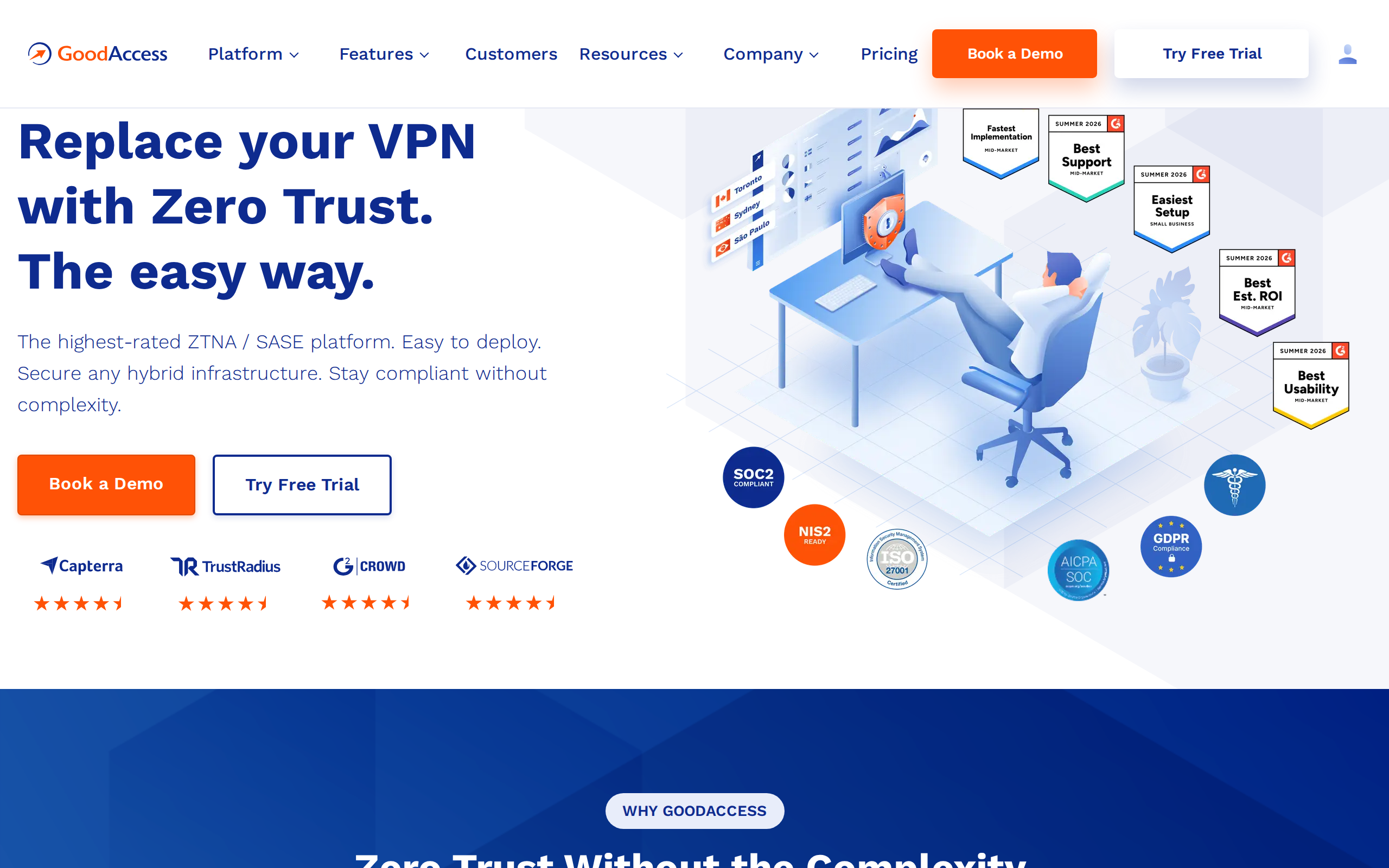
GoodAccess is a cloud service, so it cannot reach into an office with no internet link, and it is not a mesh tool for connecting developer laptops directly to each other. It also asks you to trust its gateways with your traffic. The company lists SOC 2, ISO 27001, GDPR and HIPAA badges on its homepage, which are claims we have not verified, and a team with a strict vendor-risk process will want the reports themselves.
Support depends on the tier. Chat and email are standard, priority support comes higher up, and phone support at all hours is reserved for Enterprise.
Who should buy it
Buy it if you are a team of 10 to 50 that needs a static IP, wants an administrator who can add staff without learning networking, and values logs for compliance. The trial lets you check the vendor-whitelist workflow before you pay.
Look elsewhere if you have fewer than 8 people, since the gateway fee dominates. Also look elsewhere if you want free access: Cloudflare One and Tailscale are cheaper for technical teams.
We rate it 7.7. It is a clear, focused product with fees that are honest on the page but easy to underestimate.
Specifications
Essential
$7/user/mo annual, $9 monthly; static IP VPN
Premium
$11/user/mo annual, $14 monthly; zero trust controls