Cloudflare One Review 2026: Free Zero Trust, Limits, Pricing | Cipherwell
Cloudflare One Review: Zero Trust for 50 Users Free, and When You Pay
Cloudflare One lets a small business run zero trust access and web filtering free for up to 50 users, then charges $7 per user a month. We checked what the free tier covers and what pushes teams to upgrade.
8.2 out of 10
Best for Small teams with web apps and SSH to protect and an admin who knows DNS
By The Cipherwell Test Desk
cloudflare.com
The verdict
Cloudflare One is the best free zero trust offer we know of: Access, Gateway filtering and the WARP client for up to 50 users at no charge. Small teams can replace a VPN gateway with it in an afternoon if they are comfortable with a dashboard full of enterprise concepts. The limits are thin logs on the free plan, no support, and a setup that assumes you know DNS.
What we liked
Free plan covers up to 50 users with no trial clock
Access protects web apps, SSH and VNC with no client for browser users
Gateway adds DNS and HTTP filtering at no extra cost on the same plan
Pay-as-you-go at $7 per user a month removes the user cap
Traffic exits through a large global edge, so there is no gateway to host
What held it back
Free plan keeps activity logs for a short time and offers no support
Setup is aimed at admins who understand identity providers and DNS
Advanced data loss prevention and long log retention need an enterprise contract
The product line is broad, and it is hard to see which pieces you need
Your traffic and policy now depend on one vendor's network
A VPN gateway is a box someone has to patch, back up and explain to new hires. Zero trust access replaces that box with a policy: this person, on this device, may reach this app, and nothing else. Cloudflare One is the version of that idea you can try for nothing, and the question is how far nothing goes.
For a company of up to 50 people, quite far. We read Cloudflare's product pages, its account limits and the independent summaries of each plan to find where the free road ends.
What you get at zero cost
cloudflare.com
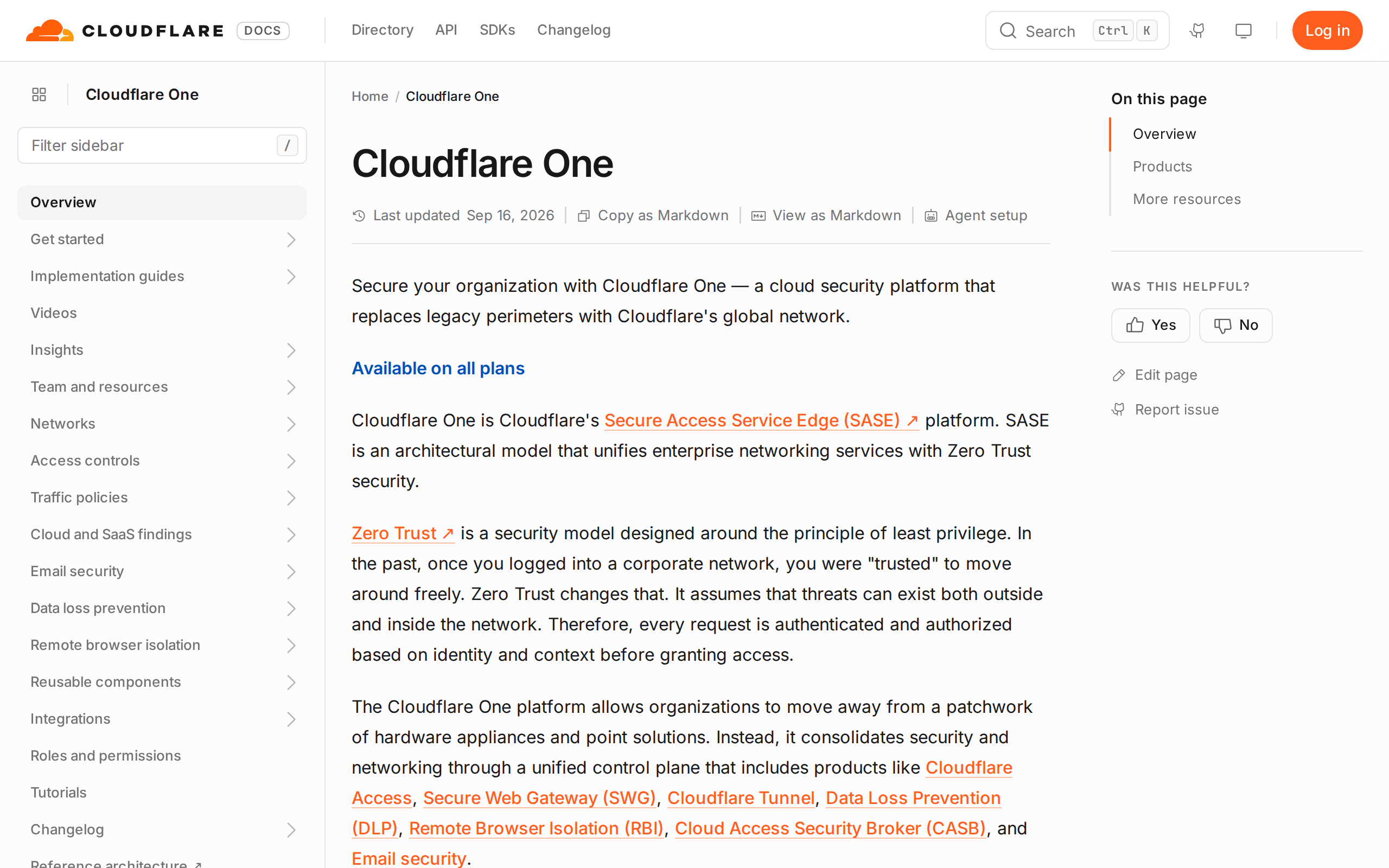
The Cloudflare One documentation, with its Replace your VPN and Secure private apps sections, including clientless SSH and in-browser remote desktop.
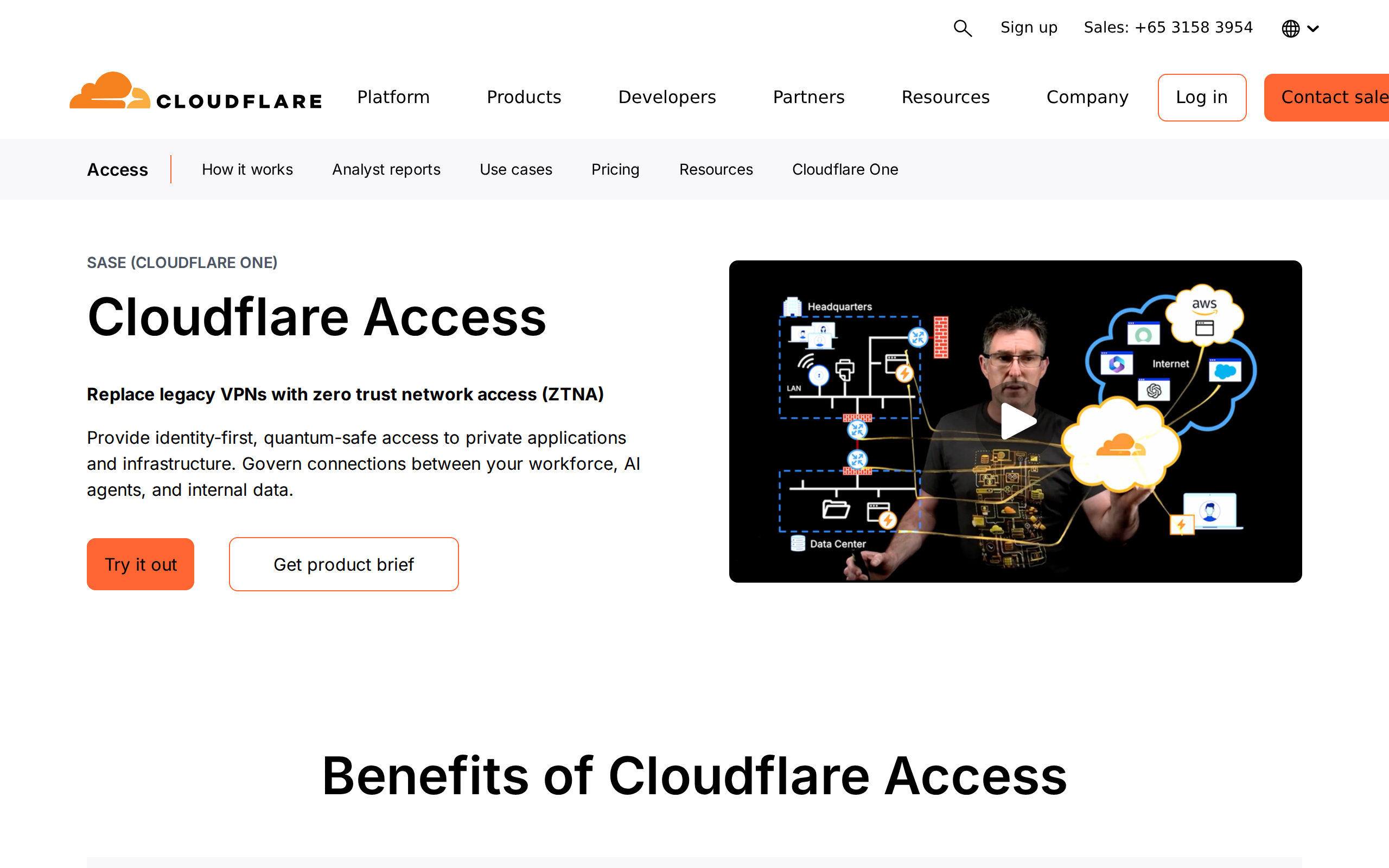
Cloudflare One bundles three jobs. Access puts your internal web apps, SSH and VNC hosts behind an identity check. Gateway filters DNS and web traffic for staff. The WARP client carries device traffic to Cloudflare's network, so policies apply wherever people work.
The documentation has a whole track called Replace your VPN, plus guides for private web applications, clientless SSH and in-browser remote desktop. Browser-based apps need no client at all, which makes onboarding contractors quick. Wider private network routes are where the WARP client comes in.
cloudflare.com
The Cloudflare Access product page, showing the Benefits of Cloudflare Access section.
On the server side you run a small connector called cloudflared, which dials out to Cloudflare. That means no open inbound ports, which is the single biggest security gain over a classic VPN gateway. Your firewall can drop everything arriving from the internet.
Filtering with Gateway
cloudflare.com
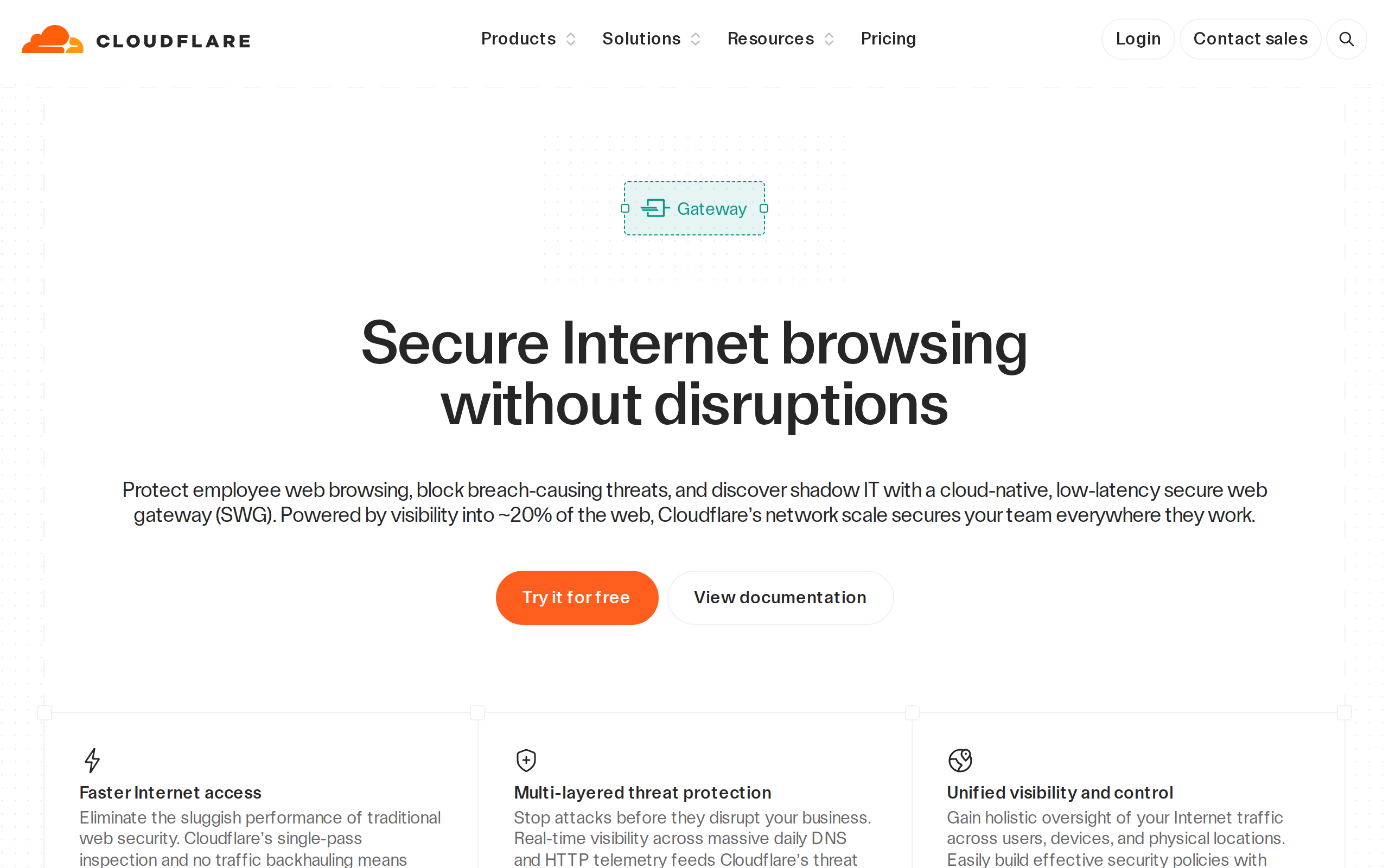
The Gateway product page, headed Secure Internet browsing without disruptions.
The Gateway page promises single-pass inspection and no traffic backhauling. In plain terms, web requests are checked at a Cloudflare location near the user and not hauled back to an office. For a team that works from home, that avoids the slow detour through a head-office appliance.
Gateway also helps with shadow IT, since it can show which SaaS apps staff reach. We would start with DNS filtering only, since it is the least disruptive and shows quickly what policies you need. HTTP inspection adds more control but means installing Cloudflare's root certificate on devices, a step that deserves a rollout plan.
The honest limits of free
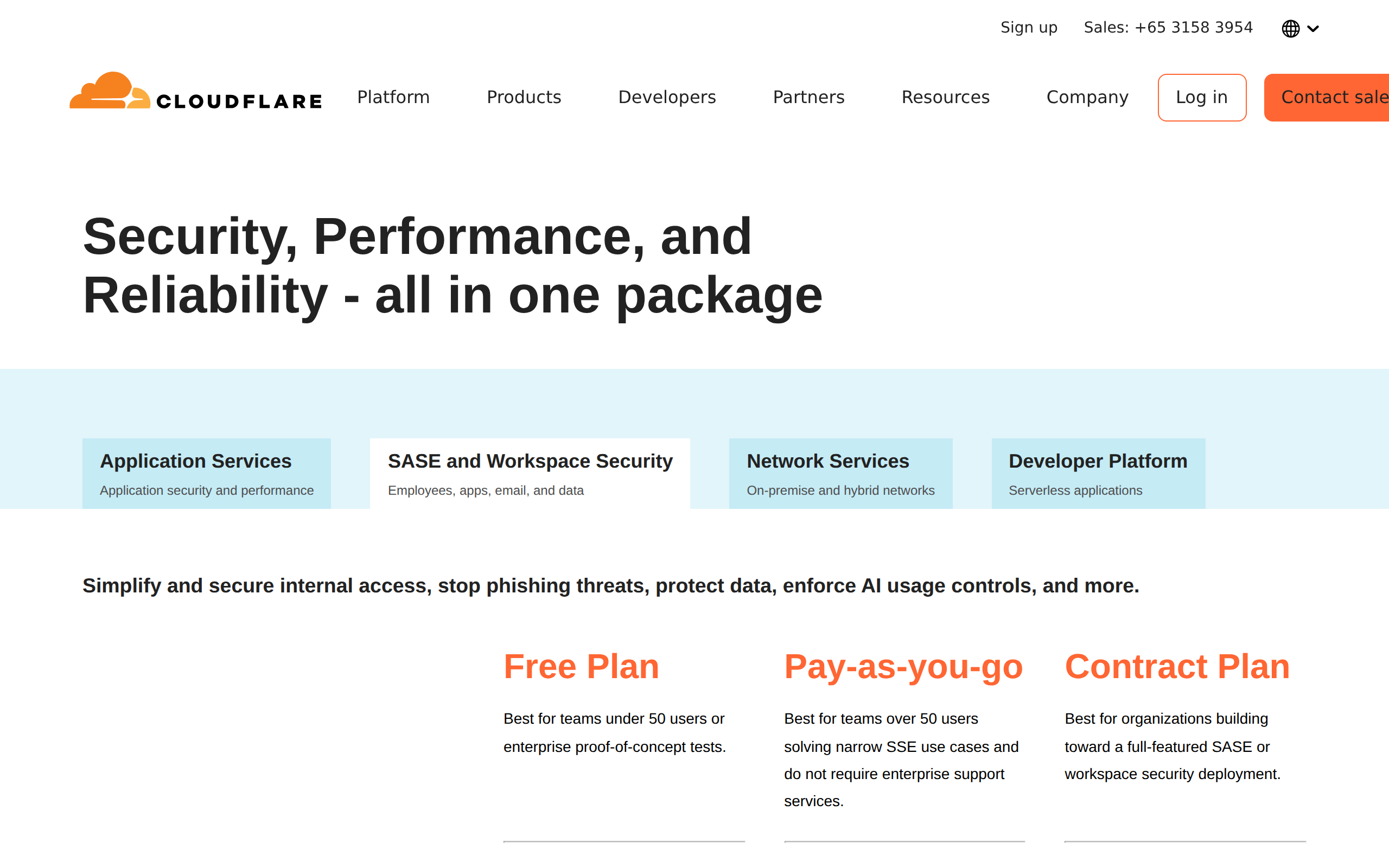
This part comes from third-party summaries, not Cloudflare's own page, which is why you should confirm it before committing. Control D and Costbench report that the free plan keeps about 24 hours of activity logs, allows up to three locations for DNS filtering policies, and offers community support only, with no service guarantee. The same summaries list pay-as-you-go at $7 per user a month, billed annually, with 30 days of logs, up to 20 locations, email and chat support and no cap on user numbers.
cloudflare.com
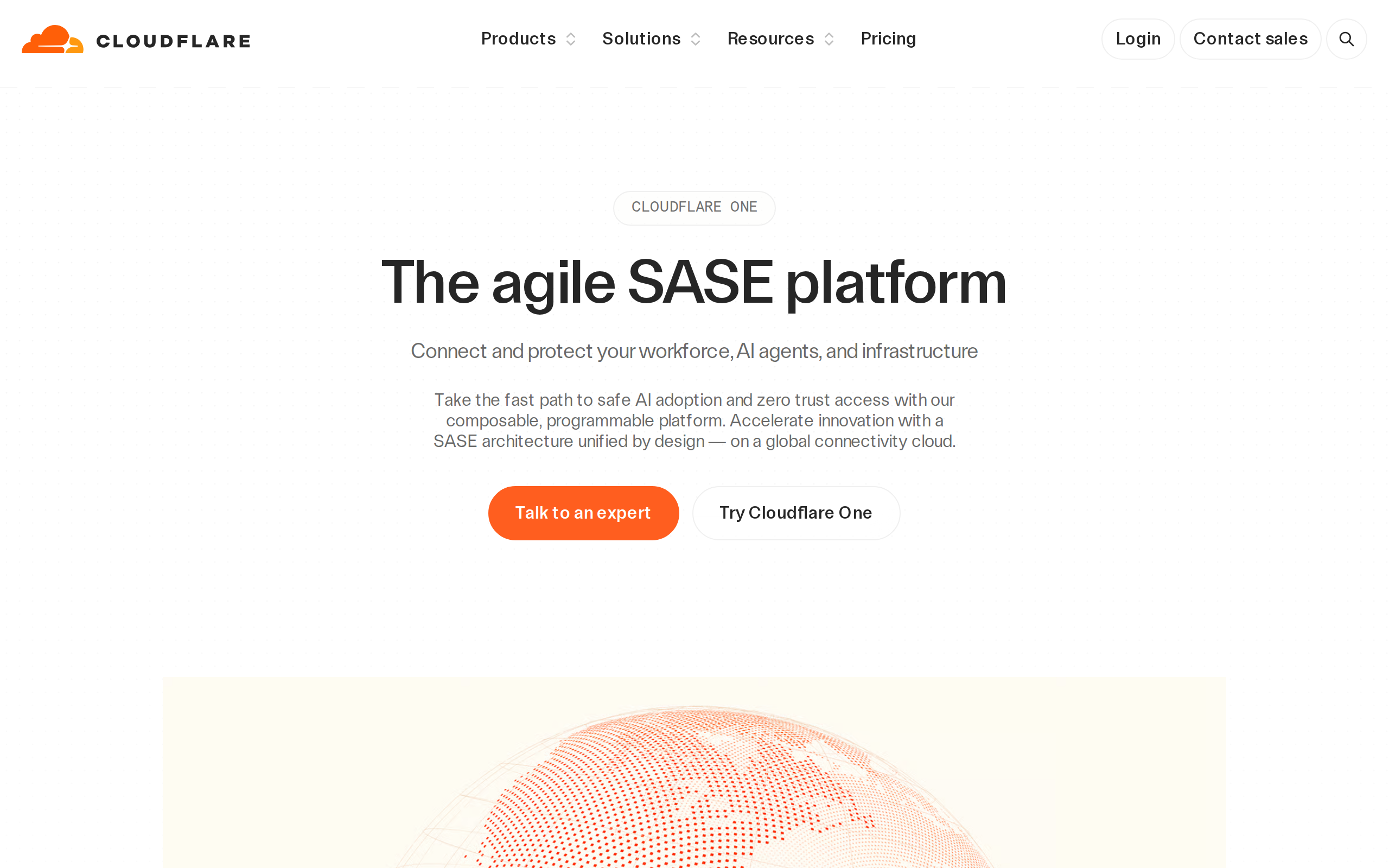
The Cloudflare plans page, headed Security, Performance, and Reliability - all in one package.
Cloudflare's own account limits page shows the same plan ladder in one place: digital experience monitoring allows 10 tests on Free, 30 on Standard and 50 on Enterprise. It is a small detail, but it tells you Cloudflare intends the free tier as a real foothold, not a demo.
Think about what 24 hours of logs means for you. If something goes wrong on Friday, the evidence may be gone by Monday. A regulated business, or any team that must answer for access decisions, will want the paid tier for retention alone. Custom data loss prevention and months of retention sit in the enterprise contract.
Who should use it
Use it if you have a few internal web apps, an admin comfortable with identity providers, and no wish to run another appliance. A 15-person agency or a startup with staging servers is the ideal case. It beats paying per seat for a simple remote access tool, and it is the nearest free competitor to Tailscale for teams that want policy and filtering together.
Avoid it if nobody on staff will own the configuration. The dashboard is powerful, and also a maze. Teams who want a guided setup with phone support should look at NordLayer or Twingate instead.
A word on lock-in. Policies, identity rules and tunnels all live in Cloudflare's dashboard, and moving to another vendor means rebuilding them. Write your access rules down in plain language as you create them, so that a future migration starts from a list and not from memory. The same habit helps with audits, since the paper trail is yours and not only Cloudflare's.
Our recommendation is practical: start on Free, protect one app, and move to pay-as-you-go the day you need logs you can trust. Cost at that point is $7 per person a month, which is fair for what it replaces.
Specifications
Free plan
Up to 50 users, $0
Pay-as-you-go
$7 per user per month, billed annually
Enterprise
Contract pricing
Access
Zero trust access to web apps, SSH, VNC, with or without a client
Gateway
DNS, network and HTTP filtering
Client
WARP, for Windows, macOS, Linux, iOS and Android
Free log retention
About 24 hours (third-party reports)
Support
Community and docs on Free; email and chat on paid