Bitwarden Review: The Free Tier Is Enough, Premium Is a Bargain
Bitwarden's free plan covers unlimited devices and passkeys, and Premium costs $19.80 a year. We checked what the free tier withholds and who actually needs to pay.
8.9 out of 10
Best for Anyone who wants a free, audited, open-source vault
By The Cipherwell Test Desk
bitwarden.com
The verdict
Bitwarden is the password manager we point most people to first. The free plan has unlimited devices, passkey storage and a strong KDF, and Premium adds the missing authenticator, attachments and health reports for $19.80 a year. The interface is plain, and autofill is less polished than 1Password.
What we liked
Free plan syncs unlimited devices and stores passkeys
Premium costs $19.80 a year, far below most rivals
Source code is public and audited every year
Argon2id and 600,000-round PBKDF2 options are available
Families plan covers six premium accounts for $47.88 a year
What held it back
Free tier has no built-in authenticator code generator
Interface looks utilitarian next to 1Password or Dashlane
Free sharing is limited to one other person
Vault health reports are locked behind Premium
Most password manager reviews start with a feature grid. We started with a different question: what does Bitwarden refuse to give away for nothing, and is that thing worth $19.80 a year? The answer is narrower than you might expect.
What the free plan actually withholds
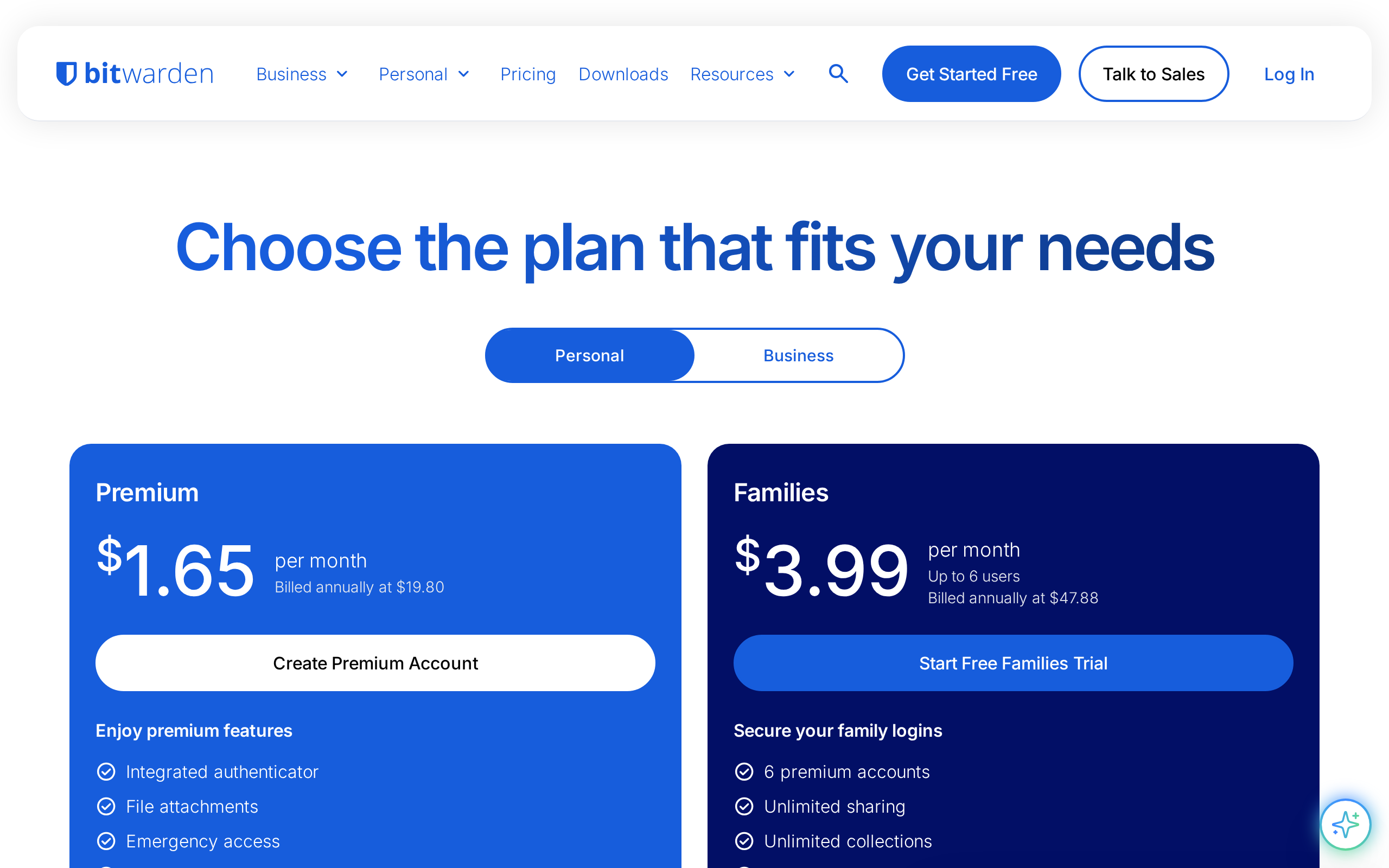
Bitwarden's free account is not a trial. The pricing page lists unlimited devices across browser, mobile and desktop apps, passkey storage, a password generator, and basic sharing with one other person. That is more than several competitors allow on a paid plan.
bitwarden.com
Premium at $19.80 a year and Families at $47.88 a year, as shown on the pricing page
The gaps are specific. The free tier has no built-in authenticator (TOTP) code generator, no encrypted file attachments, no emergency access and no vault health reports. Everything else is there. So the real decision is whether you need those four things, and for a lot of households the honest answer is no.
When Premium earns its fee
Premium adds the integrated authenticator, 5 GB of attachment storage, emergency access, health reports and priority support. We think the authenticator is the feature that justifies the upgrade, because it lets you generate one-time codes beside the password and fill both in a single step.
There is a trade-off we want to state plainly. Keeping passwords and their second factor in one vault means one breach of that vault exposes both. Security people argue about this. If that bothers you, stay on the free tier and use a separate authenticator app or a hardware key.
Emergency access is the other quiet winner: you nominate a trusted contact who can request vault access after a waiting period you set. For a partner or an elderly relative, that single feature can matter more than any autofill polish.
Cryptography and audits, without the marketing
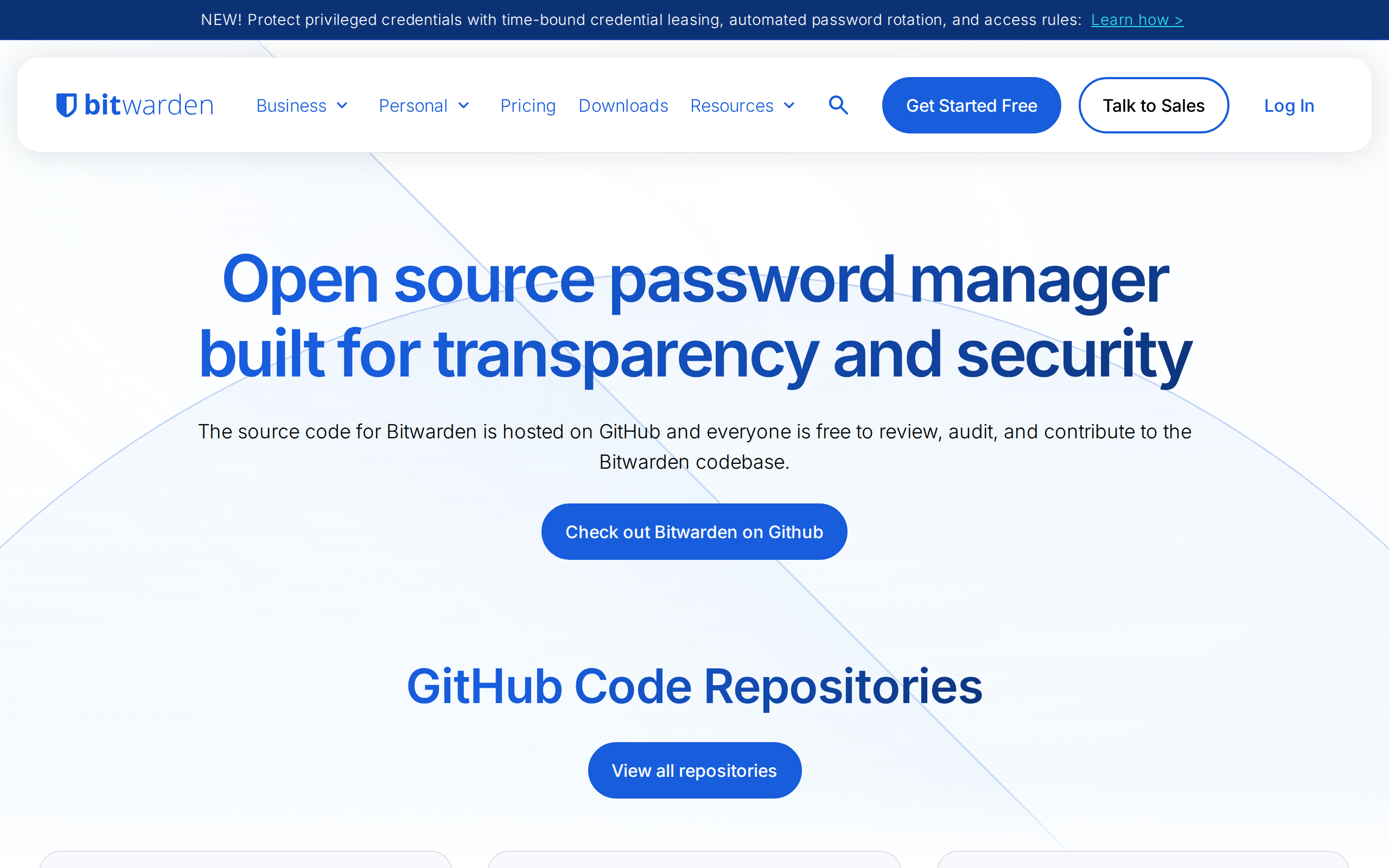
Bitwarden publishes its source on GitHub, and the open-source page invites anyone to review and contribute to the code.
bitwarden.com
The open-source page points to the GitHub repositories anyone can read
The audit page names Cure53, IOActive, Mandiant, Unit 42 and a cryptography group at ETH Zurich among its auditors, and lists ISO 27001, SOC 2 Type 2, SOC 3 and HIPAA. Bitwarden's own account of its 2025 Cure53 work says the testers found no critical or important issues. That is the vendor summarising its own audit, so read the full reports if you care.
On key stretching, the documentation gives defaults of 600,000 PBKDF2-SHA256 iterations, or Argon2id at 32 MiB, 6 iterations and 4 parallelism. Argon2id is the better choice for most people, and it is a dropdown in the account settings.
Where it feels rougher than the competition
Plain is the kindest word for the interface. It works, it is consistent across platforms, and it never invents a new menu structure each year. It also looks like a tool built by engineers. Compared with 1Password, autofill on awkward login forms needs more manual nudging, and the browser extension asks you to learn its conventions.
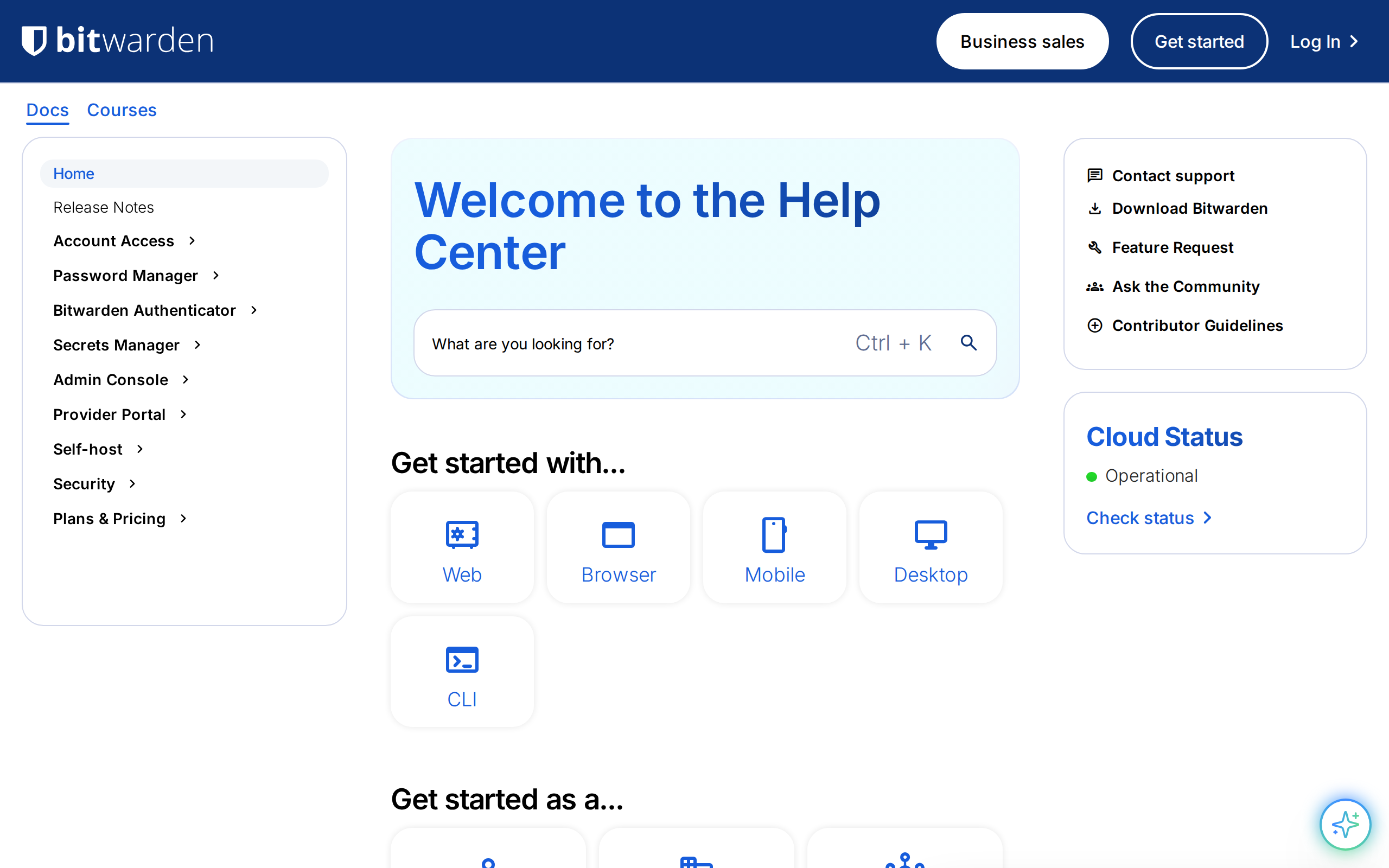
The help centre is a strength here.
bitwarden.com
The Help Center covers setup, admin guides and a live cloud status page
Setup guides, import instructions from other managers, and a cloud status page all sit in one place. If you are leaving another manager, the import path is documented and we had no trouble following it.
Self-hosting is the option most readers will never use, but it shapes the whole project. Because the server code is public too, a company or a stubborn hobbyist can run their own instance and keep the encrypted vault on hardware they control. It is not a trick for beginners, and the cloud version is the sensible default. Still, an exit door is a strong sign of confidence in a product, and few rivals offer one.
Families, and who should skip it
The Families plan costs $47.88 a year and covers up to six users, each with a premium account, plus unlimited sharing and collections. For a household of three or more, that is a very low per-person price.
Who should not buy? Anyone who wants the most polished experience and will pay for it should look at 1Password. Anyone who needs a managed, hands-off setup for a non-technical relative may find Bitwarden's plainness a hurdle. Everyone else should start free, live with it for a month, and upgrade only when the missing authenticator becomes an annoyance.
Verdict
Bitwarden wins on honesty. The free tier is generous, the paid tier is cheap, the code is public and the audits are regular. It loses a few points on looks and autofill finish. We rate it 8.9 out of 10, and it is the manager we would install for a friend who just asked us which one to use.
Specifications
Free plan
Unlimited devices, passkeys, generator, basic sharing with one user
Premium price
$19.80/yr ($1.65/mo billed annually)
Families price
$47.88/yr, up to 6 users
Premium extras
TOTP authenticator, 5 GB attachments, emergency access, health reports