1Password Review 2026: Is It Worth Paying For? | Cipherwell
1Password Review: Worth Paying For When Bitwarden Is Free?
1Password has no free tier, costs several times what Bitwarden charges, and still wins on polish and a second secret that protects your vault. We checked the plans, the audits and what the extra money buys.
8.6 out of 10
Best for Families and non-technical users who want a polished manager
By The Cipherwell Test Desk
1password.com
The verdict
1Password is the most polished consumer password manager we looked at, and its Secret Key adds a layer that a stolen master password alone cannot defeat. It has no free plan, so you are paying for design, sharing tools and support, not for basic security. Worth it for families and non-technical users, optional for the rest.
What we liked
Secret Key plus master password protects the vault if either leaks alone
Watchtower flags weak, reused and compromised logins in one place
Travel Mode removes selected vaults from a device before a border crossing
Native apps on Windows, macOS, iOS, Android and Linux
Families plan covers five people with unlimited shared vaults
Costs roughly three times what Bitwarden Premium charges per year
Losing your Secret Key and every signed-in device locks you out
The intro discount applies to the first 12 months of annual billing only
Every few months someone asks us the same question: why would anyone pay for a password manager when Bitwarden gives away unlimited passwords on unlimited devices? It is a fair challenge, and 1Password is the product that has to answer it.
Our answer is narrower than 1Password's marketing. You are not paying for safer encryption. You are paying for a better-designed, easier tool, plus one clever security layer that most managers lack.
The Secret Key is the real difference
Most password managers protect your vault with a single thing: your master password. If it is weak or gets phished, the vault can be opened. 1Password adds a second input, the Secret Key, a 128-bit random string generated when you create the account. It lives on your devices and is never sent to 1Password's servers.
Combine the two and an attacker who steals your encrypted vault from the cloud, and who also guesses your master password, still cannot open it. For most readers that scenario is remote. For anyone with a valuable target on their back, it is the reason to pick this design.
The cost is a recovery burden. Lose the Secret Key and every signed-in device, and no support agent can rescue the vault. The setup process asks you to print an Emergency Kit for that reason, and you should do it.
Underneath, 1Password uses AES-256-GCM and a zero-knowledge model, and it publishes SOC 2 Type II reports. Cure53 and other outside firms have tested it, and a bug bounty runs through Bugcrowd. A password manager cannot promise it will never be breached; this one has the audit trail you would want to see.
What the plans cost
Pricing is simple, which we appreciate.
1password.com
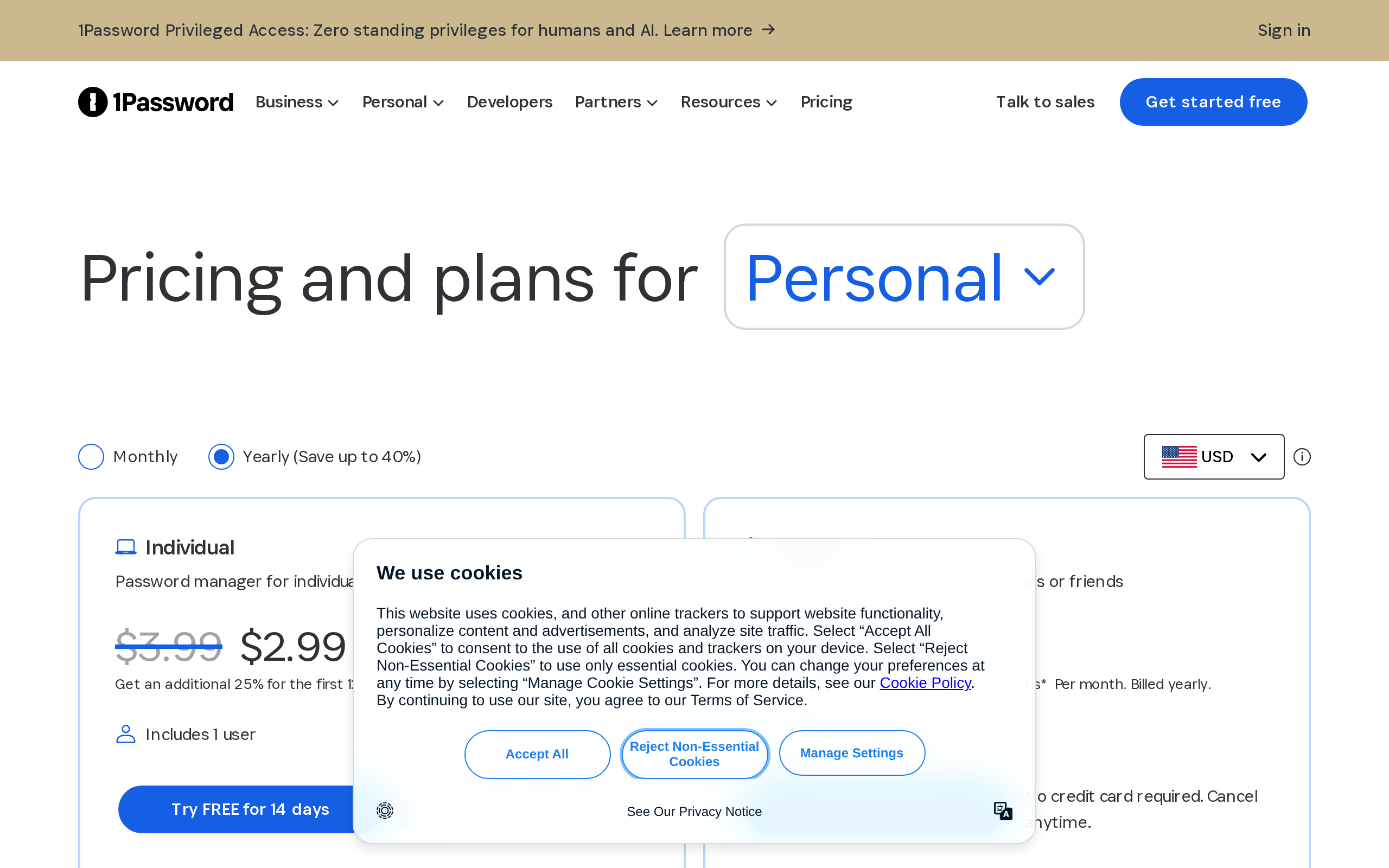
The personal pricing page: Individual and Families plans, billed yearly.
Individual: $3.99 a month billed annually, one user, with an introductory discount for the first 12 months that the page showed at $2.99 when we looked.
Families: $5.99 a month billed annually for five members, with unlimited shared vaults and admin controls.
Trial: 14 days. There is no permanent free tier.
Bitwarden Premium is about $10 a year according to Cybernews' comparison, against $47.88 a year for 1Password Individual at the regular rate. The gap is real. If you only need to store logins and fill them in, Bitwarden's free plan does it.
What the extra money buys
The features page is a long list, but four things stand out in daily use.
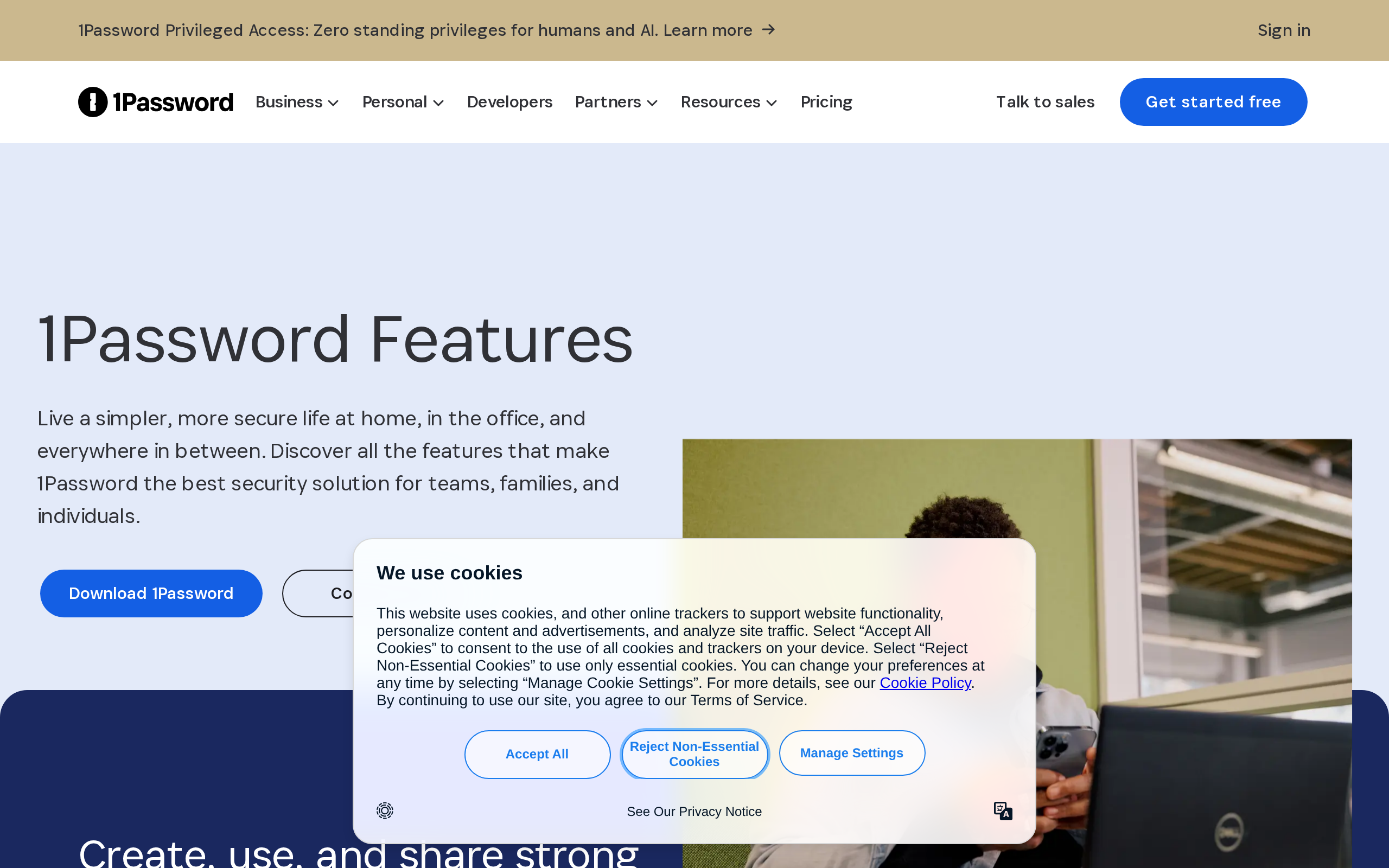
1password.com
The features overview, opening with password creation and sharing.
Watchtower scans your logins for weak and reused passwords and for sites that have appeared in known breaches, then gives you one list to work through.
Travel Mode hides chosen vaults from your devices while you cross a border and restores them afterwards. It is a niche feature, but it is the sort of thing a free tier rarely includes.
Passkey support, so you can store and use passkeys beside your passwords instead of juggling two systems.
Sharing that is easy enough that a relative who dislikes technology will actually use it, which is the part that decides whether a household ever switches.
The interface is consistent across the desktop app, the phone apps and the browser extension. That consistency sounds dull, but it is where cheaper tools usually show their seams.
Getting set up
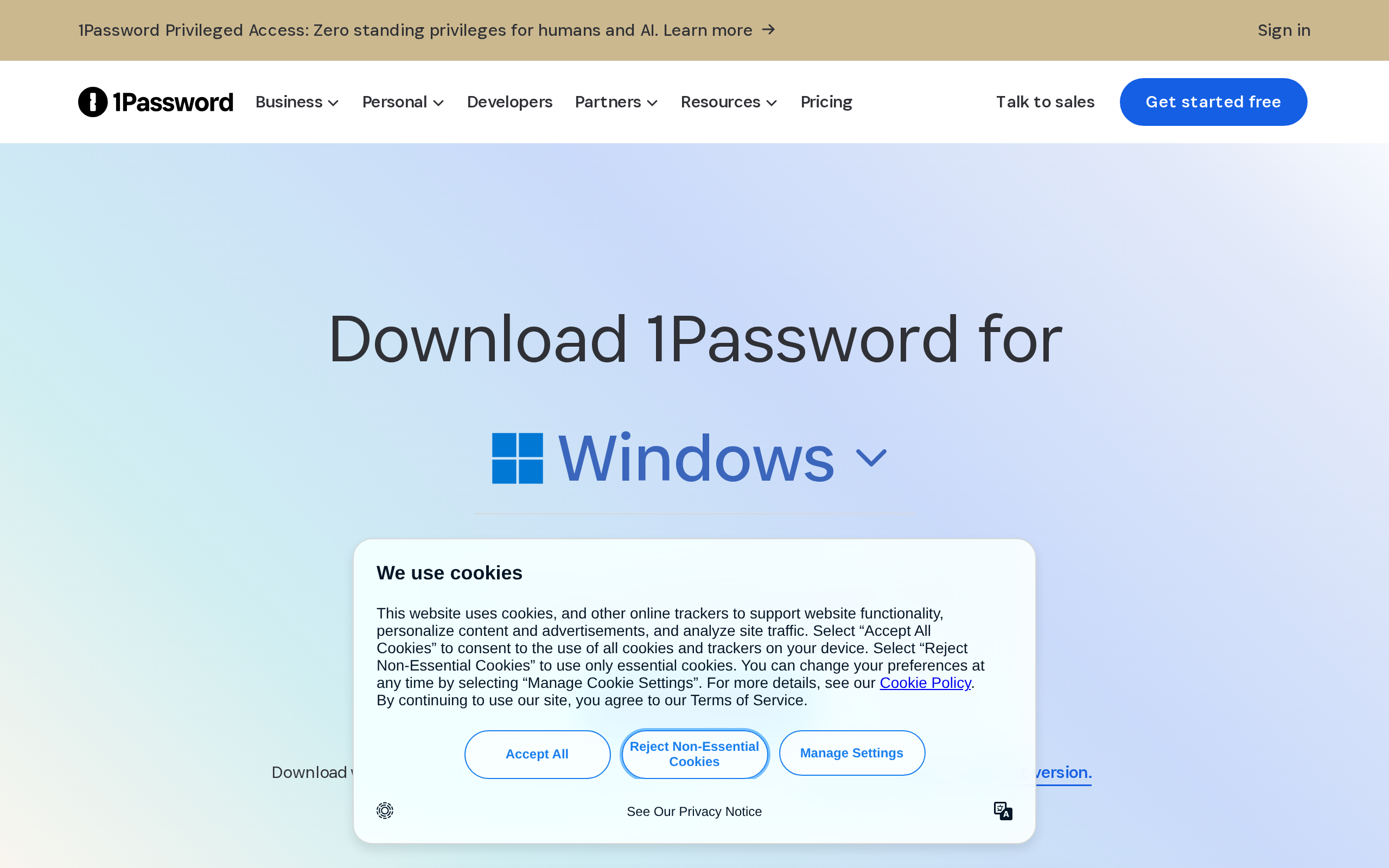
The Windows download page asks for Windows 10 64-bit or later, and the same account works on macOS, Linux, iOS and Android.
1password.com
The Windows download page, showing the Home screen on a phone and a desktop.
The same account covers all of them, and the Families plan gives each member their own vault alongside the shared ones. You get 1 GB of document storage per user for scans of passports and insurance papers.
Where it falls short
The weak spots are about money and recovery, not security. There is no way to try the product without a card for longer than two weeks, and the introductory discount lasts only for the first year of annual billing, so budget for the regular price from the second year. Family admins also need to understand that the account holder carries the recovery responsibility, which is a lot to ask of a relative who is not technical.
Who should pay, and who should not
Pay for 1Password if you run a household, want one place for shared logins, or you simply know you will abandon a clumsy tool. The Families plan is where the value is: five people, one bill, and a recovery story that works.
Skip it if cost is the deciding factor, or if you enjoy tuning self-hosted tools. Bitwarden is the better call for you. A hardware security key on your most important accounts will do more for your safety than any change of manager.