Trip.com Review: Does Bundling Beat Booking It All Separately?
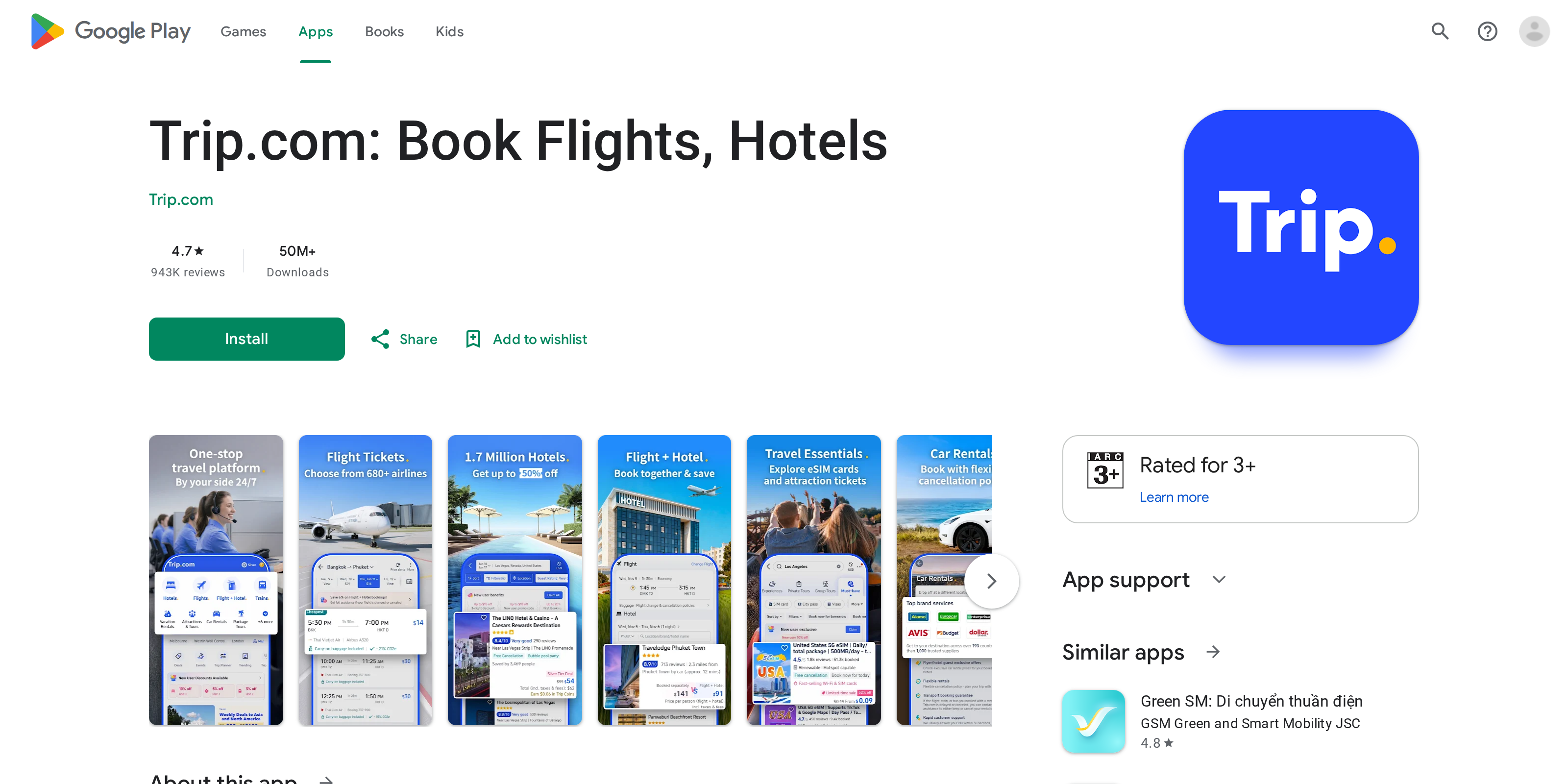
Trip.com's bundled pricing is real, not a marketing trick: combining a flight and a hotel through its packages tool consistently beat booking each piece separately in our checks, by a margin worth the extra step. The Trip Coins loyalty layer adds a genuine discount over time for frequent bookers. What holds it back from a higher score is a customer service reputation that shows up constantly in review sites: slow refunds and canceled bookings that took weeks to resolve. We would use Trip.com to bundle a flight and hotel again, and we would keep a screenshot of every confirmation before we did.
What works
- Bundling a flight and hotel through the Flight + Hotel packages tool beat separate bookings on every route we priced
- Trip Coins credit applies automatically at checkout like cash, with no separate redemption step
- A price-match promise covers hotel bookings if you find the same room cheaper elsewhere within the stated window
- The mobile app carries the same bundle pricing and account features as the desktop site, not a stripped-down version
What does not
- Refund and cancellation complaints recur constantly across review sites, with some travelers waiting weeks for money back
- The membership tiers above Gold require meeting a spending threshold within 12 months or the account resets down a level
- A flight booking service fee lands on top of the fare, disclosed at checkout but easy to miss when comparing headline prices
- Customer support quality varies by contact channel, with chat replies far faster than email on disputed charges
A colleague on the Test Desk priced the same five-night trip to Lisbon three ways: a flight alone, a hotel alone, and the two bundled through Trip.com's packages tool. The bundle came in cheaper every time we tried it, which is the whole pitch behind Trip.com. Whether that saving survives contact with the platform's refund process is the harder question, and the one we spent most of this review chasing down.
The bundle discount is real, not a headline trick
Trip.com's own guidance puts the average saving from booking a flight and hotel together at around 6 percent versus booking each piece on its own, and our checks landed close to that range on the routes we priced. The mechanism is simple: airlines and hotels release wholesale rates to bundled inventory that never show up as a standalone discount, so the platform can pass along a lower combined price without cutting the advertised fare on either half. That only works if you are already planning to book both, of course. Pricing a hotel alone through Trip.com did not beat a direct booking with the hotel chain in every case we checked.
Trip Coins are closer to cashback than a points chase
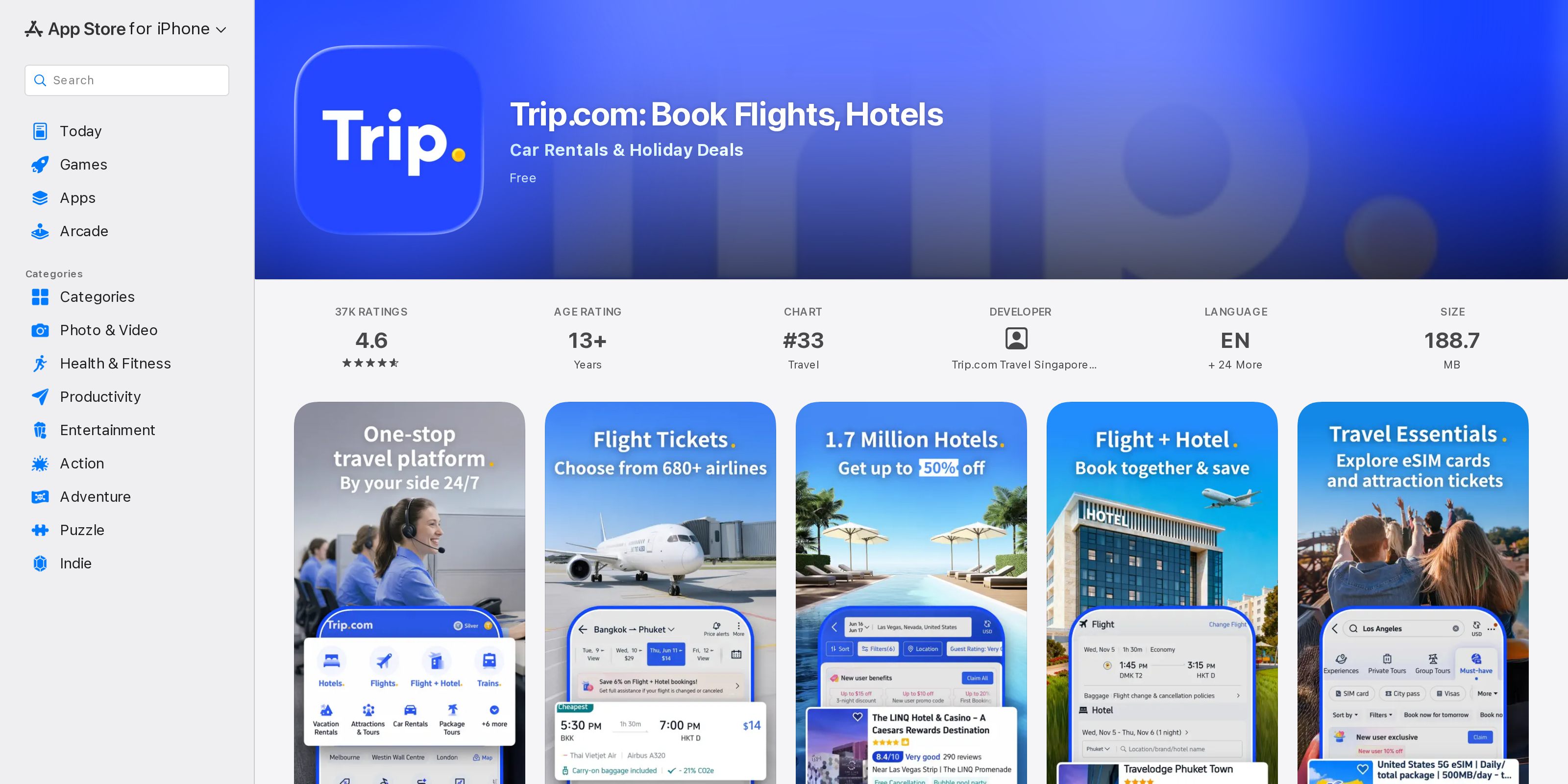
Trip Coins post to your account after a booking and apply automatically at checkout, the way a store credit would, rather than requiring a redemption menu or a minimum balance. Higher membership tiers earn more of them per dollar: Diamond+ members earn noticeably more than a new Silver account, and the top tier adds perks that matter on a longer trip, including up to three airport lounge passes a year and upgraded airport transfers. The catch sits in how you keep that status. Platinum and above require hitting a spending threshold inside a rolling 12-month window, or the account recalculates down, though Trip.com does not drop anyone back below Gold once they reach it. For a traveler who books two or three trips a year through the platform, the tiers add up. For someone booking once, they are close to irrelevant.
The part that shows up in every complaint thread
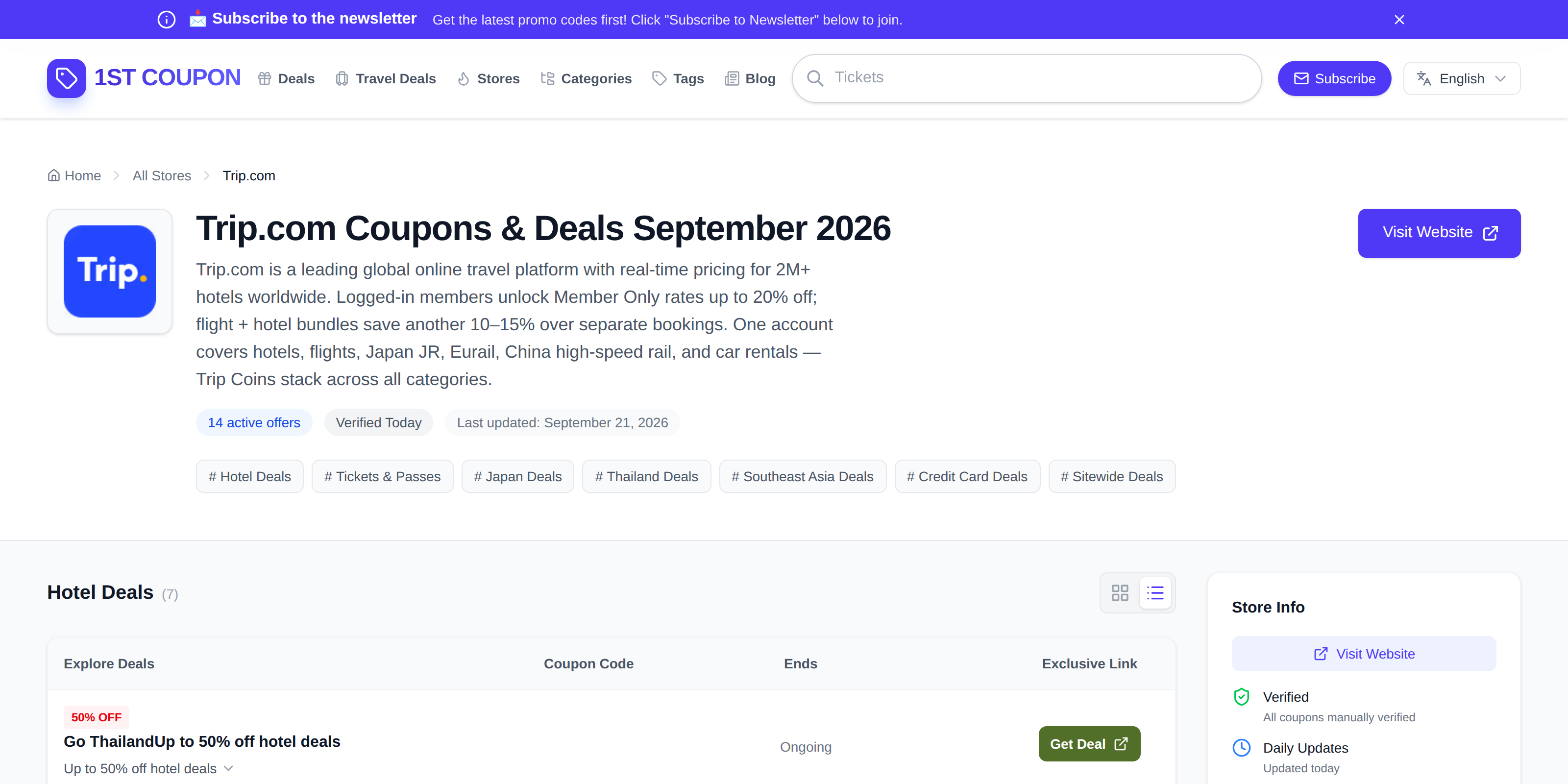
Search Trip.com's name alongside "refund" and the same pattern surfaces across independent review sites: travelers who had a booking changed or canceled and then waited weeks for money back, sometimes through several promised deadlines that passed without resolution. Live chat support gets faster responses than email, based on the pattern in those complaints, and the app's own support line claims a 30-second response window, which matches our experience for routine questions but not for disputed charges. None of this means the platform is unusually unsafe to book through. Every major OTA carries some volume of refund complaints. It does mean a Trip.com booking is not the one to make on a nonrefundable fare you cannot afford to lose track of, and it is worth a screenshot of the confirmation and the cancellation policy the moment you book.
What the fee breakdown actually looks like
A flight booked through Trip.com carries a service fee, typically in the $8 to $15 range, added on top of the base fare and shown during checkout rather than buried at the very end. It is easy to mistake for a hidden charge if you are only comparing the headline price against a search engine's flight results, since that headline number will not include it. Hotel bookings do not carry the same added fee, and the platform backs a price-match promise if you find an identical room cheaper elsewhere within its stated window, a detail worth checking against the specific terms before counting on it for a particular booking.
Who should actually use it
Trip.com earns its place for the traveler who already knows their flight and hotel and wants the two priced together, and for anyone who books enough trips a year to make the loyalty tiers worth tracking. It is a weaker fit for a one-off booking on a tight refund window, where a platform with a faster-reported support process might be worth the higher price. We would book the bundle again on our next trip. We would also read the cancellation terms twice before we did, since the savings on the way in are not much comfort if the refund on the way out takes a month.
The specifications
- Price to search or book
- Free, no subscription
- Flight+Hotel bundle savings
- Around 6% average versus separate bookings, per Trip.com's own guidance
- Loyalty tiers
- Silver, Gold, Platinum, Diamond, Diamond+
- Loyalty currency
- Trip Coins, applied at checkout, expire at month end
- Diamond+ perks
- Up to 3 airport lounge passes a year, priority support, transfer upgrades
- Flight booking service fee
- Roughly $8 to $15, shown at checkout
- Hotel inventory
- Over 2 million properties listed
- Platforms
- Web, iOS, Android
- Parent company
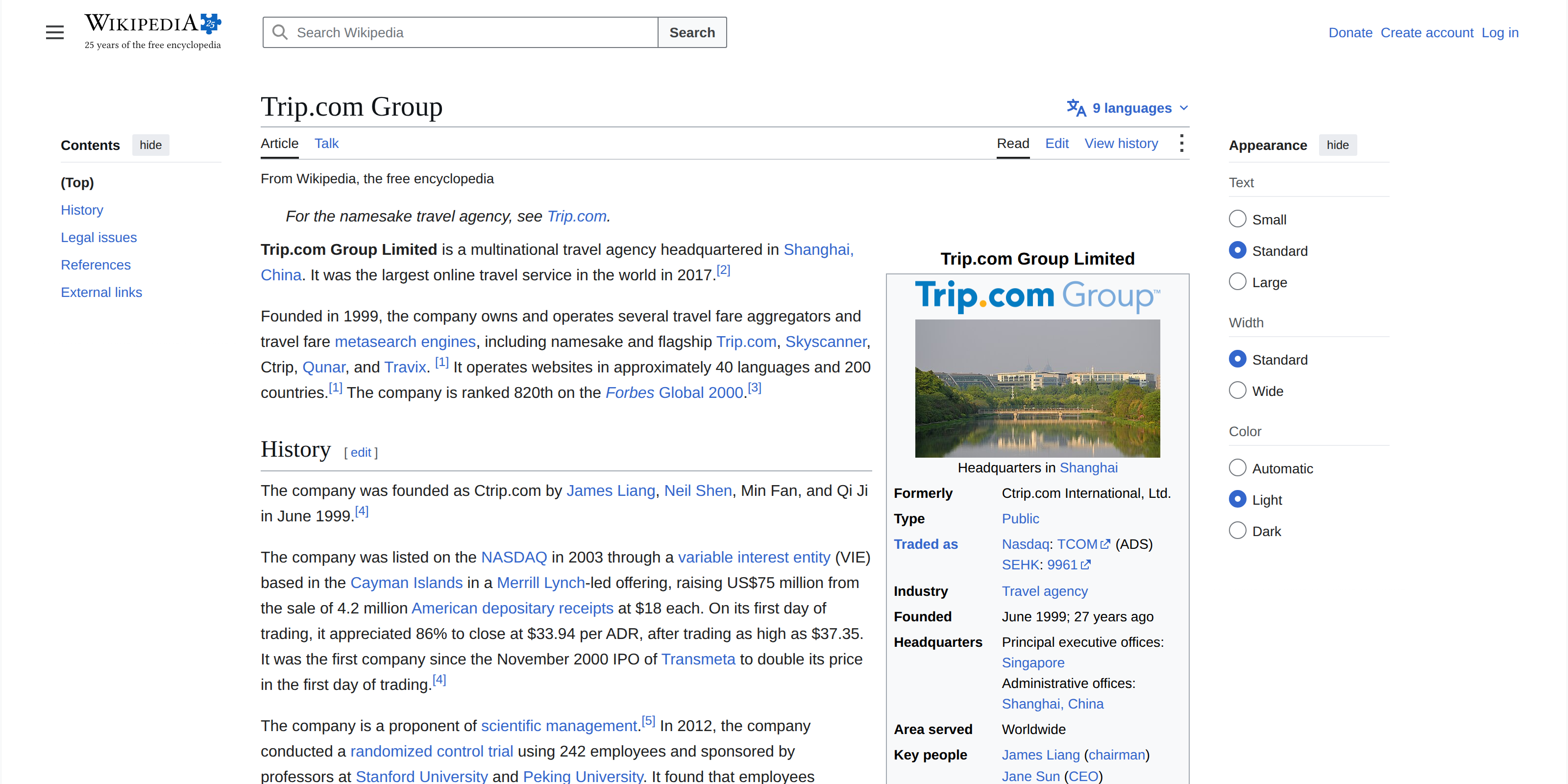
- Trip.com Group Limited, Nasdaq: TCOM, also owns Skyscanner and Ctrip
More in Hotel & OTA Booking Platforms
Browse the category
Booking.com Review: Does Genius Actually Beat Booking Direct?
We ran the same rooms through Booking.com's Genius tiers and the hotel's own site to see whether the loyalty discount is worth chasing or just a badge next to your name.
Agoda Review: Is the Asia-Pacific Price Edge Real at Checkout?
We searched the same hotels in Bangkok, Tokyo, and Bali on Agoda and two rival booking sites to see whether Agoda's reputation for cheaper Asia-Pacific rates survives once taxes, fees, and cancellation terms show up on the final screen.