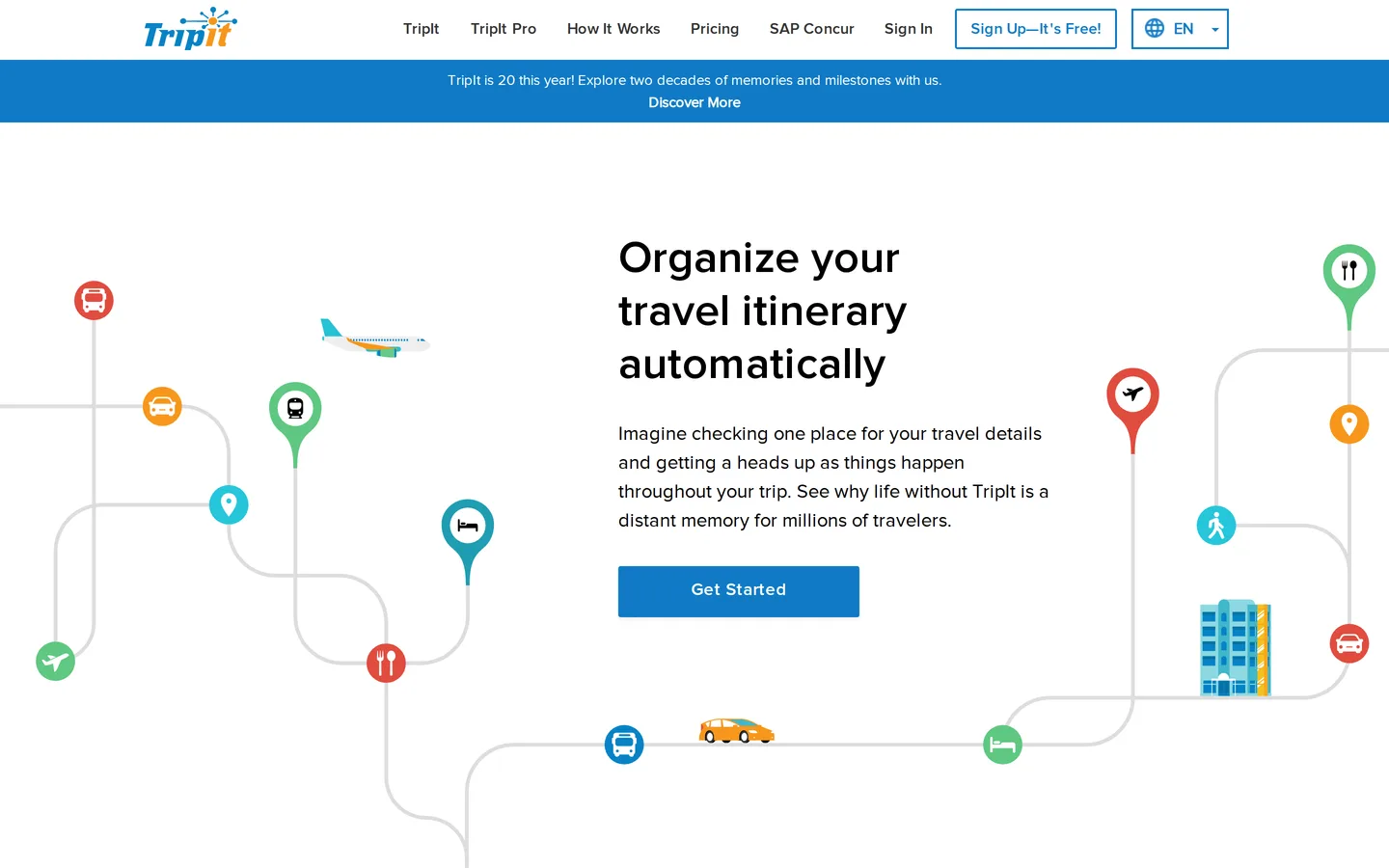
TripIt was launched in 2006 with a single idea: you should not have to retype your travel details. Forward the confirmation email to a fixed address and the flight, the hotel, the car and the restaurant become one itinerary, in order, on your phone.
Twenty years later that is still the product, and the reason to review it now is that the parsing still works better than anything built since.
Why the parsing matters
Confirmation emails are a mess. Every airline formats differently, hotel confirmations bury the check-in date in a table, rail operators send PDFs, and half of them are HTML that renders as soup. Extracting structured data from that reliably is genuinely difficult, and TripIt has had two decades of examples to learn from.
In practice it means you forward something and it works. Not usually — reliably. The times it fails are obscure regional operators and heavily customised corporate booking tools, and even then it usually gets the dates and the reference number.
Competitors have tried this. Most of them ask you to correct the result, which defeats the purpose.

What free gives you
The full itinerary builder, unlimited trips, offline access, calendar sync, and sharing. That is most of what a leisure traveller needs, and the free tier is not crippled in the way "free tier" usually implies.
Offline access deserves a specific mention. The moment you most need your hotel address is standing in an arrivals hall with no data and a phone on 8%. TripIt's itinerary is there without a connection, including addresses in local script where the confirmation supplied them.
What Pro adds, and for whom
Pro costs $49 a year with a 30-day trial. The features that justify it are all frequency-dependent:
Real-time flight alerts — delays, gate changes and cancellations, often arriving before the airline's own notification.
Alternative flight suggestions when yours is cancelled, which is the single most useful thing on the list.
Seat tracker, which watches for a better seat to open up on a booked flight.
Fare refund monitoring, flagging when a fare drops enough to be worth a refund or credit under the airline's rules.
Point and mile balance tracking across programmes.
If you take twenty flights a year, the cancellation-alternatives feature alone will justify $49 the first time you are rebooked before the queue at the service desk has formed. If you take two flights a year, none of this will pay for itself and you should stay free.
The Concur inheritance
TripIt is owned by SAP Concur, the corporate expense company, and the product's centre of gravity is business travel. That shows in what gets attention — integrations, sharing with an assistant, expense-adjacent features — and in what does not, which is the consumer interface.
The app is functional and dated. It has not been meaningfully redesigned in years, navigation is more list-driven than modern apps, and the visual design is of another era. None of this affects whether it works; it affects whether you enjoy opening it.
What it does not do
TripIt has no opinion about where you should go, what you should do there, or which hotel to book. It starts working the moment you have a confirmation and not a second before.
That is a deliberate scope and the right one, but it means TripIt is half of a system. Pair it with a planning tool — Wanderlog, or a note — for the part before booking.
The small features that matter on the road
Beyond the headline parsing, a handful of details explain why long-time users stay.
Local time handling. Itineraries display in the time zone of the place the event happens, which sounds obvious and is a thing many calendar-based alternatives get wrong in exactly the situation where a mistake costs you a flight.
Addresses in the local script. Where a confirmation supplies them, TripIt keeps them. Showing a taxi driver a hotel address in Japanese rather than a transliteration is the difference between arriving and gesturing.
Sharing that is actually useful. You can share a whole trip or a single segment with a colleague, a partner or a parent, without giving them your account. Business travellers use this constantly; leisure travellers underuse it.
Manual entries sit alongside parsed ones. A dinner reservation made by phone can be typed in and appears in the same timeline as the flight.
The case for keeping it free
Most travel apps make the free tier just useless enough to force an upgrade. TripIt does not, and that is worth saying plainly in a review that otherwise spends its time on the paid tier.
If you take a handful of trips a year, install it, forward your confirmations, and never think about Pro. The free product does the whole job. The $49 is for people whose flights get cancelled often enough that being rebooked ten minutes early is worth money — which is a real group, and a small one.
Verdict
7.7. TripIt is a rare example of software that picked a narrow problem, solved it properly, and then largely left it alone. The parsing is the best in the category by a clear margin and the offline reliability is exactly what you need at the exact moment you need it.
It scores where it does because the free tier is sufficient for most readers, Pro's value is concentrated in a frequent-flyer minority, and the interface has not aged gracefully. Install the free version regardless; upgrade only if you are in the air often enough to need the alerts.